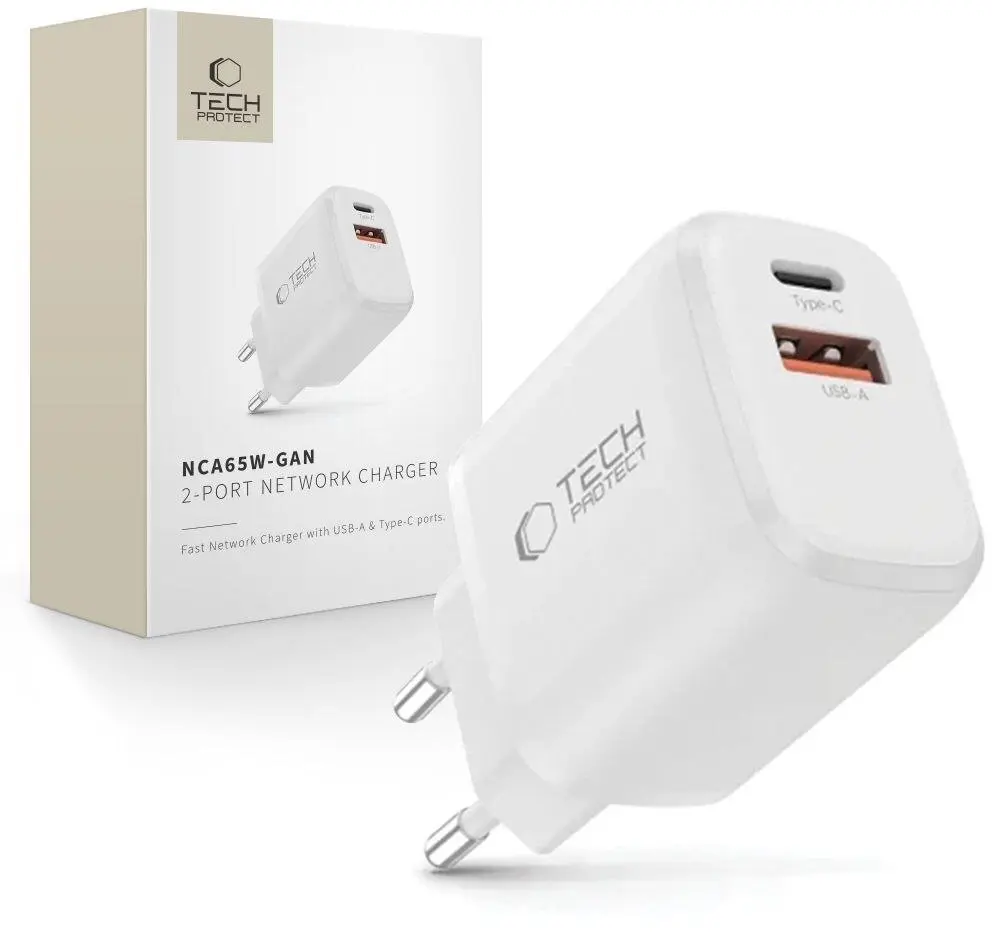
The Tech-Protect NCA65W-GAN is a high-performance network charger that utilizes advanced Gallium Nitride (GaN) technology to deliver efficient power in a compact form factor. Designed for versatility, this charger features both USB-A and USB-C ports, allowing users to power multiple devices simultaneously. With support for Power Delivery (PD) 65W and Quick Charge 3.0 standards, it provides rapid charging capabilities for a wide range of modern electronics, including smartphones, tablets, and laptops.
Advantages
The integration of GaN technology allows this charger to maintain a smaller physical size while operating with higher efficiency and reduced heat generation compared to traditional silicon-based chargers. Its dual-port configuration offers significant flexibility, enabling the simultaneous connection of different cable types. The high power output ensures that even demanding devices like ultrabooks can be charged effectively, making it a comprehensive power solution for users who need to minimize the number of accessories they carry.
Suitable for
- Charging modern laptops and ultrabooks supporting USB-C PD
- Fast charging smartphones and tablets
- Powering mobile devices in home or office environments
- Travel use due to its compact and lightweight design
When it may not be suitable
This charger may not be suitable for devices requiring proprietary charging standards that are not compatible with Power Delivery or Quick Charge protocols. Additionally, it is not intended for high-power desktop workstations or gaming laptops that require power inputs significantly exceeding 65W.
Key specifications
- Technology: GaN (Gallium Nitride)
- Output ports: 1x USB-C, 1x USB-A
- Maximum power output: 65W
- Supported standards: Power Delivery (PD), Quick Charge 3.0
How to use
To use the charger, connect a compatible USB cable to the appropriate port on the device and plug the charger into a standard wall outlet. Ensure that the cable used is rated for the power delivery requirements of your device to achieve optimal charging speeds. When charging multiple devices at once, the total power output is distributed between the ports according to the device's requirements.
What to consider before purchase
- Verify that your device supports USB-C Power Delivery or Quick Charge 3.0
- Check the maximum wattage requirement of your laptop or tablet
- Ensure you have the correct USB cables for your specific devices
Usage recommendations: For the best performance, always use high-quality, certified charging cables. Avoid exposing the charger to extreme temperatures or moisture, and unplug the device from the wall outlet when not in use for extended periods to maintain longevity.