
Save time and money with our discounts!
In cart {{totalProductsCount}} item(s)
Your cart is empty
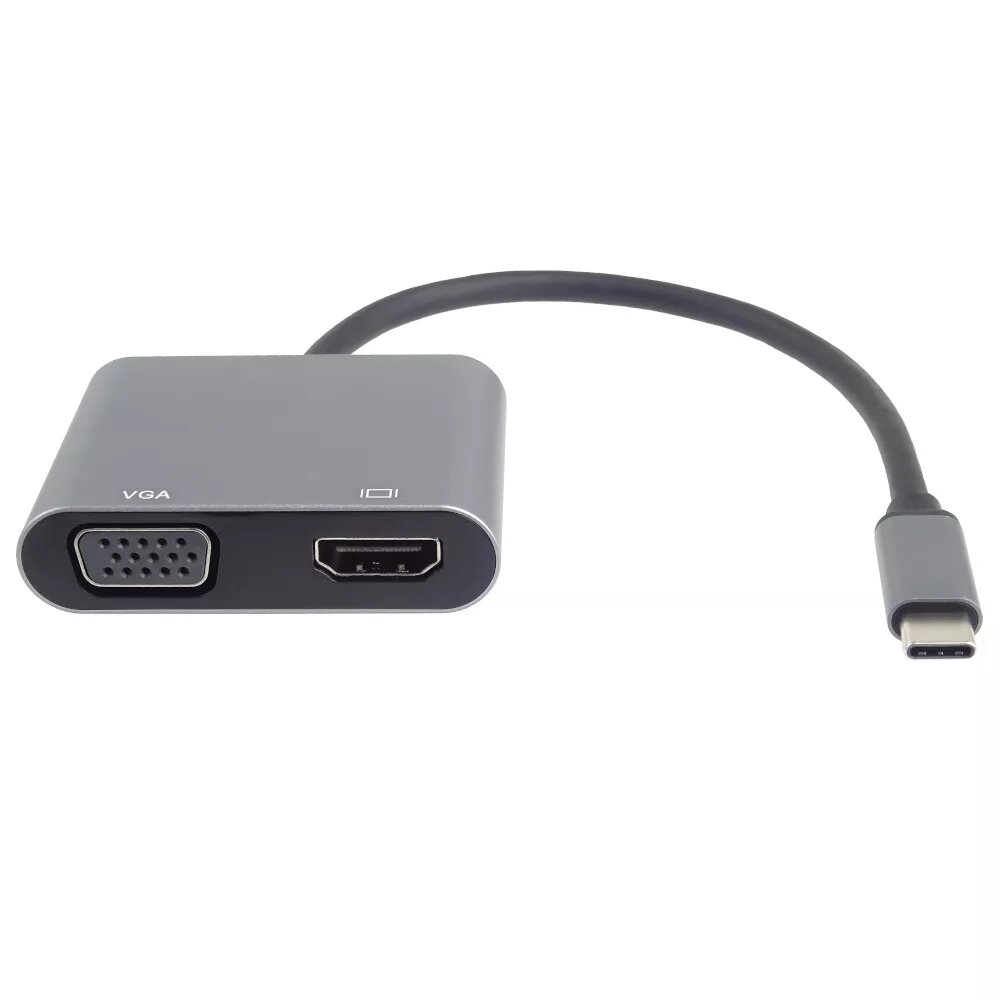
USB-C to HDMI VGA Adapter PREMIUMCORD ku31hdmi19 — USB-C to HDMI and VGA, 4K and Full HD 1080p support
The PREMIUMCORD ku31hdmi19 USB-C to HDMI VGA Adapter converts a single USB-C port into both HDMI and VGA outputs, allowing connection of laptops, tablets or smartphones to external displays. The adapter supports HDMI output up to 4K resolution and VGA output at Full HD 1080p, enabling use with modern TVs, monitors and older projectors. Its plug-and-play design requires no drivers and the compact form factor makes it suitable for mobile use.
This USB-C to HDMI and VGA adapter provides simultaneous access to two common display interfaces from one USB-C port, supporting high-resolution HDMI video up to 4K and VGA at Full HD 1080p. The compact design is convenient for travel and presentation settings, and the plug-and-play operation ensures quick setup without additional software. The adapter is compatible with a wide range of USB-C equipped devices that support video output.
Connect the adapter to a USB-C port on a compatible device that supports video output, then attach an HDMI cable to the HDMI output and/or a VGA cable to the VGA output and connect to the external display. Select the appropriate input on the TV, monitor or projector and configure the display settings on the host device as needed (mirror or extend desktop, resolution selection). No additional drivers are required for typical systems that provide USB-C video output.
Use HDMI for the highest available resolution (up to 4K) when connecting to modern displays; use VGA for older projectors and monitors that do not provide HDMI. Ensure the host device’s USB-C port supports video output (DisplayPort Alternate Mode) before use. For stable connections, use quality HDMI and VGA cables appropriate for the desired resolution.
{{highlightedFeature.featureTitle}}:
{{getProductFeatureValueById(product, highlightedFeature.featureId)}}
{{ productComparisonGenerationError }}