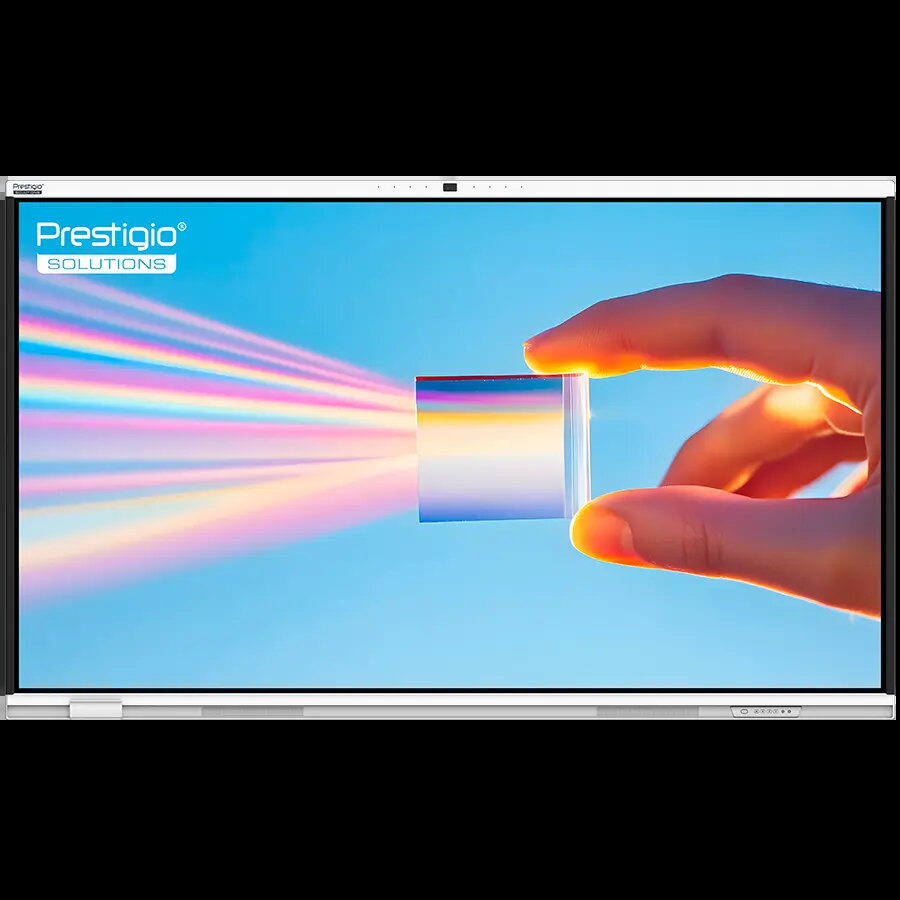
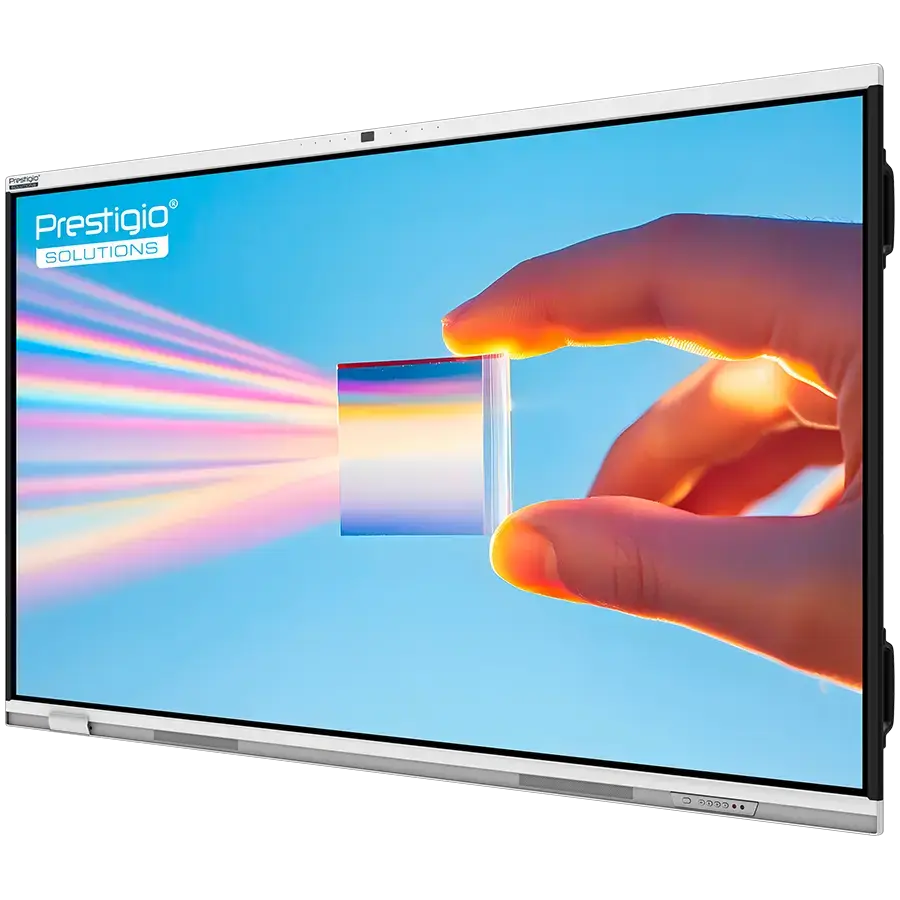
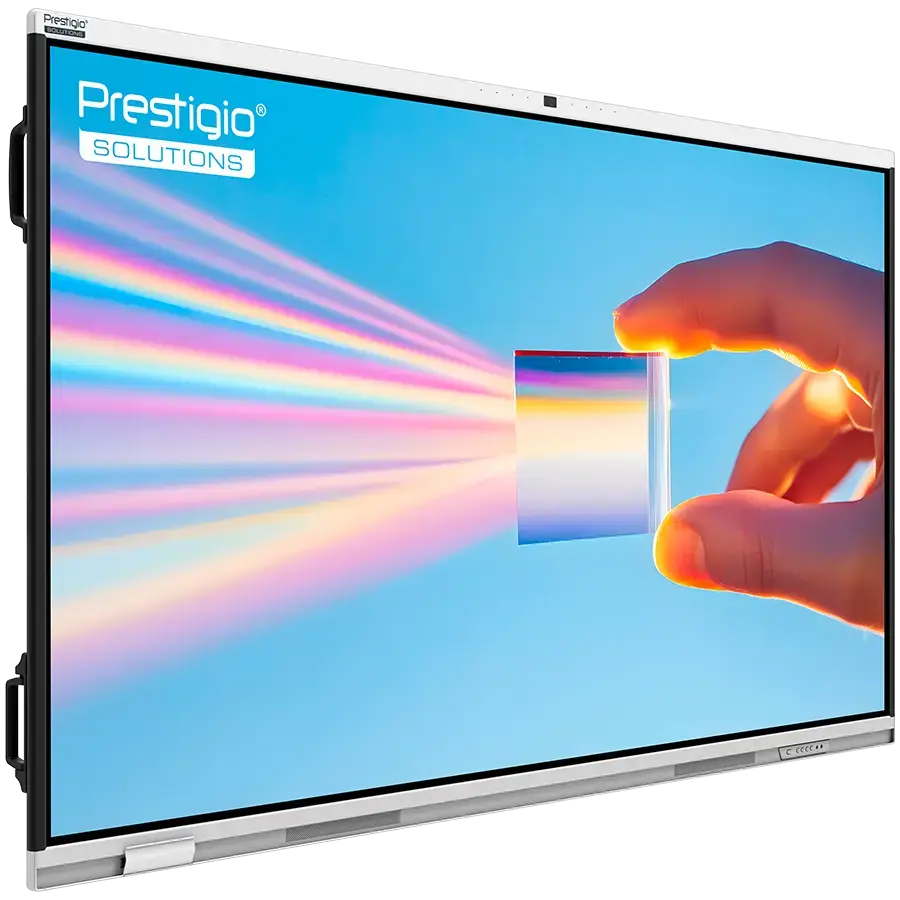
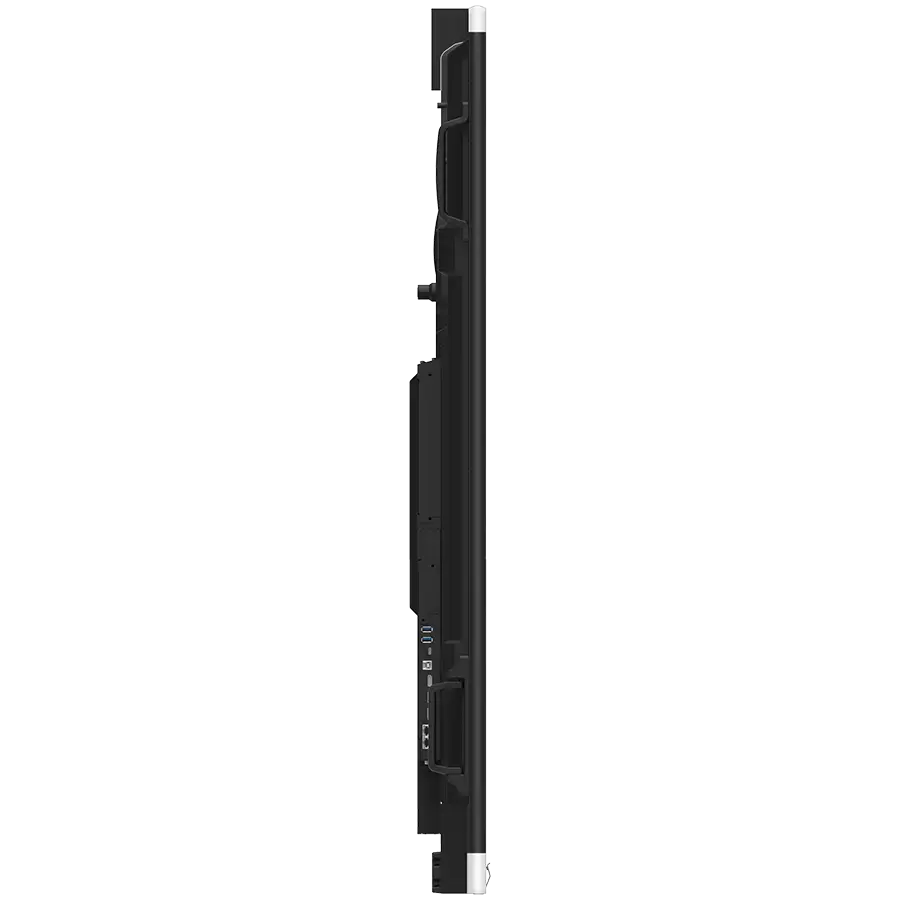
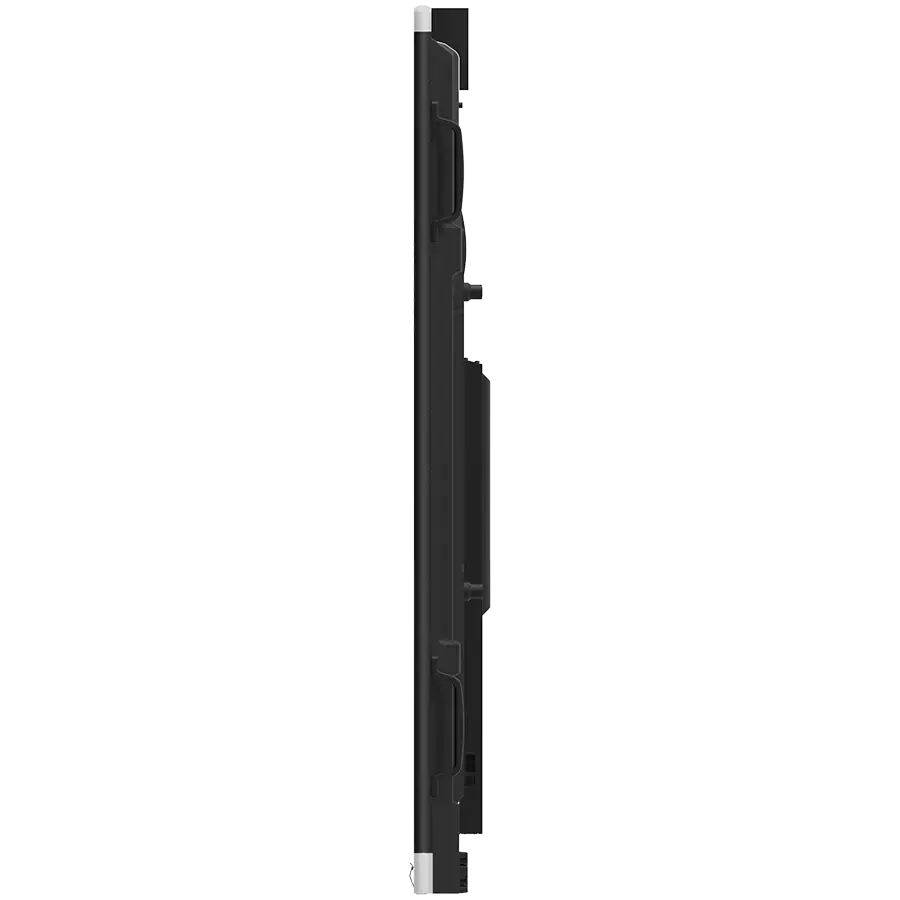
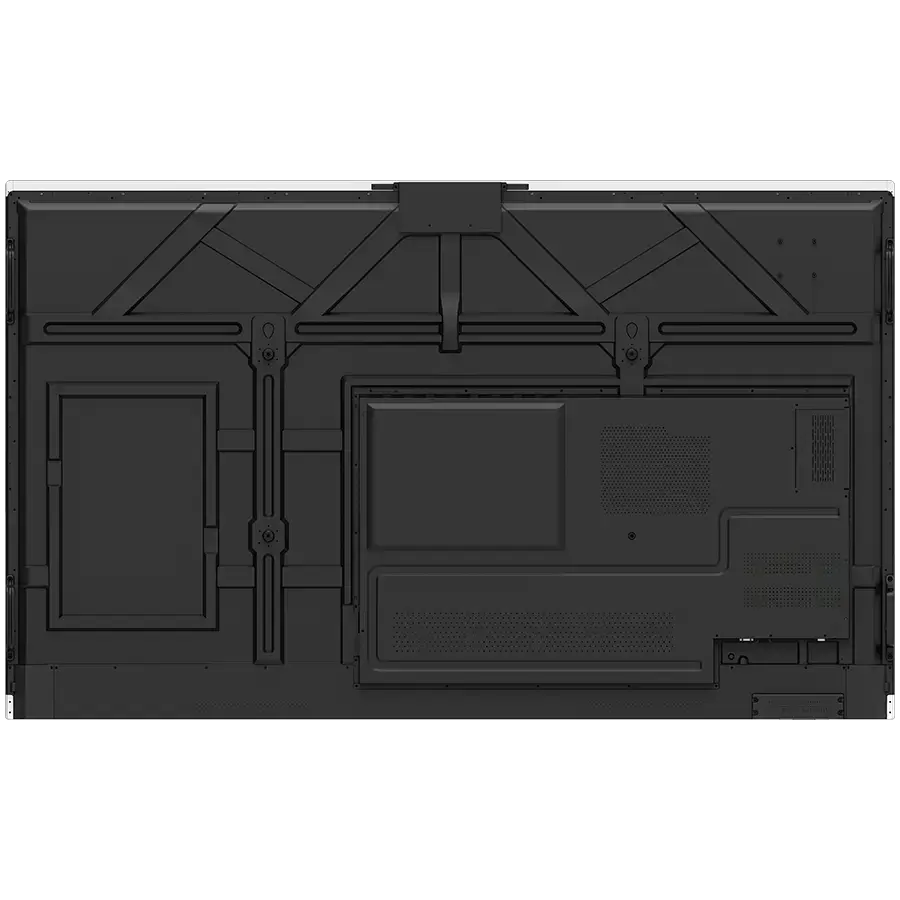
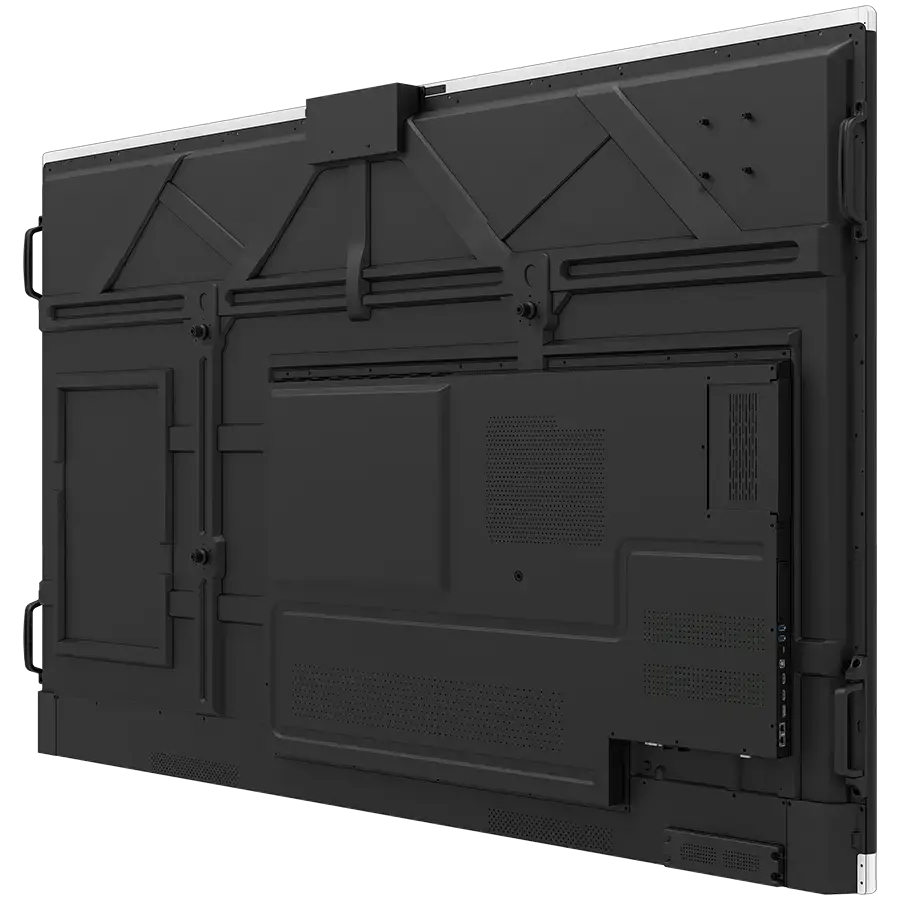
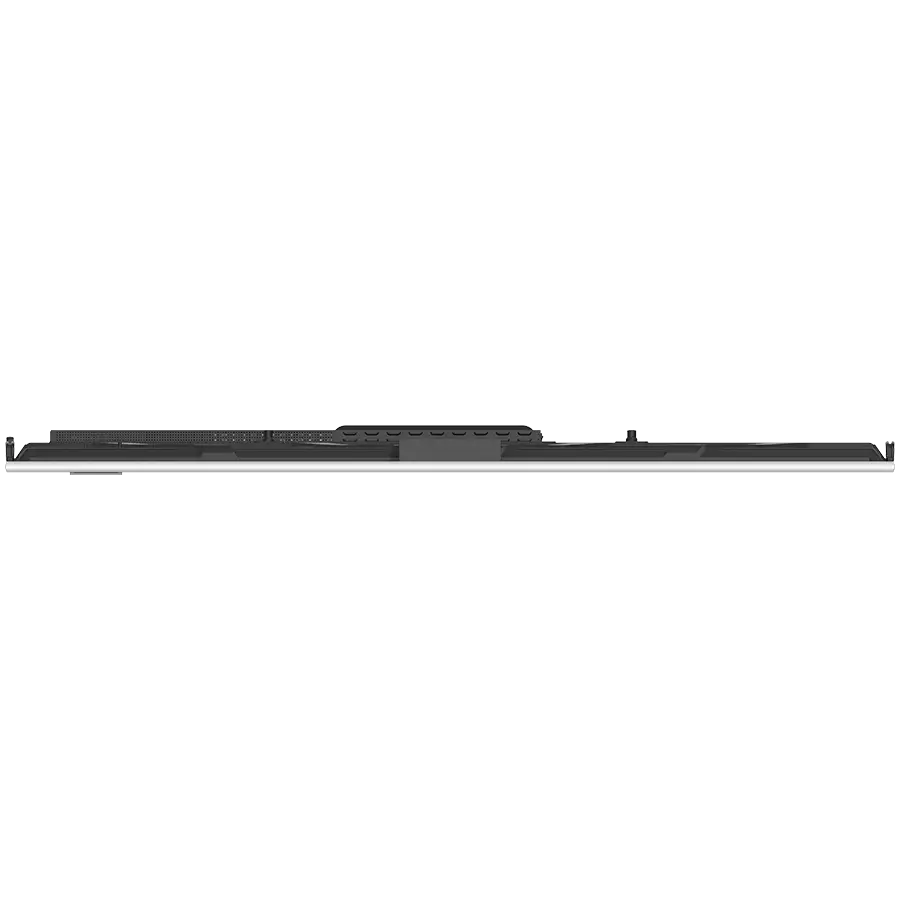
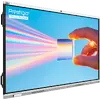
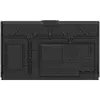
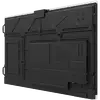
The Prestigio Solutions Multiboard 86'' Prism is a high-performance interactive display engineered for professional collaboration and modern educational environments. Running on Android 14 with Google EDLA certification, this device provides seamless access to the Google ecosystem, ensuring full compatibility with essential tools like Gmail, Drive, and Meet. With its expansive 86-inch 4K UHD screen, 50-point touch sensitivity, and powerful internal hardware, it serves as a central hub for interactive presentations, dynamic meetings, and immersive learning.
The Multiboard Prism stands out due to its integration of advanced AI technology, including an AI-enhanced camera with person tracking and an intuitive AI assistant for voice control and meeting support. The hardware is built for reliability and speed, featuring 8GB of RAM and 128GB of storage to handle demanding applications effortlessly. Its robust connectivity options, including Wi-Fi 6 and Bluetooth 5.2, combined with a high-fidelity 2.1 stereo sound system and an 8-microphone array, ensure that every participant is seen and heard clearly, regardless of their location.
Advantages
This interactive display offers unparalleled versatility through its intelligent split-view mode, allowing users to run multiple applications, browsers, or documents simultaneously without the need to switch windows. The inclusion of Google EDLA certification guarantees a secure and familiar user experience with full access to the Google Play Store. Furthermore, the device is designed for longevity and ease of use, featuring a durable tempered glass surface and a responsive multi-touch interface that supports up to 50 simultaneous points of contact, making it ideal for collaborative brainstorming sessions or group classroom activities.
The system is further enhanced by a suite of pre-installed professional software, including lifetime licenses for File Commander and MobiOffice, as well as a one-year license for mozaBook Classroom. The wireless screen sharing capabilities allow for effortless content broadcasting from any device, while the optional PC module provides the flexibility to transition into a full Windows 11 Pro environment for specialized corporate tasks. With its 65W USB-C Power Delivery, the display also acts as a convenient charging station for connected laptops and tablets, streamlining your workspace and reducing cable clutter.
Suitable for
- Interactive classroom lessons and remote learning environments
- Corporate boardrooms and collaborative meeting spaces
- Product showrooms for interactive customer presentations
- Healthcare facilities for efficient patient data management
- Creative studios for collaborative design and brainstorming
When it may not be suitable
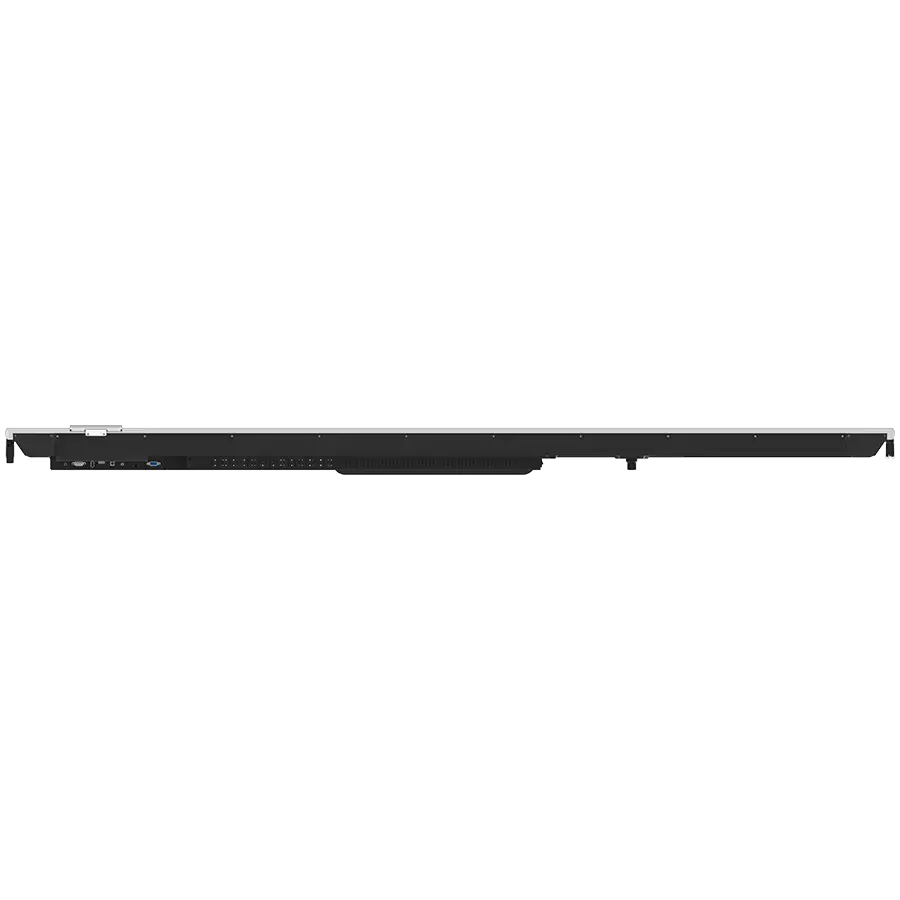
The Multiboard 86'' Prism is a large-format display designed for professional and educational settings, which may make it impractical for small, personal home offices or limited desk spaces. Its weight and dimensions require a stable mounting solution or a dedicated floor stand, which should be considered if mobility is a primary requirement.
Additionally, while the device is highly capable for most business and educational tasks, users requiring specialized high-end graphical rendering or heavy-duty CAD software may need to utilize the optional PC module to ensure optimal performance, as the native Android environment is optimized for collaboration and productivity apps rather than intensive workstation-grade computing.
Key specifications
- Display: 86-inch 4K UHD (3840x2160) LCD with VA matrix
- Touch: 50-point multi-touch with tempered glass
- OS: Android 14 (Google EDLA certified)
- Memory: 8GB RAM and 128GB internal storage
- Audio: 2.1 stereo system (2x20W + 20W subwoofer) and 8-microphone array
- Connectivity: Wi-Fi 6, Bluetooth 5.2, 3x HDMI In, 1x HDMI Out, 2x RJ-45 LAN
- AI Features: AI camera with tracking, AI assistant for voice control
- Power: 65W USB-C Power Delivery
How to use
To begin using the Multiboard, simply power on the device and follow the on-screen setup wizard to connect to your local network. Once connected, you can sign in with your Google account to access your apps and cloud storage. Use the intuitive touch interface to navigate the home screen, launch applications, or open the whiteboard app for immediate annotation. For wireless screen sharing, ensure your mobile device or laptop is on the same network and use the built-in casting tools to mirror your content directly to the display.
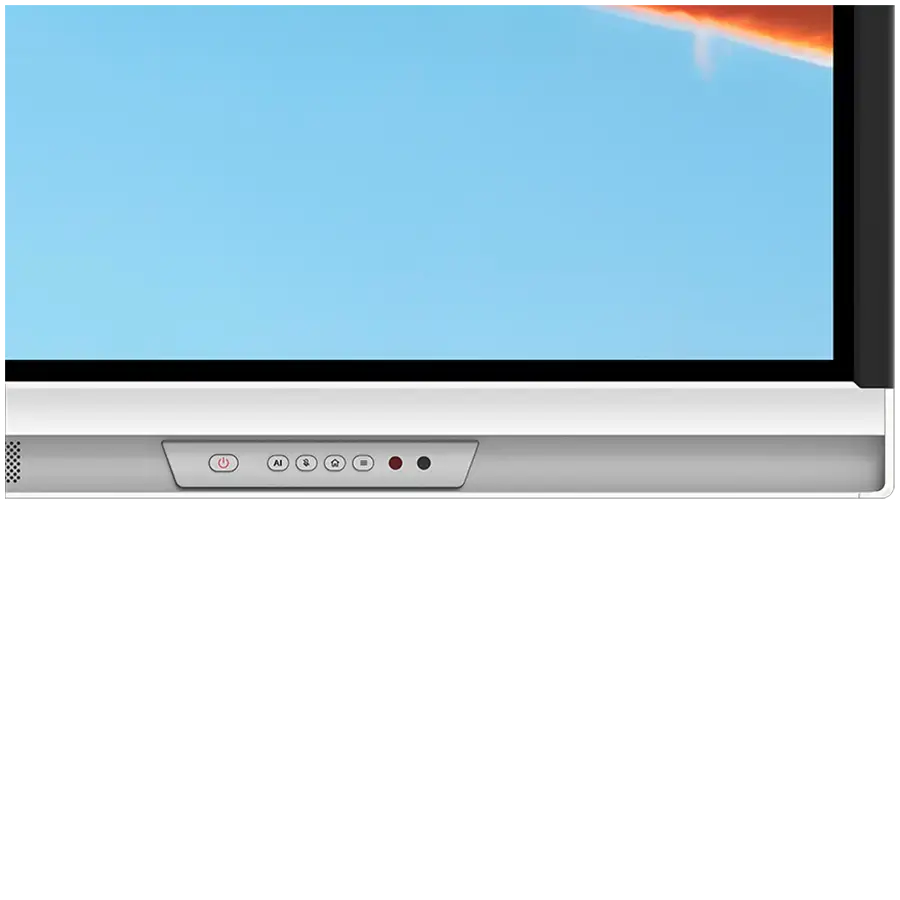
To utilize the AI features, press the dedicated AI assistant button to trigger voice commands or smart search functions. For meetings or lessons, you can activate the split-screen mode by dragging your desired apps into the layout view. If you are using external devices, connect them via the HDMI or USB-C ports; the USB-C connection will automatically provide power to your laptop while allowing for touch-back control of your computer directly from the display.
What to consider before purchase
- Ensure your wall or mounting surface can support the 58kg weight of the display.
- Verify the dimensions of your room to ensure the 86-inch screen provides an optimal viewing experience.
- Check if your existing network infrastructure supports Wi-Fi 6 for the best wireless performance.
- Consider whether you need the optional PC module for specific Windows-only enterprise software.
- Confirm the availability of a stable power source near the installation site.
Usage recommendations
For the best experience, keep the display firmware updated via the settings menu to ensure access to the latest security patches and AI features. When using the AI camera for video conferencing, ensure the room is well-lit to allow the person-tracking and framing features to function with maximum accuracy.