Leave your address - as soon as the price of the product goes down, you'll know about it right away
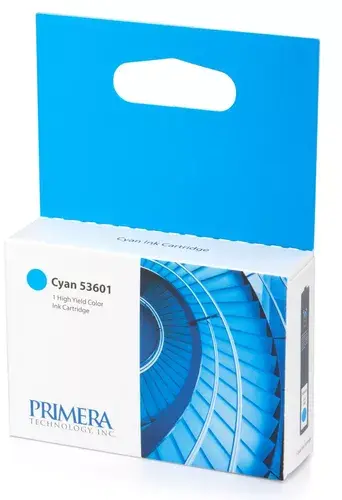
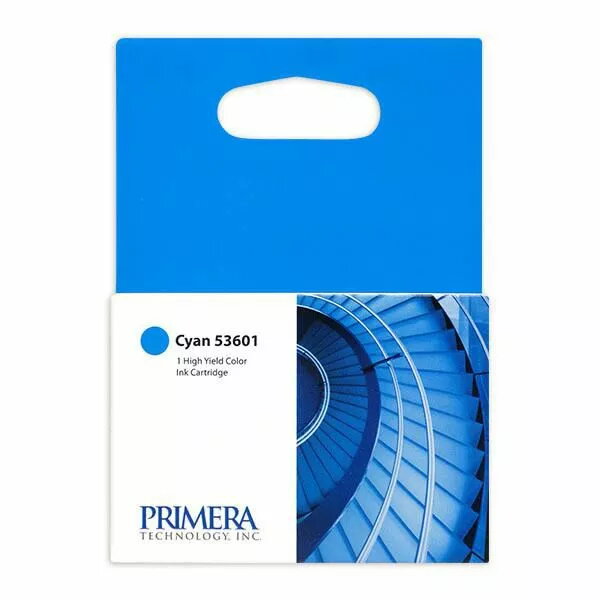
Cartridge Primera Ink Disc Publisher Cyan 53601
In cart {{totalProductsCount}} item(s)
Your cart is empty
Cartridge Primera Ink Disc Publisher Cyan 53601
Leave your address - as soon as the price of the product goes down, you'll know about it right away
Cartridge Primera Ink Disc Publisher Cyan 53601
The Primera Ink Disc Publisher Cyan (53601) cartridge is an original cyan ink cartridge designed for use with Primera disc publishing and printing systems. It provides vibrant cyan color for high-quality disc labels and other printed media, with compatibility for Primera models including the Bravo 4100-series.
This original Primera cyan cartridge delivers consistent color output and reliable performance. It is easy to install, formulated for stable print results, and manufactured to Primera specifications to ensure compatibility and optimal print quality for disc labels and related media.
Install the cartridge according to your Primera disc publisher or printer user manual: power off the device if recommended, open the ink access panel, remove any protective seals from the cartridge, insert it into the designated cyan slot until it clicks, then close the panel and run any required initialization or print head alignment procedures. Replace cartridges when print quality degrades or when the device indicates low ink.
Store unopened cartridges in a cool, dry place and avoid exposure to direct sunlight. Use original Primera cartridges to maintain printer performance and color fidelity. Dispose of used cartridges according to local electronic waste regulations.
{{highlightedFeature.featureTitle}}:
{{getProductFeatureValueById(product, highlightedFeature.featureId)}}