Dreame vacuums for fast and efficient cleaning!
In cart {{totalProductsCount}} item(s)
Your cart is empty
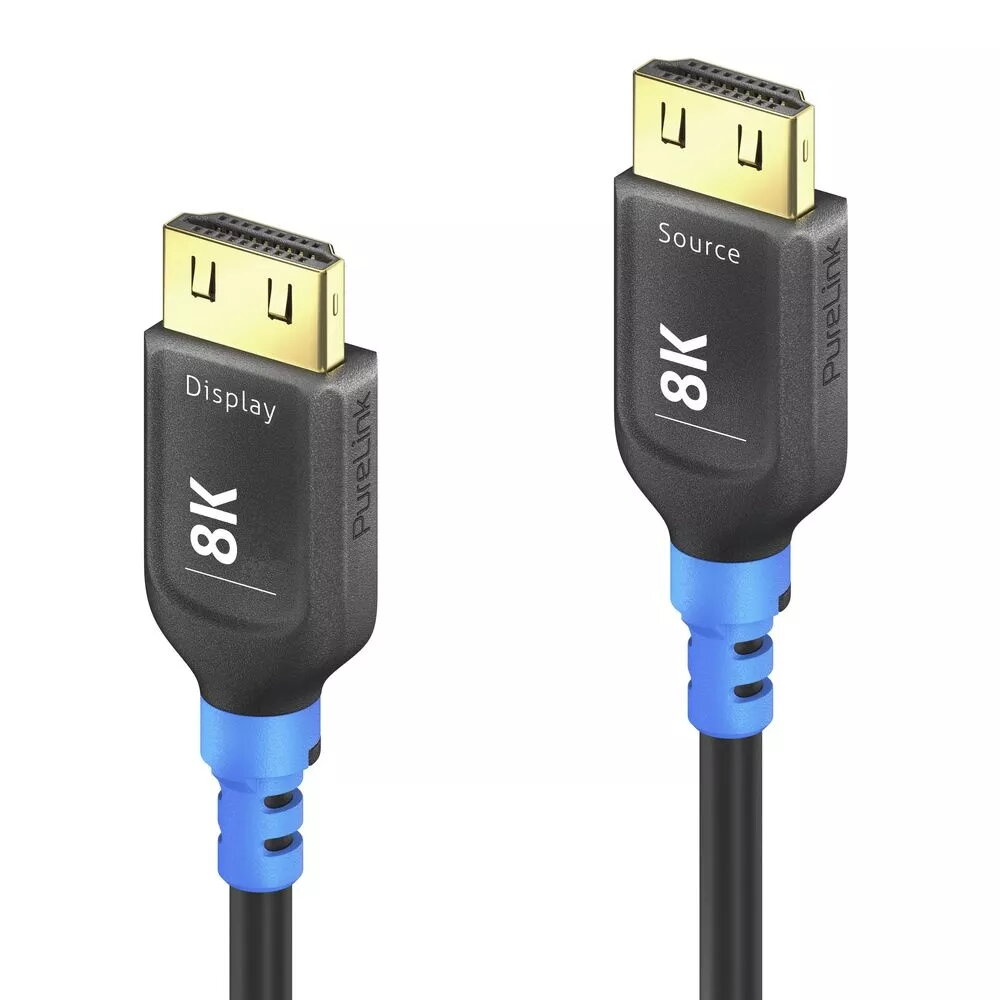
PureLink FI-H150-200 HDMI Cable 20 m HDMI Type A Male 2.1 48 Gbit/s Black Blue
The PureLink FI-H150-200 HDMI Cable 20 m is a long-reach HDMI Type A male-to-male cable that supports the HDMI 2.1 specification and a maximum data throughput of 48 Gbit/s. Designed for transmitting high-resolution video and multi-channel audio over a single cable, it connects source devices such as Blu-ray players, gaming consoles, PCs and media players to displays including TVs, monitors and projectors. The cable is available in black and blue finishes to suit different installation aesthetics.
This 20 m HDMI cable supports HDMI 2.1 bandwidth up to 48 Gbit/s, enabling high-resolution video formats and increased color depth with efficient signal transmission. The Type A male connectors on both ends provide broad compatibility with consumer AV equipment. Its extended length allows flexible placement of source and display devices without reliance on signal extenders or multiple adapters. The cable’s construction balances signal integrity over distance with a straightforward single-cable connection for both audio and video.
Connect one HDMI Type A male end of the cable to the HDMI output on your source device and the other end to the HDMI input on your display. Ensure both devices are powered off when making the connection, then power them on and select the corresponding HDMI input on the display. For optimal performance at 48 Gbit/s and advanced HDMI 2.1 features, use compatible source and display devices and confirm input settings such as resolution and refresh rate match the capabilities of both devices.
Place the cable away from strong electromagnetic sources and avoid sharp bends or kinks along the run. For wall or ceiling installations, use appropriate cable management or conduit to protect the cable and maintain signal integrity. If the display does not detect a signal at expected resolutions, verify cable seating, try alternate HDMI ports, and check device settings for HDMI 2.1 features.
{{highlightedFeature.featureTitle}}:
{{getProductFeatureValueById(product, highlightedFeature.featureId)}}
{{ productComparisonGenerationError }}