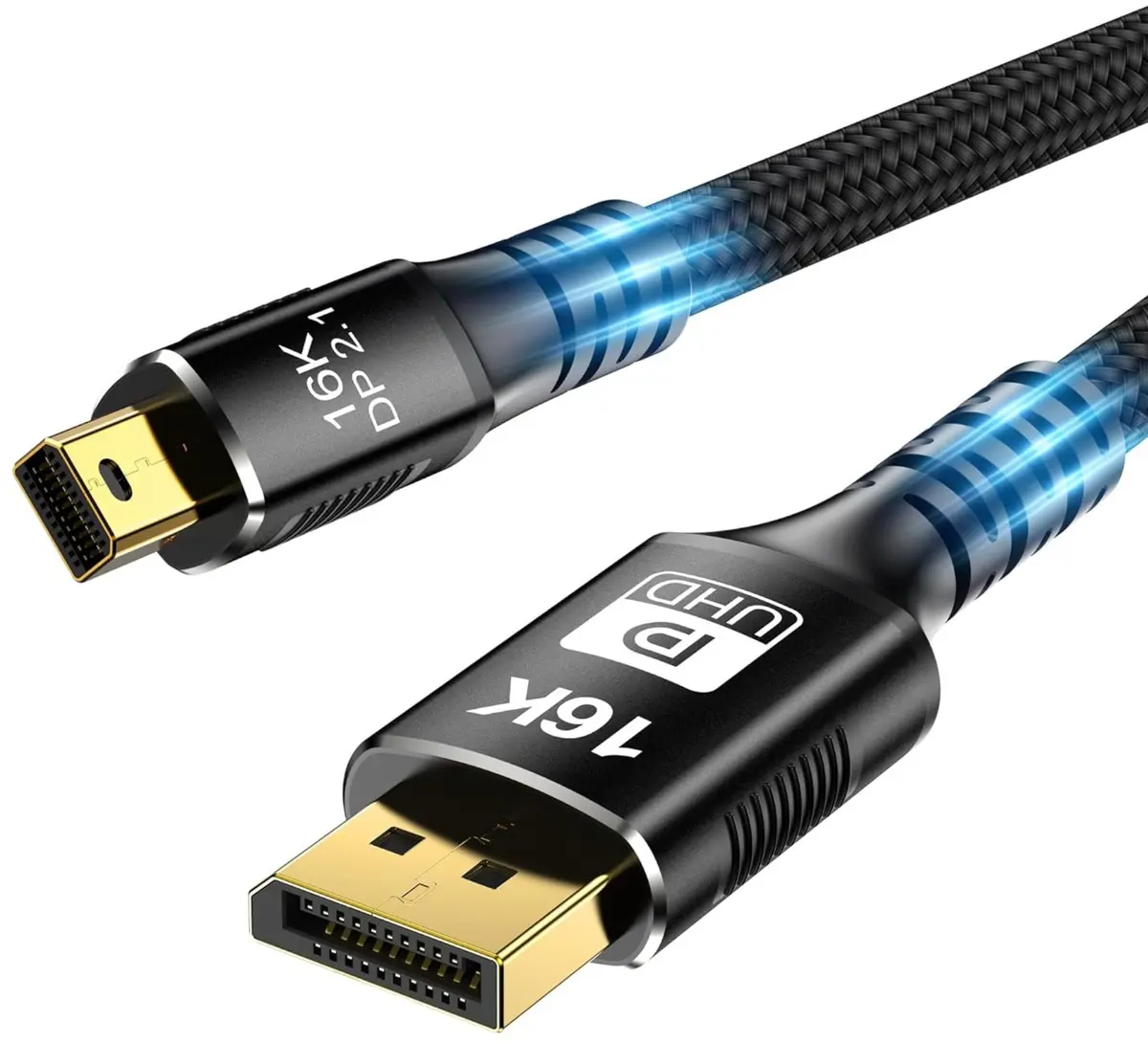
This overview helps compare Mini DisplayPort to DisplayPort Cable Reagle RMDD150P 1.5m Silver with several alternative Reagle models, including different lengths with matching connectors as well as DisplayPort to HDMI cables. All reviewed products are designed for audio and video signal transmission in home and office environments, but the core differences lie in the connector types on each end and the overall cable length.
⚙️ Below is a comparison of specifications such as cable length, connector types on both ends, and color, which helps determine compatibility with your devices and the required distance between them.
| Parameter | Mini DisplayPort to DisplayPort Cable Reagle RMDD150P 1.5m Silver | Reagle Mini DisplayPort to DisplayPort Cable 3m Silver RMDD300P | Reagle RMDD200P Mini DisplayPort to DisplayPort Cable 2m Silver | Reagle RDH200P3 DisplayPort to HDMI Cable 2m black | Reagle RDH180P DisplayPort to HDMI Cable 1.8m Grey | Reagle RDH100P DisplayPort to HDMI Cable 1m Gray | Practical conclusion |
|---|
| Interface type | Mini DisplayPort to DisplayPort | Mini DisplayPort to DisplayPort | Mini DisplayPort to DisplayPort | DisplayPort to HDMI | DisplayPort to HDMI | DisplayPort to HDMI | The primary models use Mini DisplayPort to standard DisplayPort connections, whereas the HDMI alternatives are designed for monitors and TVs lacking a DisplayPort input. |
| Cable length | 1.5 meters | 3 meters | 2 meters | 2 meters | 1.8 meters | 1 meter | Length dictates the distance between source and display: the 1.5-meter option is ideal for a clean desktop setup between a nearby computer and monitor. |
| Color | Silver | Silver | Silver | Black | Gray | Gray | Color is an aesthetic aspect chosen according to personal preference or workspace design. |
◎ The table below evaluates the suitability of each cable for different user needs and usage scenarios.
| Use case | Recommended product | Why |
|---|
| Connecting a laptop with Mini DisplayPort to a monitor at a close distance | Mini DisplayPort to DisplayPort Cable Reagle RMDD150P 1.5m Silver | The 1.5-meter length prevents excessive cable clutter and is ideal for compact desktop arrangements. |
| Connecting devices at a greater distance using Mini DisplayPort and DisplayPort | Reagle Mini DisplayPort to DisplayPort Cable 3m Silver RMDD300P | The 3-meter length allows for flexible placement when components are positioned further apart. |
| Connecting a computer with a standard DisplayPort to a TV or monitor with HDMI | Reagle RDH200P3 DisplayPort to HDMI Cable 2m black | The HDMI connector on one end ensures direct compatibility with displays that do not feature a DisplayPort input. |
The Mini DisplayPort to DisplayPort Cable Reagle RMDD150P 1.5m Silver differs from the alternatives by offering a Mini DisplayPort to DisplayPort interface paired with a practical 1.5-meter length. This product is most suitable for users who need a reliable and tidy connection between a compatible computer and a monitor placed nearby. A buyer may prefer this model over alternatives if their devices feature matching ports and a longer cable is not required.