JBL speakers and headphones for pure and deep sound!
In cart {{totalProductsCount}} item(s)
Your cart is empty
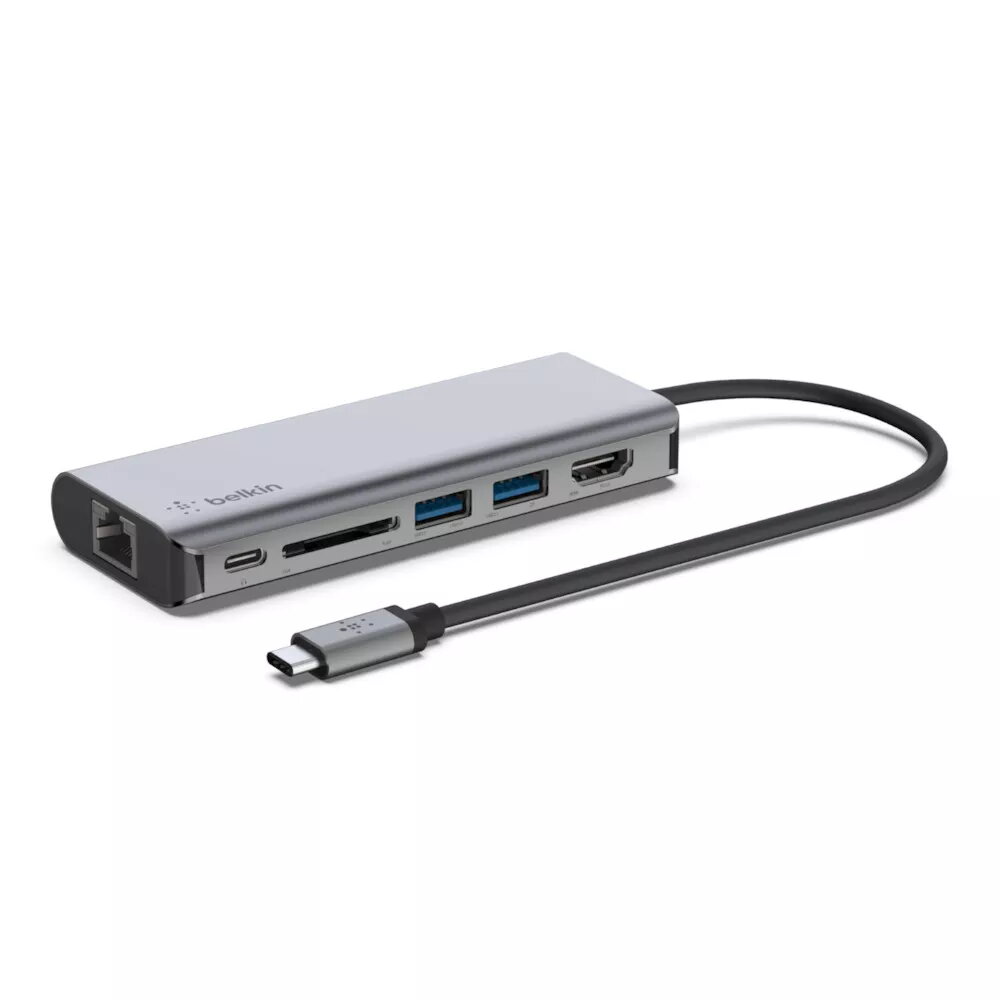
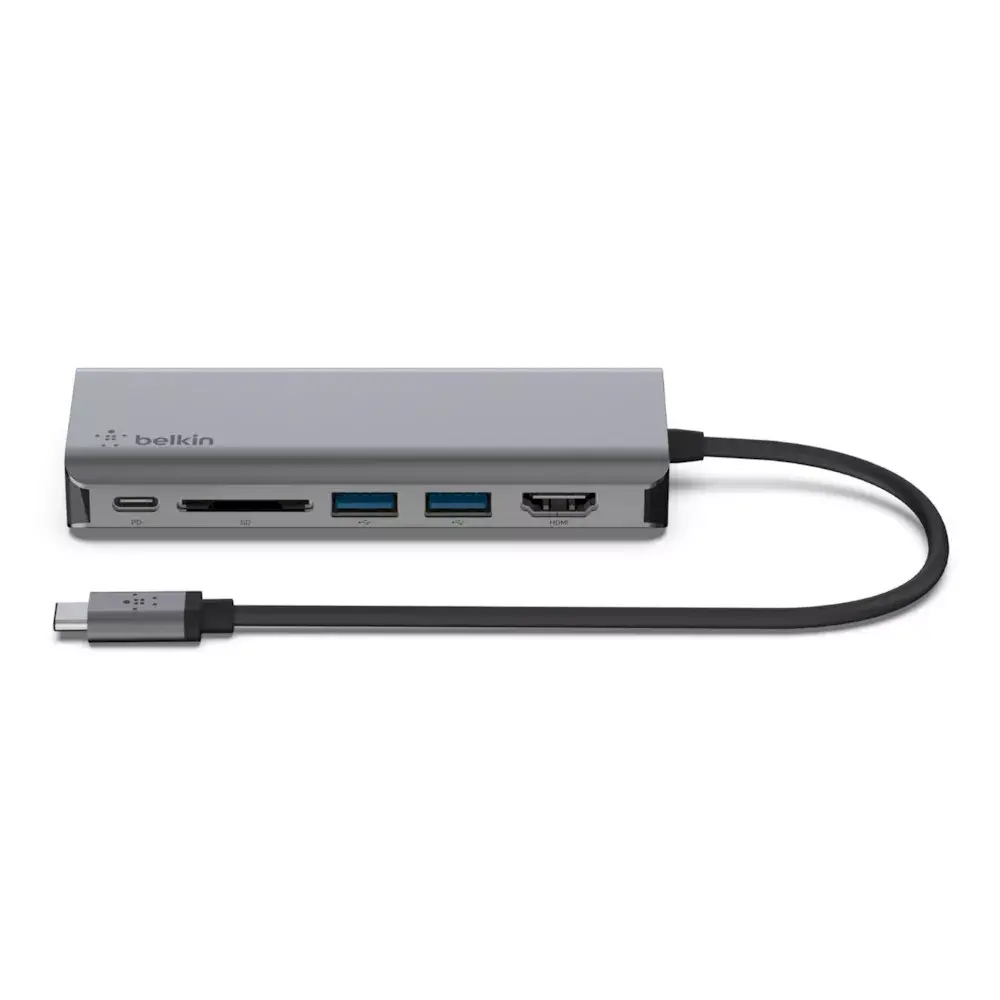
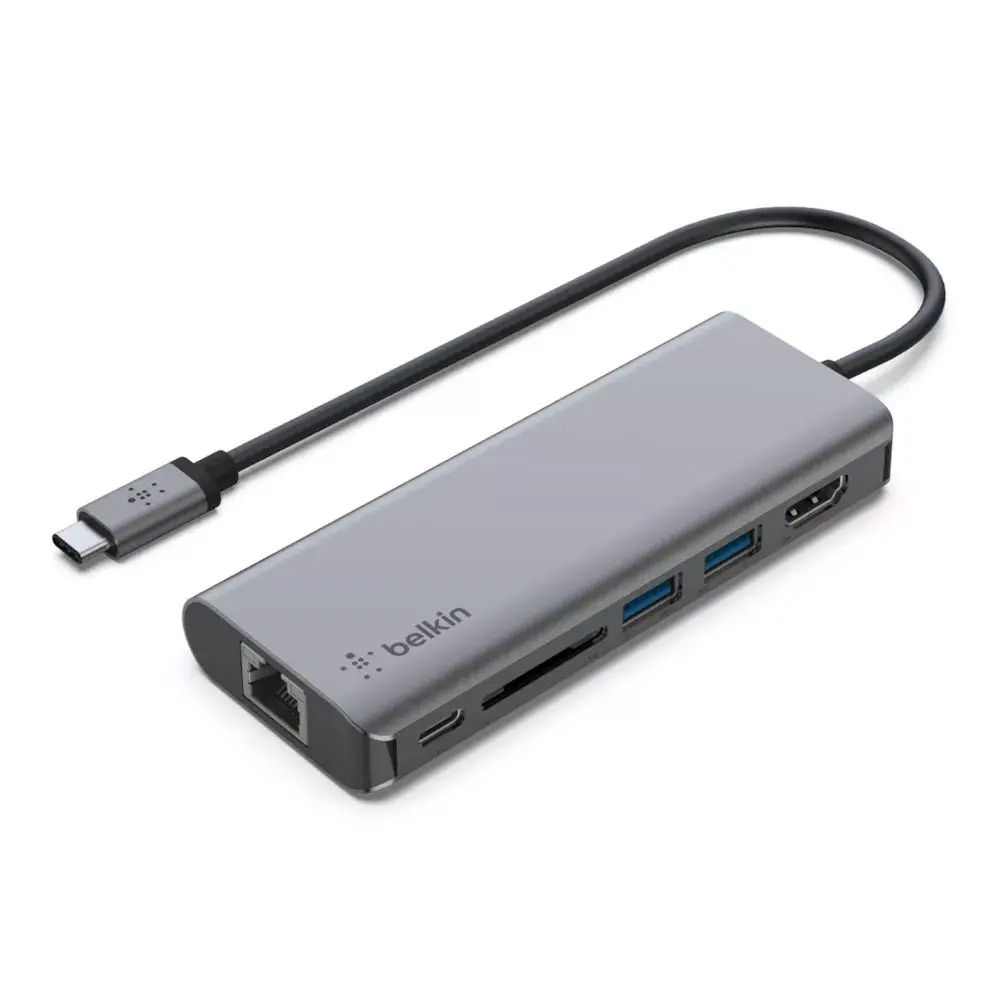
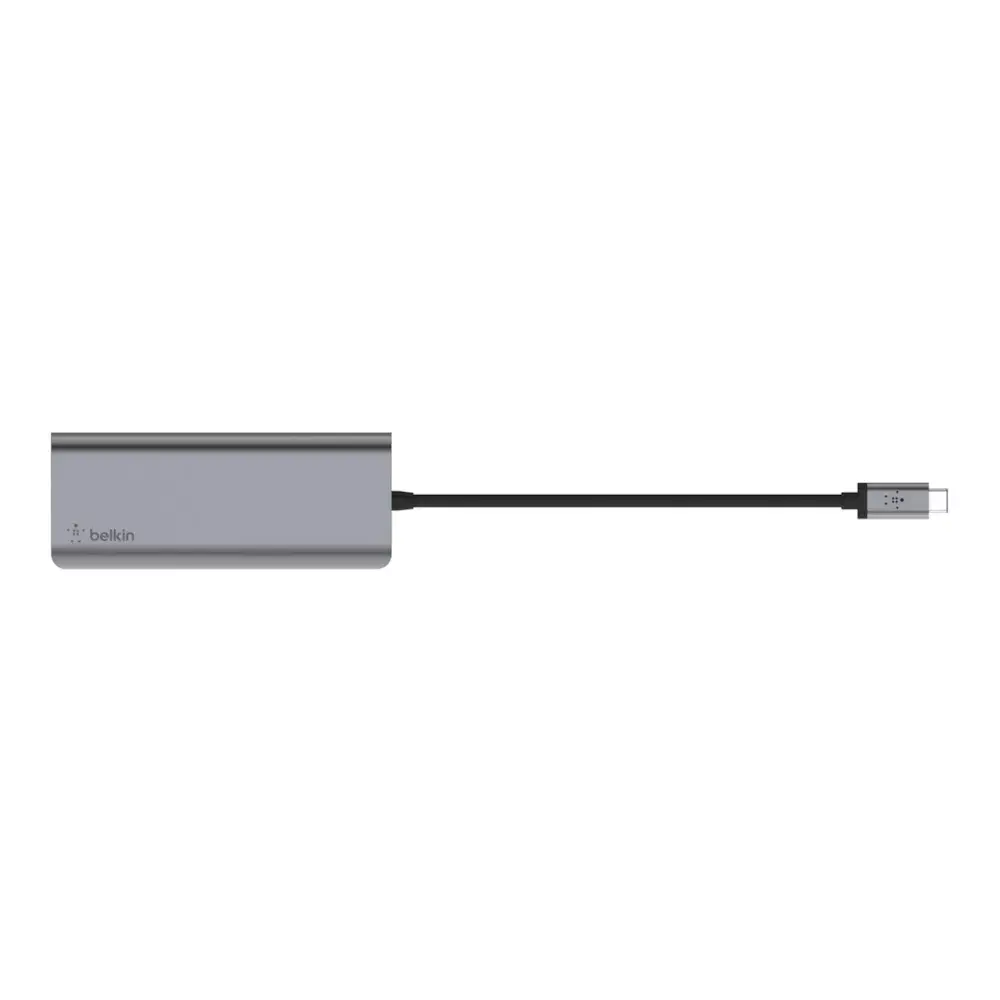
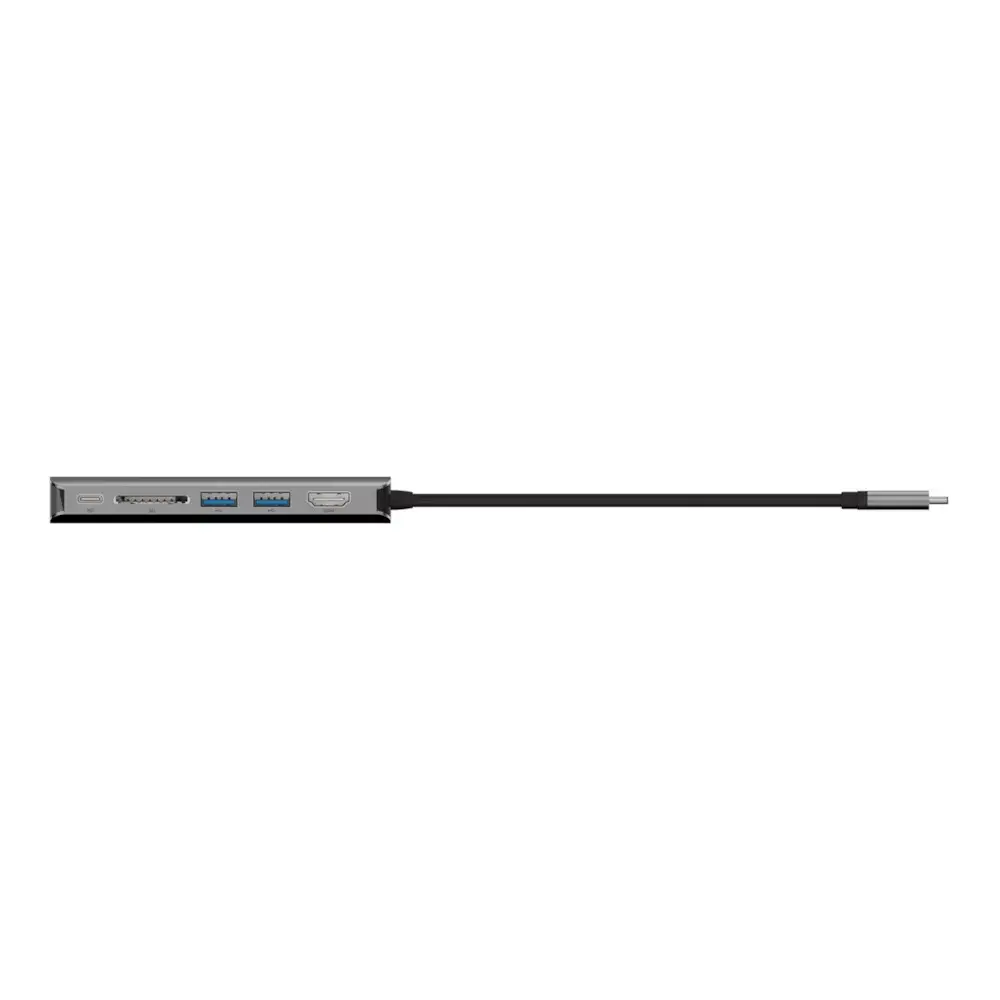
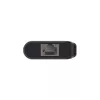
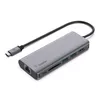
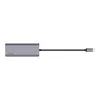
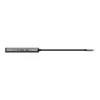
Docking Station Belkin AVC008BTSGY
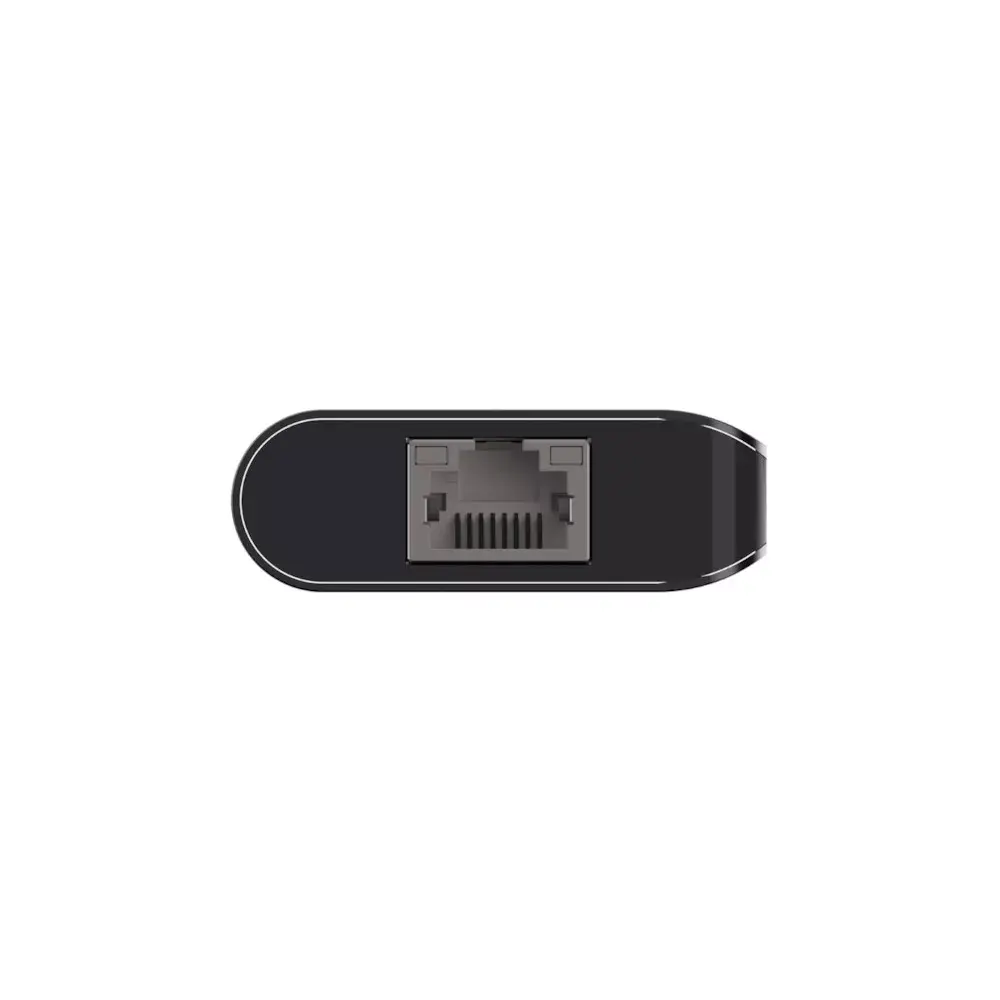
The Belkin AVC008BTSGY Docking Station expands a laptop's single USB-C port into multiple interfaces: HDMI, two USB-A ports, Ethernet (RJ-45), SD card reader and a USB-C Power Delivery pass-through port supporting up to 100W. The compact unit (117 × 16 × 47 mm) is designed for travel and small workspaces, and supports 4K video output and high-speed data transfer up to 5 Gbps.
This USB-C 6-in-1 multiport adapter restores ports removed from many modern laptops, combining video output, wired networking, memory card access and peripheral connections in one slim device. Pass-through charging up to 100W lets you power and charge a laptop while using the adapter, and USB 3.2 Gen 1 Type-C connectivity ensures fast data transfer. The small footprint and dual black/grey finish make it suitable for shared desks and mobile setups.
Connect the docking station's USB-C plug to your laptop's USB-C port. For video output, connect an HDMI cable from the dock to an external monitor. Insert SD cards into the card reader and plug USB-A devices into the available USB-A ports. For wired network access, connect an Ethernet cable to the RJ-45 port. To charge the laptop while using the dock, connect a USB-C PD charger (capable of delivering up to 100W) to the dock's USB-C power input.
Use a USB-C charger that supports sufficient wattage for your laptop (up to 100W) to ensure stable charging while multiple peripherals are connected. For optimal video performance, use high-quality HDMI cables and verify that your laptop supports 4K output over USB-C. Avoid exposing the docking station to liquids and excessive heat to maintain reliable operation.
{{highlightedFeature.featureTitle}}:
{{getProductFeatureValueById(product, highlightedFeature.featureId)}}
{{ productComparisonGenerationError }}