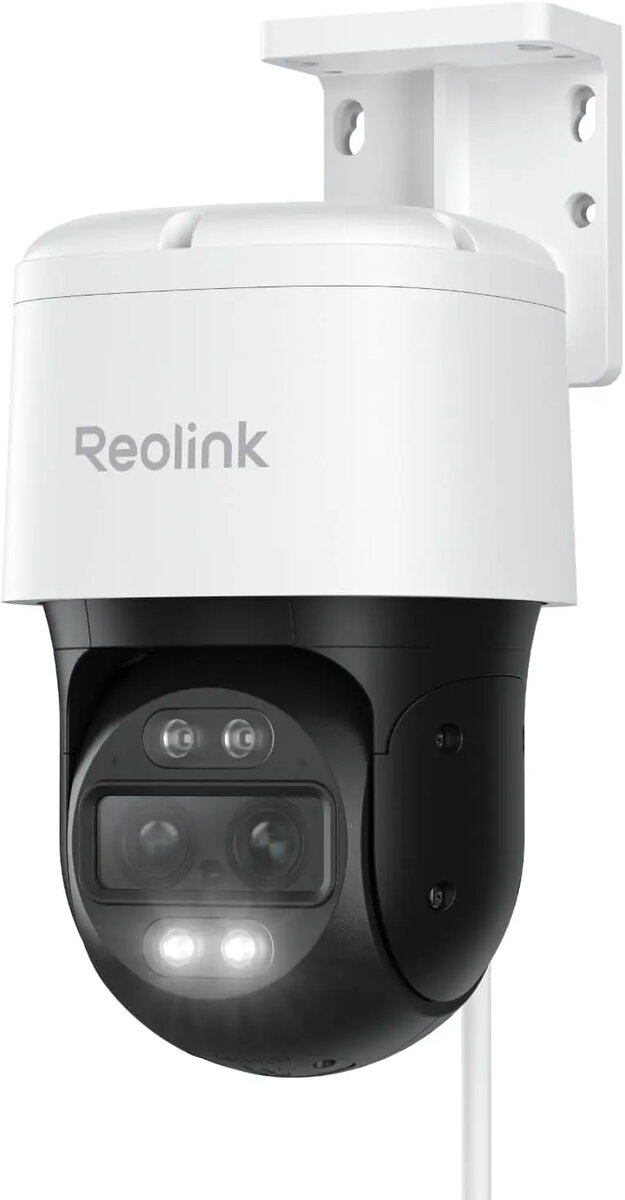
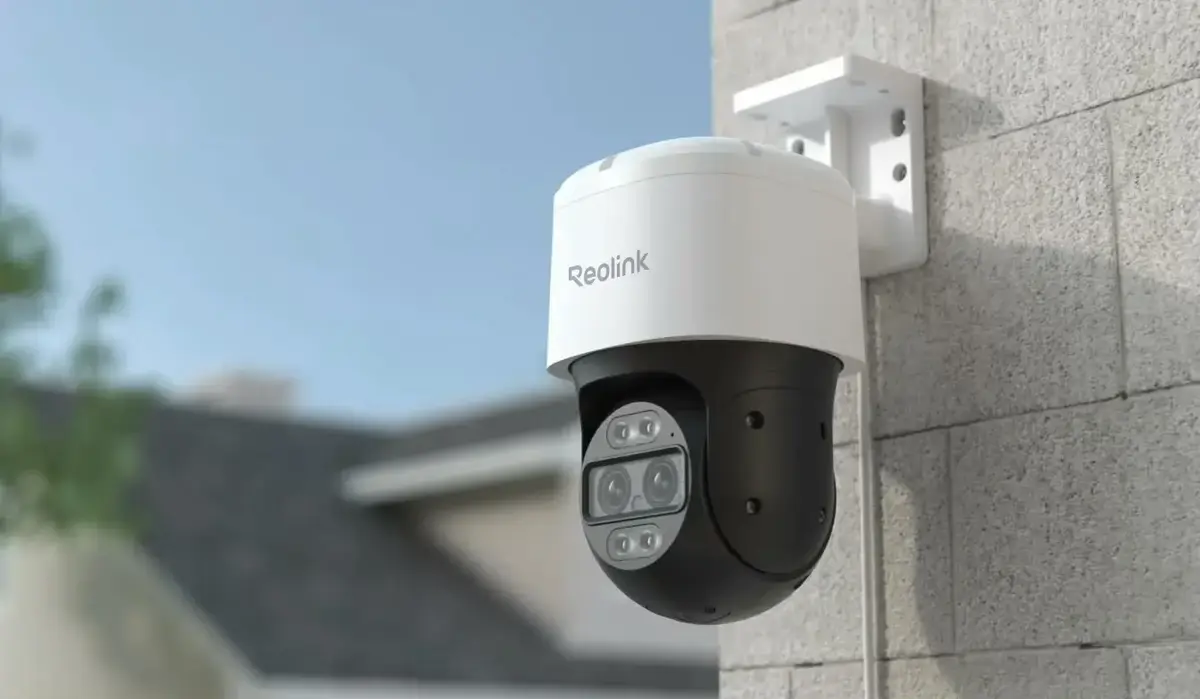
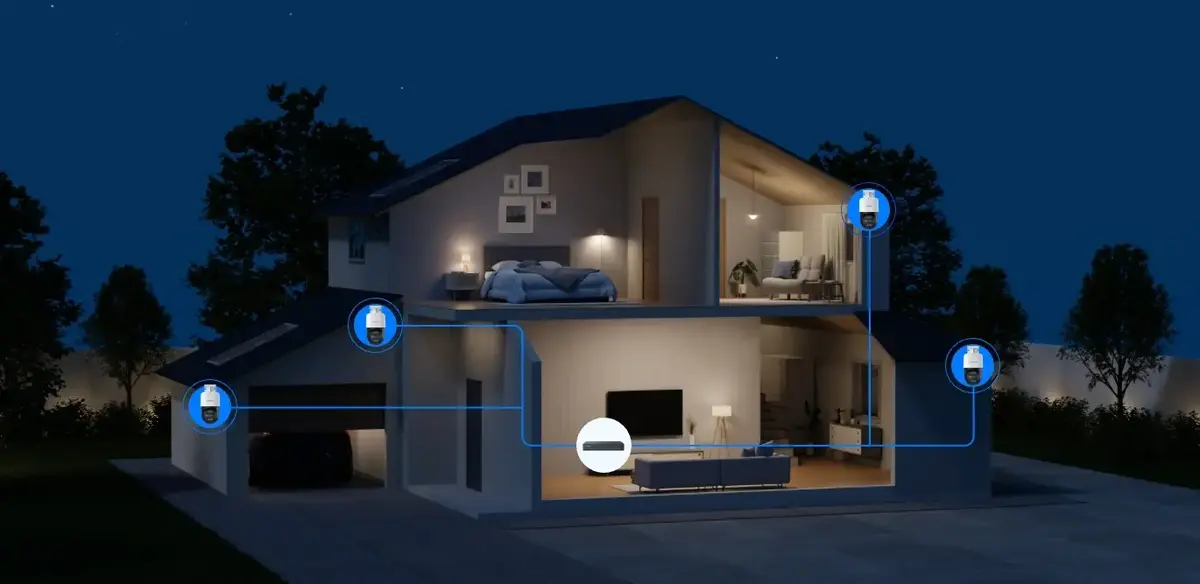
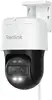
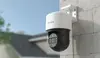
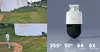
The Reolink 4K Dual-Lens PoE PTZ Camera with Auto Tracking is a high-performance surveillance solution designed to provide clear, detailed monitoring for professional security needs. By utilizing a sophisticated dual-lens system, this camera captures expansive views while maintaining high-resolution imagery. The integration of Power over Ethernet (PoE) technology simplifies the setup process by combining power and data transmission into a single cable, ensuring a reliable and efficient connection for continuous operation.
Advantages
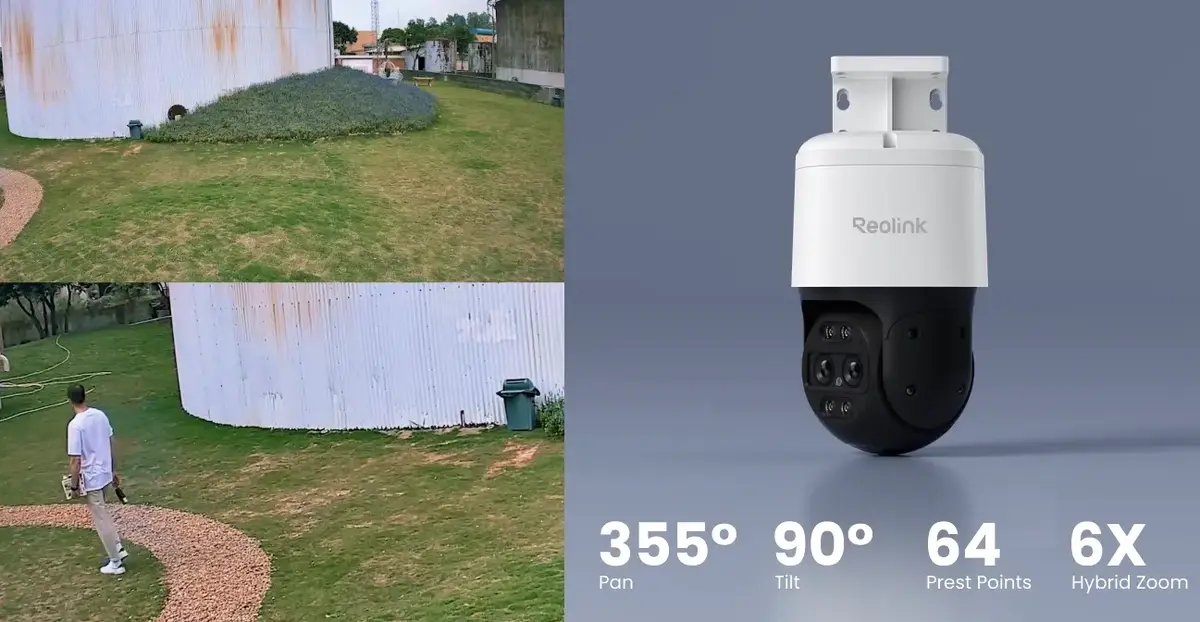
This camera offers superior coverage through its advanced pan, tilt, and zoom capabilities, allowing users to monitor large areas with precision. The auto-tracking feature ensures that moving subjects remain in focus, providing enhanced security awareness. With its 4K resolution, the device delivers sharp video quality that is essential for identifying fine details. The robust construction and dual-lens design make it a versatile choice for various surveillance environments, offering both wide-angle perspectives and detailed close-ups without compromising image clarity.
Suitable for
- Professional security monitoring for commercial properties
- Large outdoor area surveillance
- Tracking movement in parking lots or driveways
- Detailed monitoring of entry points and perimeters
When it may not be suitable
This camera may not be the ideal choice for small, indoor residential rooms where a wide-angle fixed lens would suffice, as the PTZ and dual-lens features are optimized for larger spaces. Additionally, it requires a PoE-compatible network infrastructure or a separate power injector, which might necessitate additional hardware if your current network setup does not support Power over Ethernet.
Key specifications
- Resolution: 4K Ultra HD
- Lens type: Dual-lens system
- Connectivity: Power over Ethernet (PoE)
- Functionality: Pan, tilt, and zoom with auto-tracking
- Weight: 1.21 kg (net)
- Warranty: 24 months
How to use
To install the camera, mount it in a secure location that provides an optimal view of the area you wish to monitor. Connect the device to your network using a high-quality Ethernet cable that supports PoE. Once connected, use the Reolink software or mobile application to configure the camera settings, including motion detection zones and auto-tracking preferences. Ensure the firmware is updated through the application to access the latest security features and performance improvements.
What to consider before purchase
- Verify that your network switch or router supports PoE technology
- Ensure the mounting surface is stable and can support the weight of the device
- Check the available bandwidth on your network to handle 4K video streaming
- Consider the placement height to maximize the effectiveness of the pan and tilt range
Usage recommendations
For optimal performance, position the camera at a height that minimizes obstructions and allows the auto-tracking feature to follow subjects clearly. Regularly clean the lenses to maintain image quality and check the network connection periodically to ensure uninterrupted recording.