
Save time and money with our discounts!
In cart {{totalProductsCount}} item(s)
Your cart is empty
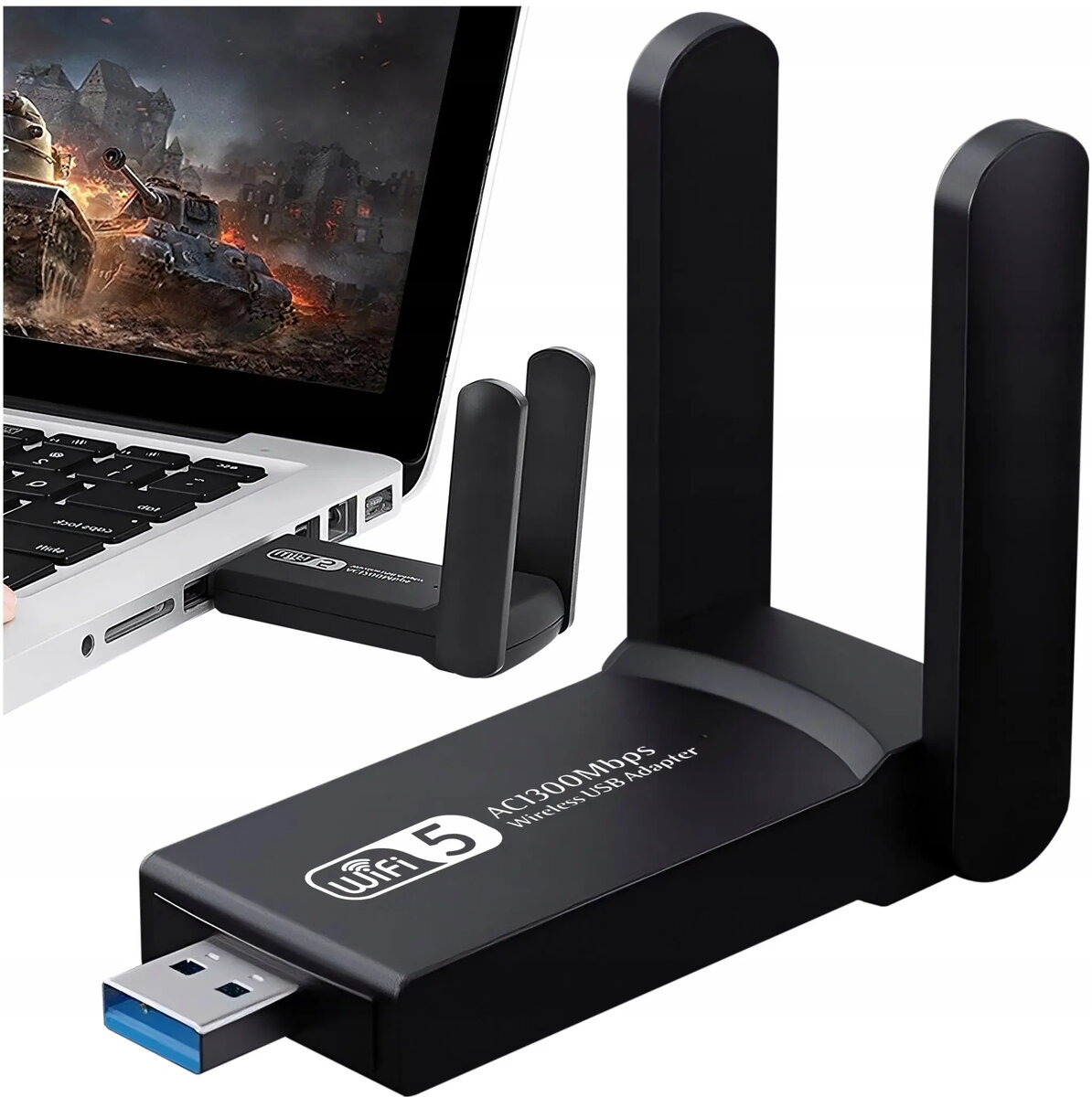
Retoo USB 3.0 Wi‑Fi Adapter with External Antennas 1300 Mbps 5 GHz
The Retoo USB 3.0 Wi‑Fi Adapter with External Antennas 1300 Mbps 5 GHz is a compact USB network adapter designed to add or upgrade wireless connectivity on compatible computers. It connects via a USB 3.0 port and operates primarily on the 5 GHz band, offering reported throughput up to 1300 Mbps. The adapter features external antennas to enhance reception and range and is intended for environments where higher bandwidth and lower interference are required.
This adapter provides faster wireless performance on the 5 GHz band compared with typical 2.4 GHz-only solutions, helping to reduce interference and enable higher throughput. External antennas improve signal stability and range, which can be beneficial in larger rooms or when the host device is located at a distance from the access point. USB 3.0 connectivity supports the bandwidth required for high-speed data transfers and minimizes bottlenecks between the adapter and the host device.
The adapter is focused on the 5 GHz band; environments that rely heavily on 2.4 GHz devices or legacy networks may not benefit from its primary features. Performance is subject to the host computer’s USB 3.0 implementation, driver compatibility, and the router/access point capabilities. It may not provide expected speeds if used with USB 2.0 ports or in areas with limited 5 GHz coverage.
Insert the adapter into an available USB 3.0 port on the computer. Install the appropriate drivers and software if required by the operating system; some systems may install drivers automatically. Position the external antennas for optimal line of sight toward the wireless access point and adjust their angles to improve signal strength. Connect to the desired Wi‑Fi network using the operating system’s network manager and authenticate with the network password when prompted.
For best results, pair the adapter with a dual-band or 5 GHz-capable router and use a USB 3.0 port on the host device. Place the adapter and its antennas where they have a clear path to the access point and avoid obstructions and sources of interference. Regularly update drivers to maintain compatibility and stability.
{{highlightedFeature.featureTitle}}:
{{getProductFeatureValueById(product, highlightedFeature.featureId)}}
{{ productComparisonGenerationError }}