
Filters you can trust. Pure water every day.
In cart {{totalProductsCount}} item(s)
Your cart is empty
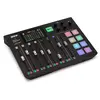
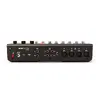
Audio mixer console RØDE RØDECaster Pro 20 — 24-bit DSP, 48 kHz, mic input 600 Ω, 275×350×82 mm, black
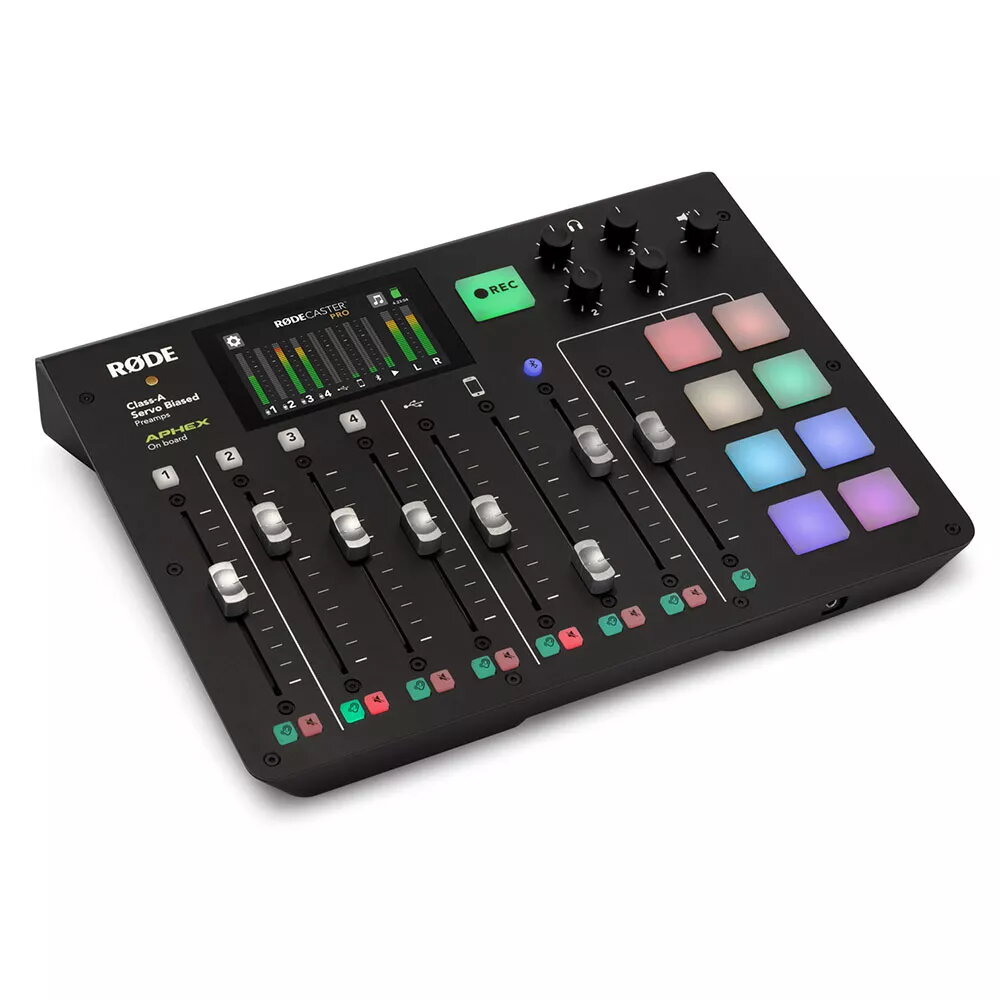
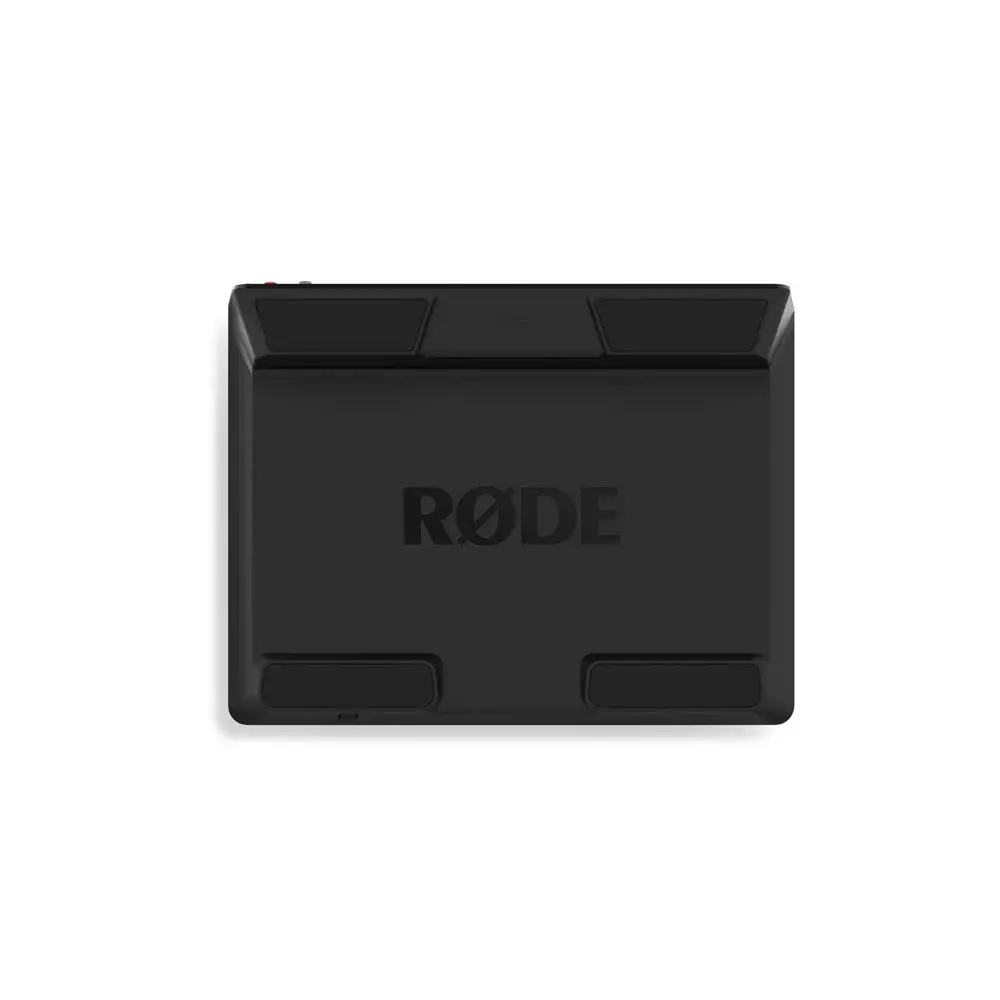
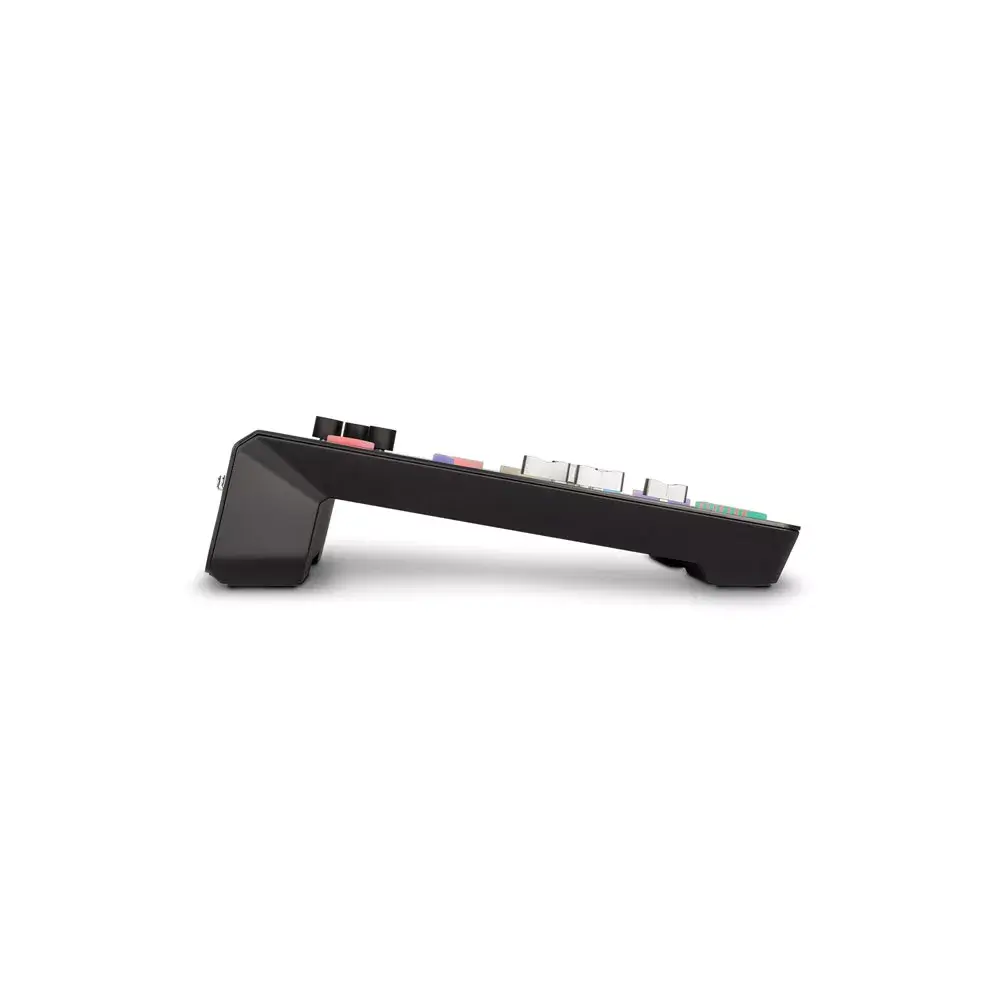
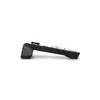
RØDE RØDECaster Pro 20 is a compact digital audio mixer and production console engineered for podcasting, live streaming and voice recording. The unit delivers 24-bit digital sound processing at a 48 kHz sample rate and includes microphone inputs with a 600 Ω input impedance. Its black housing measures 275 × 350 × 82 mm and integrates multichannel mixing, onboard DSP and a touchscreen-driven interface to streamline signal routing and real-time adjustments.
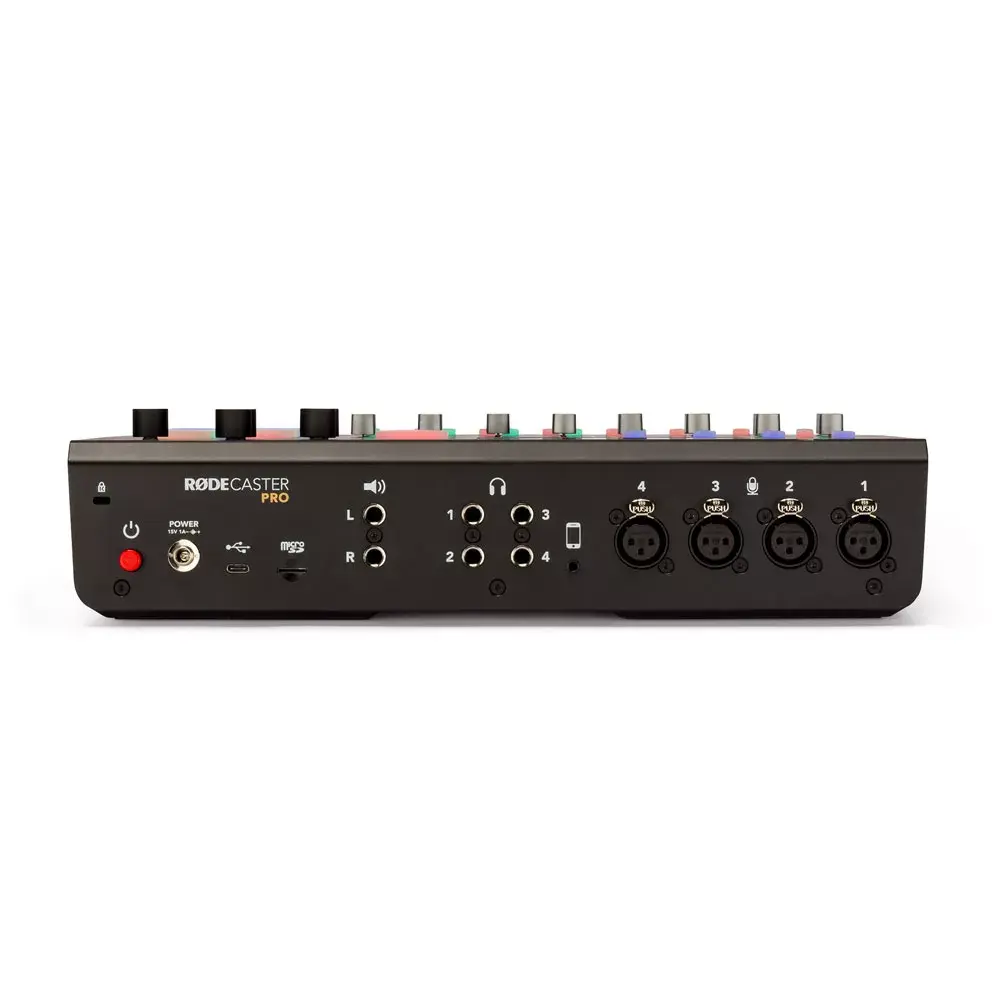
The RØDECaster Pro 20 combines high-resolution 24-bit/48 kHz audio conversion with integrated DSP processing to provide consistent studio-grade sound. Built-in support for multiple sources—microphones, phone, USB and Bluetooth—simplifies multi-participant setups. User-accessible programmable pads allow instant playback of jingles and effects, while recording options to microSD card or to a computer via USB offer flexible capture workflows. The compact form factor and intuitive controls reduce setup time and desktop footprint.
Connect microphones to the available inputs and adjust gain using the front-panel controls. Use the touchscreen to access channel mixing, effects and routing options. Assign jingles or sound effects to the eight programmable pads for immediate playback during a session. Choose storage destination in the recording menu to capture sessions directly to a microSD card or route audio to a connected computer via USB. For remote callers, connect a phone or pair a Bluetooth device and set levels to blend the source with other inputs.
Use balanced microphone cables and set gain conservatively to avoid clipping; apply onboard DSP and low-cut filters where needed for voice clarity. When recording to microSD, verify card speed and available space prior to long sessions. For multitrack recording and post-production flexibility, record via USB to a computer while monitoring levels on the touchscreen.
{{highlightedFeature.featureTitle}}:
{{getProductFeatureValueById(product, highlightedFeature.featureId)}}
{{ productComparisonGenerationError }}