
Save time and money with our discounts!
In cart {{totalProductsCount}} item(s)
Your cart is empty
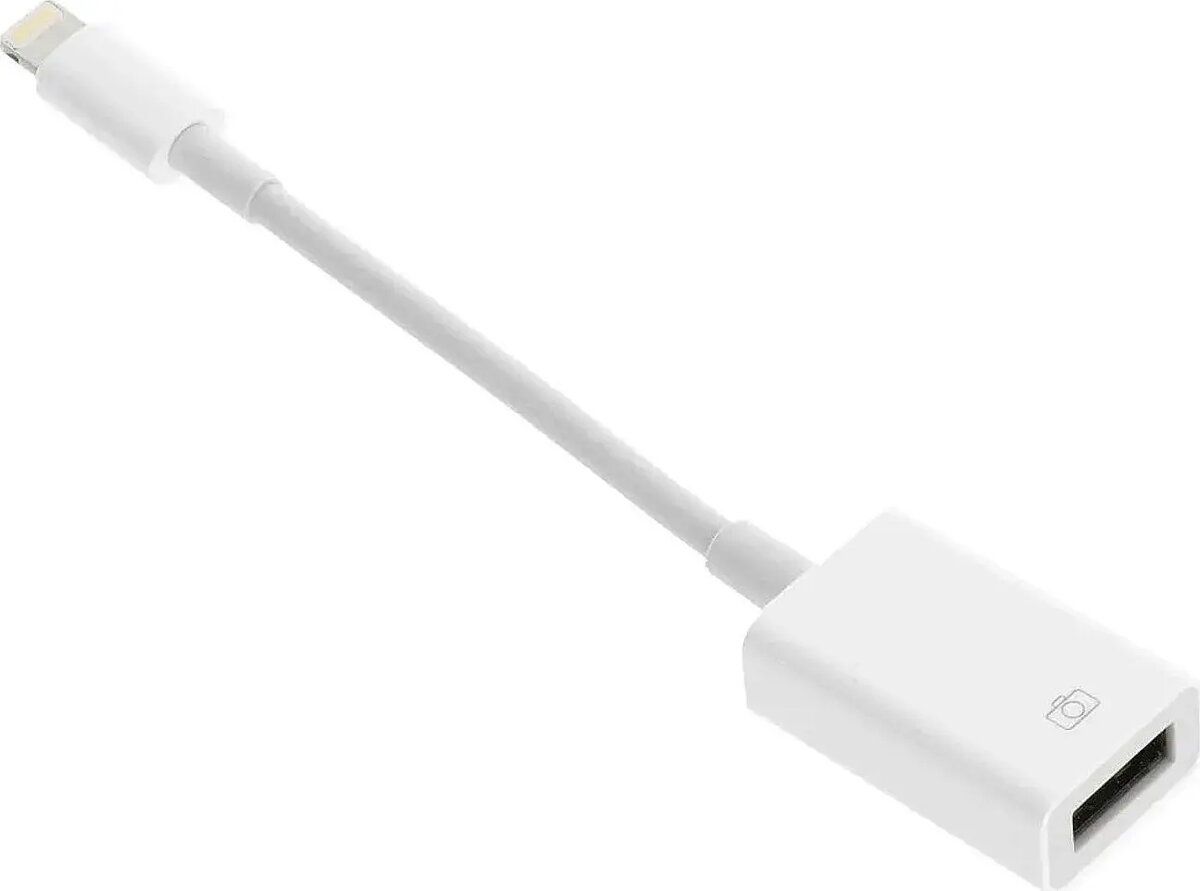
OTG Adapter RoGer Lightning to USB Connection for iPhone and iPad
The RoGer OTG Adapter Lightning to USB Connection for iPhone and iPad allows direct connection of standard USB-A peripherals to Apple devices with a Lightning port. The compact adapter features a Lightning male plug and a USB-A female socket, enabling simple, cable-free attachment of flash drives, keyboards, card readers and other USB accessories for file transfer, accessory power and basic peripheral use without a computer.
The adapter offers plug-and-play compatibility with iPhone and iPad models that support external accessory access via Lightning. Its small form factor and single-cable connection reduce clutter and make it convenient for mobile workflows. The passive design requires no additional drivers or power sources for many low-power accessories, and it enables direct data exchange between the device and connected USB peripherals where supported by iOS/iPadOS.
Insert the Lightning plug into the iPhone or iPad Lightning port, then connect the USB-A peripheral to the adapter's female socket. For file transfer, open the Files app or a compatible app on the device to access supported storage devices. If a connected accessory requires more power than the adapter can supply, use a powered USB hub or an accessory with its own power source. Ensure the iOS/iPadOS device is updated to the latest supported version for best compatibility with external peripherals.
Use the adapter with low-power USB accessories by default and test new peripherals for compatibility. When connecting high-power devices such as some external hard drives, use a powered hub or an accessory that provides its own power to avoid unstable operation. Keep the Lightning connector and adapter socket free from dust and moisture to maintain reliable connections.
{{highlightedFeature.featureTitle}}:
{{getProductFeatureValueById(product, highlightedFeature.featureId)}}
{{ productComparisonGenerationError }}