
Leave your address - as soon as the price of the product goes down, you'll know about it right away
Toner RoGer HP CF294X for LaserJet Pro M118dw M148dw 2.8K Pages Black
In cart {{totalProductsCount}} item(s)
Your cart is empty
Toner RoGer HP CF294X for LaserJet Pro M118dw M148dw 2.8K Pages Black
Leave your address - as soon as the price of the product goes down, you'll know about it right away
Toner RoGer HP CF294X for LaserJet Pro M118dw M148dw 2.8K Pages Black
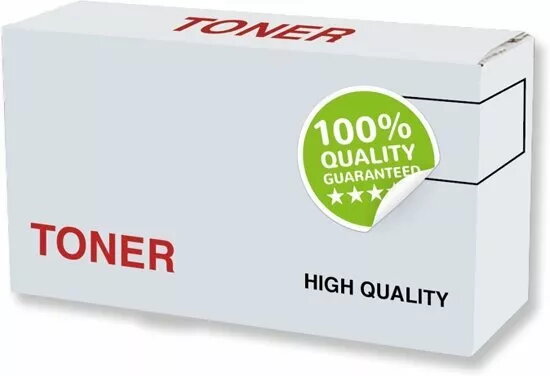
RoGer HP CF294X toner cartridge is compatible with HP LaserJet Pro M118dw and M148dw series printers and provides up to 2,800 pages of black prints. The cartridge is designed to deliver sharp text and clear graphics for everyday home and office printing needs and is straightforward to install and replace.
The toner cartridge offers a high page yield of 2,800 pages, consistent black output and reliable performance across typical office jobs. It is manufactured to meet quality management standards and is STMC and ISO certified, ensuring predictable print results and stable operation.
Turn the printer off or set it to ready state, open the front cover, remove the empty cartridge according to the printer manual and unpack the RoGer HP CF294X. Gently shake the cartridge side to side to distribute toner evenly, remove protective seals, and insert the cartridge into the correct slot until it clicks. Close the cover and run a test print or printer alignment if required.
Store the cartridge in a cool, dry place, keep it in its original packaging until installation and avoid exposure to direct sunlight. Use genuine printer settings for black toner density and run occasional printer maintenance cycles for best print consistency.
{{highlightedFeature.featureTitle}}:
{{getProductFeatureValueById(product, highlightedFeature.featureId)}}