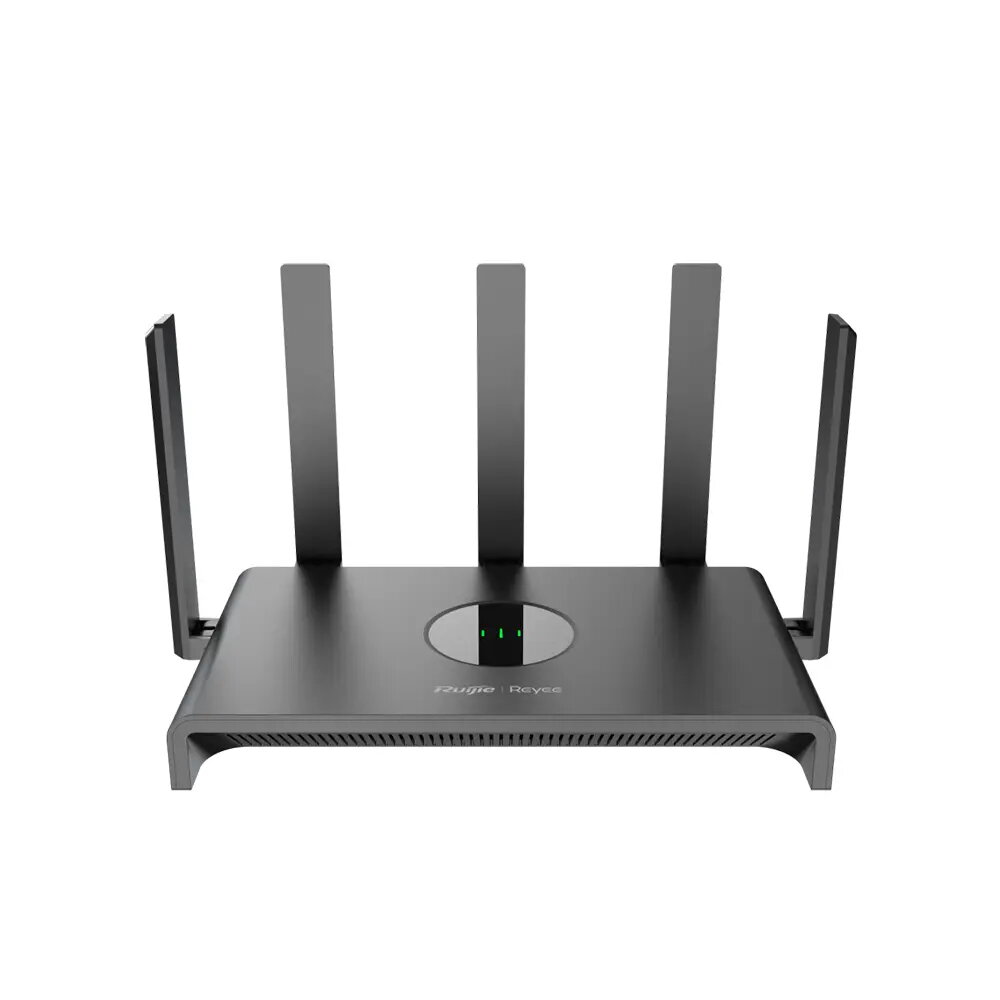
The Ruijie Reyee RG-EW1300G is a high-performance dual-band wireless router engineered to provide reliable internet connectivity for homes and small office environments. By utilizing dual-band technology, it effectively manages network traffic to maintain stable connections across multiple devices simultaneously. The inclusion of Gigabit Ethernet ports ensures that wired devices receive high-speed data transfer, making it a robust solution for modern digital requirements.
Advantages
This router offers significant benefits through its dual-band capability, which reduces interference and improves overall wireless performance. The integration with the Ruijie Reyee cloud platform simplifies network management, allowing users to monitor and configure their settings remotely with ease. Its design focuses on providing consistent coverage and high throughput, ensuring that bandwidth-intensive tasks are handled efficiently without frequent drops or latency issues.
Suitable for
- High-definition video streaming
- Online gaming
- General web browsing and remote work
- Small office network management
When it may not be suitable
This device may not be the optimal choice for very large commercial spaces or multi-story buildings with thick concrete walls, where a mesh system with multiple access points would be required for full coverage. Additionally, users requiring the latest Wi-Fi 6 or Wi-Fi 7 standards for ultra-high-speed local network transfers may find the Wi-Fi 5 technology limiting.
Key specifications
- Wireless standard: Wi-Fi 5
- Connectivity: Dual-band wireless
- Ports: Gigabit Ethernet
- Management: Ruijie Reyee cloud platform support
How to use
To set up the router, connect the WAN port to your internet modem using an Ethernet cable and power on the device. Once the indicator lights stabilize, access the configuration interface via a web browser or the Ruijie Reyee mobile application. Follow the on-screen prompts to set your network name and password, ensuring that the firmware is updated to the latest version for optimal security and performance.
What to consider before purchase
- Compatibility with your existing internet service provider equipment
- The physical size of the area requiring Wi-Fi coverage
- The number of devices expected to connect simultaneously
Usage recommendations
For the best performance, place the router in a central, elevated location away from large metal objects or electronic appliances that may cause signal interference. Regularly check the cloud platform for firmware updates to maintain network security.