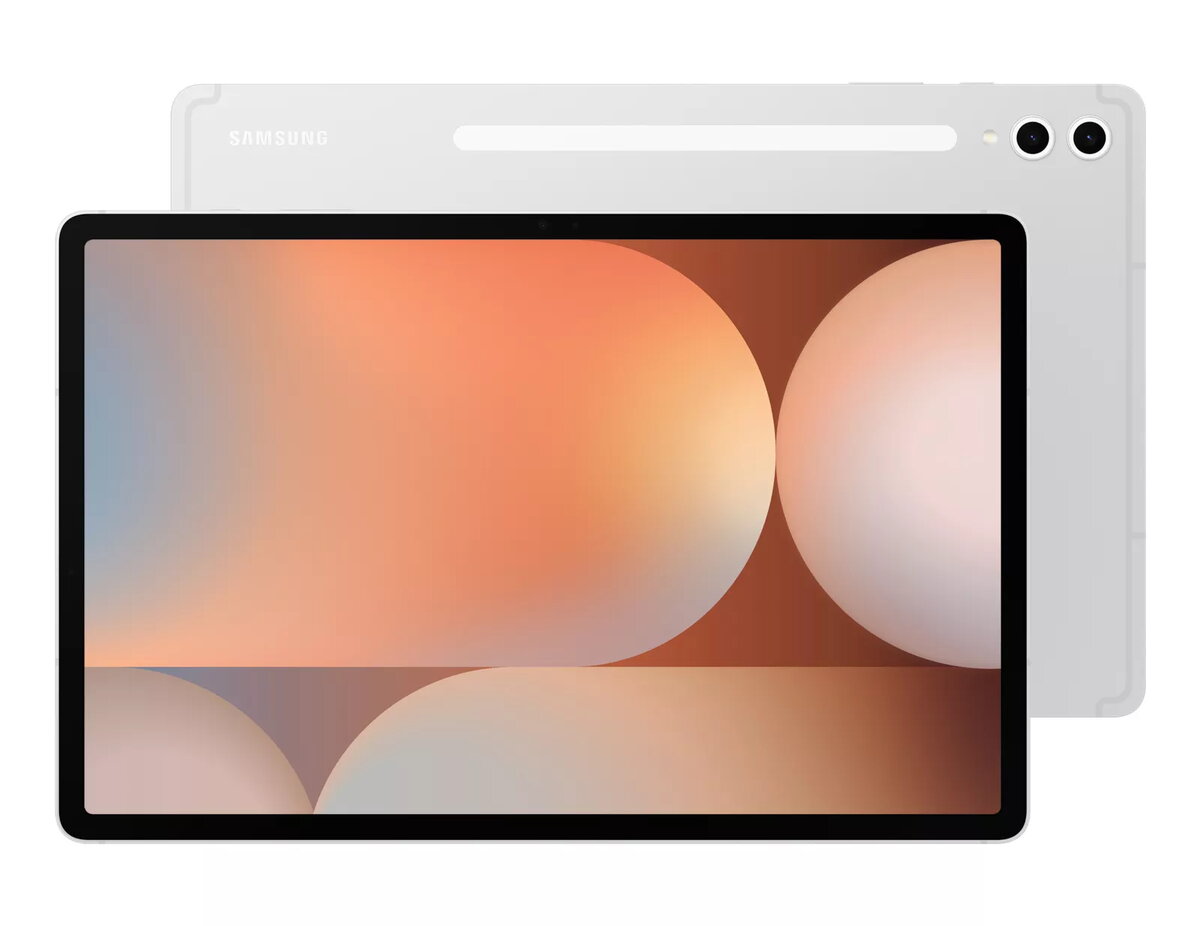
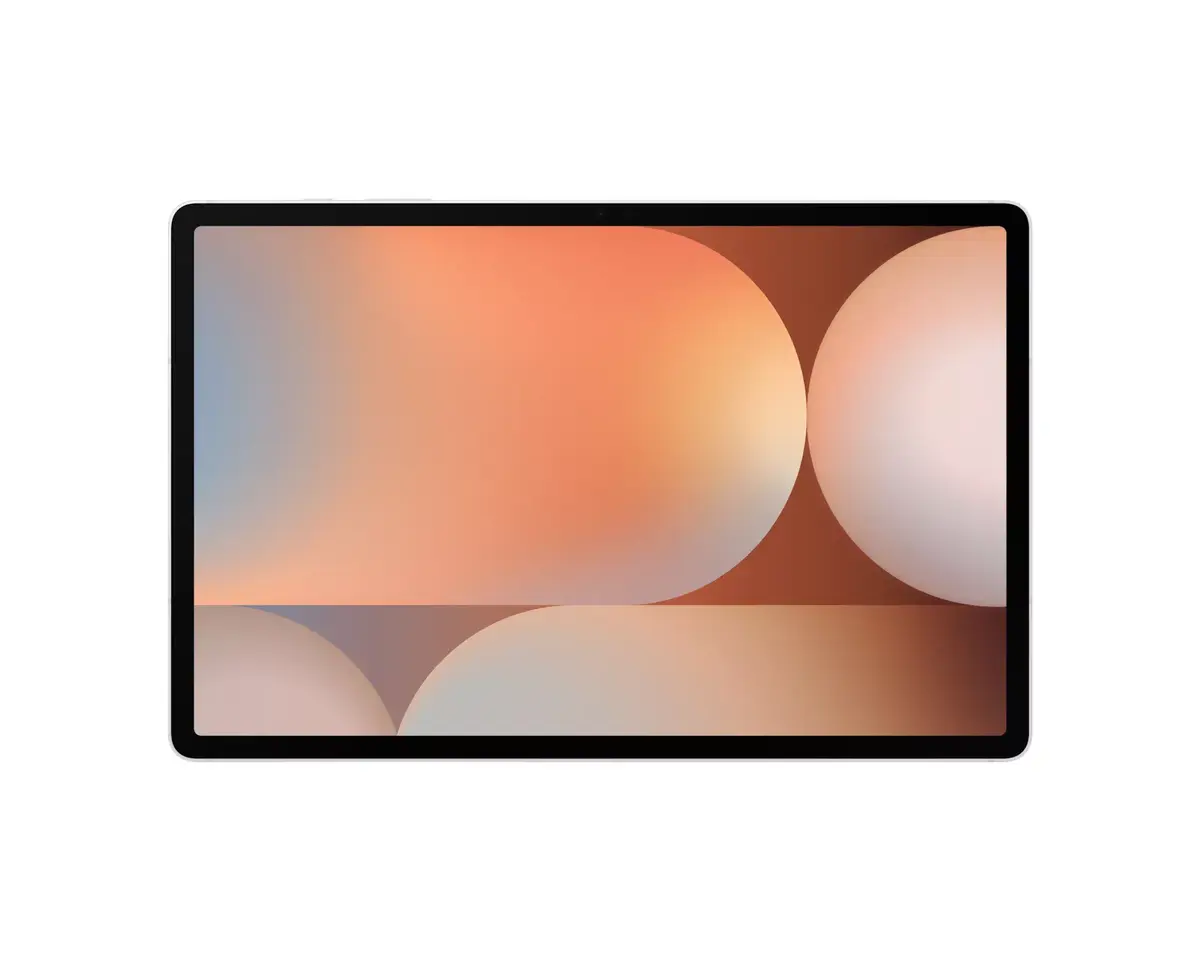
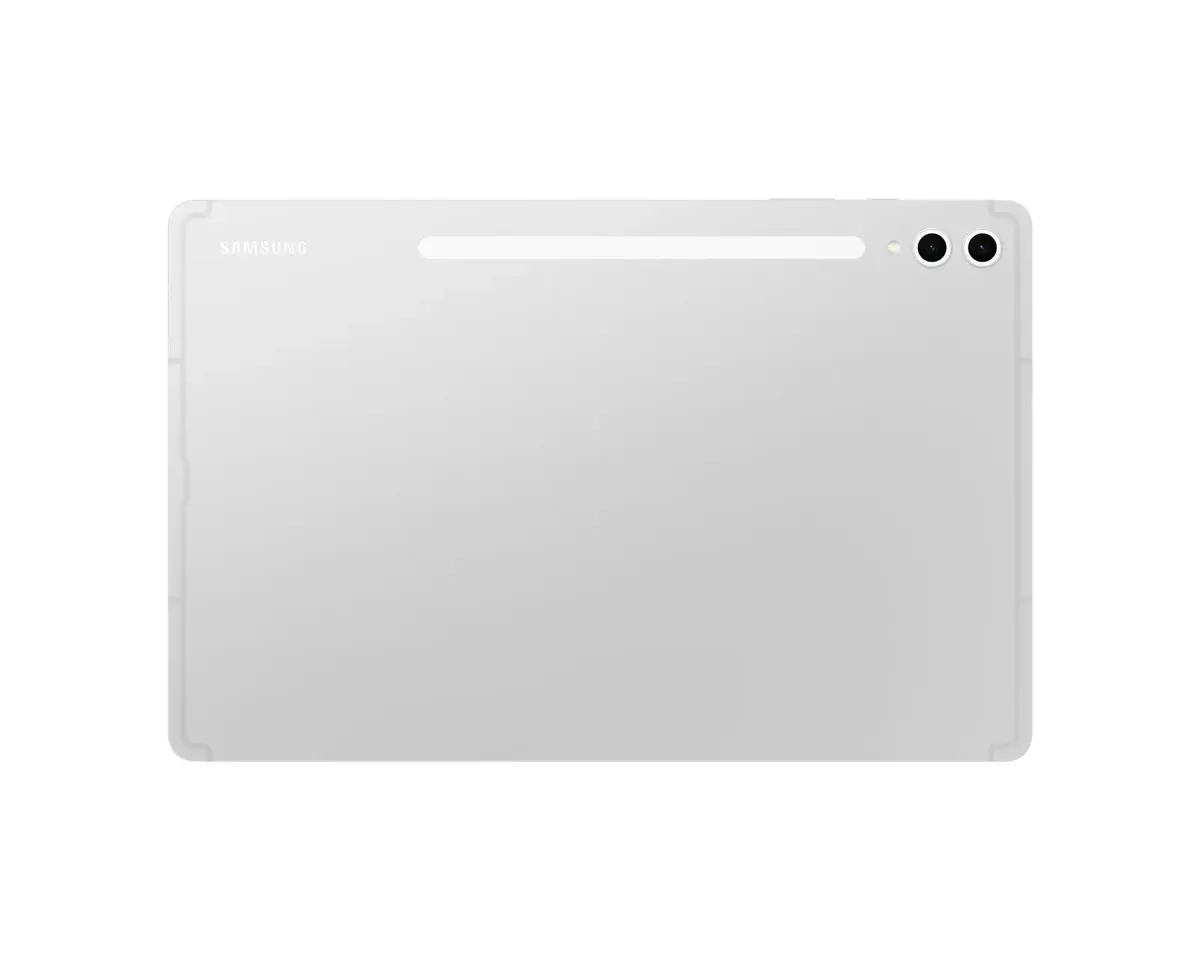
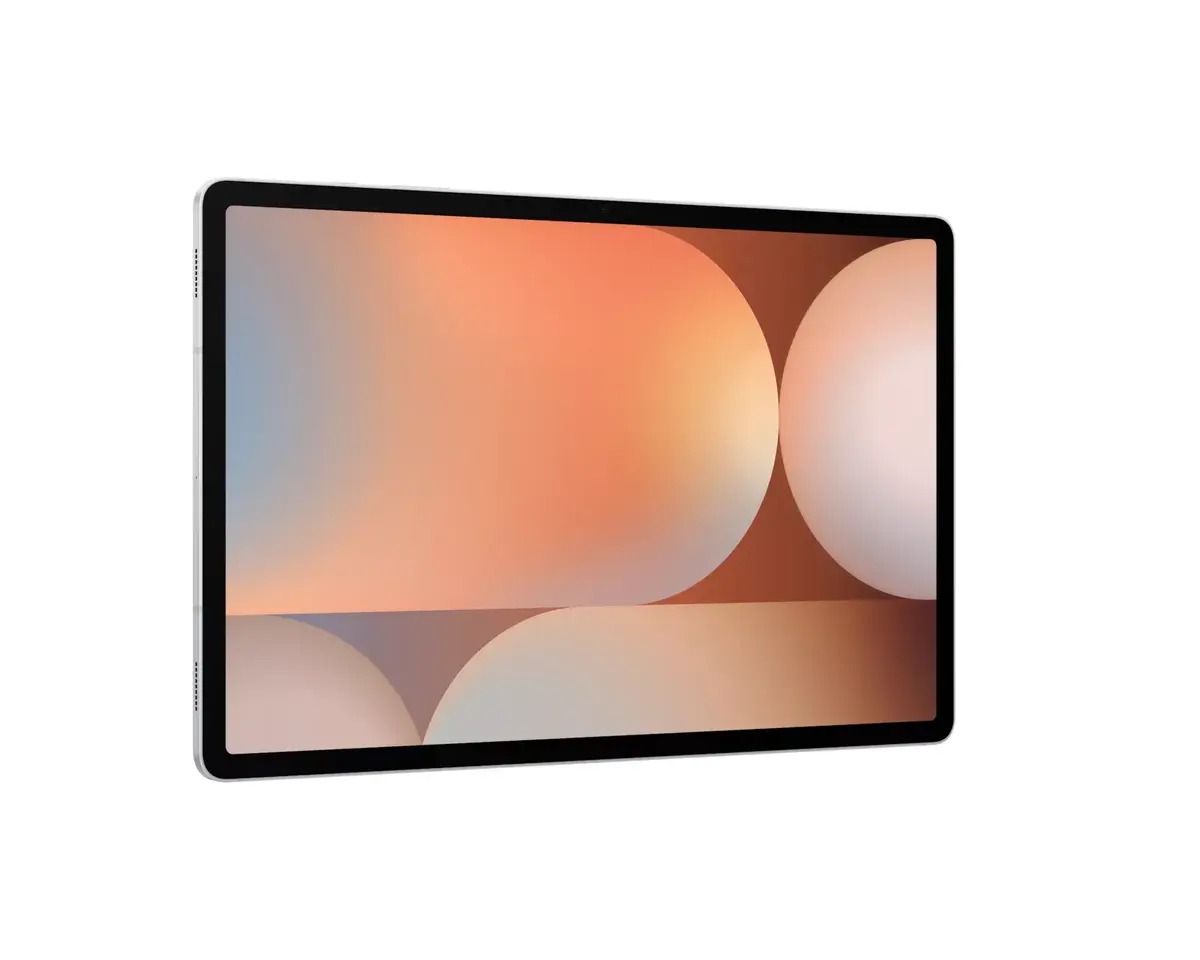
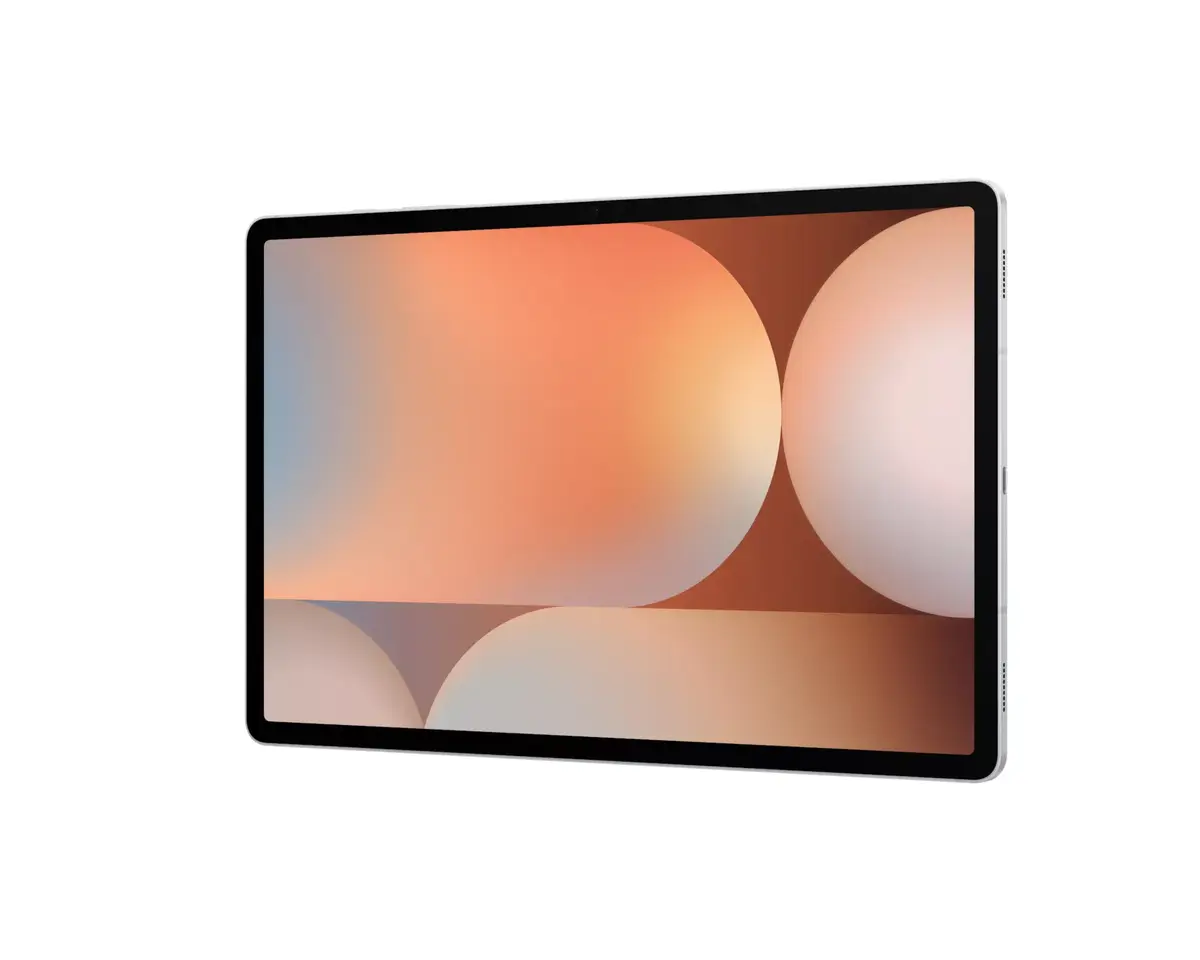
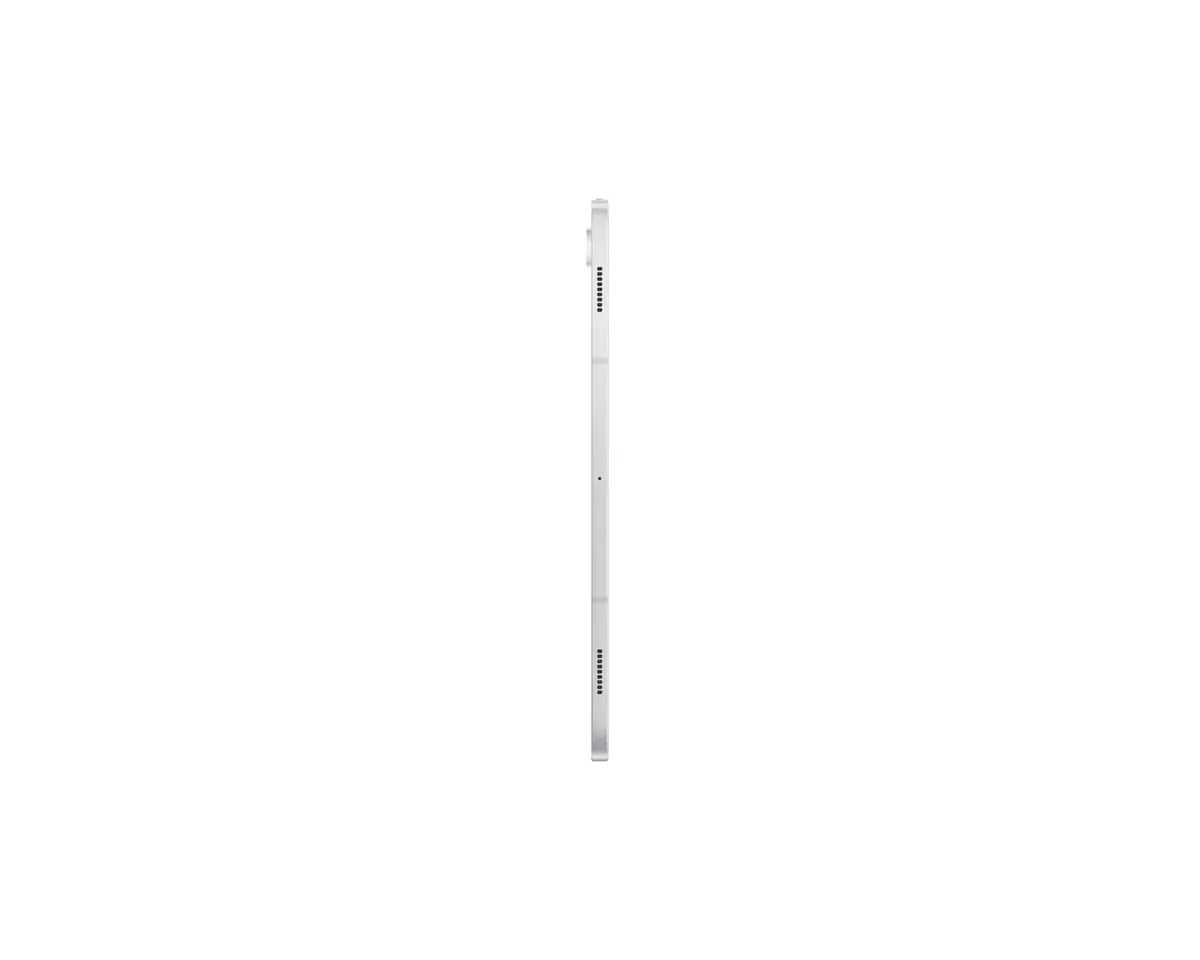
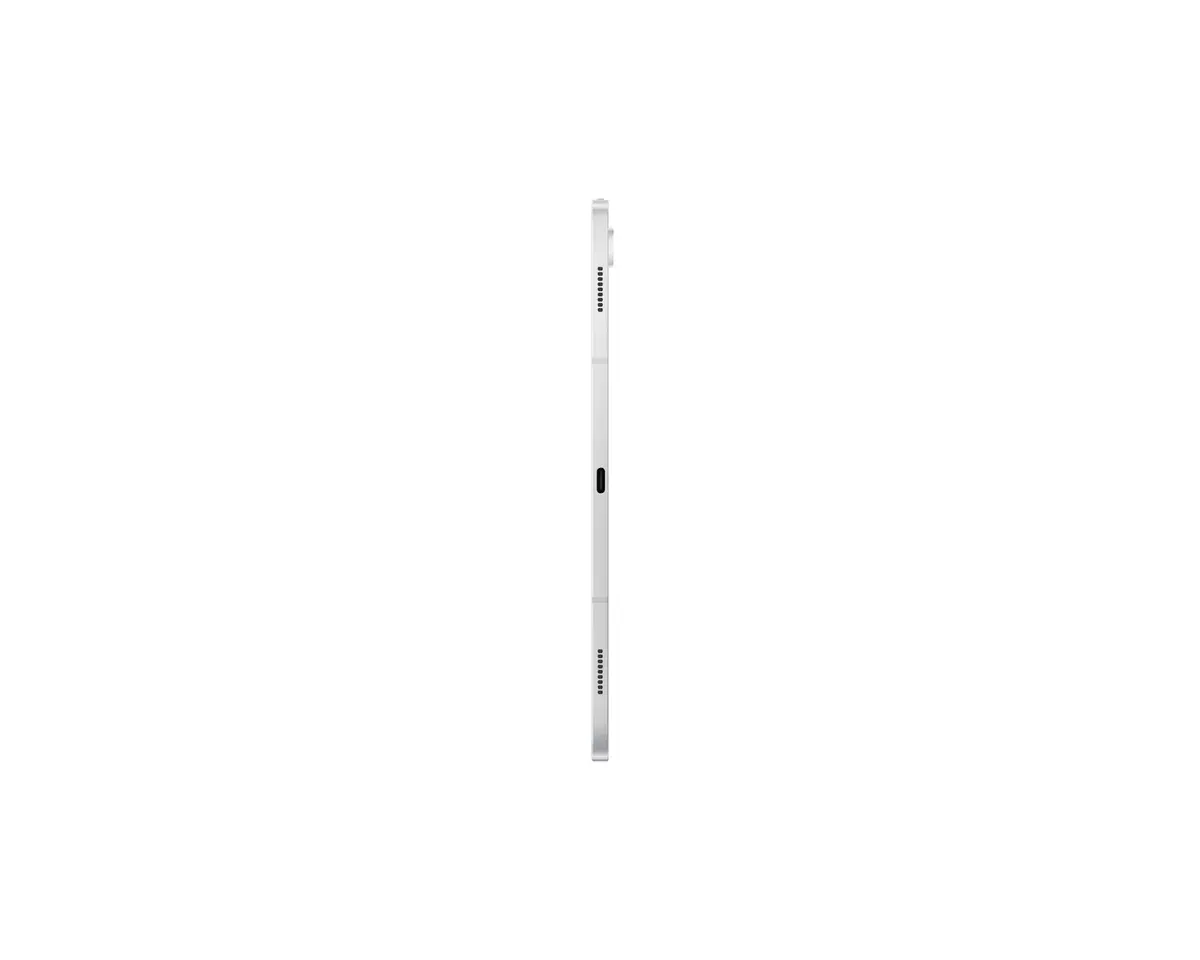
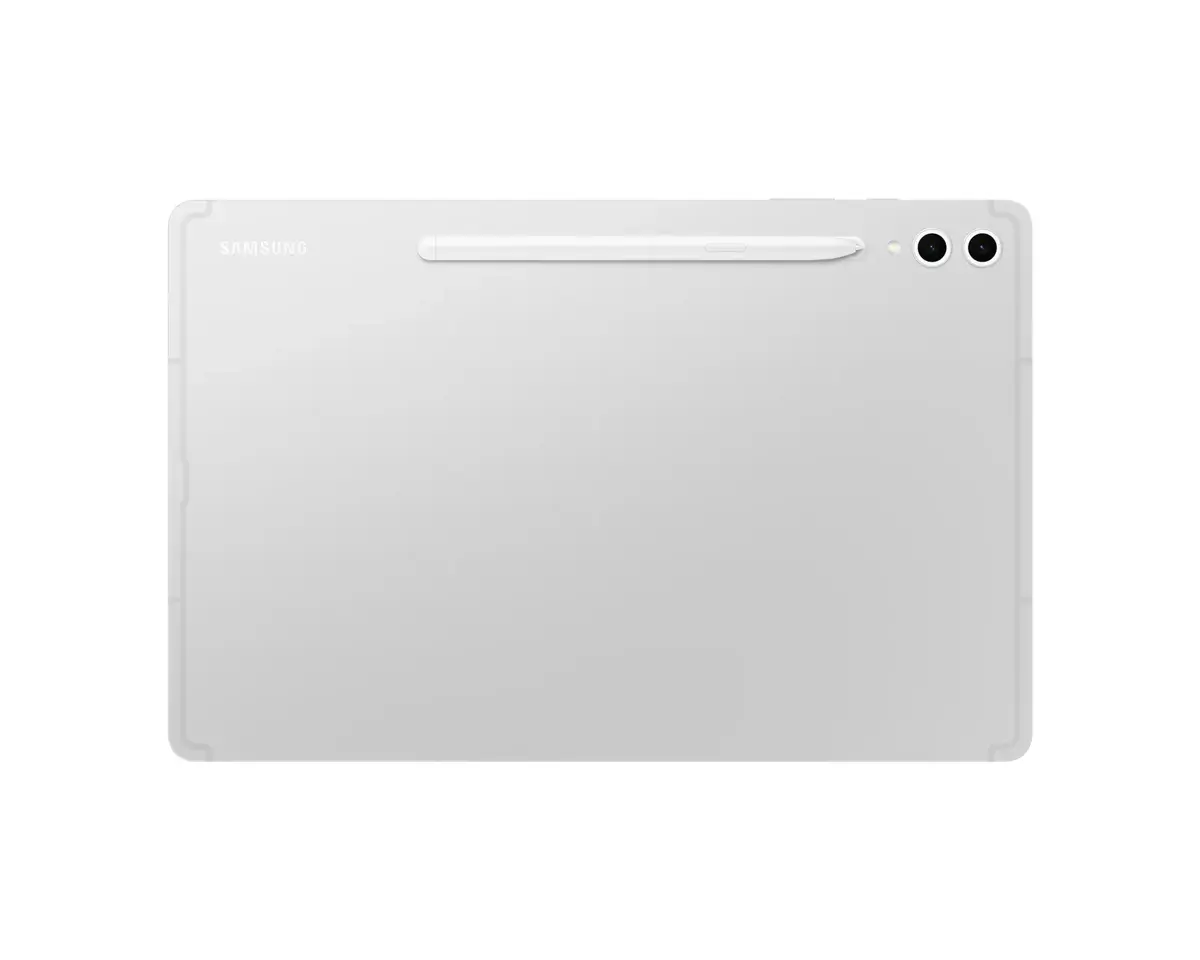
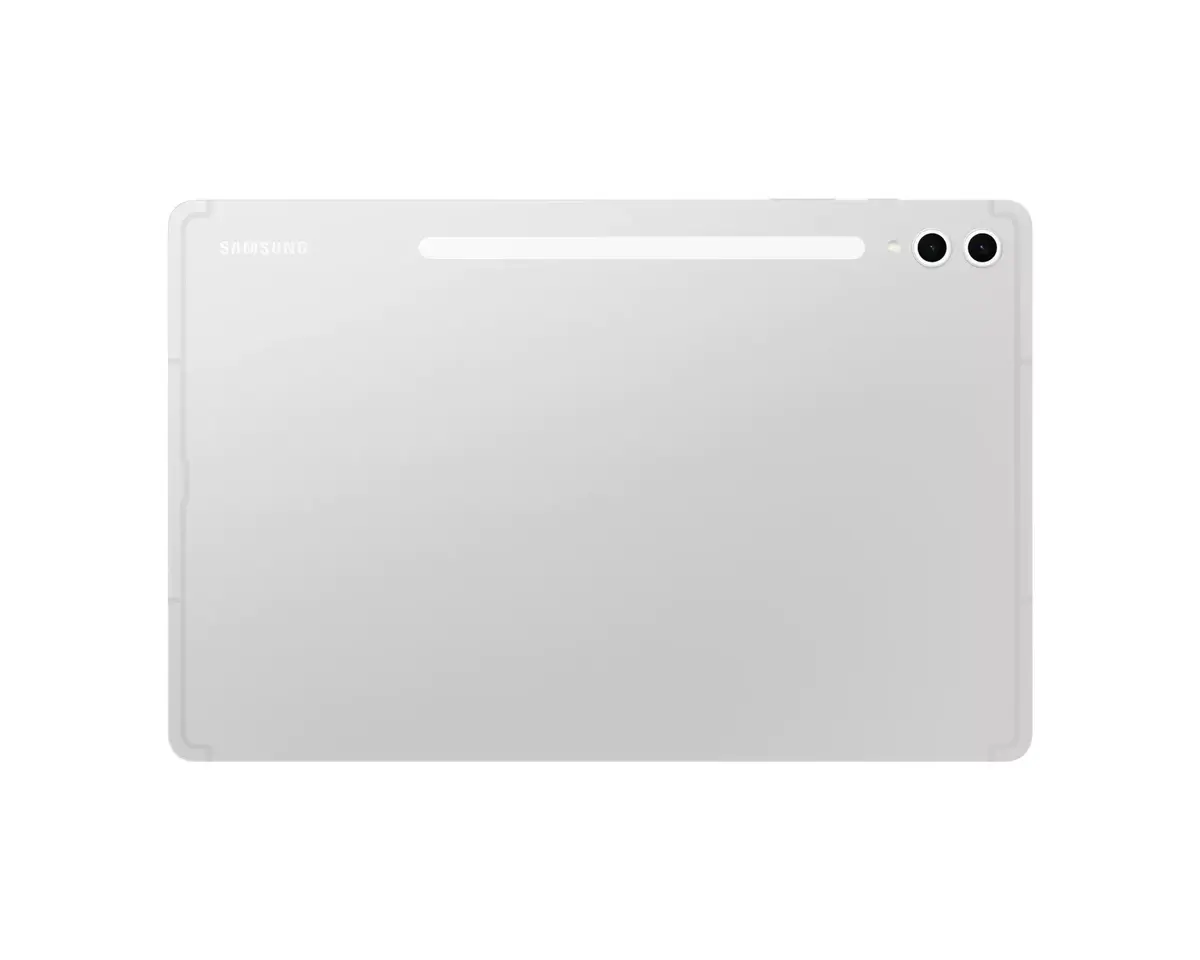
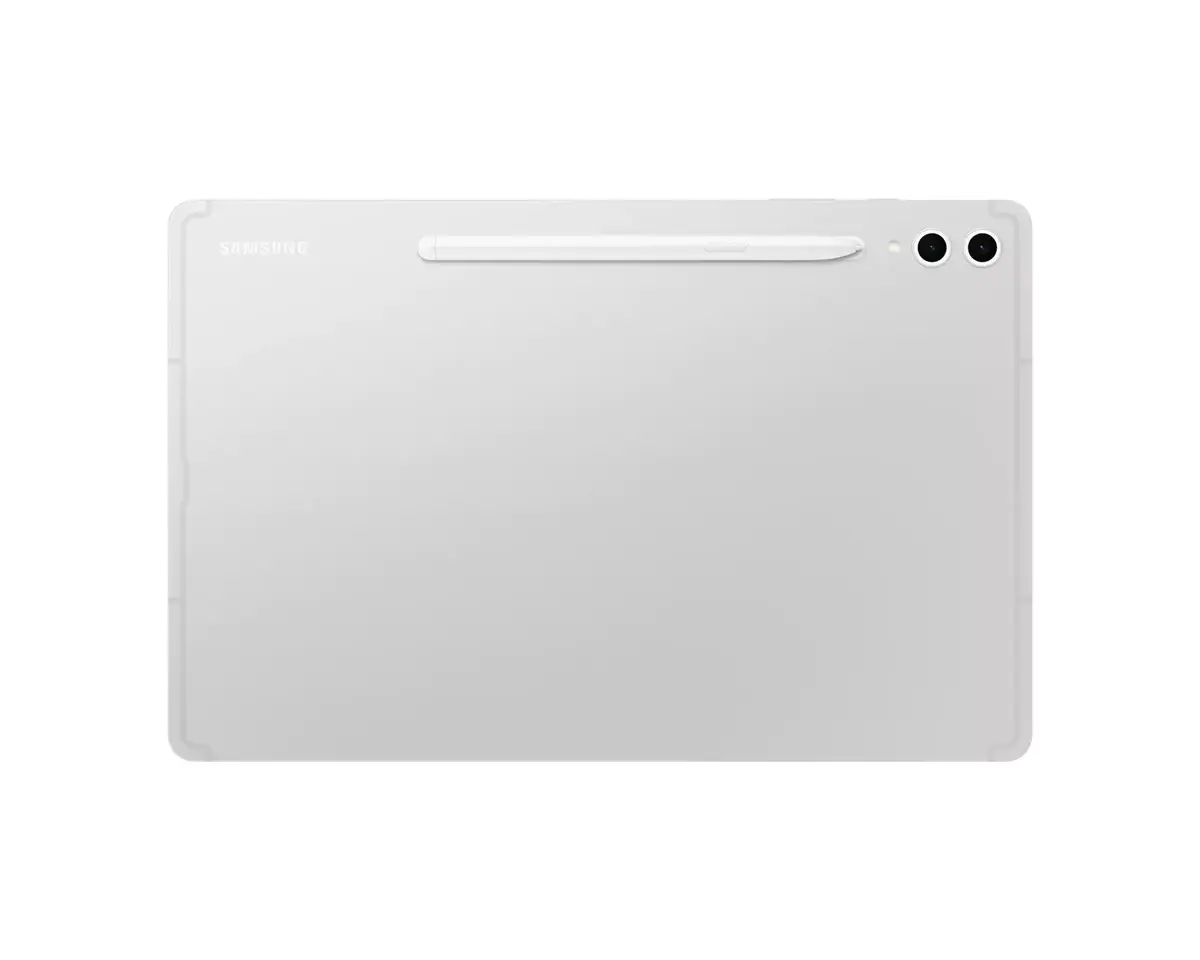
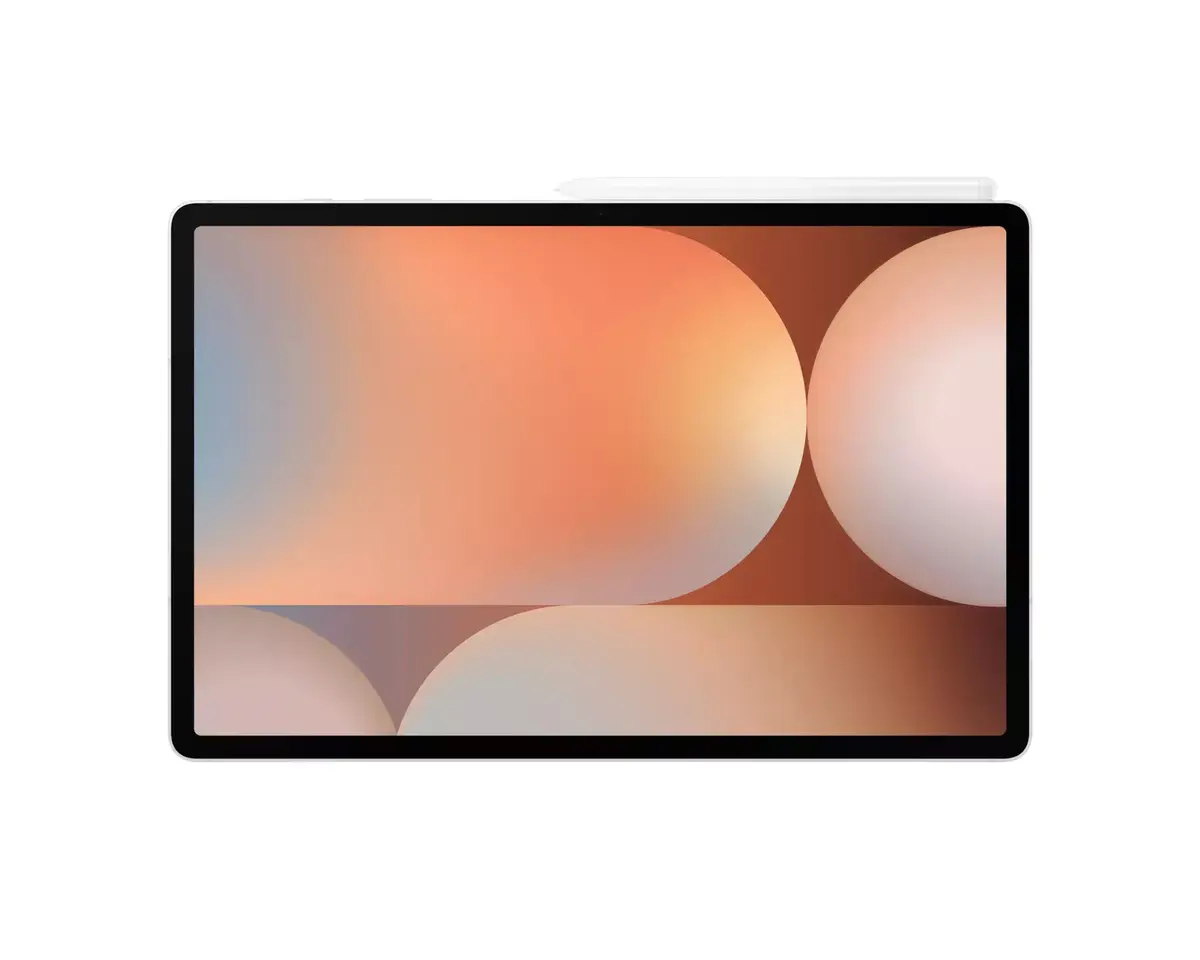
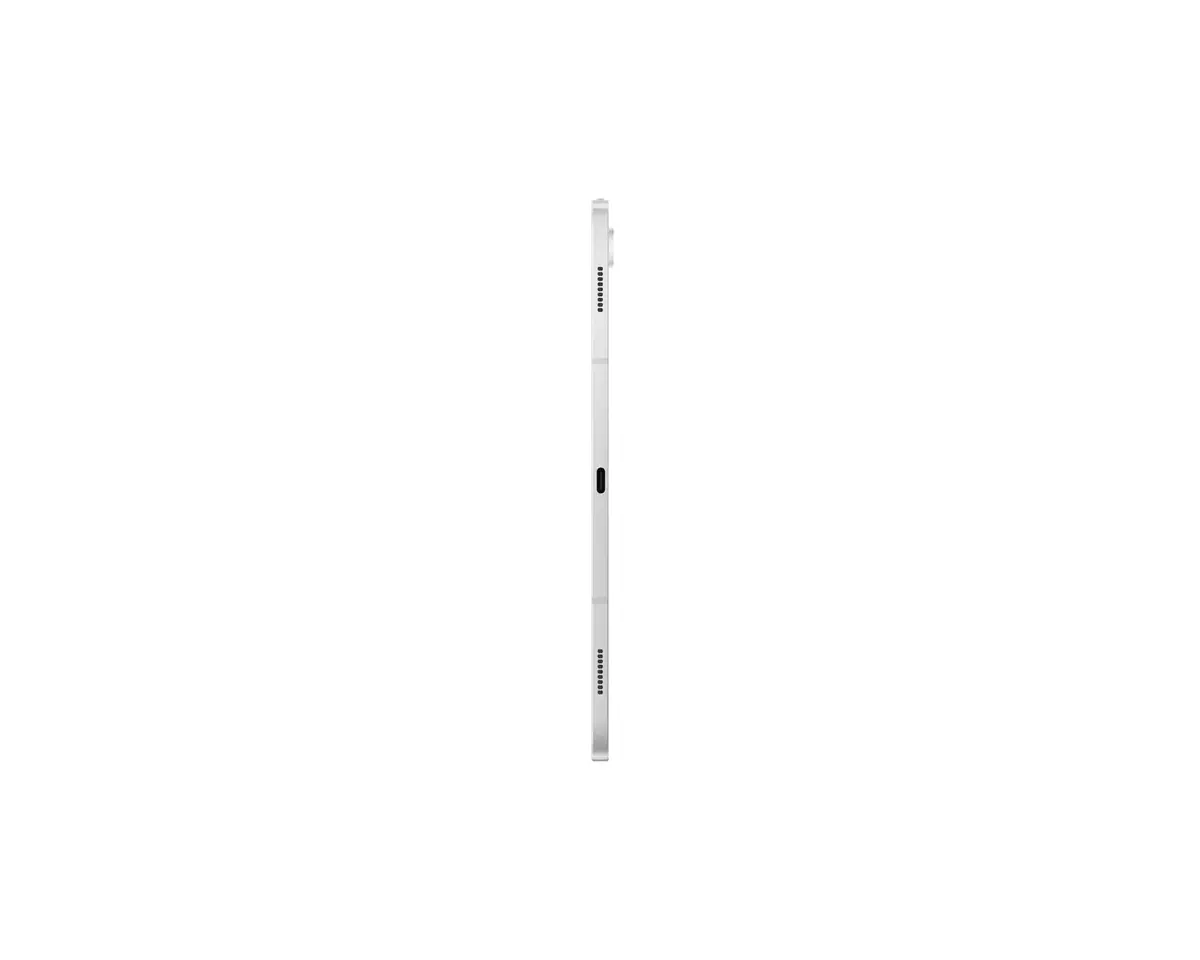
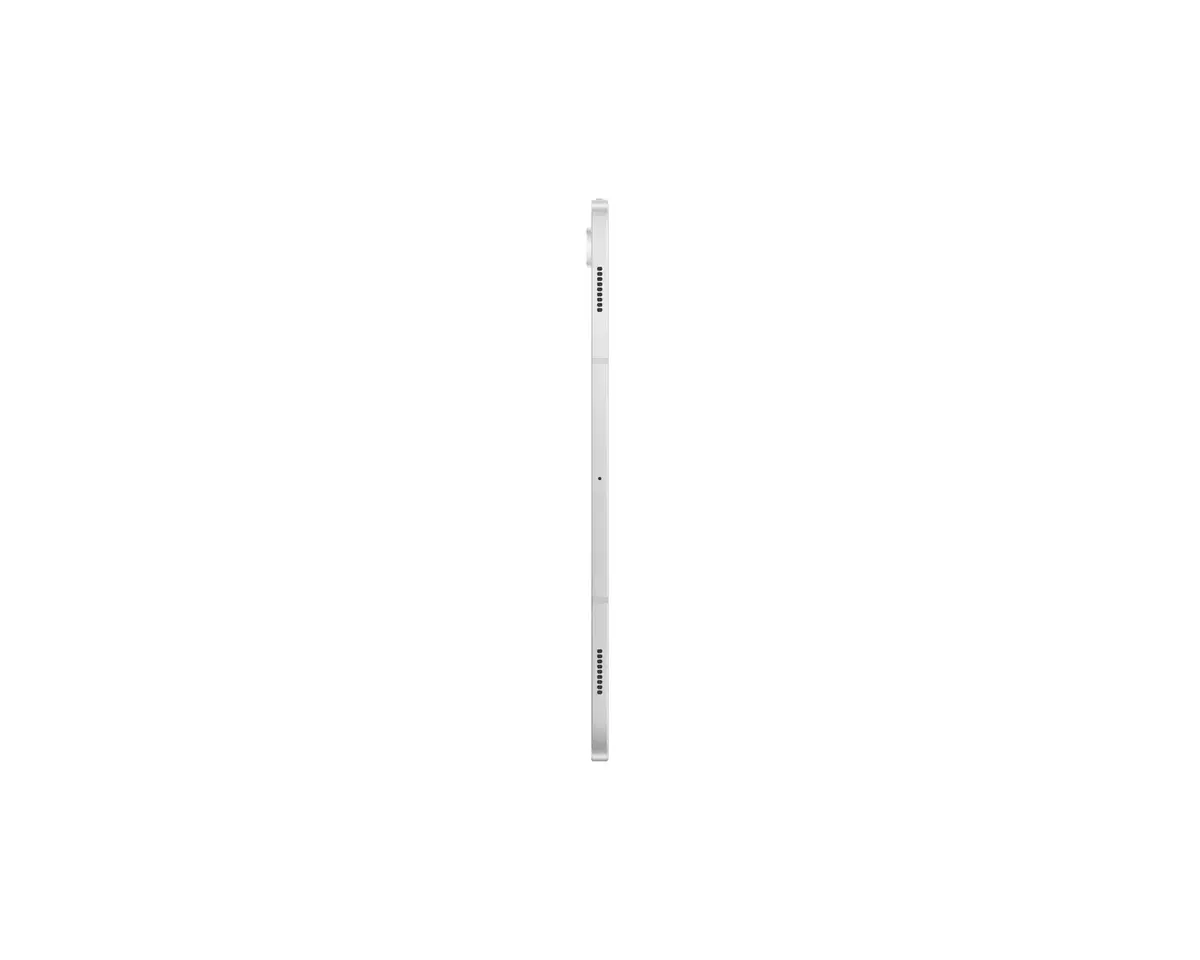
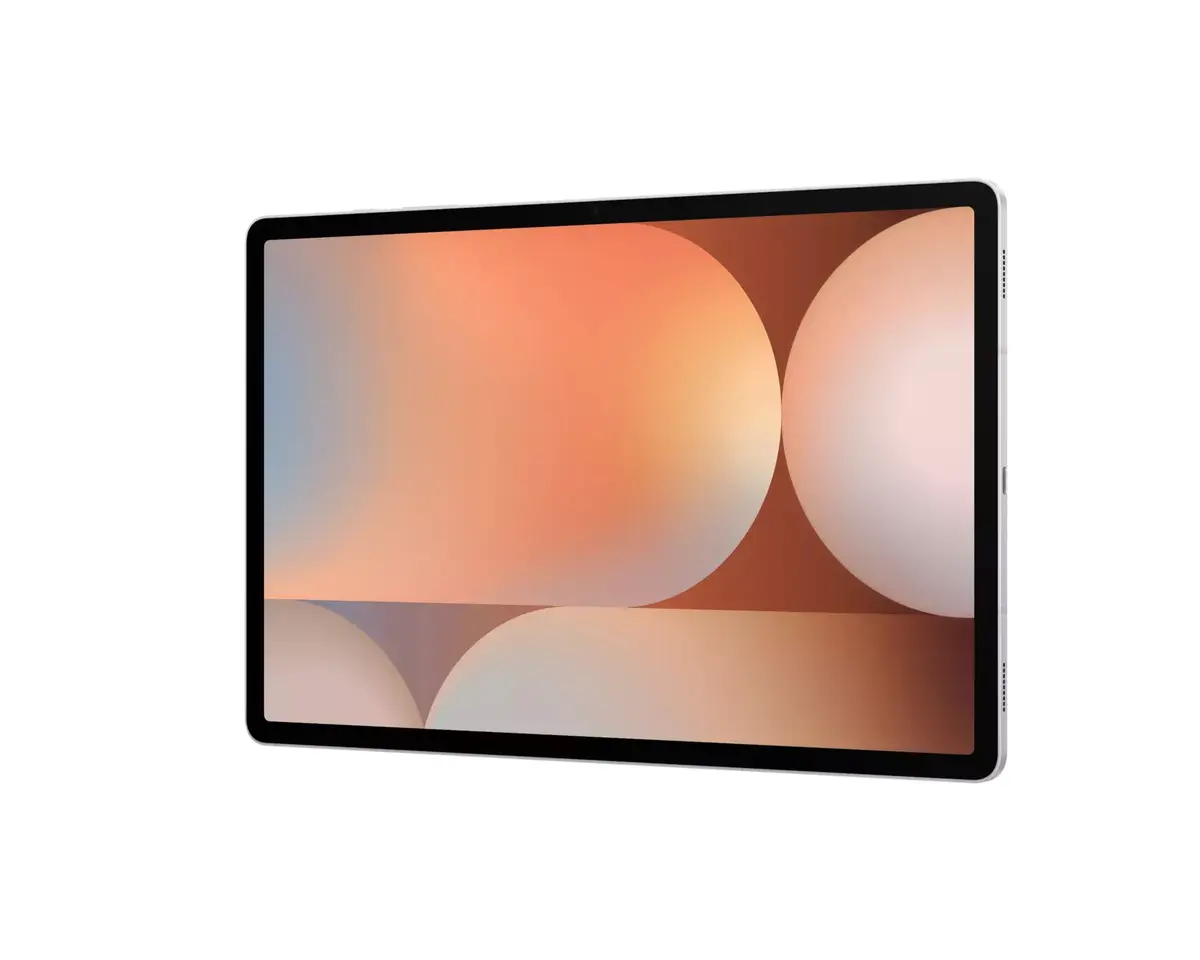
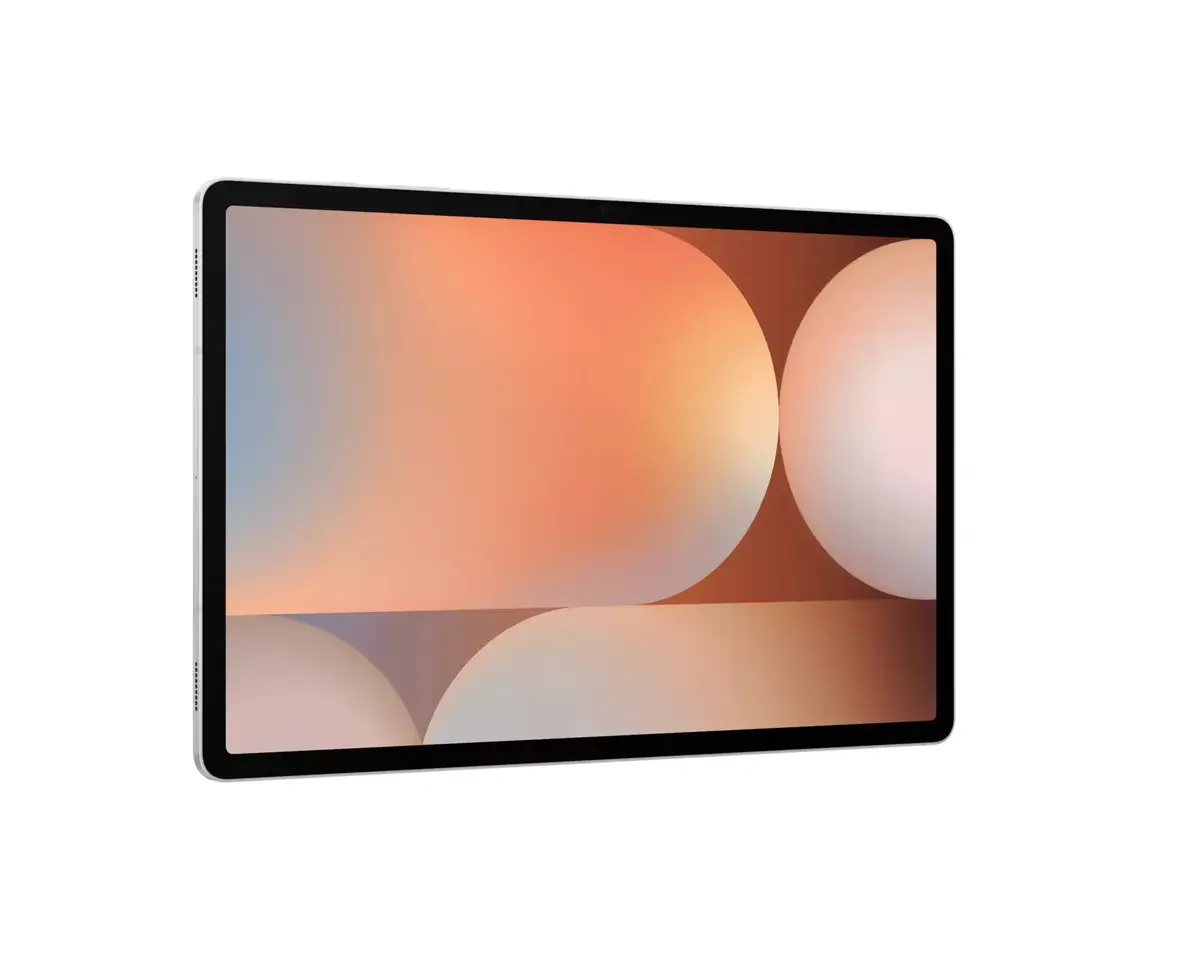
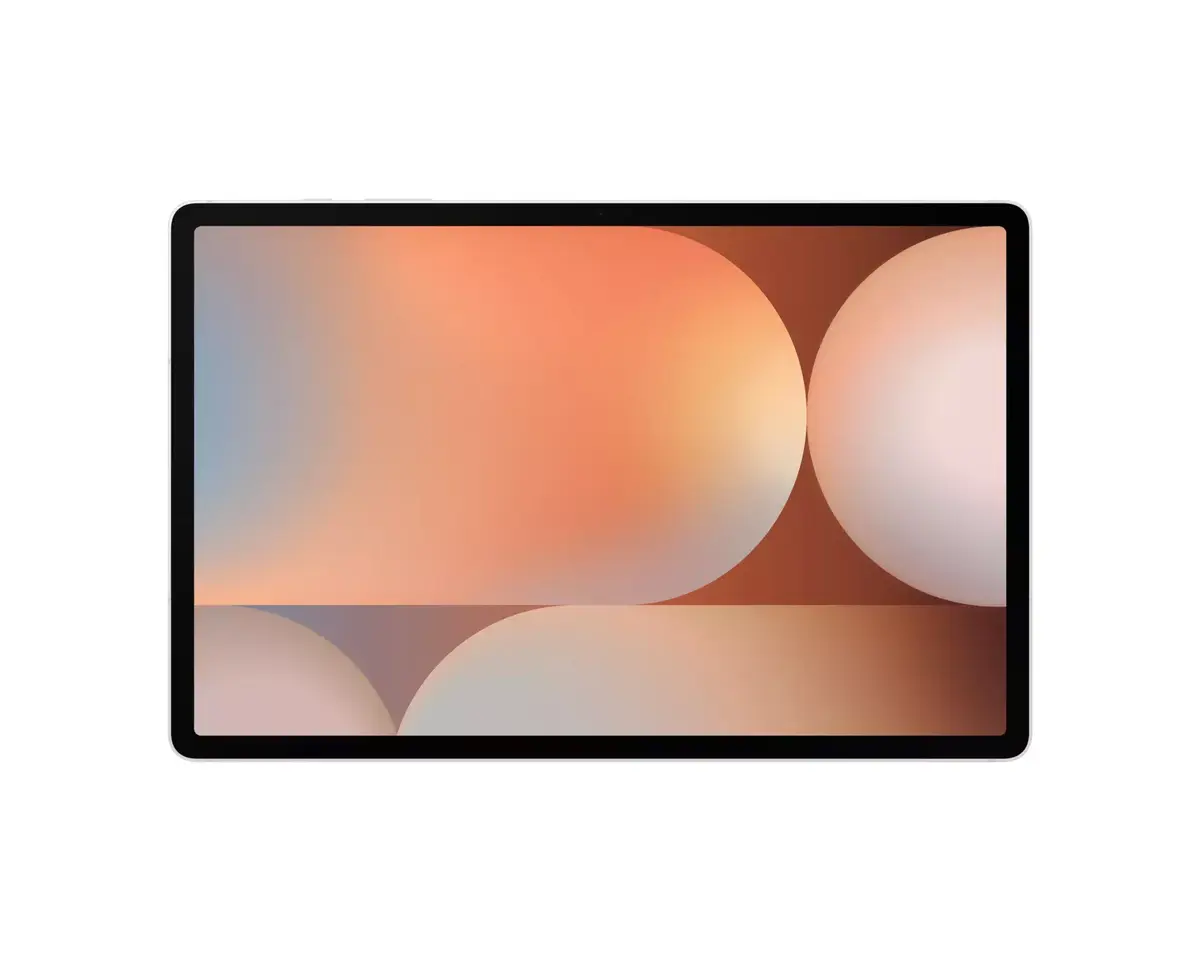
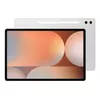
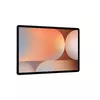
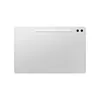
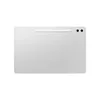
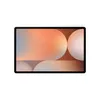
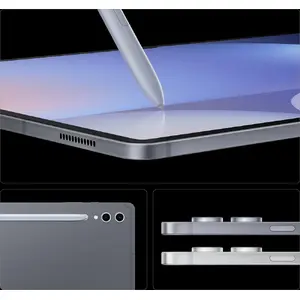
Iconic design. Iconic feel
There's a touch of innovation in every detail — with all-new design accents on the S Pen, charging area and camera deco. Each element feels amazing to the touch.
Galaxy AI optimised for the big screen
You've seen Galaxy AI, but not like this. This massive screen brings Galaxy AI features to life in a big way to maximise your productivity and fun.
Your personal note-taking assistant
Get meeting notes while staying fully engaged — just record the meeting and transcribe audio to text. Galaxy AI can then format and summarise those notes, making note-taking effortless.
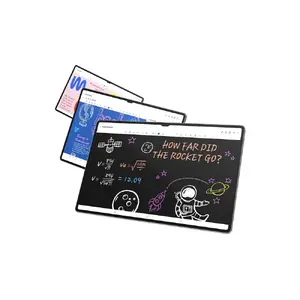
Edit in Split View
Formatting your notes is even easier in Split View — format while keeping track of the original content.
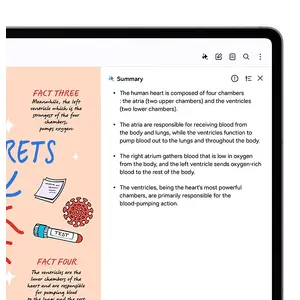
Translate whole PDFs
Need to read a PDF in a language you don't know? Now you can. Get instant translations in an easy-to-read overlay.

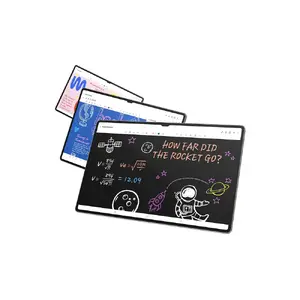
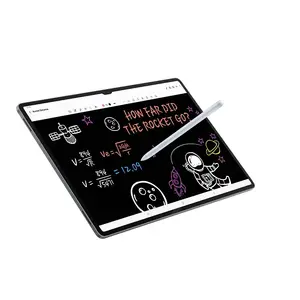
Rocket science just got easier
Solve Math makes calculations simple — automatically solving complex formulas. With Handwriting Help, it can even decipher your handwriting.
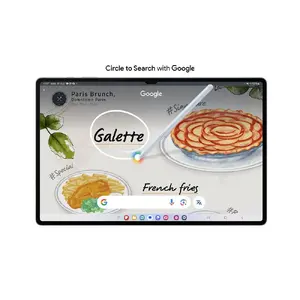
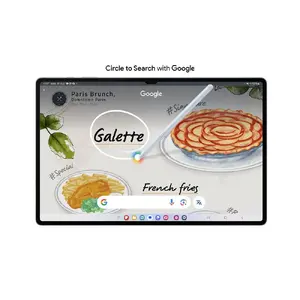
Circle to Search with Google on the big screen
Experience Circle to Search with Google on a larger screen. Circle, highlight, or tap an image or text to get Google Search results. You can even get instant translations.
Dream it. Draw it. Done
Use Sketch to Image to turn rough sketches and doodles into artwork with the help of AI and S Pen wizardry. Drawing is more powerful than ever.
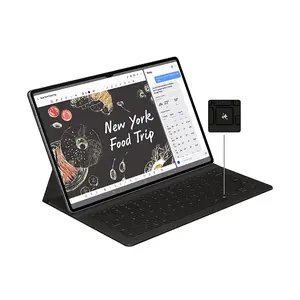
Launch AI with a single tap
Press the Galaxy AI Key to unleash Galaxy AI and search what you want. Your keyboard is now exceptionally capable.
The power of Galaxy AI across devices
Your Galaxy AI capabilities grow as you add more Galaxy AI products. All the Galaxy AI features you enjoy on other Galaxy devices are also available on the Tab S10 Series.
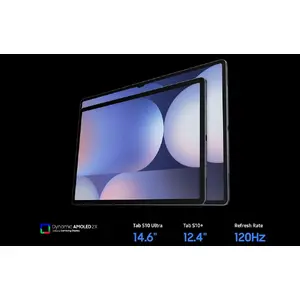
Go large or ultra large
Dive into deeper colours and truer blacks optimised for the Dynamic AMOLED 2X display. Immerse yourself in a cinematic experience with incredible resolution and ultra-smooth interactions on what many consider the ultimate display.
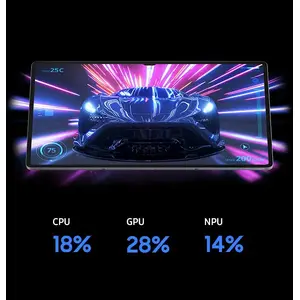
Keeps cool when gaming heats up
Rev up the excitement with an ultra-fast, powerful processor. When action really heats up, it stays cool thanks to the larger Vapor Chamber cooling system — built to cool more efficiently during long gaming or video sessions.
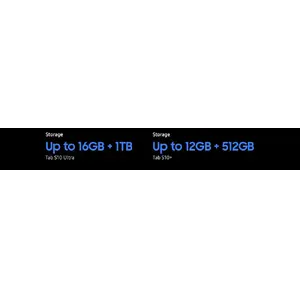
Save more of what you love
Store more — from creative projects to movies, games and photos — with ample internal storage available.
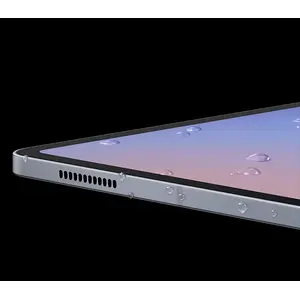
Busts dust. Withstands water
A little water won't hurt it. The device is safe in up to 1.5 meters of fresh water for up to 30 minutes.
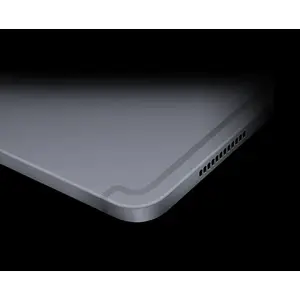
Durability that can't be beat
The Enhanced Armor Aluminum frame is more durable than ever and ready to withstand drops.
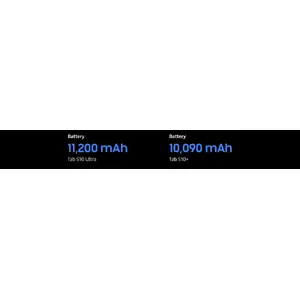
More battery. More games. More video
Make the most of the battery life. Game for hours, binge your favourite shows, then Super Fast Charge back to 100%.
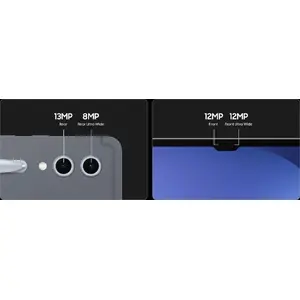
An ultra-wide camera to capture more of your world
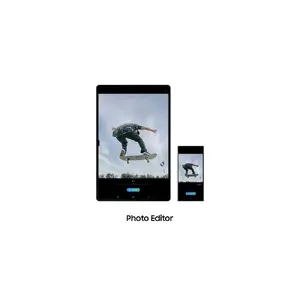
The Ultra Wide front-facing camera keeps you perfectly framed on video calls. On the rear, capture stunning HD video and photos you can edit right on your Tab S10 Series.
Amazing alone. Better together
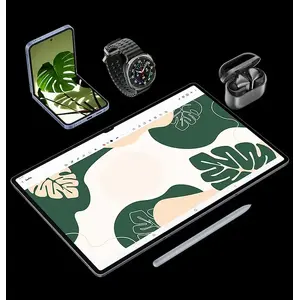
Get the most from your Tab S10 Series by pairing it with other Galaxy products. They work seamlessly together, so whatever you're doing flows naturally.
Pro-grade apps optimised for Galaxy
Professional apps like LumaFusion and Clip Studio Paint come preloaded to kickstart your creativity. It's also easy to download more, including: PicsArt, Sketchbook, Noteshelf3 and Wall Street Journal.
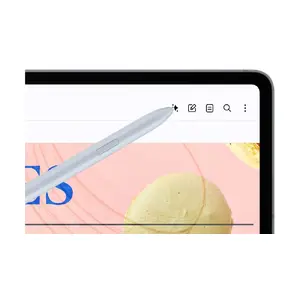
Step 1: Tap the Galaxy AI icon
Use your S Pen or finger to tap the Galaxy AI icon to open the menu.
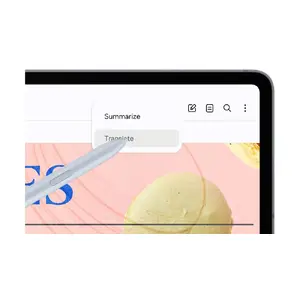
Step 2: Tap Translate
Then, tap the Translate option.
Step 3: Read
AI will provide an easy-to-read overlay translation.