








Hurry and order now – up to 50% off!
In cart {{totalProductsCount}} item(s)
Your cart is empty
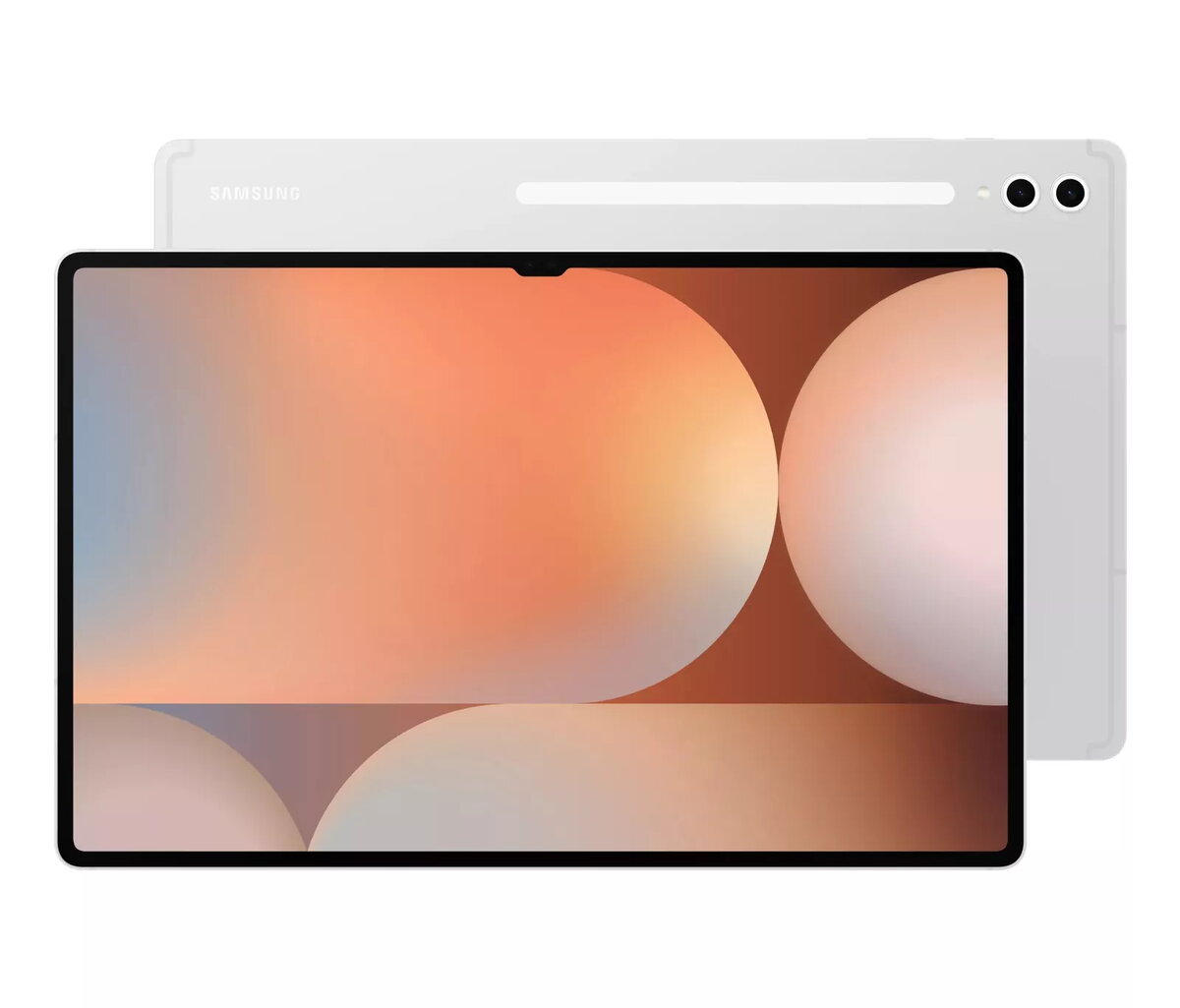
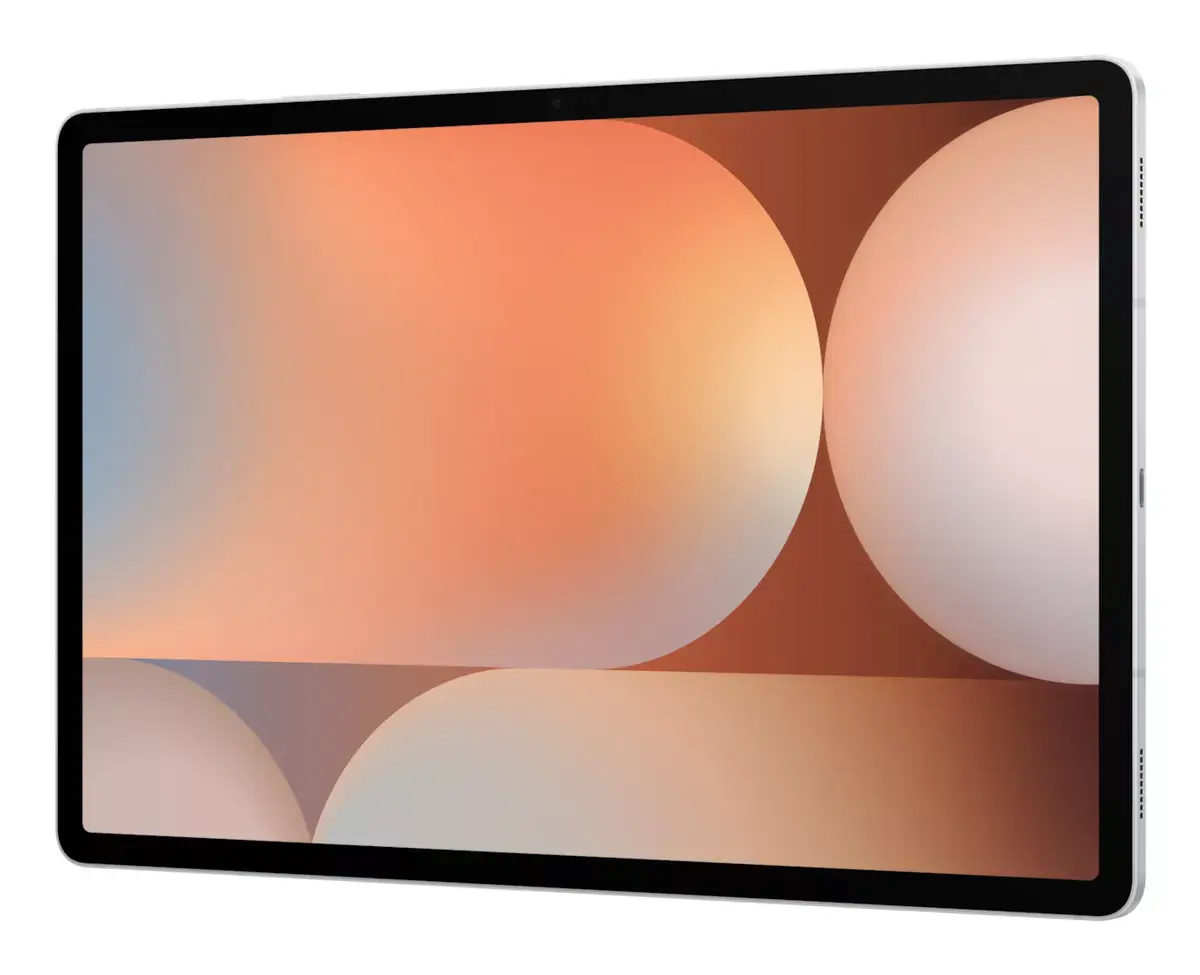
Tablet Samsung Galaxy Tab S10 Ultra 14.6" 2.8GHz 12GB RAM 256GB
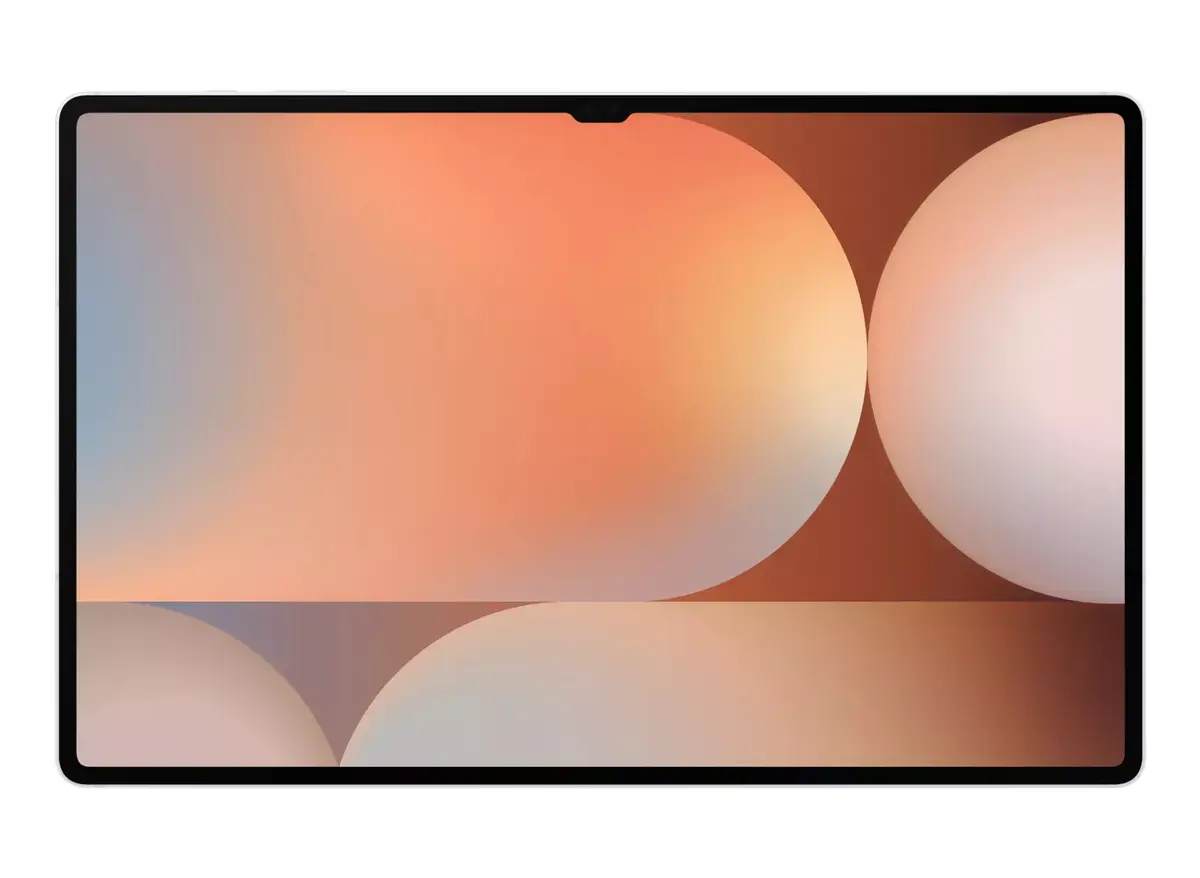
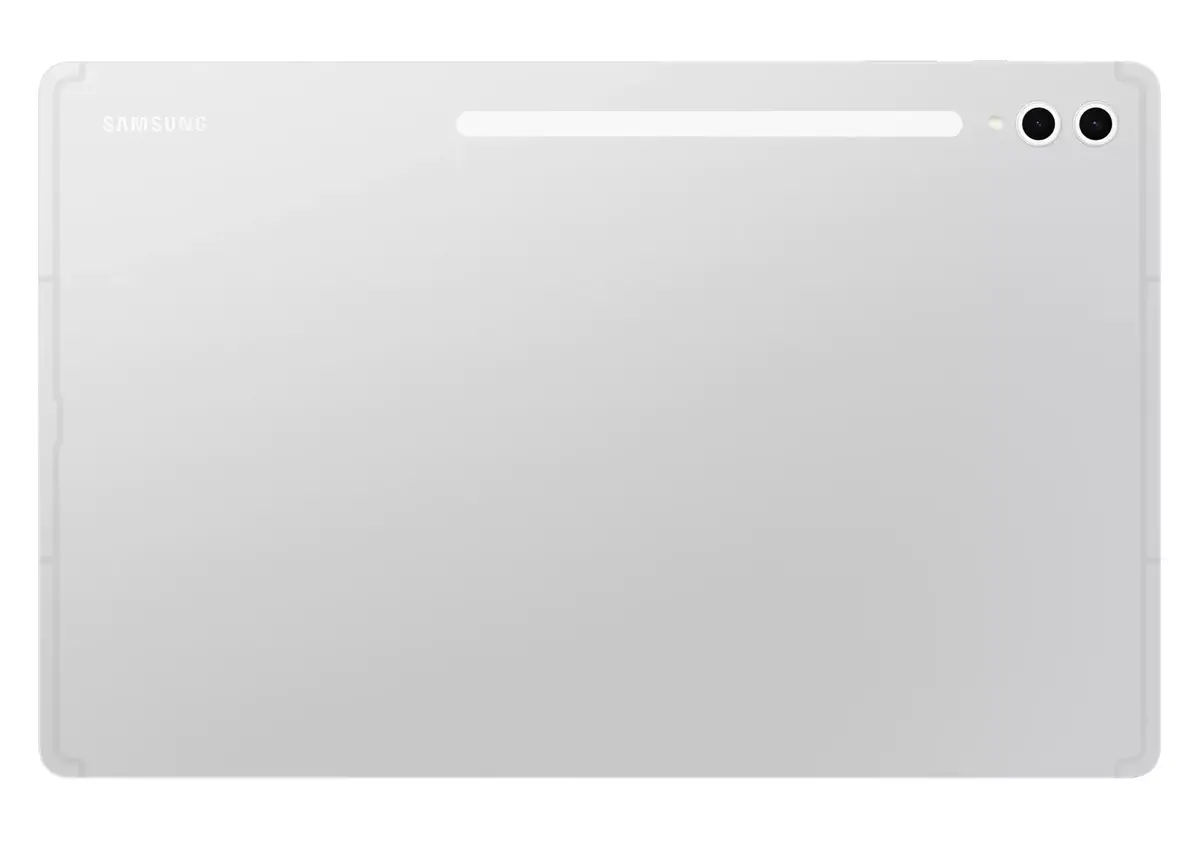
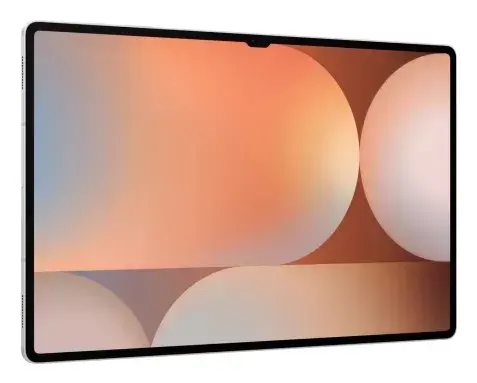
The Samsung Galaxy Tab S10 Ultra 14.6" is a high-end Android tablet designed for large-screen productivity, media consumption and creative work. It features a 14.6-inch Dynamic AMOLED 2X display with 2960 x 1848 resolution, a 2.8 GHz processor, 12 GB of RAM and 256 GB of internal storage, combined with microSD support for additional space. The device includes a dual camera system with a 13 MP rear camera and a 12 MP front-facing ultra-wide camera, IP68 dust and water resistance, and Wi‑Fi 7 connectivity. Galaxy AI features are integrated and optimised for the large display, offering on-device tools for transcription, translation, handwriting help, image generation from sketches, and other productivity functions.
The large Dynamic AMOLED 2X screen delivers deep blacks, vivid colours and reduced glare thanks to anti-reflection technology and Vision Booster, supporting smooth visuals and an immersive viewing experience. Galaxy AI support brings advanced on-device capabilities such as meeting transcription, PDF translation, math solving and Sketch to Image, all optimised for multi-window use on the big screen. The tablet combines a powerful 2.8 GHz processor with an efficient vapor chamber cooling system to maintain performance during extended gaming or editing sessions. IP68 rating, an Enhanced Armor Aluminum frame and a long-lasting battery with Super Fast Charge provide durability and reliable all-day use.
Power on the tablet and complete the initial setup by signing in with a Samsung or Google account to enable cloud syncing and access to Galaxy services. Attach and use the S Pen for writing, drawing or invoking Galaxy AI features such as Sketch to Image and handwriting help. Use Split View to run two apps simultaneously for editing and reference; launch transcription during meetings to record and convert audio to text, then use the built-in summarisation and formatting tools. Insert a microSD card if additional storage is required. Connect to a Wi‑Fi 7 network for faster downloads and streaming, and pair with other Galaxy devices for cross-device continuity.
For optimal performance, keep the system software up to date and use official charging accessories for Super Fast Charge. Use the Vapor Chamber cooling by avoiding direct heat sources during extended gaming or rendering sessions, and store large media files on a microSD card if you need to preserve internal storage for apps and system updates.
{{highlightedFeature.featureTitle}}:
{{getProductFeatureValueById(product, highlightedFeature.featureId)}}
{{ productComparisonGenerationError }}