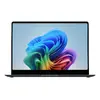
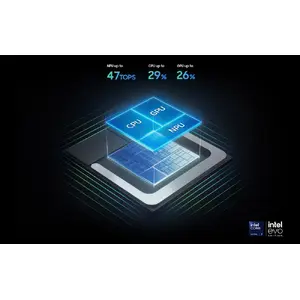
Powerful processor driving the Next-Gen AI PC
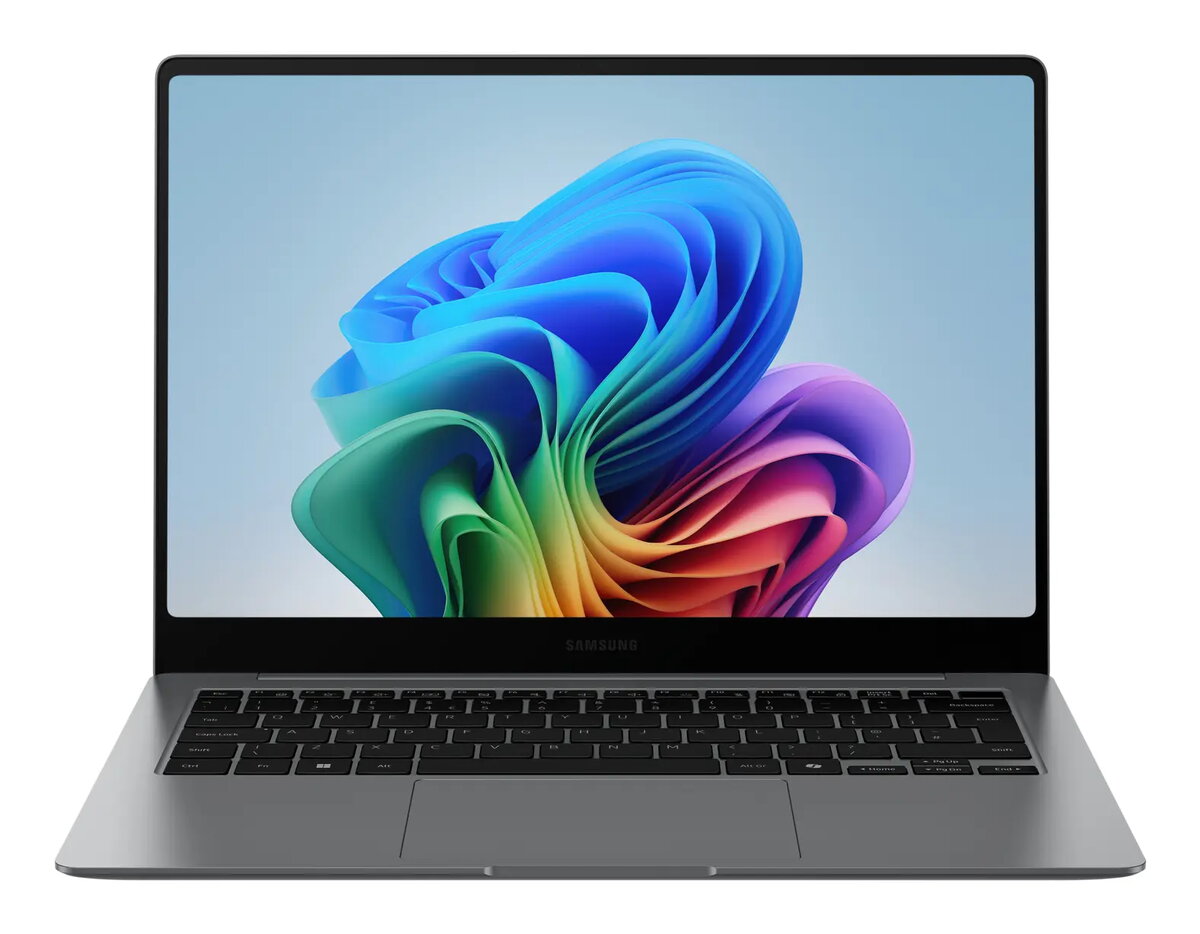
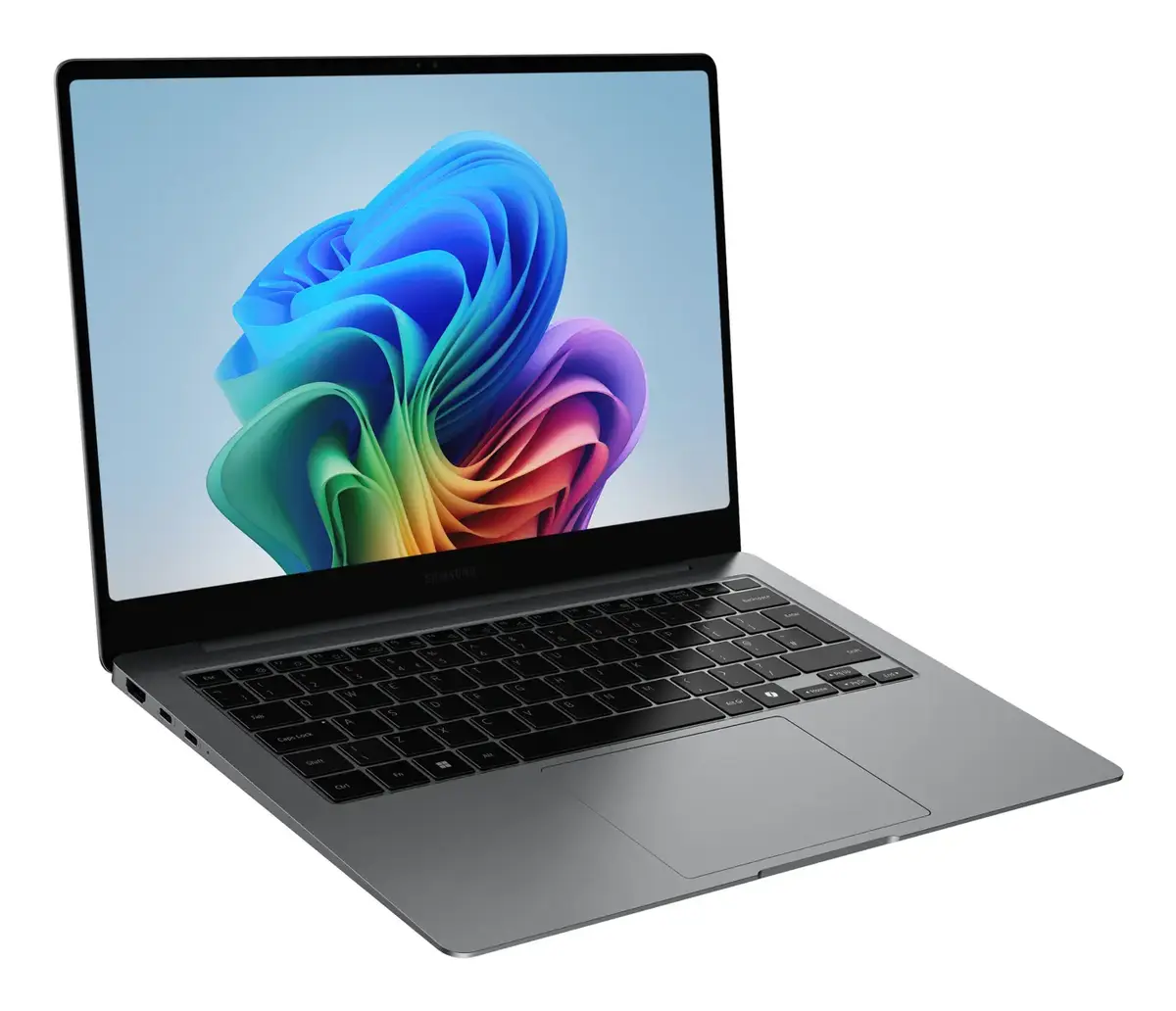
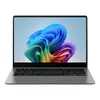
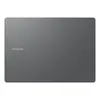
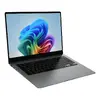
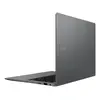
Experience a new level of transformative AI performance on the Galaxy Book5 Pro 14" with the high-speed Intel® Core™ Ultra processor (Series 2). Featuring an advanced NPU capable of up to 47 TOPS, this laptop is engineered to handle heavy workloads, render complex 3D models, and accelerate AI-intensive tasks with ease.
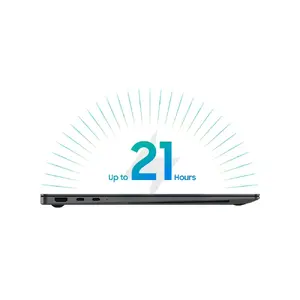
Stay powered up with a long-lasting battery
Maintain your productivity throughout the day with a long-lasting battery that supports up to 21 hours of video playback. When you need a boost, the compact fast charger provides up to 41% charge in just 30 minutes.
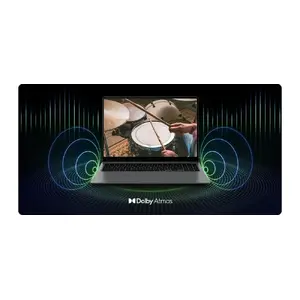
Amp it up with quad speakers
Enjoy a rich, immersive audio experience with the quad-speaker system. Tuned with Dolby Atmos surround sound, these speakers deliver deep, clear audio for all your media.
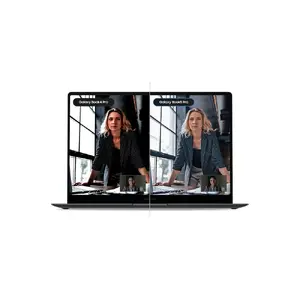
Brighten up video calls with Staggered HDR
Look your best during online meetings with Staggered HDR technology. Your webcam delivers crisp, vivid video with a wide dynamic range, ensuring you are always camera-ready, whether in the office or on the go.
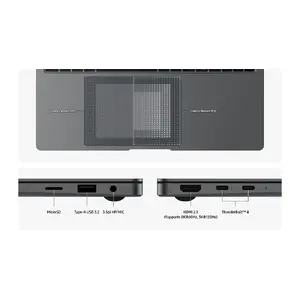
Smarter touchpad and versatile connectivity
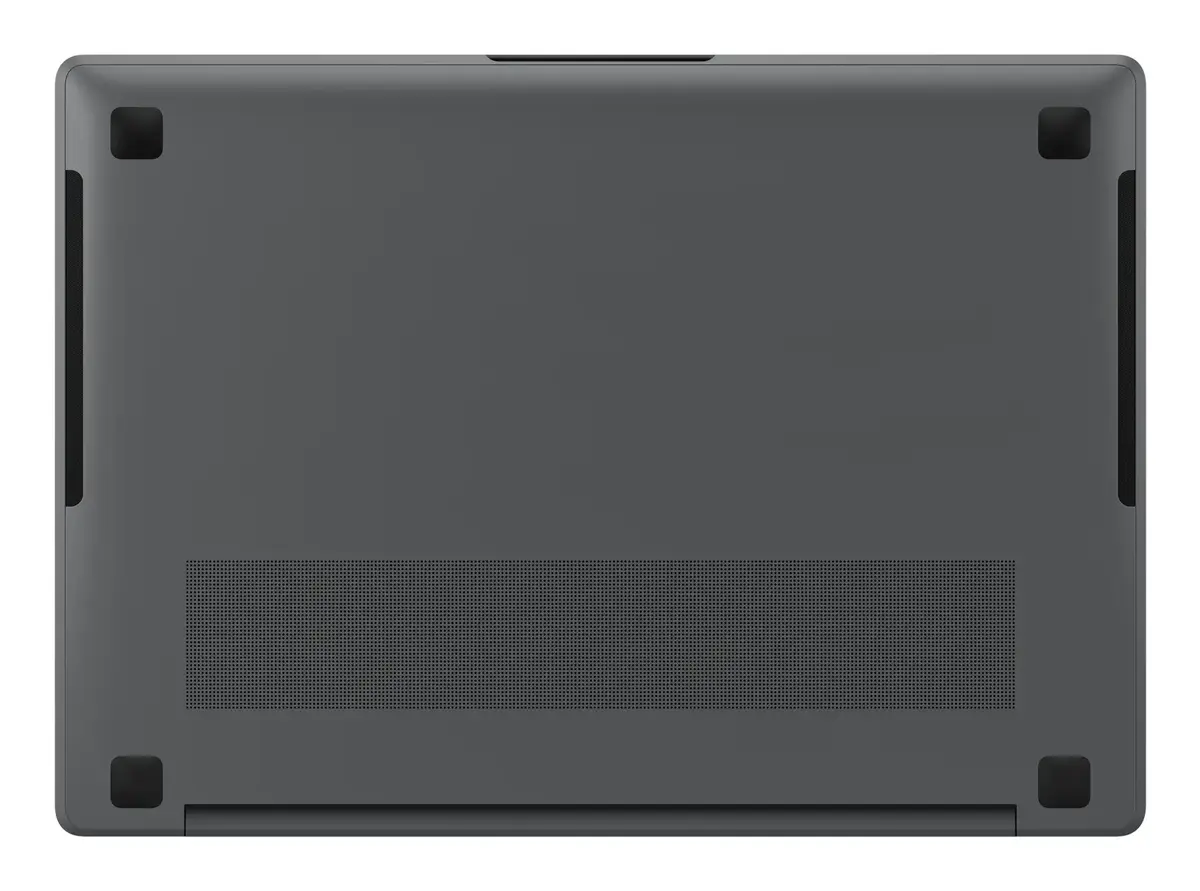
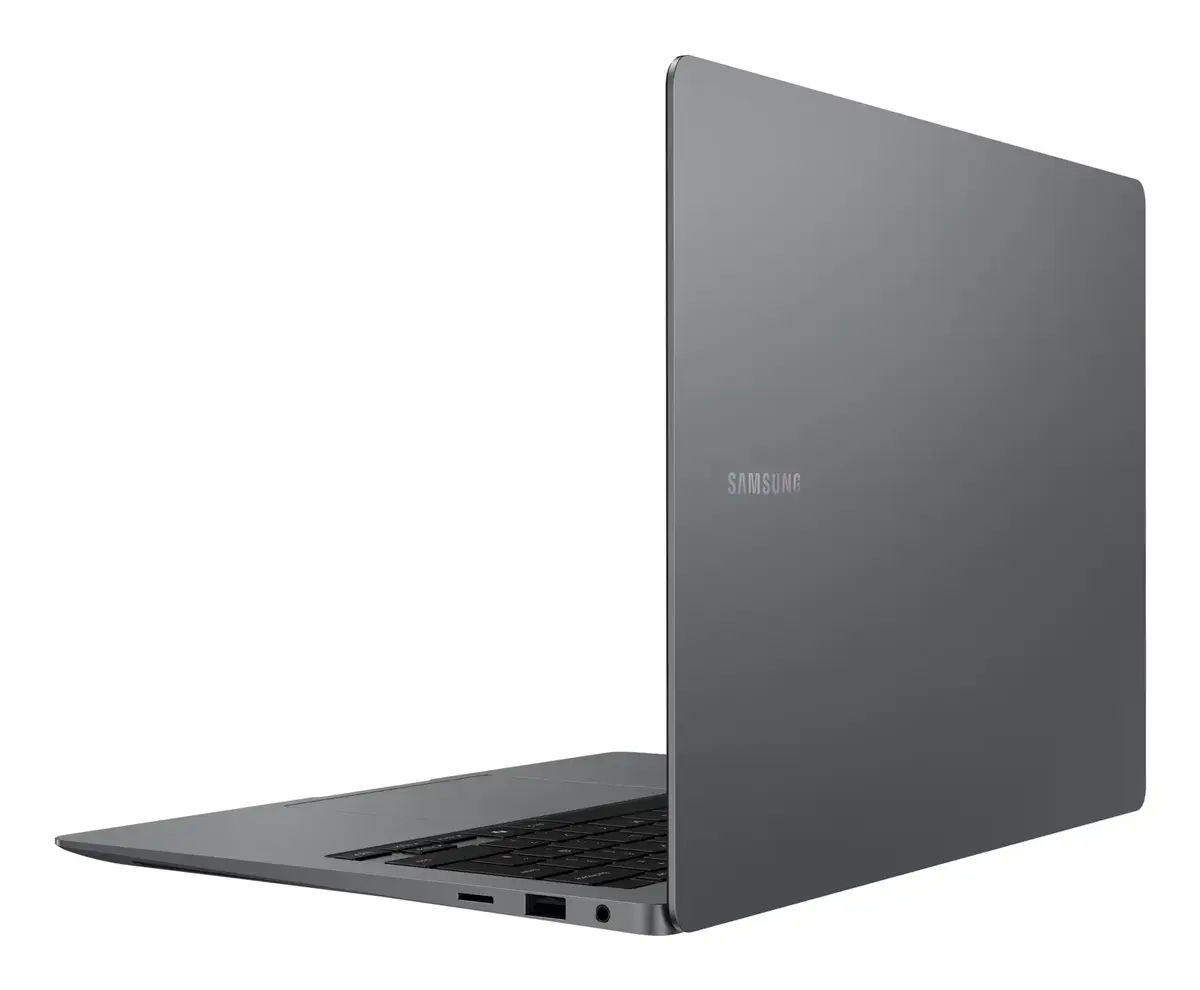
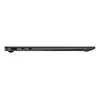
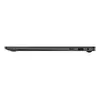
Navigate with precision using the touchpad featuring adaptive palm rejection to prevent accidental touches. Expand your workstation effortlessly with two Thunderbolt 4 ports, HDMI, USB-A, a microSD card slot, and a dedicated headphone/mic jack.
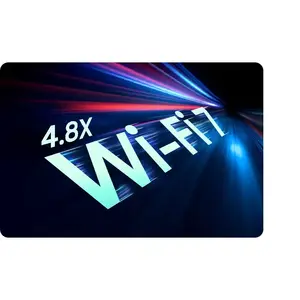
Wi-Fi 7 for lightning-fast speeds
Stay connected with Wi-Fi 7, which offers speeds up to 4.8x faster than Wi-Fi 6. Enjoy ultra-low latency and smooth real-time interactions during online meetings and file sharing.
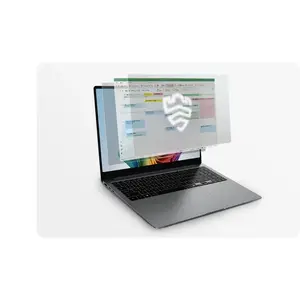
Samsung Knox for professional security
Protect your system with premium hardware-based security from Samsung Knox. A dedicated security chip shields your device in real-time, keeping your critical system data safe from potential threats.
Seamlessly pair and control Galaxy devices
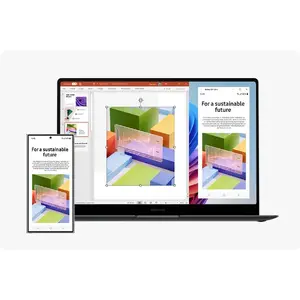
Connect your ecosystem instantly. Use the connectivity hub to link your phone, PC, and tablet with simple drag-and-drop actions, enabling features like Multi Control and Storage Share.
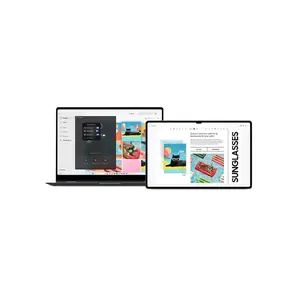
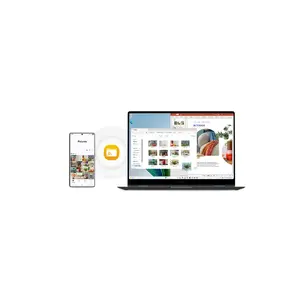
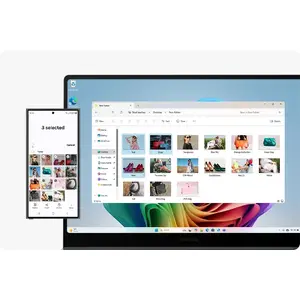
Storage Share for unified file access
Enjoy the freedom of unified storage. Browse photos, play videos, and edit mobile content directly on your PC without the need for manual file downloads.
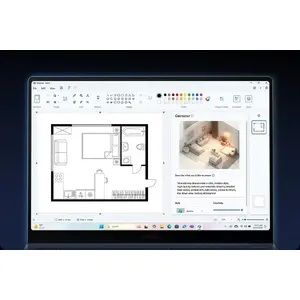
From first draft to fine art
Unleash your creativity with Cocreator in Paint. Simply sketch your idea and let AI transform it into professional artwork, which you can refine using intuitive text prompts.
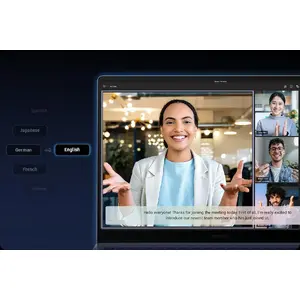
Go global with real-time translations
Never miss a detail in international meetings. Live Captions automatically detect speech and convert it into real-time English captions, keeping you informed and engaged.
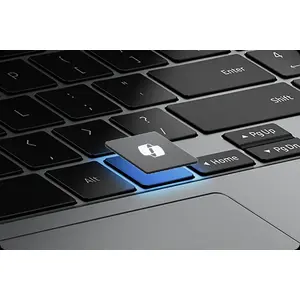
Launch AI with one press
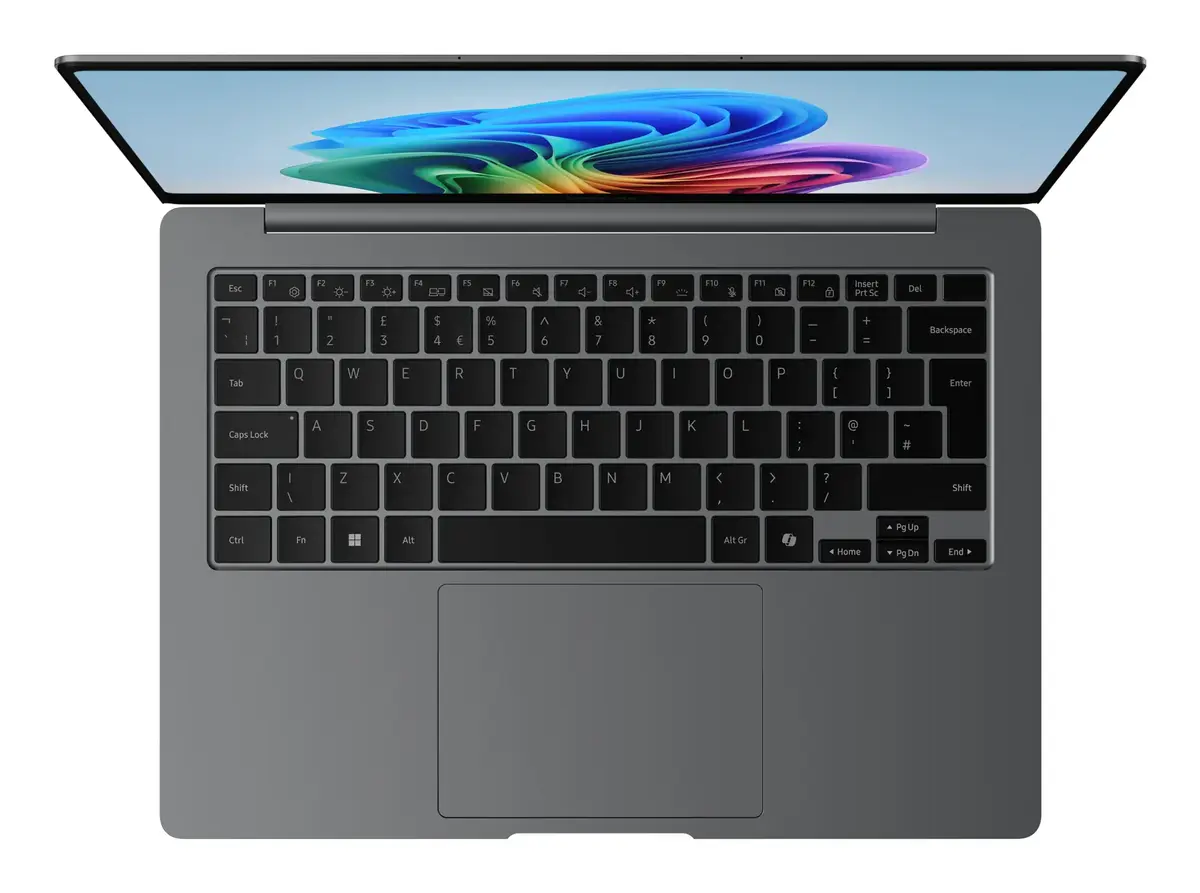
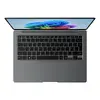
Access personalised AI assistance instantly. The dedicated Copilot key on your keyboard puts powerful AI tools at your fingertips whenever you need them.
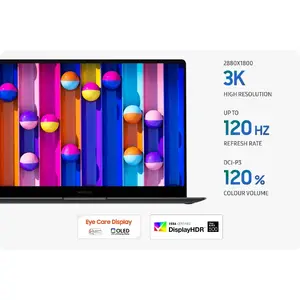
Dynamic AMOLED 2X display
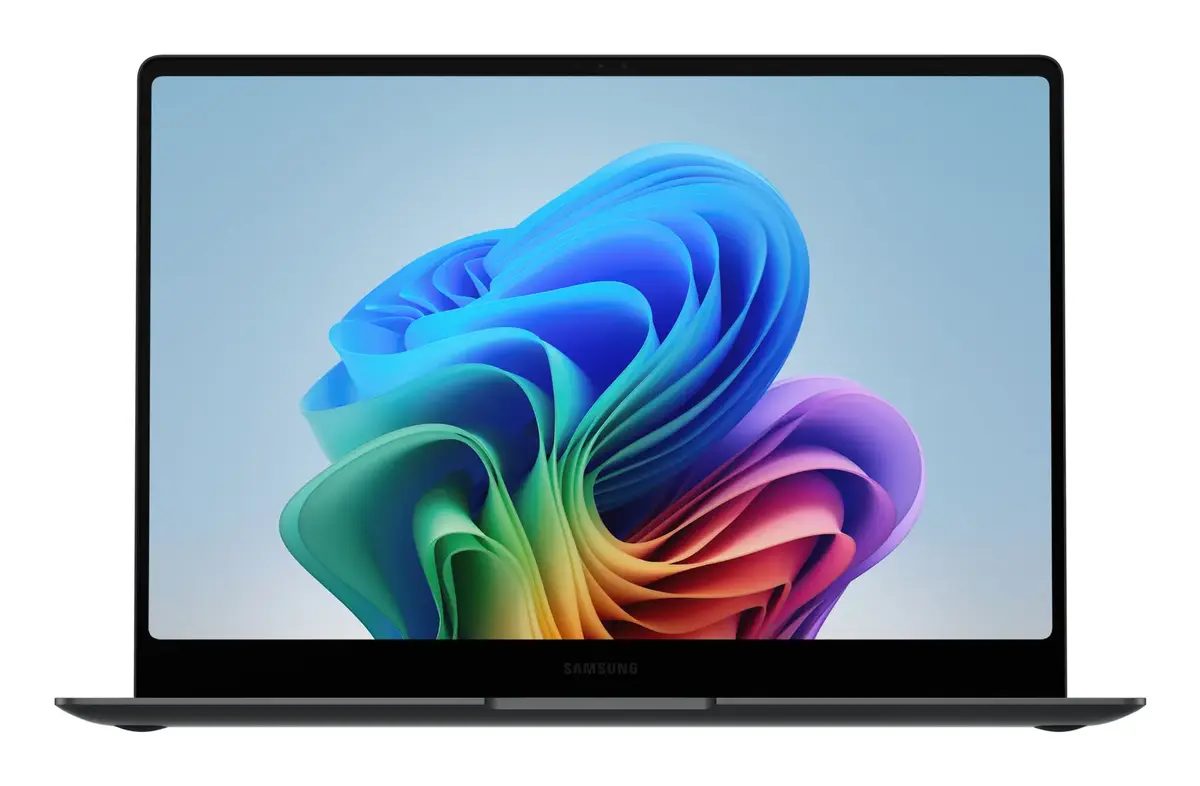
Experience captivating visuals on the high-resolution Dynamic AMOLED 2X screen. Enjoy vivid colours, smooth motion, and reduced blue light emission for superior eye comfort.
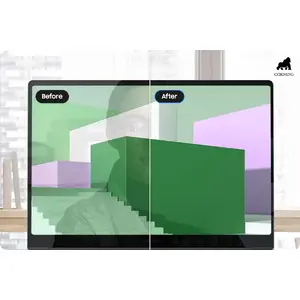
Dazzling views at any angle
The anti-reflective Corning® Gorilla® Glass with DX reduces surface reflection to less than 2%, ensuring your screen remains crisp and legible from virtually any viewing angle.
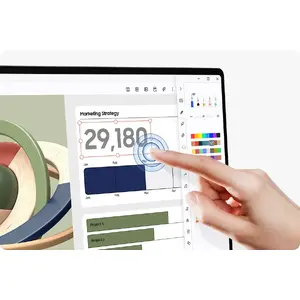
Intuitive touchscreen control
Take full control with the responsive touchscreen. Use multi-touch gestures to navigate apps, edit content, and manage projects with enhanced precision and speed.
Vision Booster for outdoor clarity
See clearly even in bright sunlight. Vision Booster uses intelligent tone mapping to adjust contrast and colours, ensuring your display remains vivid in any lighting environment.
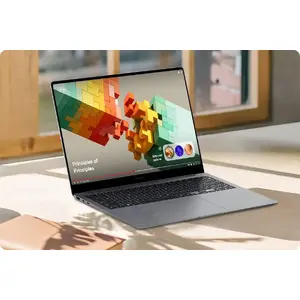
Quick Share for secure transfers
Transfer files instantly between Galaxy devices with Quick Share. For sensitive data, use the private sharing feature, which encrypts your files using blockchain technology.
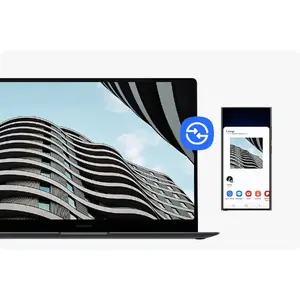
Unified control across multiple devices
Multitask like a pro with Multi Control. Use your PC keyboard and mouse to navigate, copy, and paste content seamlessly between your laptop, smartphone, tablet, and monitor.
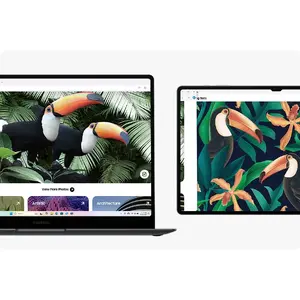
Bring along your Tab as a Second Screen
Expand your workspace by using your Galaxy Tab as an additional display. With a single click, you can extend, duplicate, or rotate your view for maximum productivity.
Access your mobile world on PC
Stay connected to your phone through Phone Link. Access recent webpages, launch up to 5 mobile apps, and leverage AI features directly on the large screen of your Galaxy Book5 Pro.