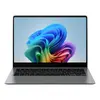
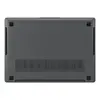
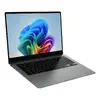
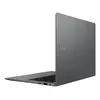
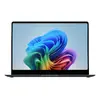
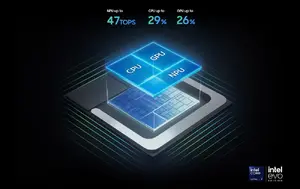
Next‑Gen AI performance with Intel Core Ultra
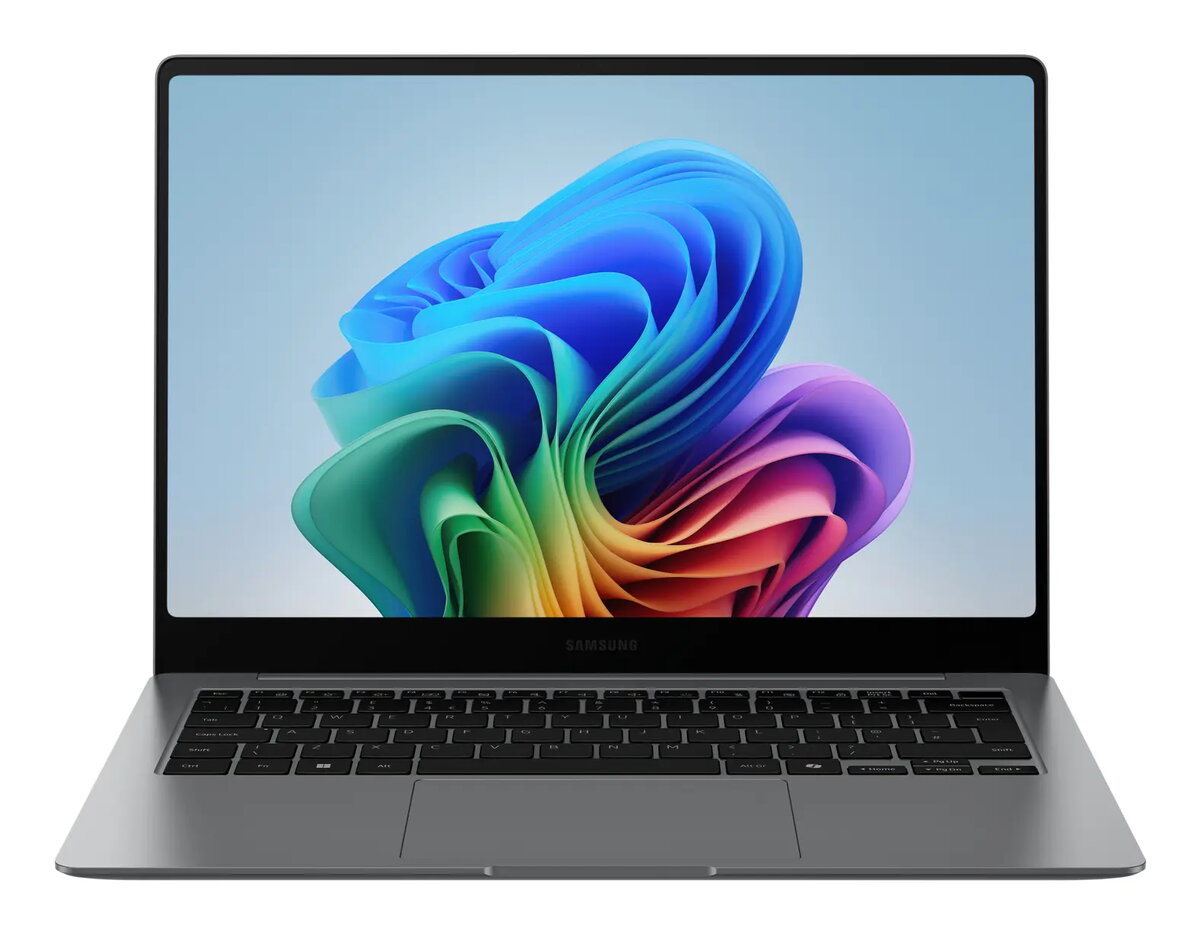
Experience transformative speed and responsiveness on the Samsung Galaxy Book5 Pro 14" powered by the Intel® Core™ Ultra processor (Series 2), upgraded graphics and an advanced NPU delivering up to 47 TOPS. Tackle heavy workloads, render 3D content and run AI‑intensive tasks faster and more efficiently for seamless productivity.
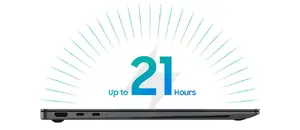
Long battery life with fast charging
Stay productive all day with a long‑lasting battery that supports up to 21 hours of video runtime. When you need power quickly, the compact charger refuels the laptop up to 41% in about 30 minutes so you can get back to work without delay.
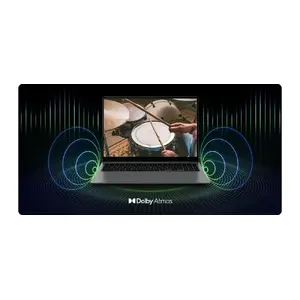
Immersive quad‑speaker audio with Dolby Atmos
Enjoy richer, more immersive sound from the four‑speaker system tuned with Dolby Atmos. Whether you’re watching media or on a call, the Galaxy Book5 Pro 14" delivers deeper audio and a more engaging listening experience.
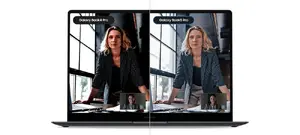
Crisp video calls with Staggered HDR
Look your best in online meetings thanks to Staggered HDR, which preserves wide dynamic range and vivid detail so webcam video remains clear and true to life in varied lighting conditions.
Precision touchpad and versatile ports
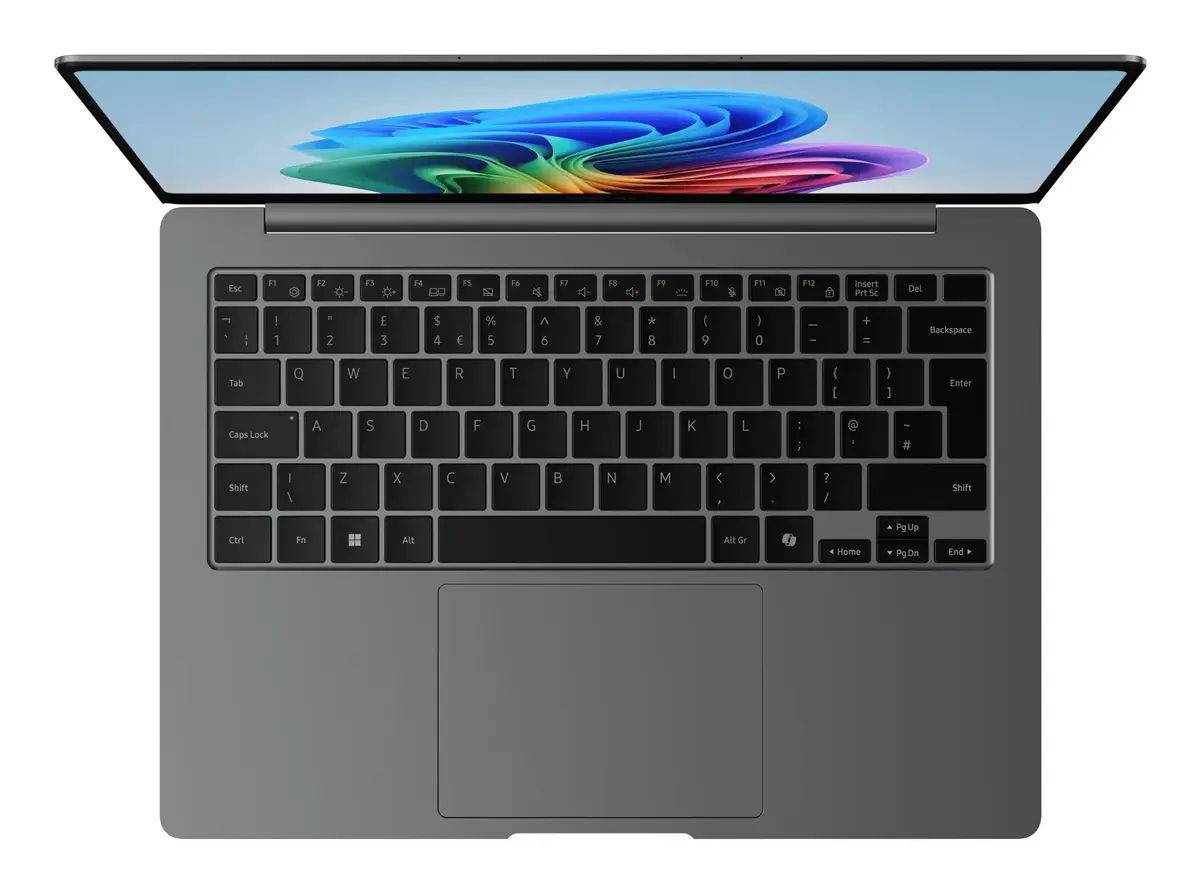
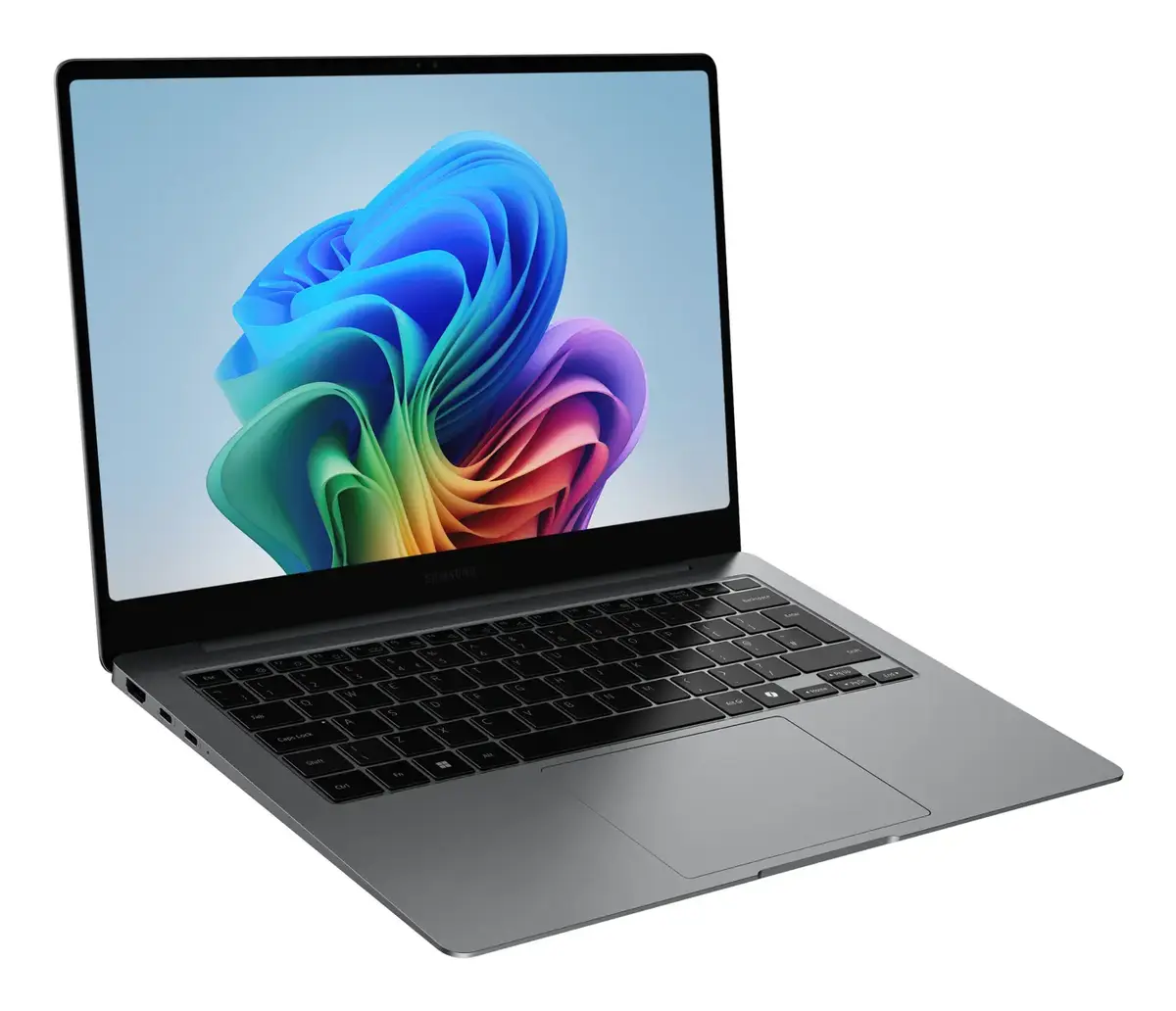
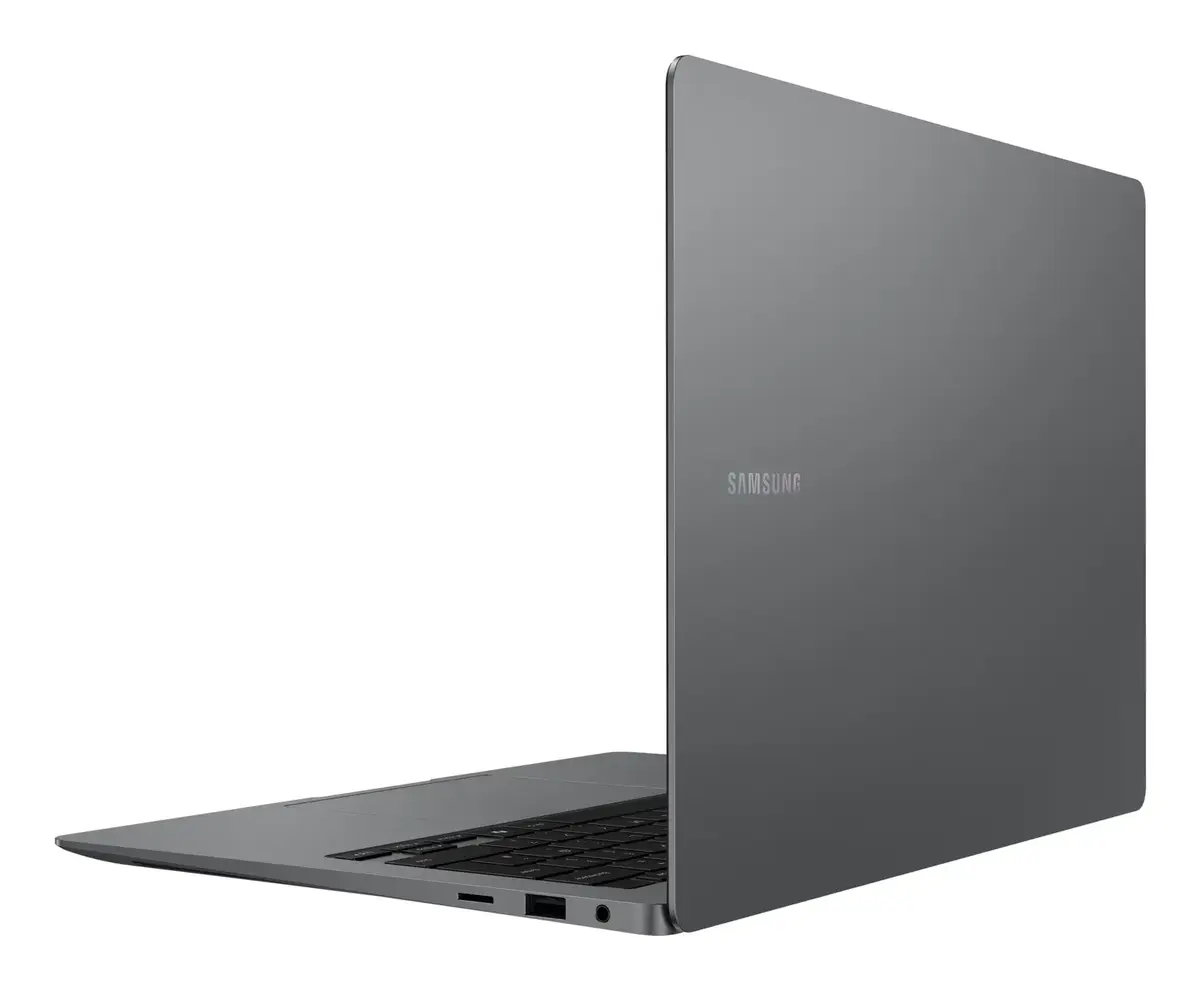
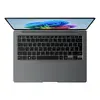
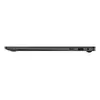
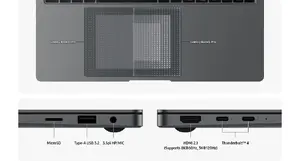
Work with confidence using the intelligent touchpad with adaptive palm rejection for fewer accidental touches. Connect peripherals directly using built‑in Thunderbolt 4 ports, HDMI, USB‑A, microSD slot and headphone/mic jack — no dongles required for most setups.
Faster connectivity with Wi‑Fi 7
Benefit from dramatically faster wireless speeds and lower latency with Wi‑Fi 7 — up to 4.8× the speed of Wi‑Fi 6 — for smoother video calls, faster transfers and more reliable online collaboration.
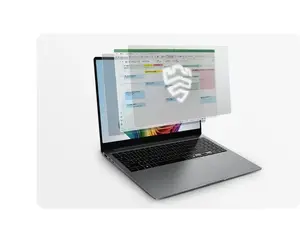
Hardware‑level protection with Samsung Knox
Protect sensitive data with Samsung Knox security, featuring a dedicated hardware security chip that monitors and defends your system in real time to help keep critical system data safe from threats.
Seamless pairing across Galaxy devices
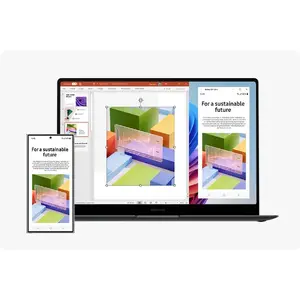
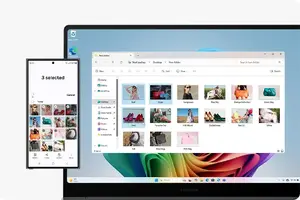
Quickly link and control your Galaxy phone or Tab from the Galaxy Book5 Pro 14" using Nearby Devices. Use features like Multi Control and Storage Share from one connectivity hub to move content and control devices effortlessly.
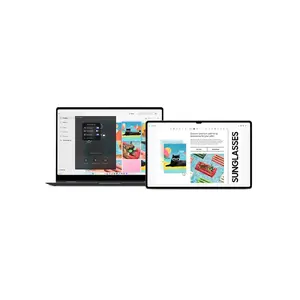
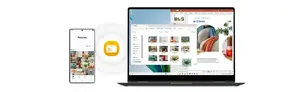
Unified Storage Share for phone and PC
Access and edit photos, videos and files stored on your phone directly from your laptop without downloading. Storage Share treats your phone and PC storage as a unified workspace for faster, smoother content workflow.
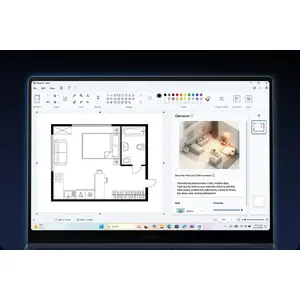
Create with Cocreator in Paint
Turn rough sketches into polished images using Cocreator in Paint — prompt the AI to generate, refine and edit artwork so you can produce custom visuals for presentations and projects quickly.
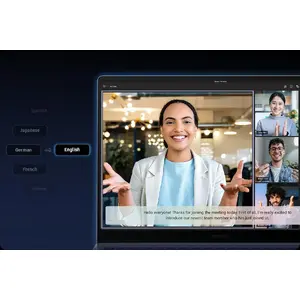
Real‑time captions and translations
Stay on top of meetings with Live Captions that detect speech and provide near‑real‑time English captions for calls and videos, helping you follow conversations and collaborate globally.
Instant AI access with a dedicated key
Launch Microsoft Copilot or your personalised AI assistant with a single dedicated key on the keyboard for quick, context‑aware help whenever you need it.

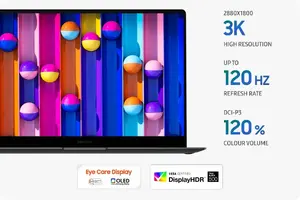
Vivid Dynamic AMOLED 2X display
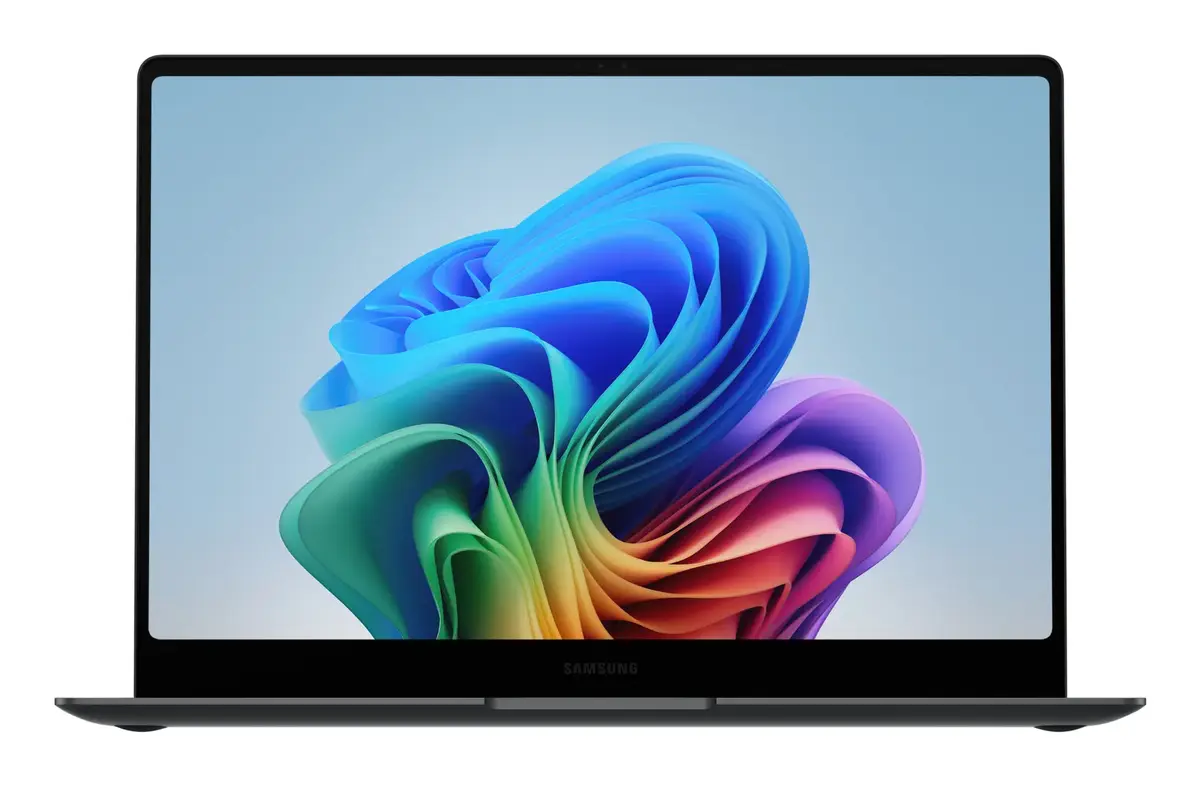
See content come alive on the high‑resolution Dynamic AMOLED 2X touchscreen with vivid colours, smooth motion and reduced blue light for more comfortable extended viewing and accurate visuals for creative work.
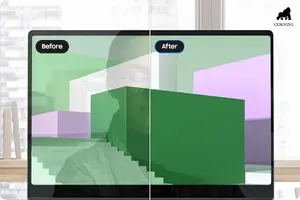
Clear views with anti‑reflective Gorilla Glass
Work from different angles with minimal glare thanks to Corning® Gorilla® Glass with DX, which reduces surface reflection to help keep visuals crisp and legible outdoors or under bright lights.
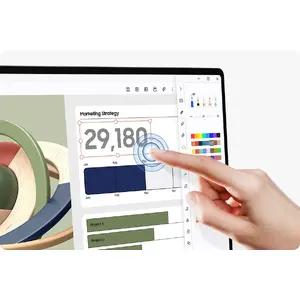
Touchscreen control for precise interaction
Interact directly with your projects using intuitive multi‑touch gestures on the Galaxy Book5 Pro 14" touchscreen — ideal for editing, navigating and fine‑tuning work with speed and accuracy.
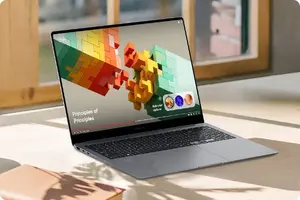
Adaptive Vision Booster for outdoor visibility
Keep your screen readable outdoors with Vision Booster’s intelligent tone mapping that adjusts contrast and colours based on ambient light to maintain vivid, clear visuals in varied environments.
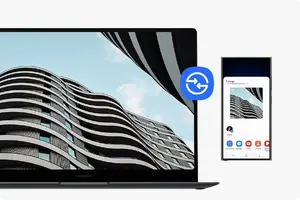
Fast, secure sharing with Quick Share
Share photos, documents and large files quickly between Samsung devices using Quick Share’s direct wireless pairing. Sensitive transfers can use private sharing with blockchain‑based encryption for added security.
Multi Control for seamless multitasking
Work across multiple Samsung screens effortlessly by controlling phone, Galaxy Tab, TV or Smart monitor with your laptop’s keyboard and mouse — copy/paste and move content between devices with ease.
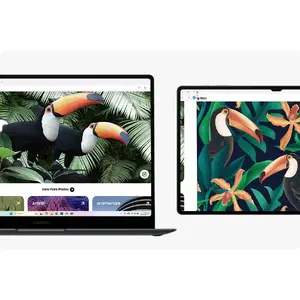
Use your Tab as a second display
Expand your workspace by connecting a Galaxy Tab as an additional screen with Extension, Duplicate and Rotation modes — rearrange windows and boost productivity with more screen real estate.
Access phone apps and content on PC
Open recently viewed webpages and launch up to five mobile apps from your smartphone directly on the Galaxy Book5 Pro 14" via Phone Link to take advantage of mobile AI features and a larger, more productive workspace.