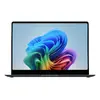
Next‑Gen AI Performance
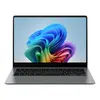
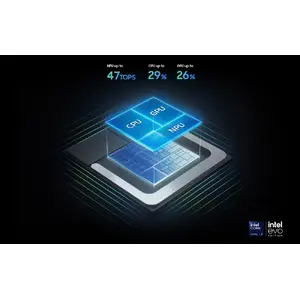
Experience extraordinary speed and responsiveness with the Intel® Core™ Ultra Series 2 processor, upgraded graphics and an advanced NPU delivering up to 47 TOPS. The Galaxy Book5 Pro 14" handles heavy workloads, 3D rendering and AI‑intensive tasks with professional‑grade performance.
All‑day battery with fast charging
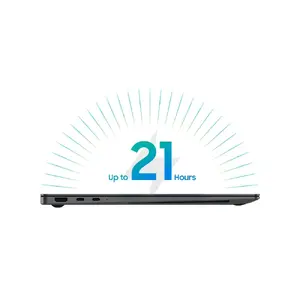
Stay productive throughout the day with a long‑lasting battery that supports up to 21 hours of video runtime. When you need a quick boost, the compact charger restores up to 41% charge in about 30 minutes so you can get back to work faster.
Immersive quad‑speaker audio
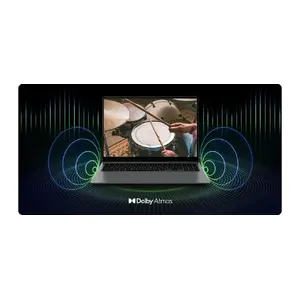
Enjoy rich, room‑filling sound from the tuned quad‑speaker system with Dolby Atmos. Whether streaming, conferencing or creating content, the audio delivers deeper lows and clearer highs for a more engaging experience.
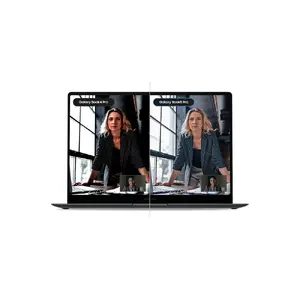
Clearer video calls with Staggered HDR
Look your best on every call: Staggered HDR provides a wide dynamic range so webcam video remains crisp and vivid in varied lighting conditions, making meetings and presentations more professional.
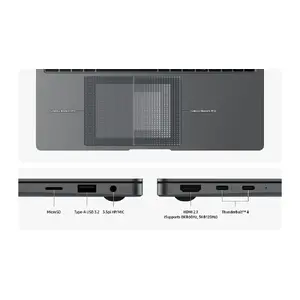
Precise touchpad and full‑featured ports
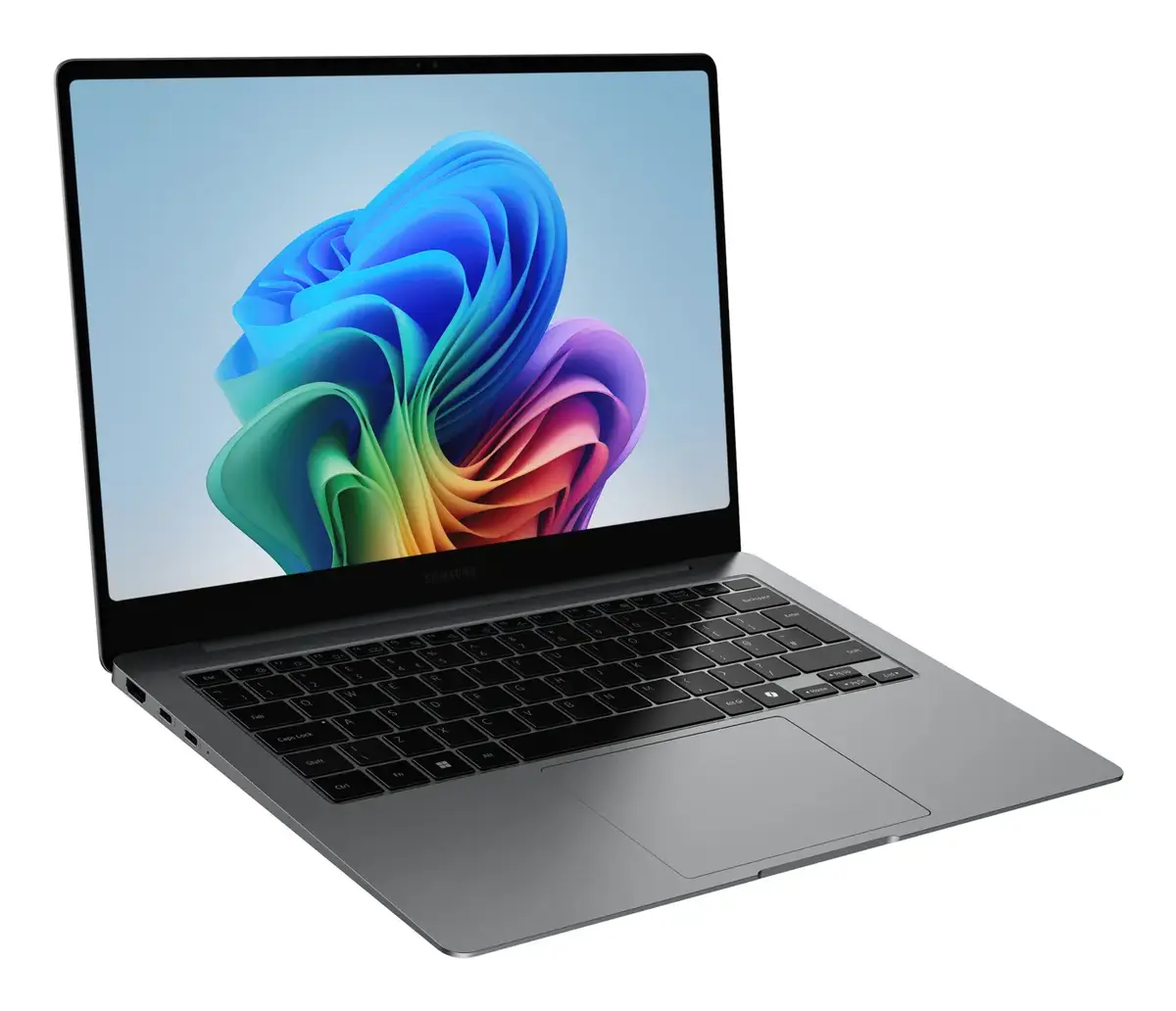
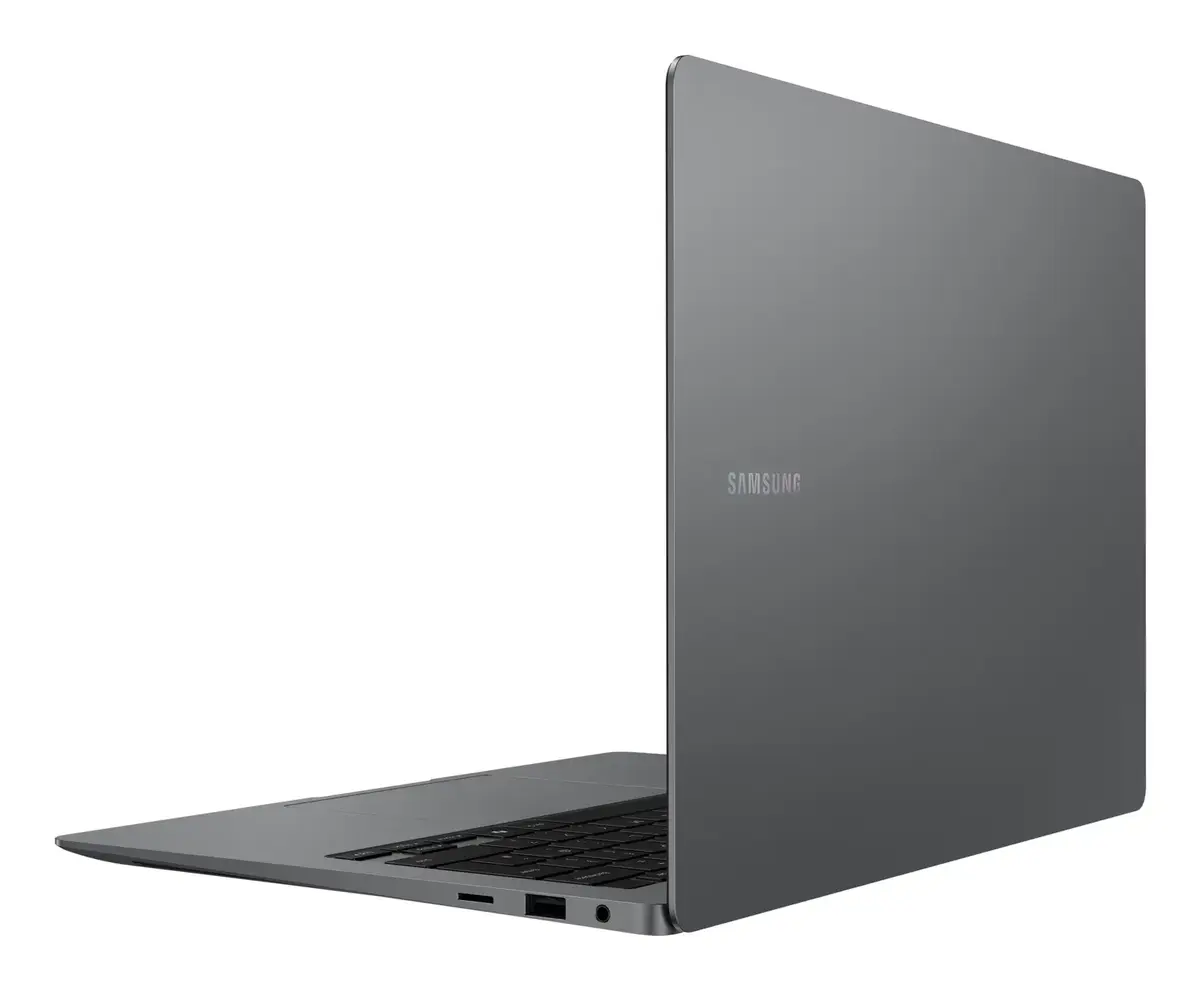
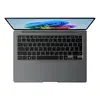
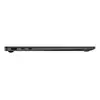
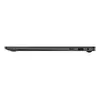
Work with confidence using an adaptive touchpad that reduces accidental touches via palm rejection. Connect peripherals directly using two Thunderbolt 4 ports, HDMI, USB‑A, microSD and a combined headphone/mic jack—no dongles required for most workflows.
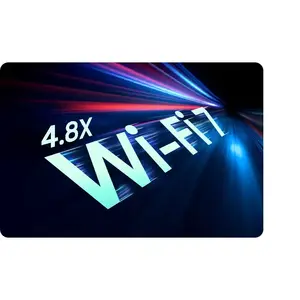
Faster, more reliable Wi‑Fi 7
Get ultra‑fast wireless performance with Wi‑Fi 7, delivering significantly higher speeds and lower latency than previous generations for smooth streaming, large file transfers and real‑time collaboration.
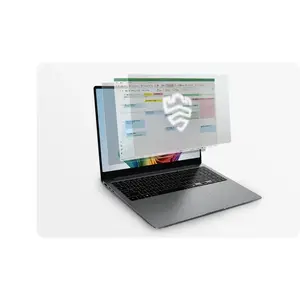
Hardware‑level security with Samsung Knox
Protect your data with Samsung Knox security and a dedicated hardware security chip that monitors and defends critical system components in real time for stronger protection against threats.
Seamless Galaxy device integration
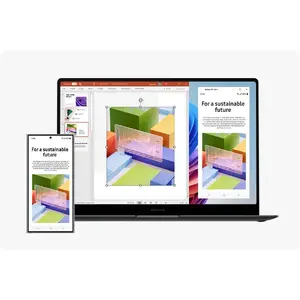
Pair and control your Galaxy phone and tablet instantly via Nearby devices. Use Multi Control, Storage Share and other connectivity features to move files, share storage and operate devices from one hub for a streamlined workflow.
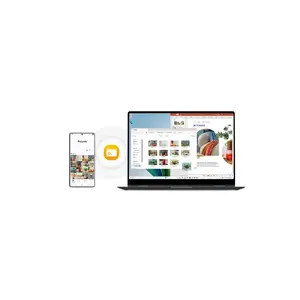
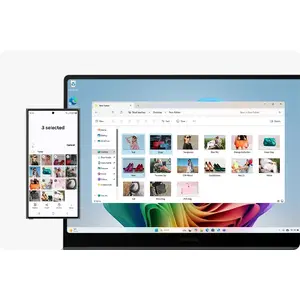
Access phone storage from your PC
Storage Share lets you browse, edit and play files stored on your phone directly from the laptop—no downloading needed—so mobile content becomes part of your desktop workflow.
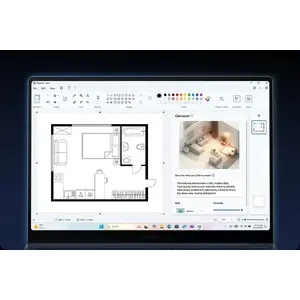
AI‑powered creative tools
Turn sketches into polished images with Cocreator in Paint. Use simple prompts to generate, edit and refine artwork—ideal for presentations, concept work and quick visual ideas.
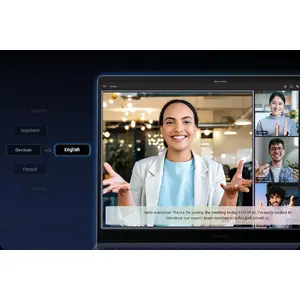
Real‑time captions and translations
Stay connected across languages with Live Captions: AI detects speech in meetings and streams, converting it into English captions in real time so you never miss important details during calls.
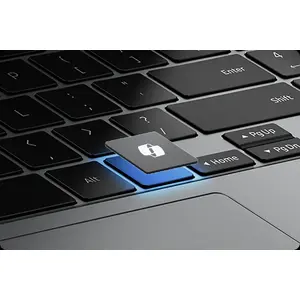
Instant AI access with a dedicated key
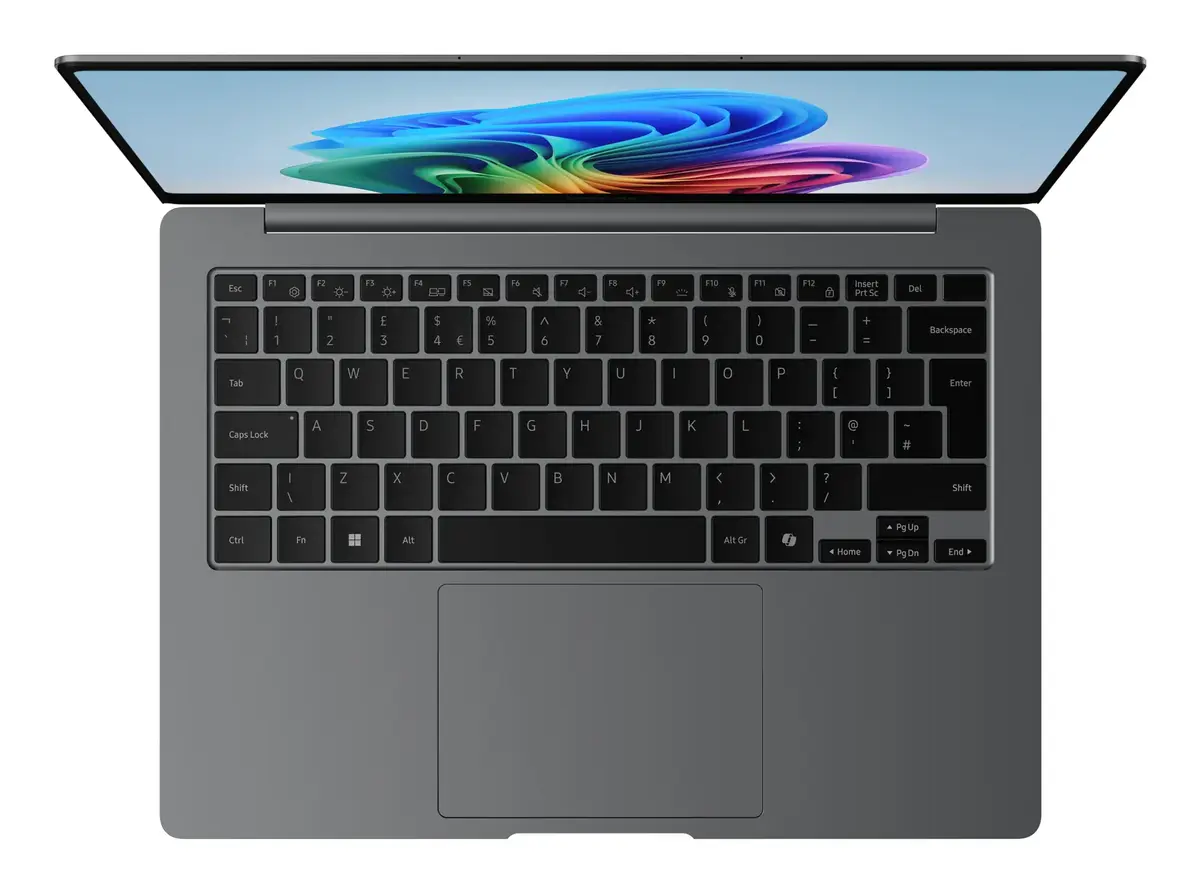
Launch Copilot with a single dedicated keyboard key to get personalised AI assistance on demand—speeding up tasks and making AI tools easy to reach whenever you need them.
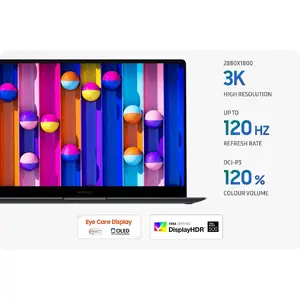
Vivid Dynamic AMOLED 2X display
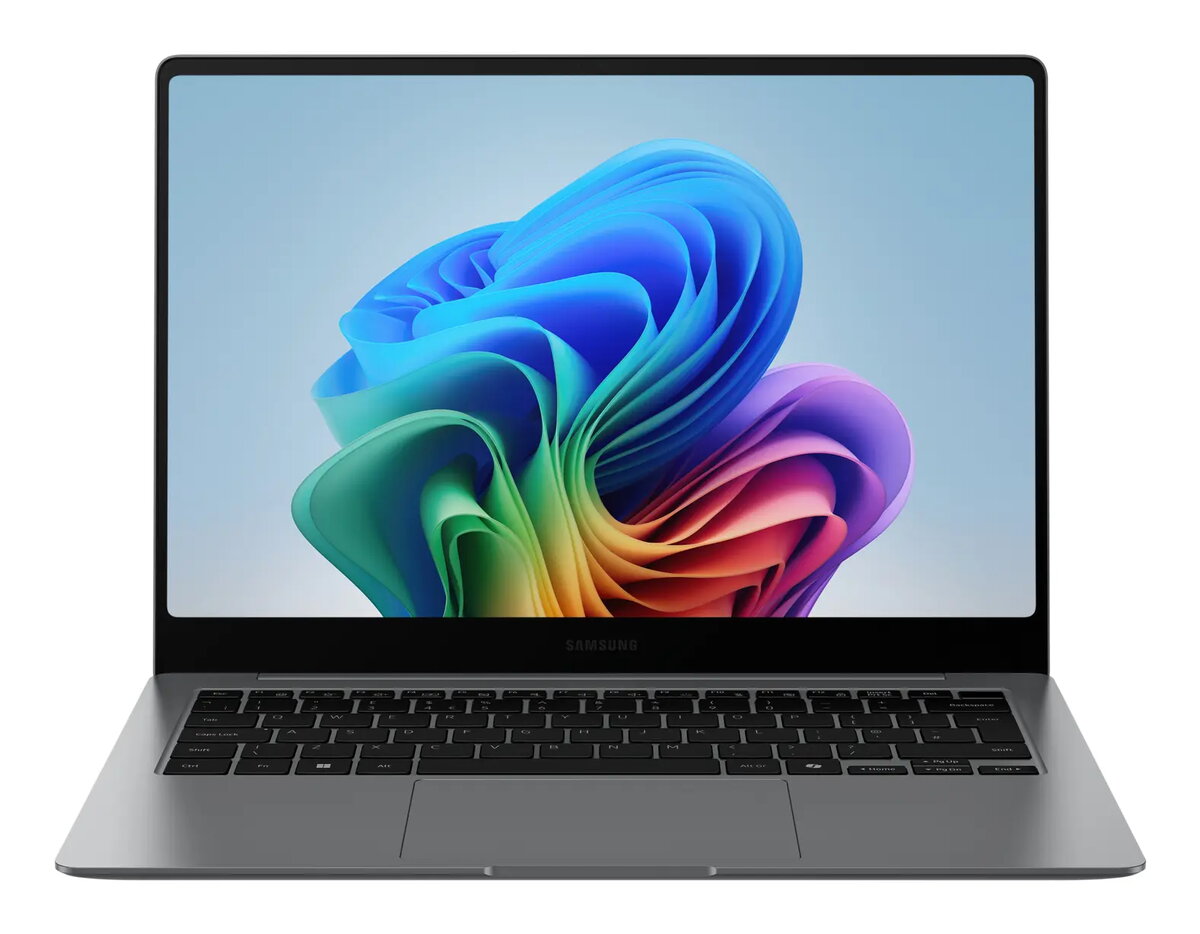
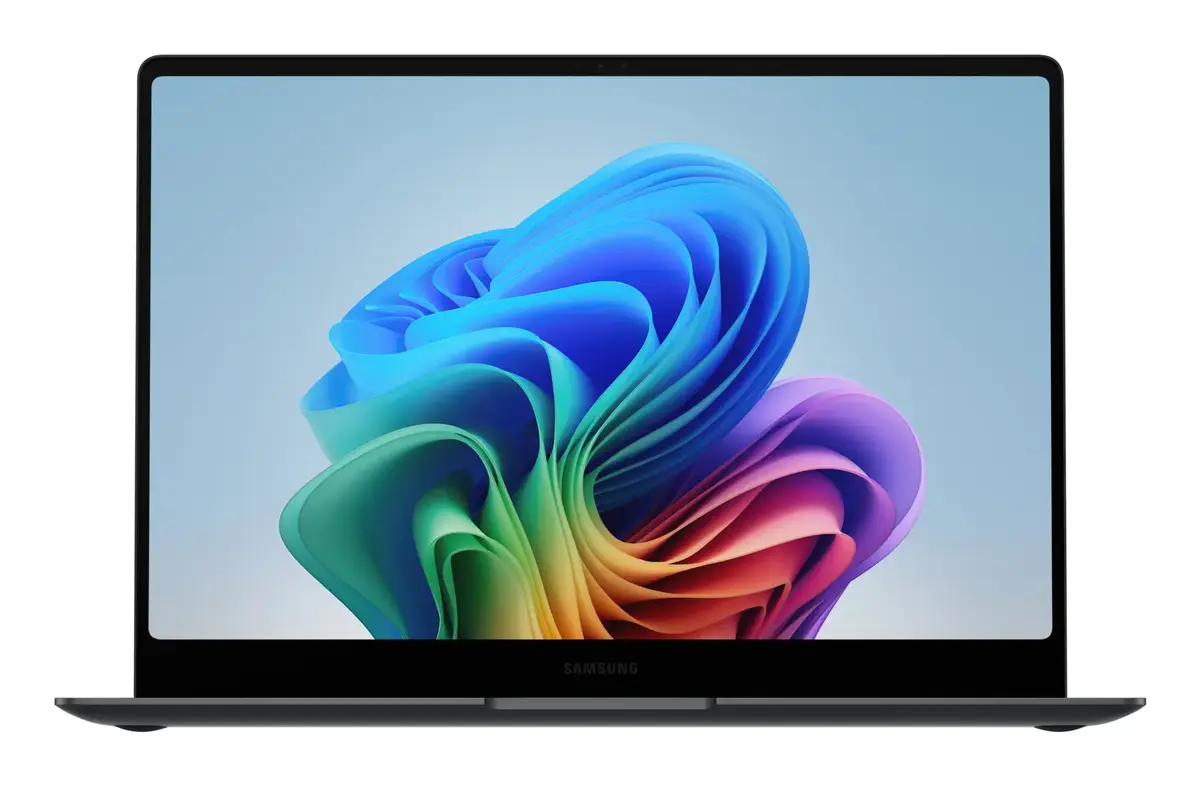
Work and watch with stunning detail on the high‑resolution Dynamic AMOLED 2X screen. Expect vivid colours, smooth motion and reduced blue light for more comfortable viewing over long sessions.
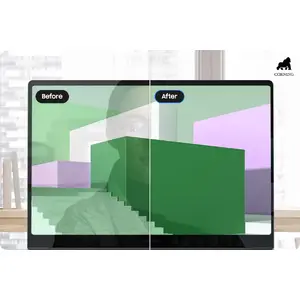
Low‑reflection Corning® Gorilla® Glass
See content clearly from more angles thanks to Corning® Gorilla® Glass with DX and under 2% reflectance, which reduces surface glare for better readability outdoors and in bright environments.
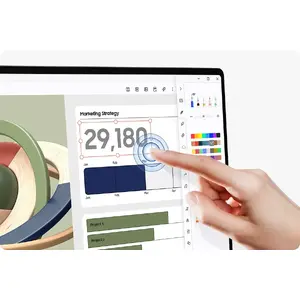
Responsive touchscreen control
Use intuitive multi‑touch gestures to navigate apps, edit content and fine‑tune projects directly on the touchscreen for faster, more natural interaction.
Adaptive Vision Booster for bright environments
Vision Booster intelligently adjusts tone mapping, contrast and colours so your screen remains vivid and readable even in strong ambient light—perfect for working outdoors.
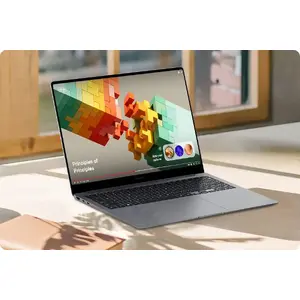
Quick Share for fast, secure transfers
Quick Share makes sending photos, documents and large files between Galaxy devices instant and secure, with private sharing options that encrypt transfers for added protection.
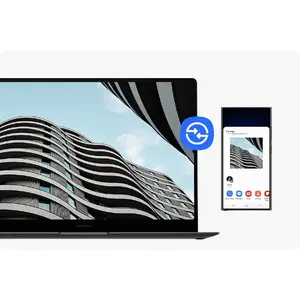
Unified control across multiple devices
Multi Control lets you use a single keyboard and mouse to work seamlessly across your laptop, phone, tablet and compatible displays—drag, copy and paste content between devices with ease.
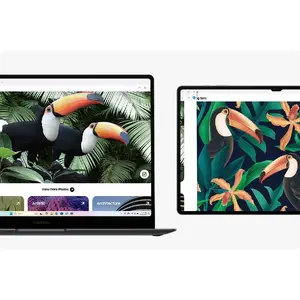
Extend your workspace with Galaxy Tab
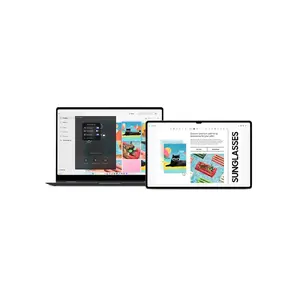
Use your Galaxy Tab as a second screen to expand your desktop with Extension, Duplicate and Rotation modes—set up in one click to increase productivity on the go.
Access mobile apps and content on PC
Phone Link lets you open recent webpages and up to five mobile apps directly from your laptop so you can use smartphone features and AI tools on the larger, more capable Galaxy Book5 Pro display.