
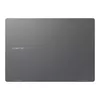
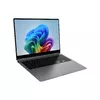
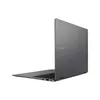
Hurry and order now – up to 50% off!
In cart {{totalProductsCount}} item(s)
Your cart is empty
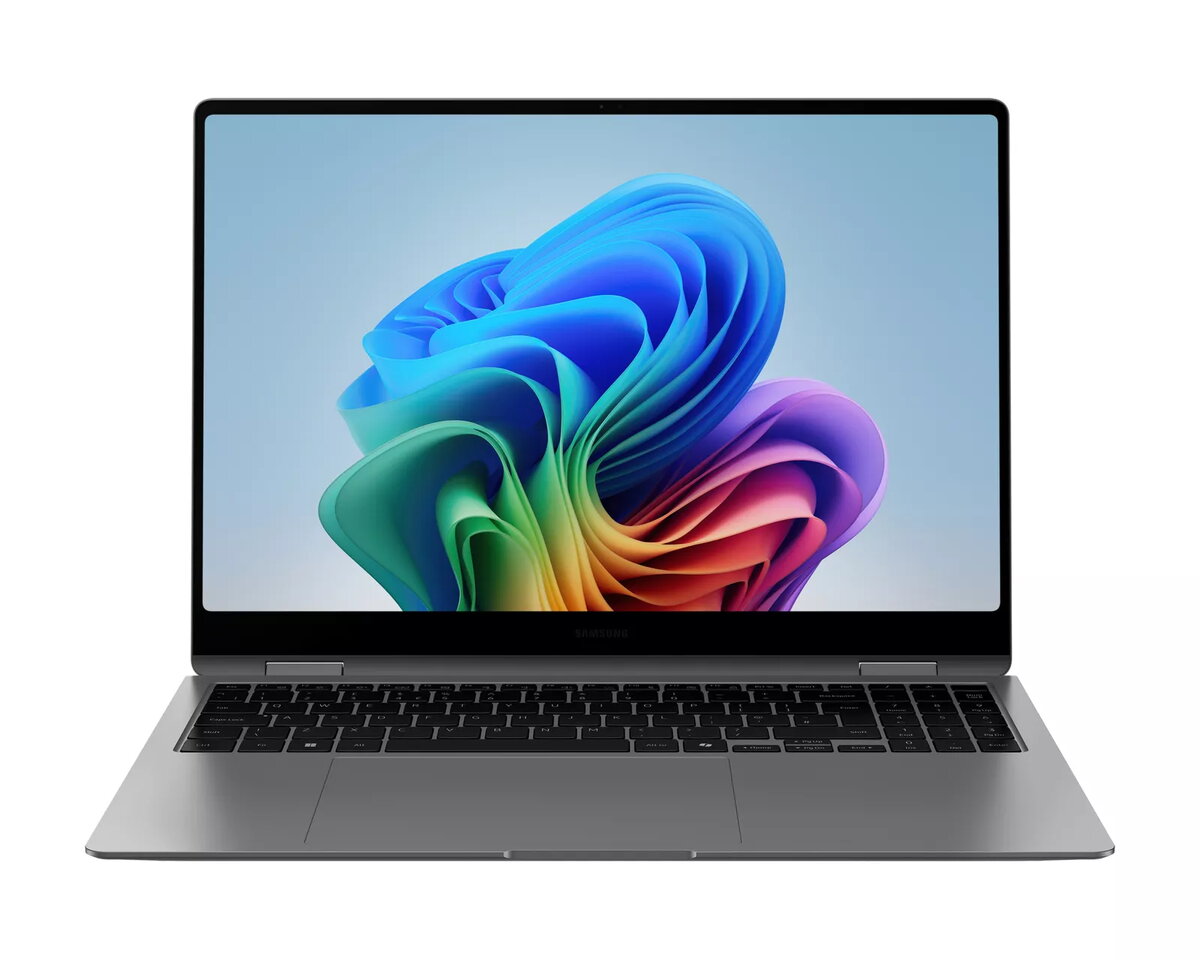
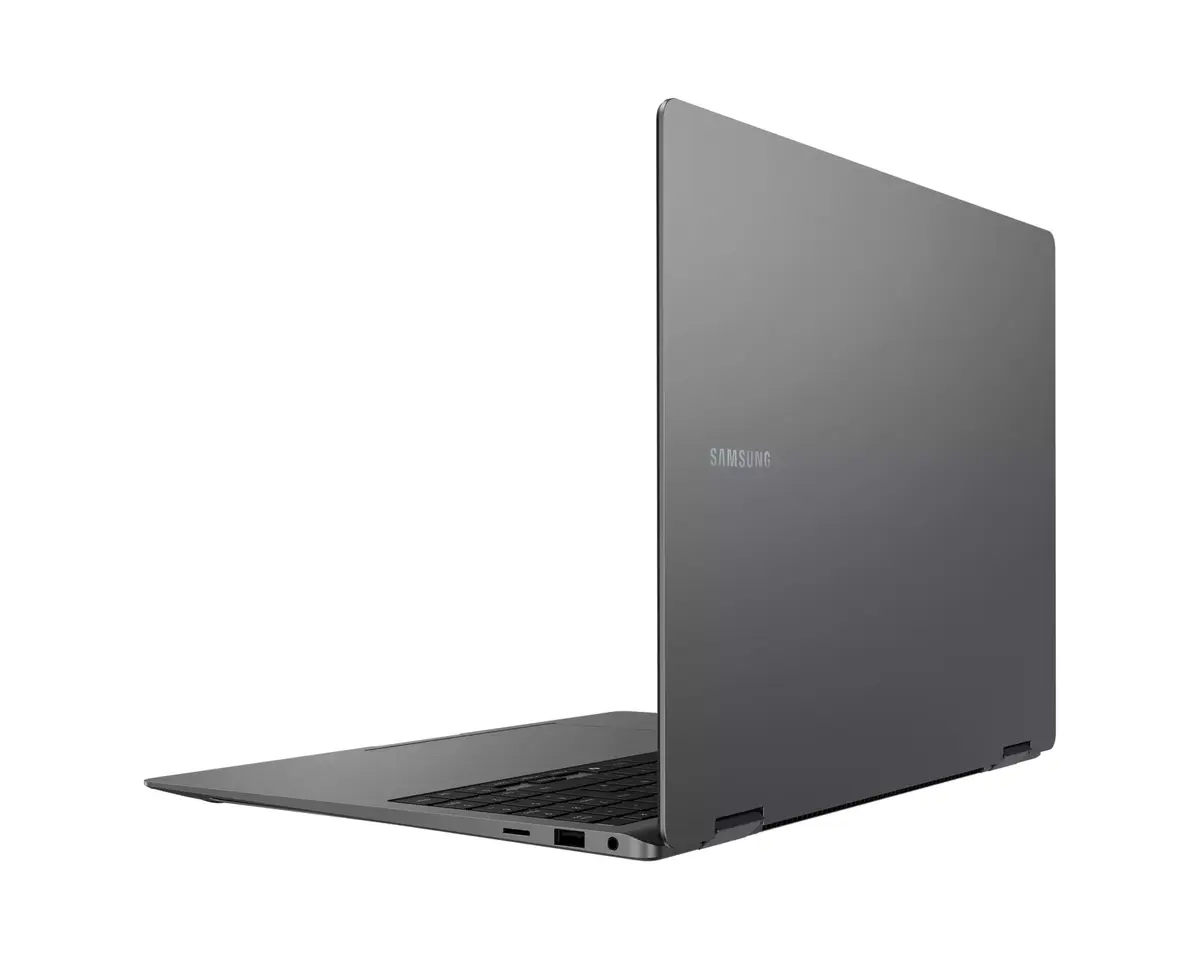
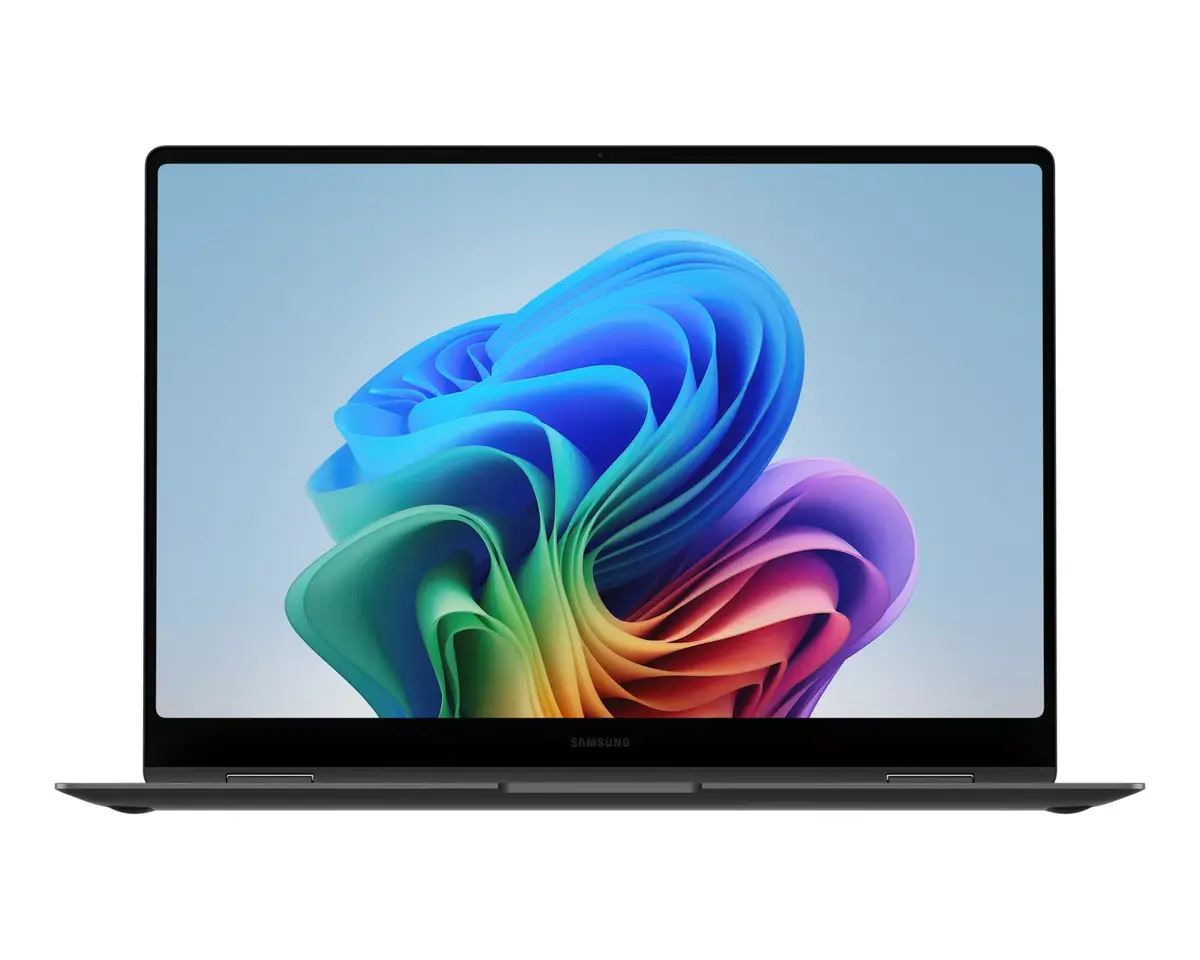
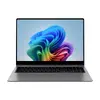
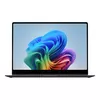
Laptop Samsung Galaxy Book5 Pro 360 16" Intel Core Ultra 7 16GB RAM 512GB SSD Intel Arc Graphics Windows 11
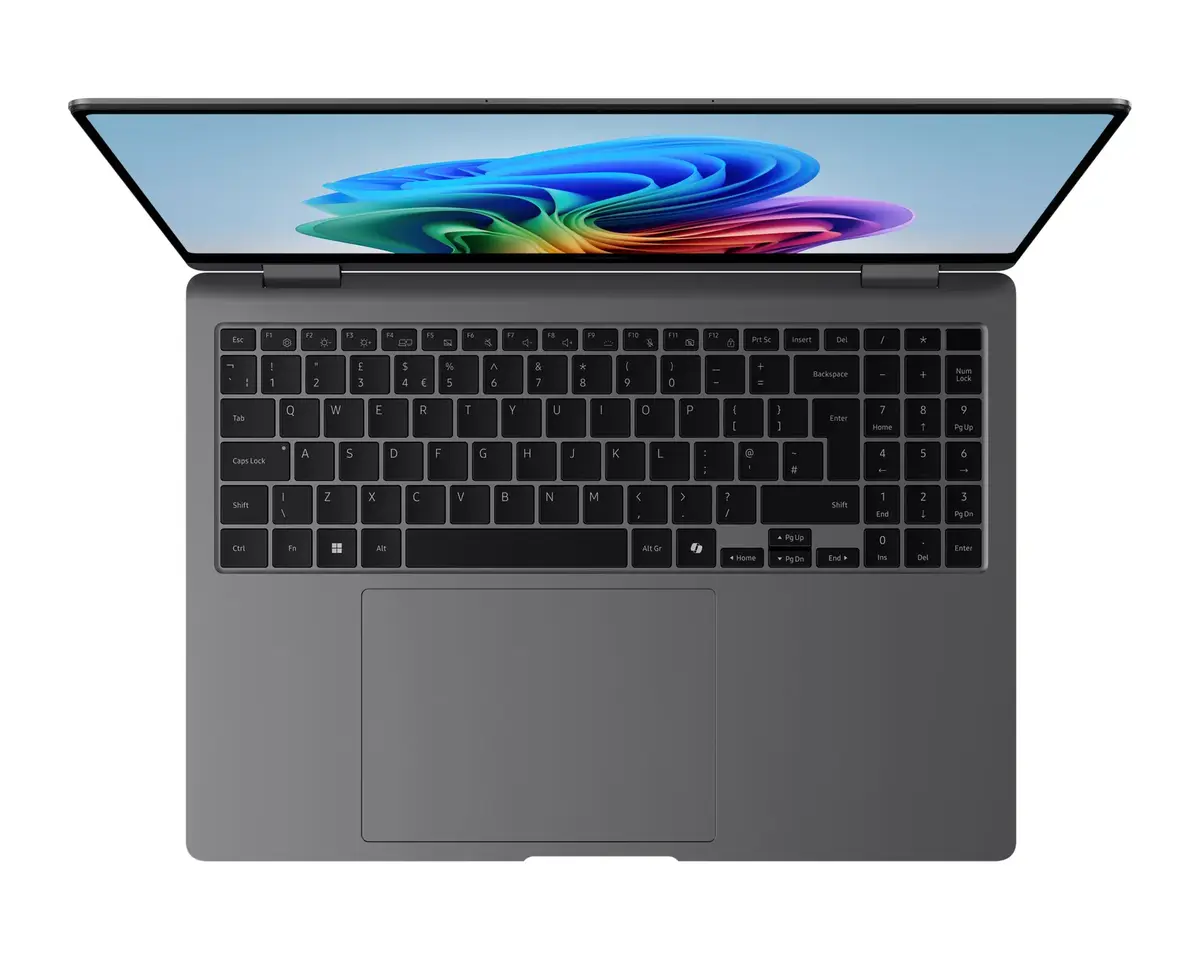
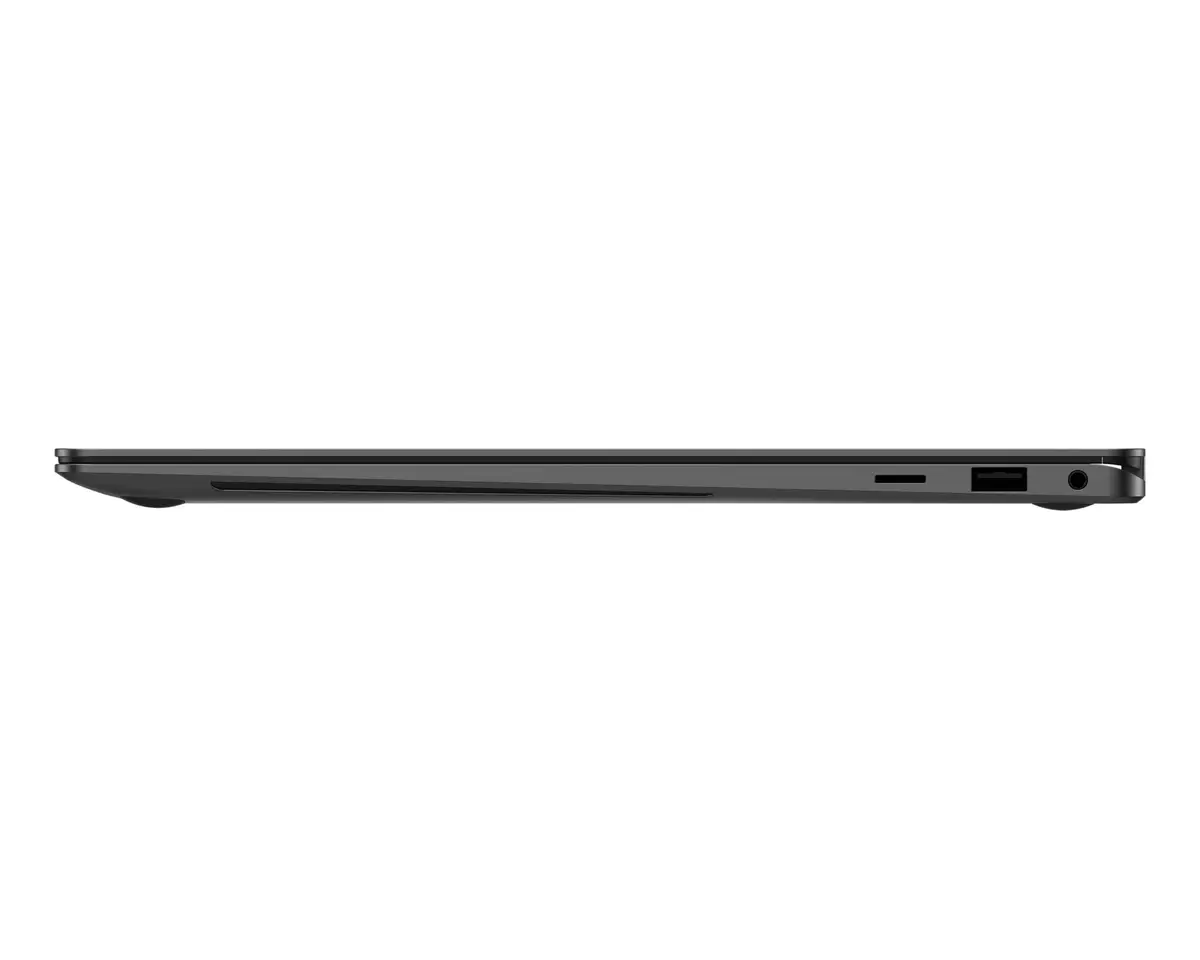
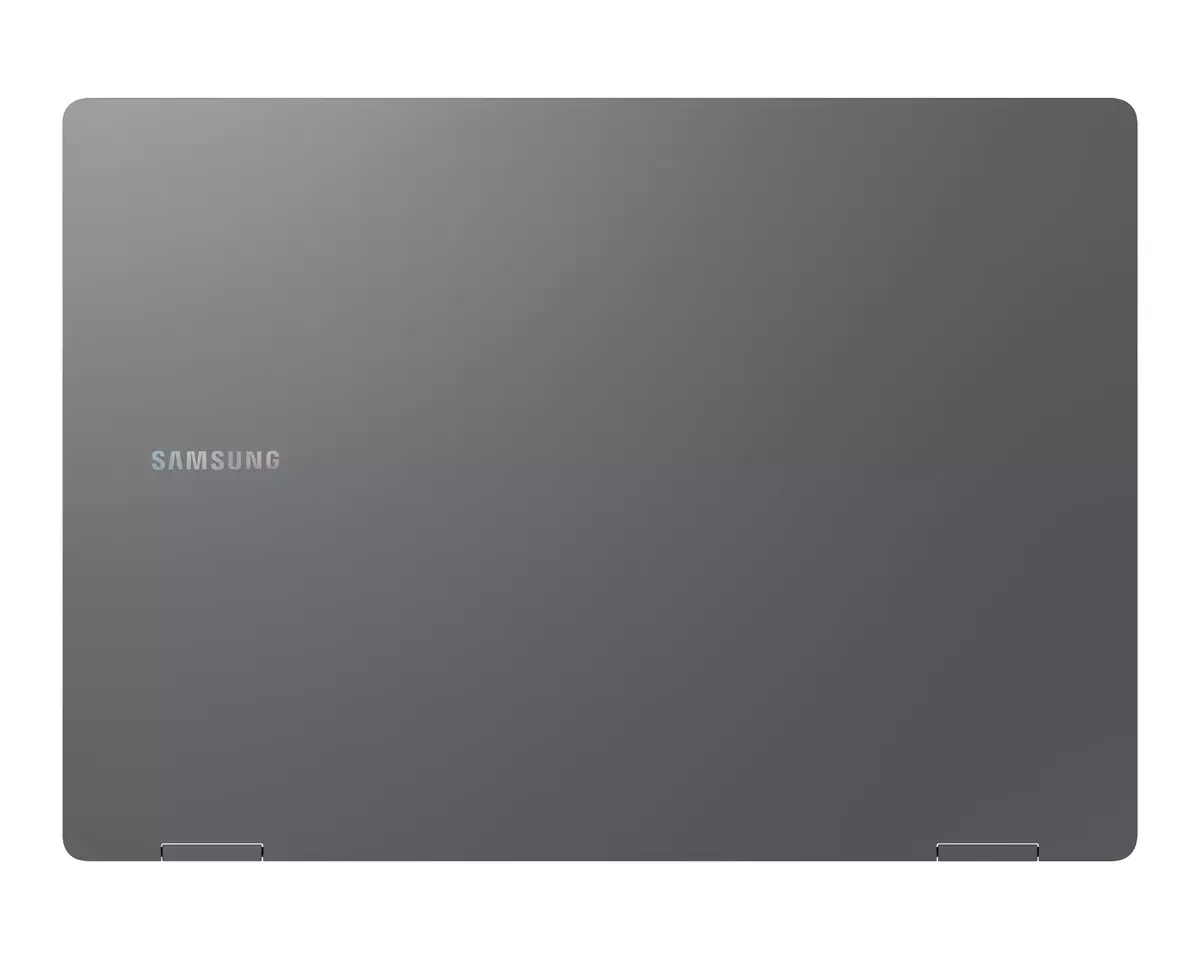
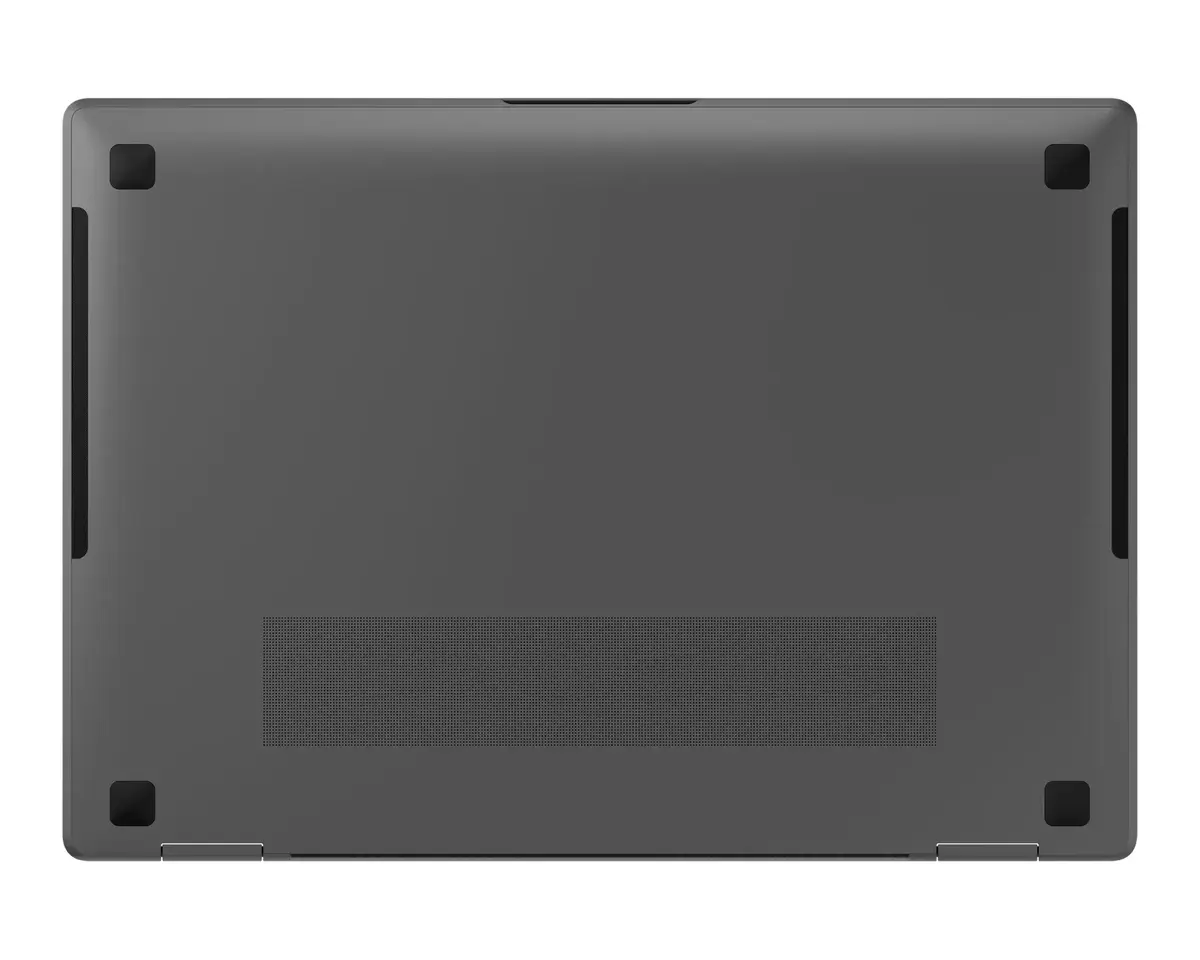
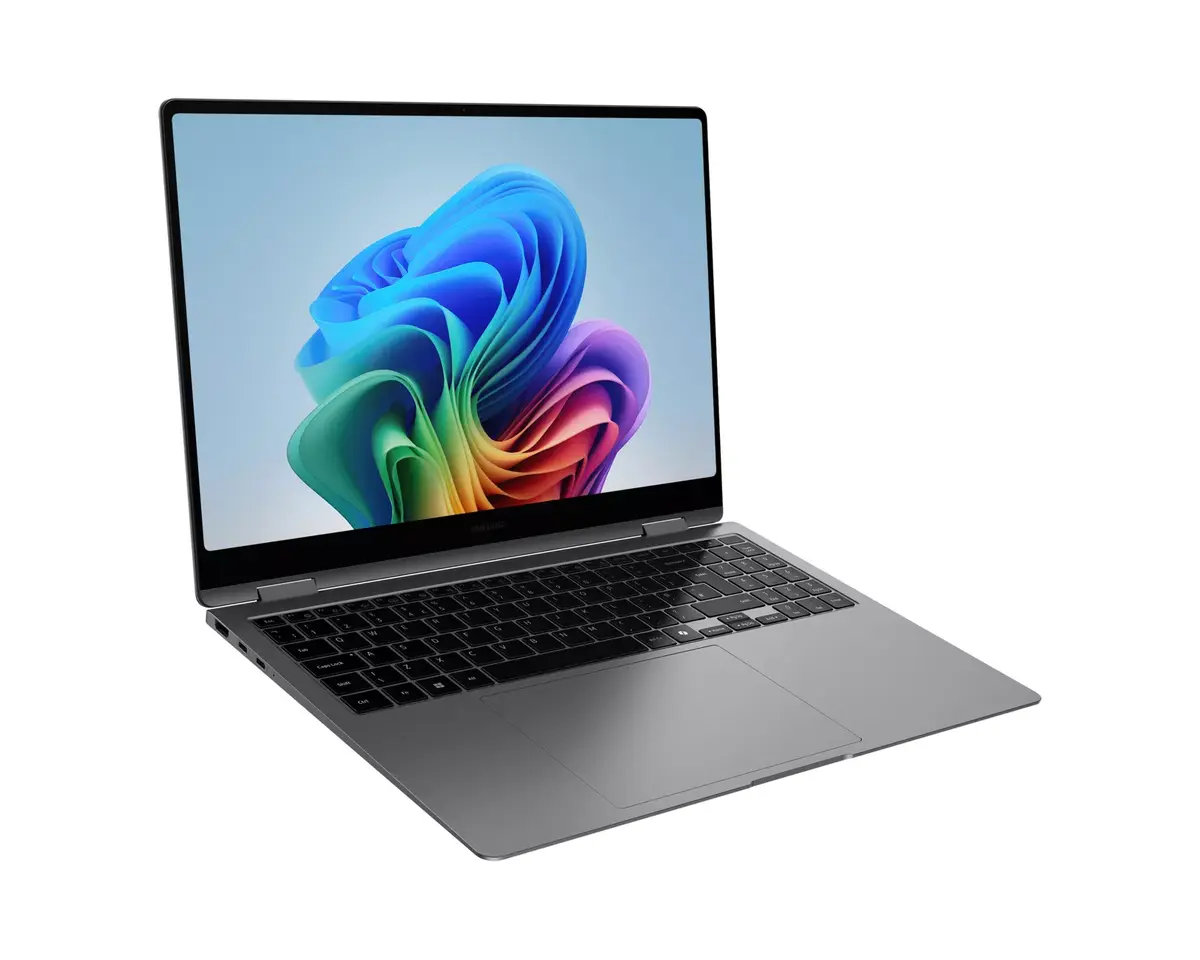
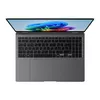
The Samsung Galaxy Book5 Pro 360 is a 2-in-1 convertible laptop with a 16" WQXGA+ (2880 x 1800) touchscreen, powered by an Intel Core Ultra 7 processor (model 256V) and 16 GB LPDDR5x RAM. It includes a 512 GB SSD, Intel Arc graphics capabilities, Windows 11 Home, and a lightweight grey chassis weighing 1.69 kg. Designed for on-the-go productivity and creative work, the device features a 76Wh battery, fast charging, Wi‑Fi 7 connectivity and a 16" Dynamic AMOLED 2X display with Corning Gorilla Glass DX for reduced reflections.
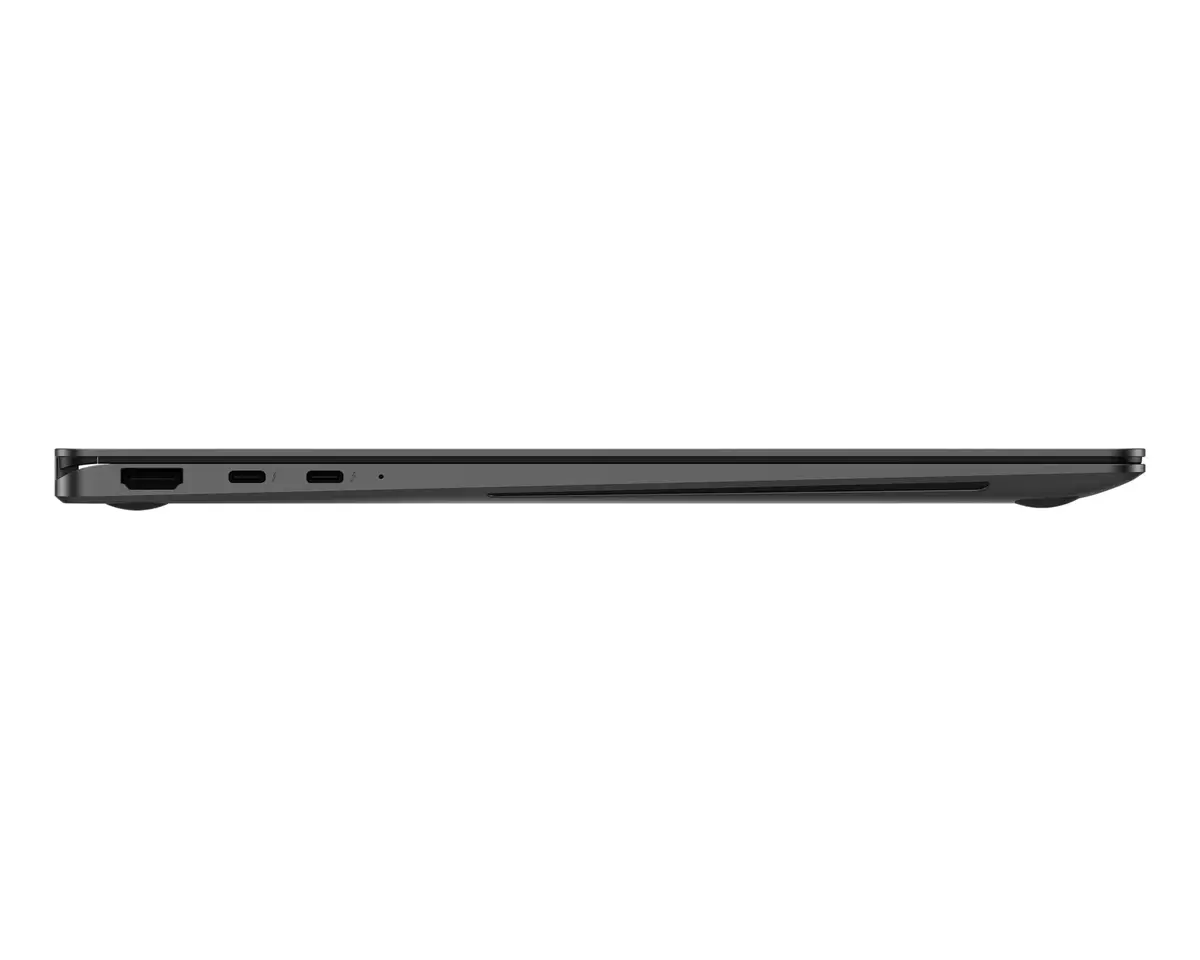
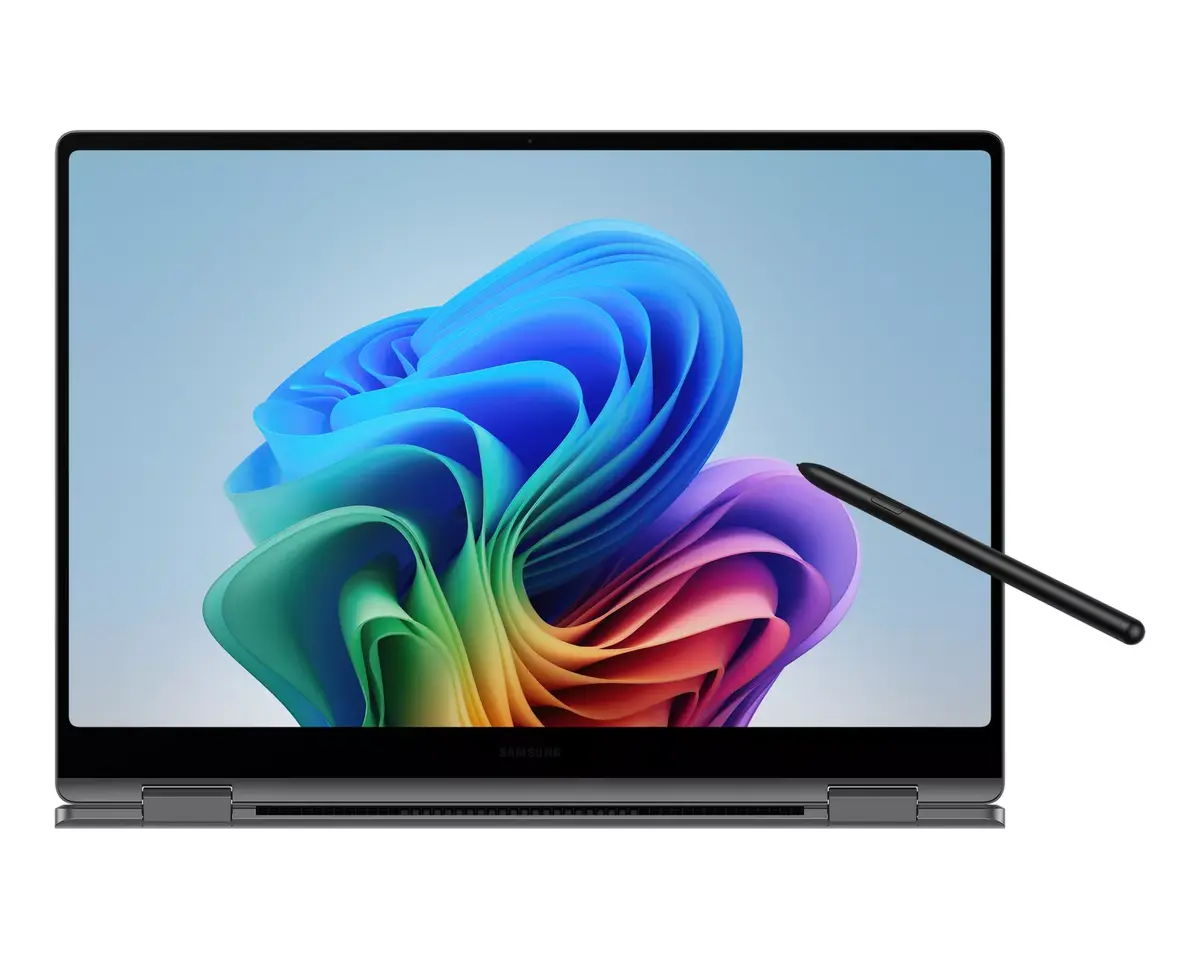
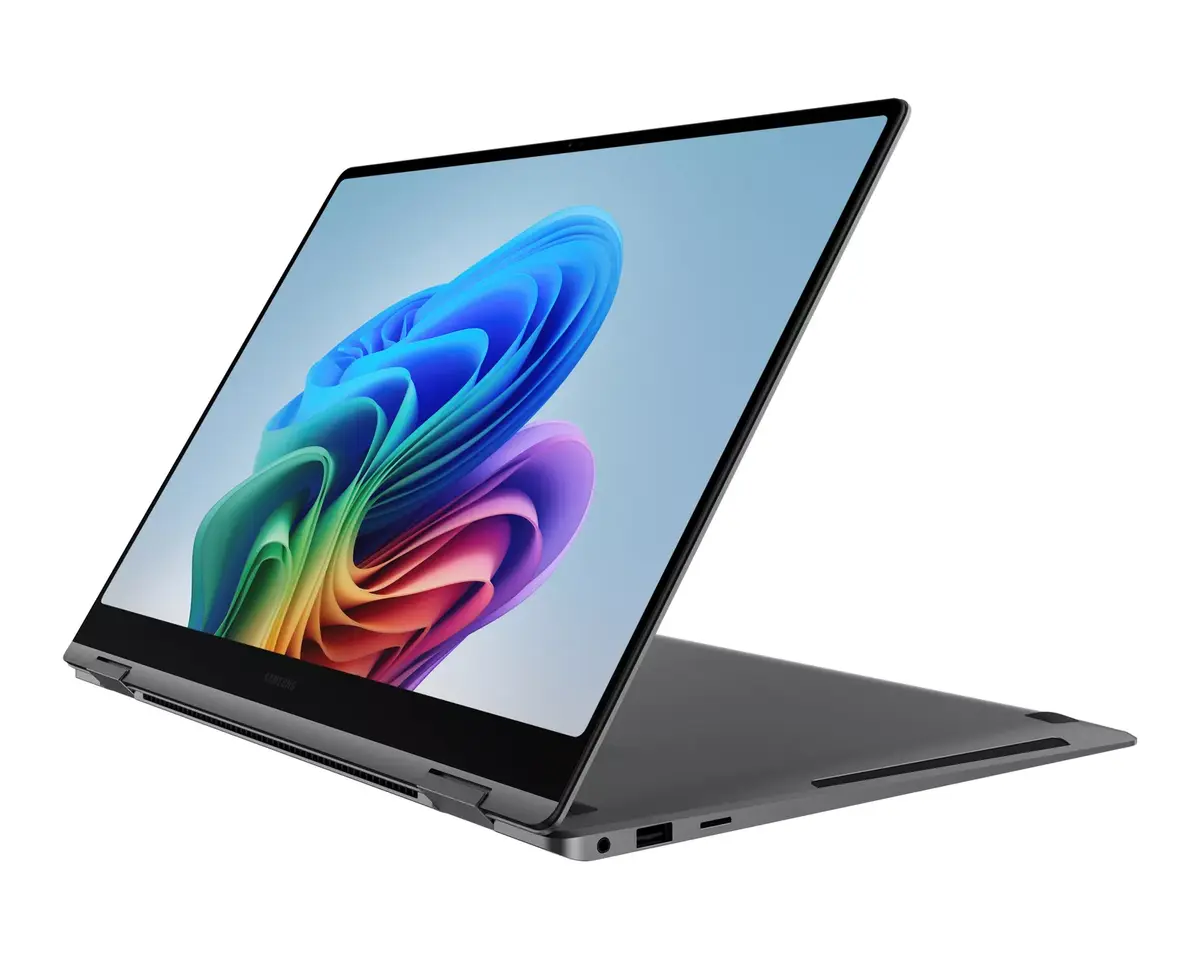
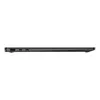
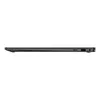
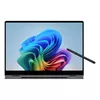
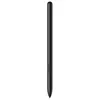
The Galaxy Book5 Pro 360 combines a flexible 2-in-1 design with an NPU rated up to 47 TOPS and the Intel Core Ultra processor Series 2 to enable AI-accelerated tasks and smoother multitasking. A long-lasting 76Wh battery provides extended runtime and fast charging (about 35% in ~30 minutes). The 16" Dynamic AMOLED 2X display delivers high resolution, vivid colour and reduced blue light, while Corning Gorilla Glass DX lowers reflections. The included S Pen and responsive touchscreen support precise input and creative workflows. Audio is enhanced by 38 mm woofers and a quad-speaker setup for deeper bass. Connectivity includes Wi‑Fi 7, HDMI, USB-A, microSD and two Thunderbolt 4 ports. Samsung Knox with a dedicated security chip provides hardware-level protection.
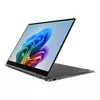
Open the laptop and select the desired mode—laptop for typing and productivity or tent/tablet mode for touch and pen input. Use the included S Pen or multi-touch on the 16" touchscreen for drawing, note-taking and navigation. Connect peripherals via the built-in ports (HDMI, USB-A, microSD, Thunderbolt 4) or wirelessly via Wi‑Fi 7. For phone integration, pair your Samsung Galaxy smartphone using Phone Link to access mobile apps, camera functions and cross-device features like Multi Control and Second Screen. Keep the device charged with the supplied compact charger for fast top-ups during the day.
For best results when creating or editing visual content, work in a well-lit area but avoid direct reflections on the screen; enable adaptive brightness and use the S Pen for fine detail. Keep the system firmware and drivers updated via Samsung Update and Windows Update to maintain performance and security. When transporting the device, use a protective sleeve to minimise potential damage to the touchscreen and hinge.
{{highlightedFeature.featureTitle}}:
{{getProductFeatureValueById(product, highlightedFeature.featureId)}}
{{ productComparisonGenerationError }}