

Save time and money with our discounts!
In cart {{totalProductsCount}} item(s)
Your cart is empty
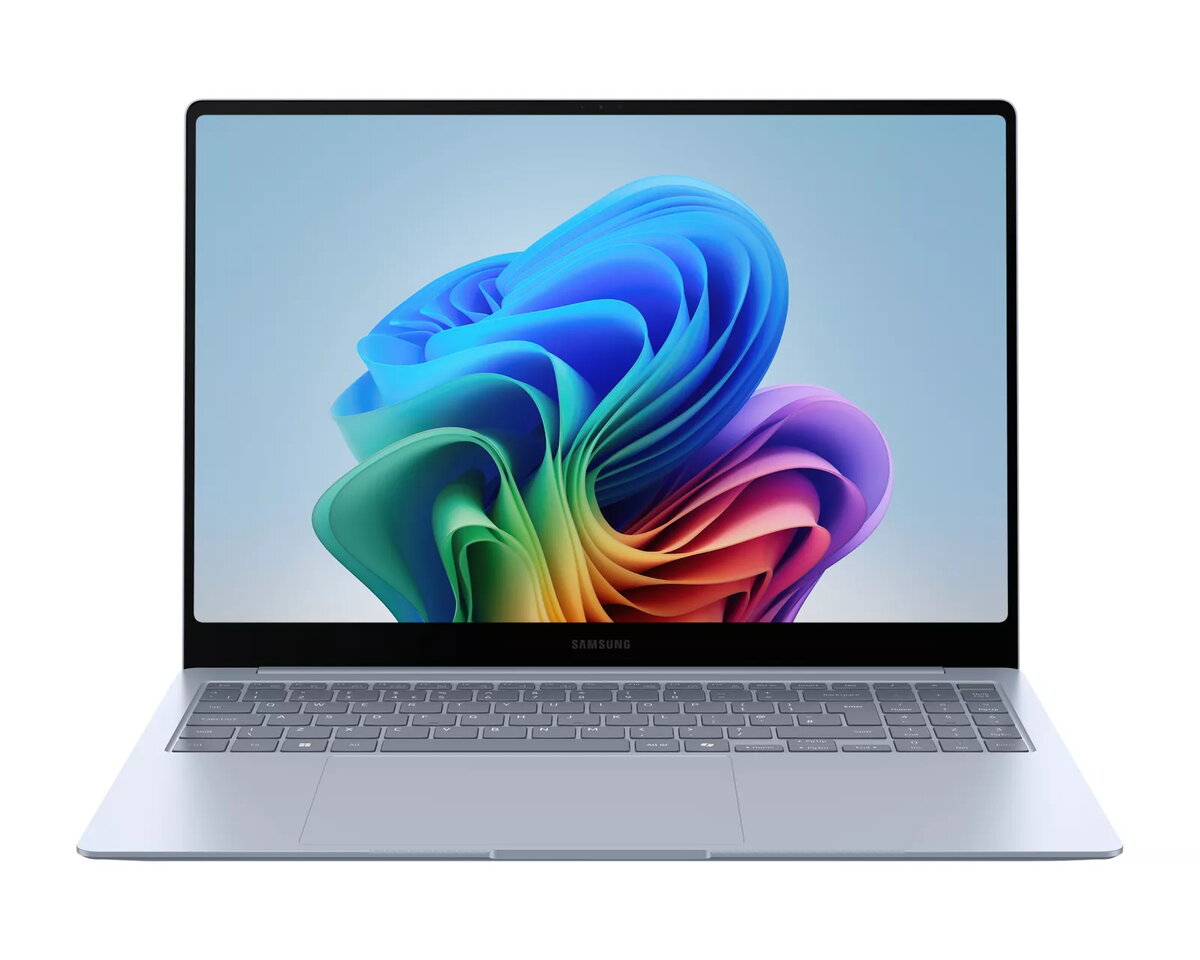
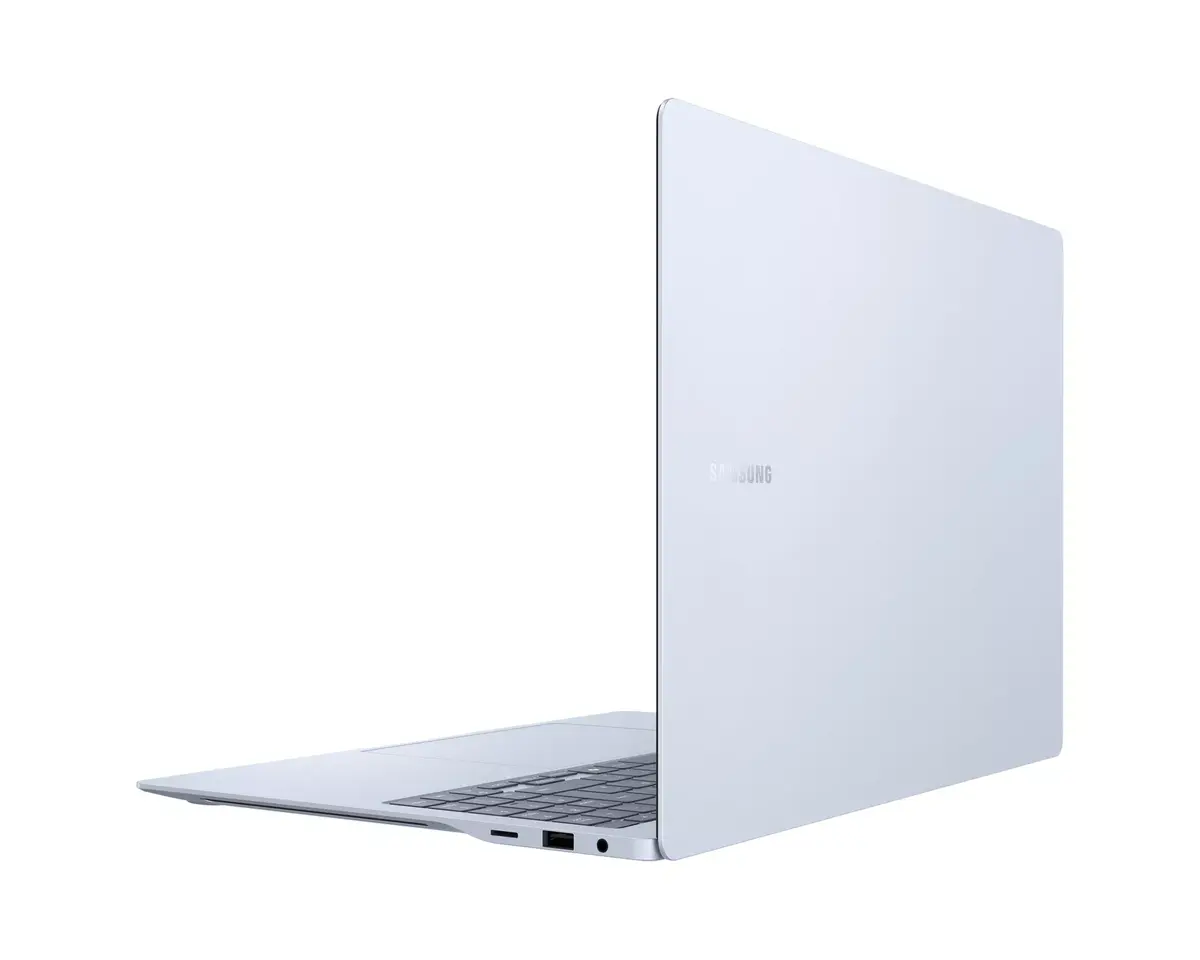
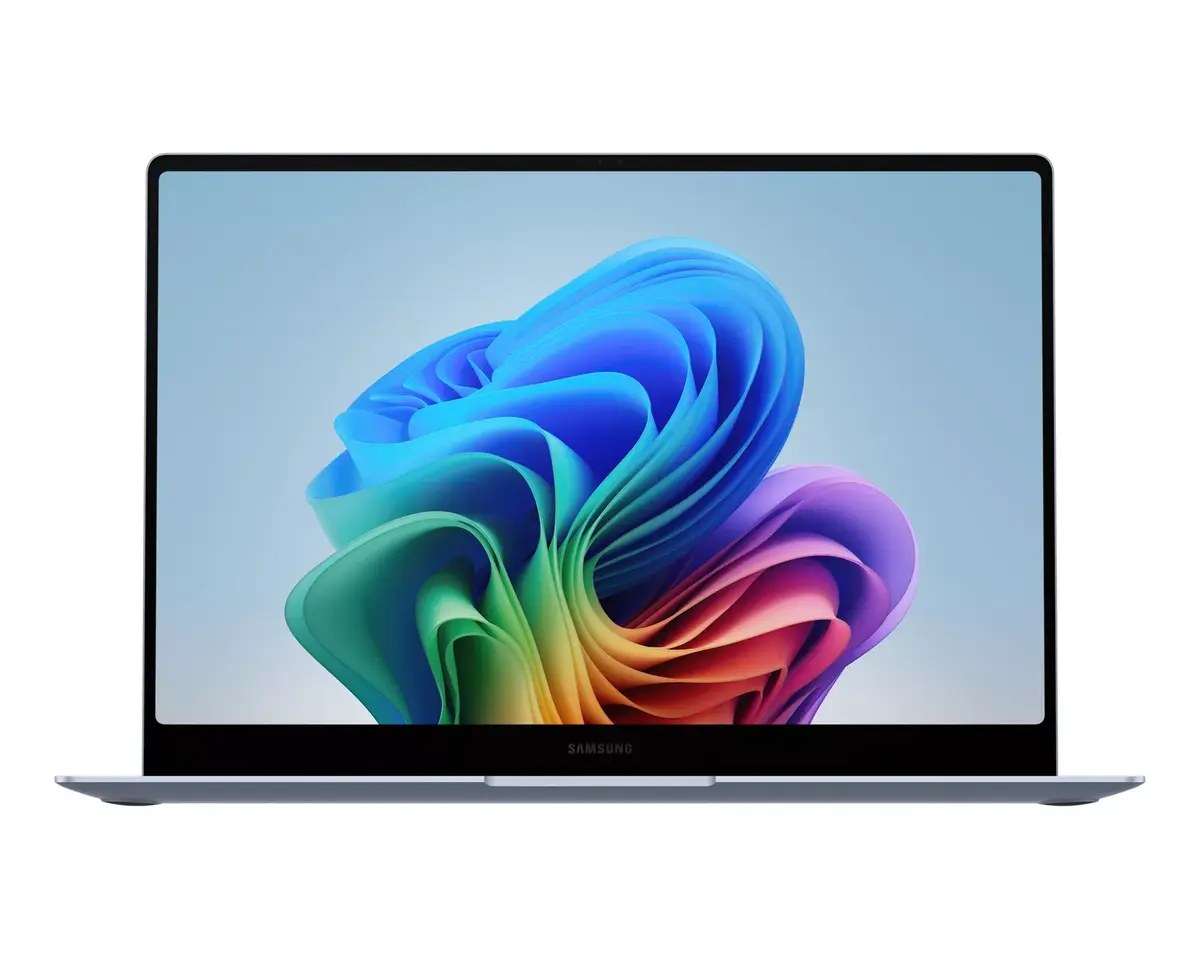
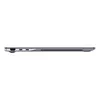
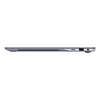
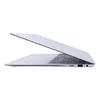
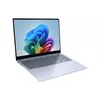
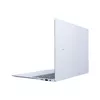
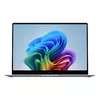
Laptop Samsung Galaxy Book4 Edge 16" Qualcomm Snapdragon X1E-80-100 16GB RAM 512GB SSD Windows 11
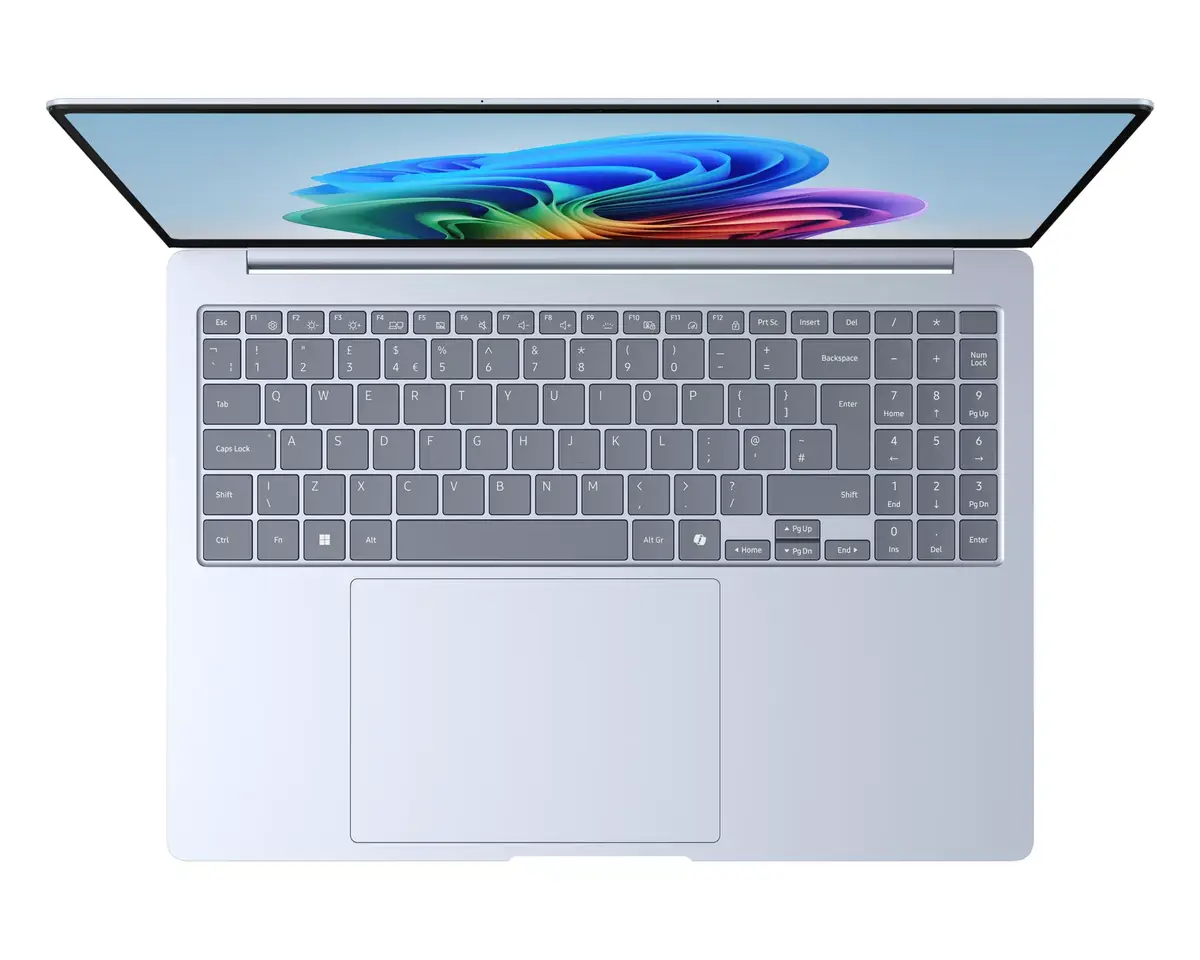
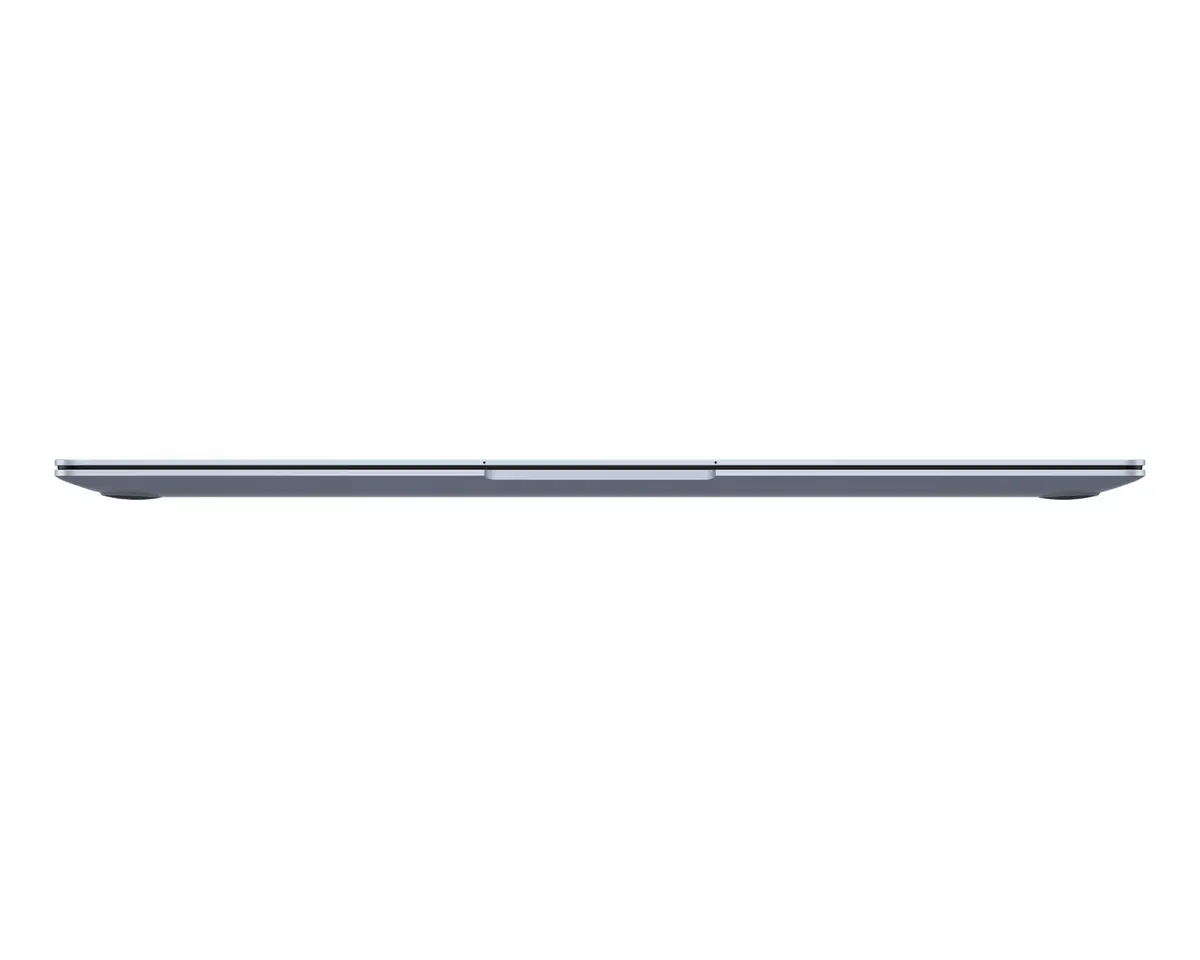
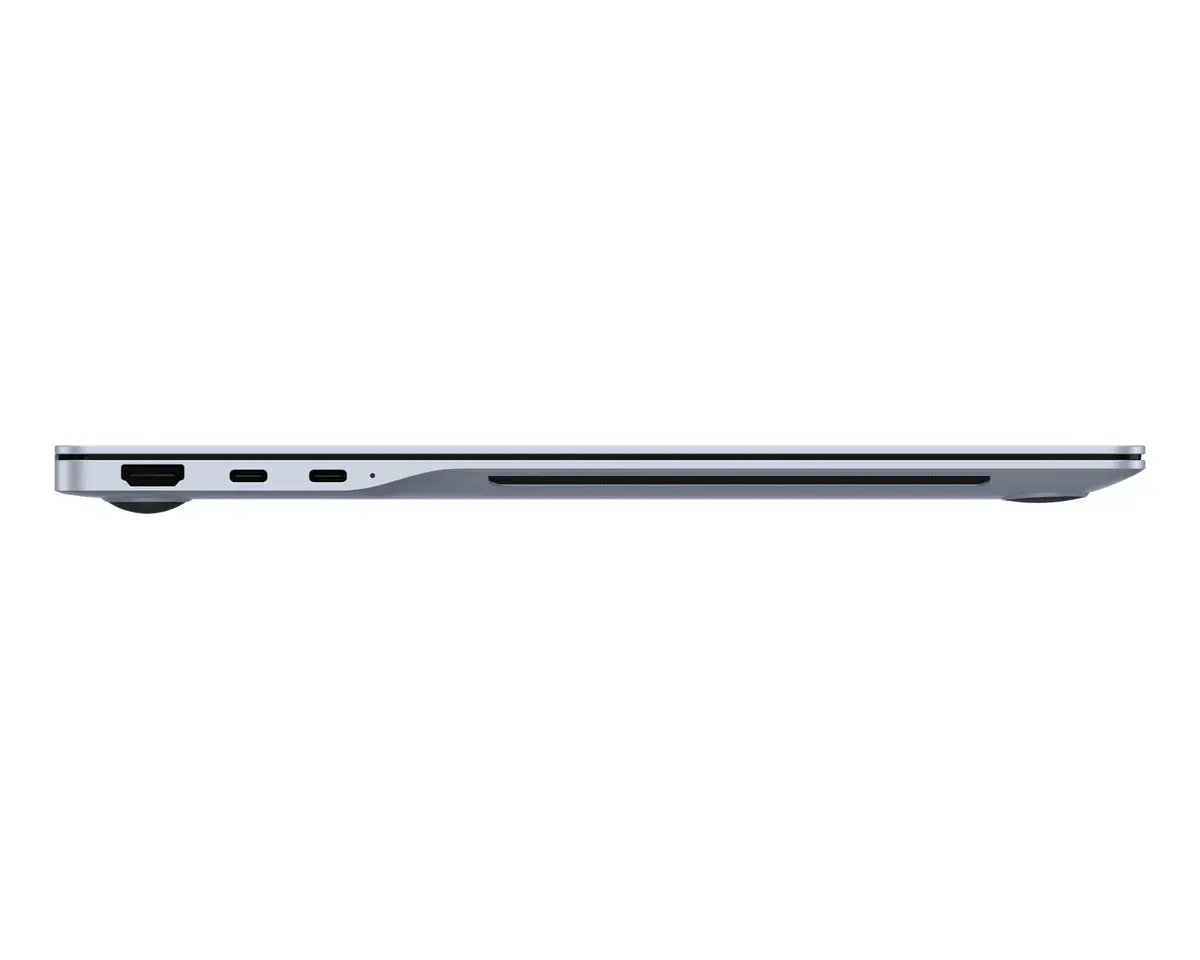
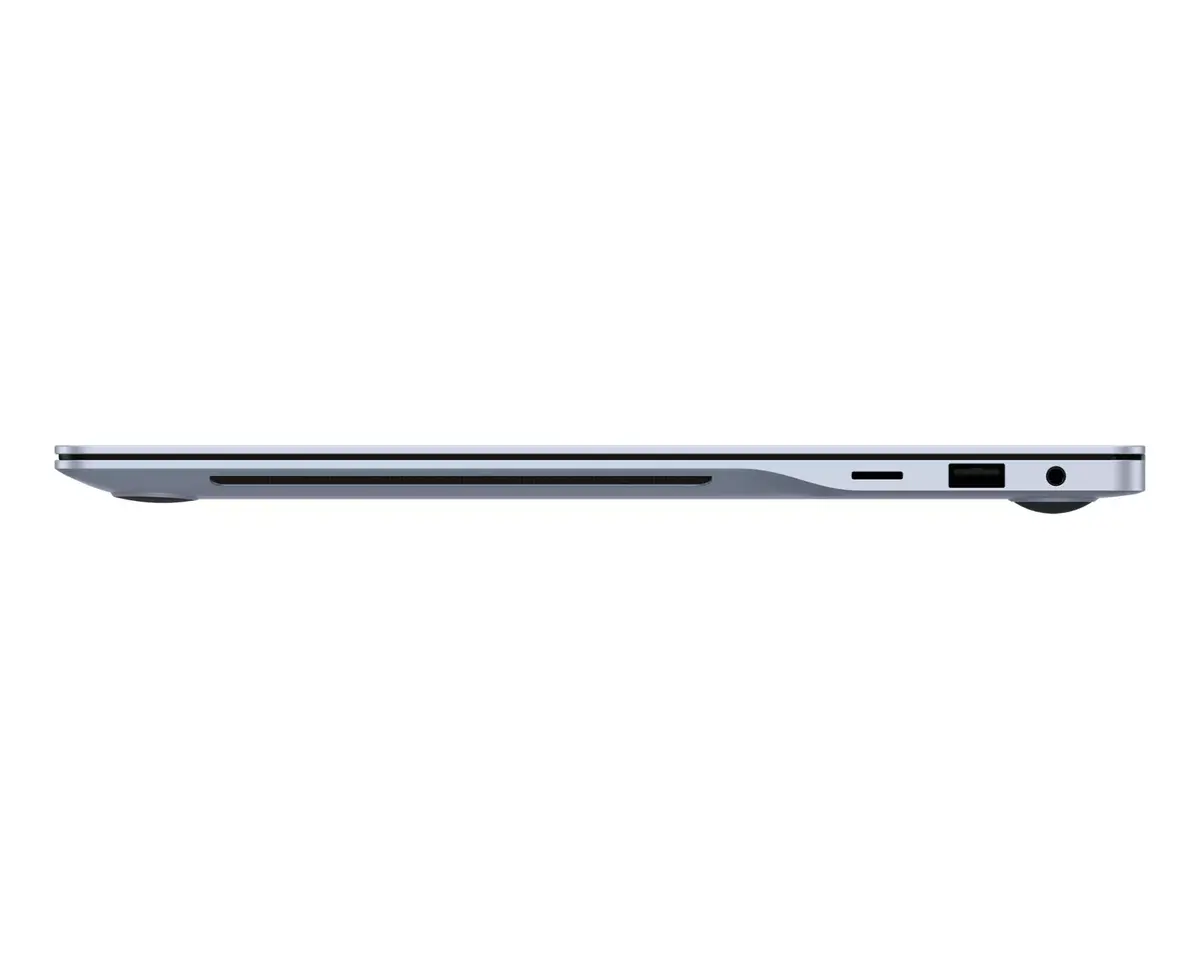
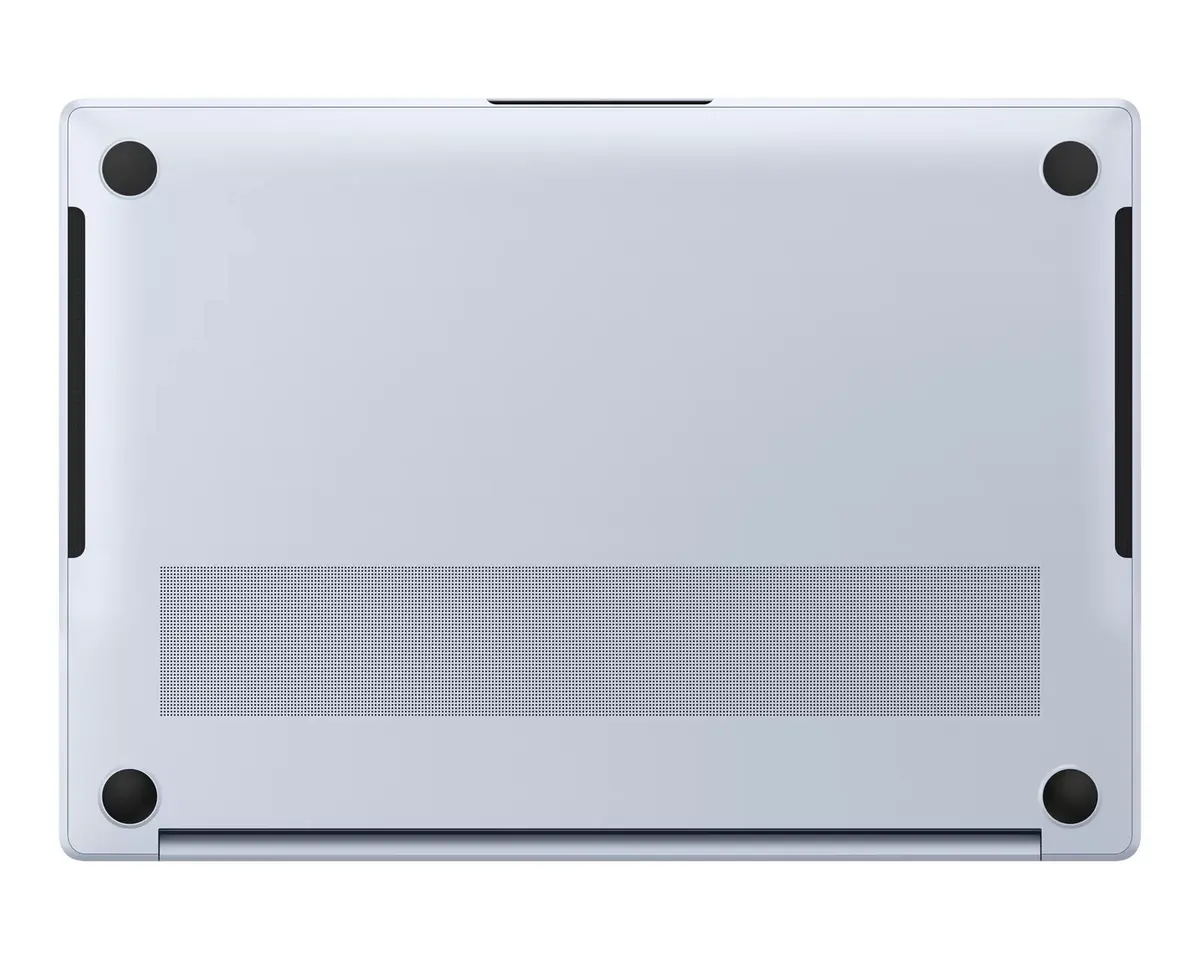
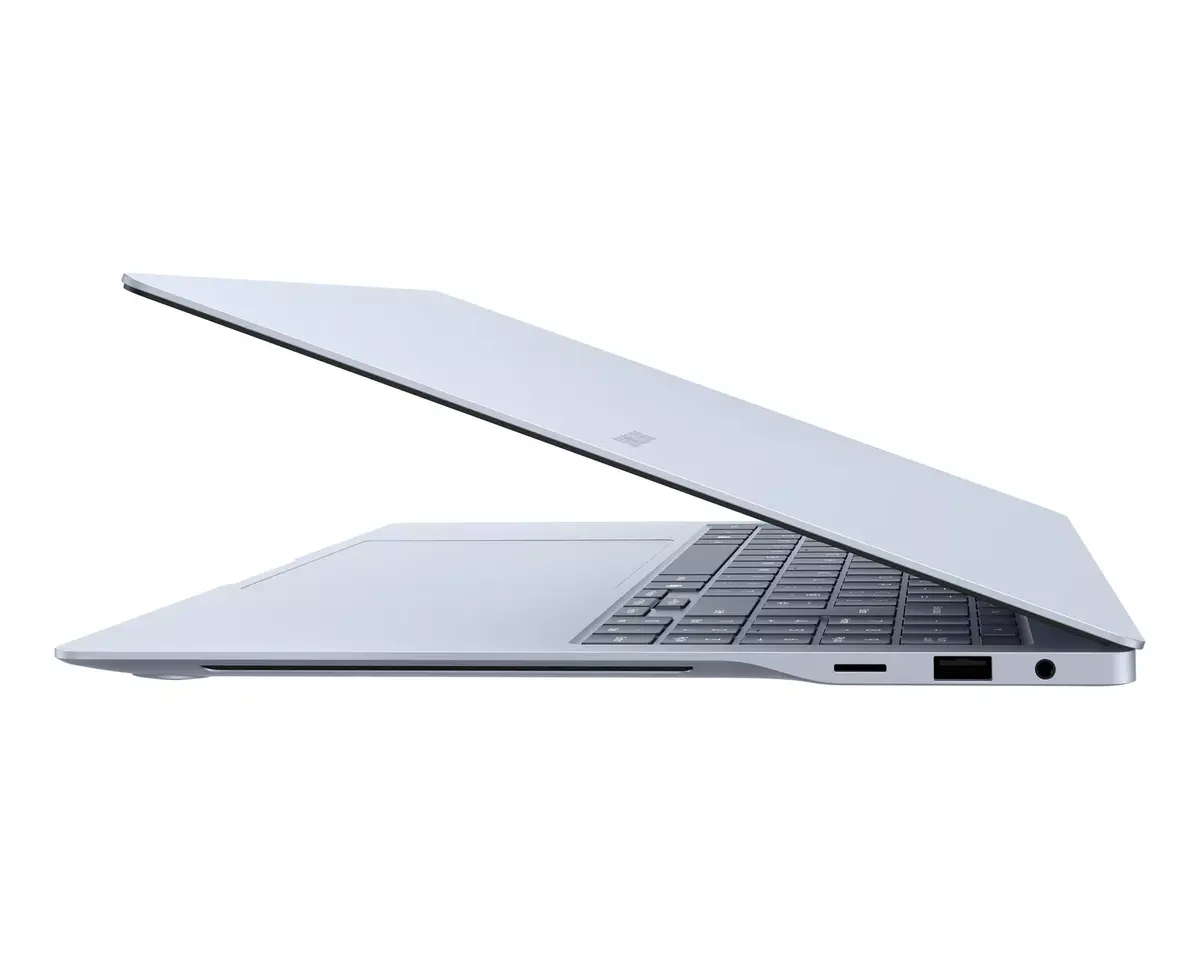
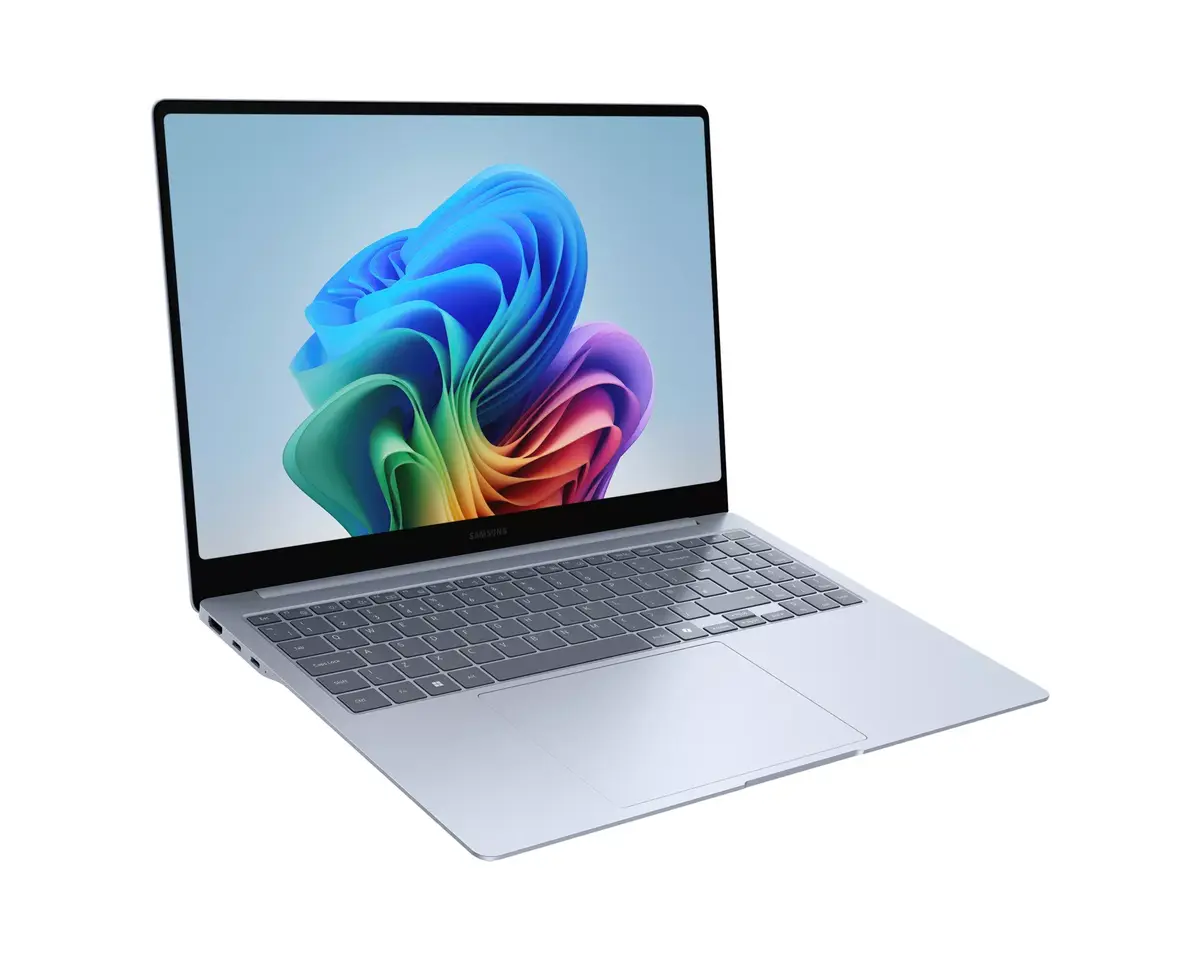
The Samsung Galaxy Book4 Edge 16" combines a high-resolution 16-inch WQXGA+ touchscreen (2880 x 1800) with a Qualcomm Snapdragon X1E-80-100 processor running at up to 3.4 GHz, 16 GB of LPDDR5x RAM and 512 GB of eUFS storage. The laptop runs Windows 11 Home and supports the latest Wi‑Fi 7 connectivity. Housed in a slim blue clamshell chassis and weighing approximately 1.54 kg, this model is designed for users who need a balance of performance, portability and a touchscreen experience.
The Snapdragon X1E-80-100 processor provides efficient multi-core performance and low power consumption suitable for extended battery life and quiet operation. The 16 GB of LPDDR5x memory enables smooth multitasking and responsive application switching, while 512 GB of eUFS storage delivers fast read/write access for system and file operations. The high-resolution touchscreen supports detailed visuals and precise input, and integrated Qualcomm Adreno graphics handle everyday graphics tasks and media playback without a discrete GPU. Built-in support for Wi‑Fi 7 offers higher wireless throughput and lower latency where compatible networks are available.
Power on the laptop and complete the Windows 11 Home setup by following the on-screen prompts to sign in with a Microsoft account or set up a local account. Use the touchscreen for direct interaction with apps and gestures, or connect an external mouse and keyboard for traditional input. Manage storage and system updates through Windows Settings; the fast eUFS storage and LPDDR5x memory make application launches and switching responsive. For best wireless performance, connect to a Wi‑Fi 7 compatible router when available. Adjust display brightness and power settings to balance battery life and performance during mobile use.
For optimal day-to-day performance, keep Windows 11 and device drivers up to date, install antivirus protection, and avoid filling the storage to capacity. When working on color-sensitive tasks, calibrate the display in Windows settings or with a colorimeter. To extend battery lifespan, use balanced power plans and avoid long periods of full discharge.
{{highlightedFeature.featureTitle}}:
{{getProductFeatureValueById(product, highlightedFeature.featureId)}}
{{ productComparisonGenerationError }}