



Powerful EcoFlow stations for energy anywhere!
In cart {{totalProductsCount}} item(s)
Your cart is empty
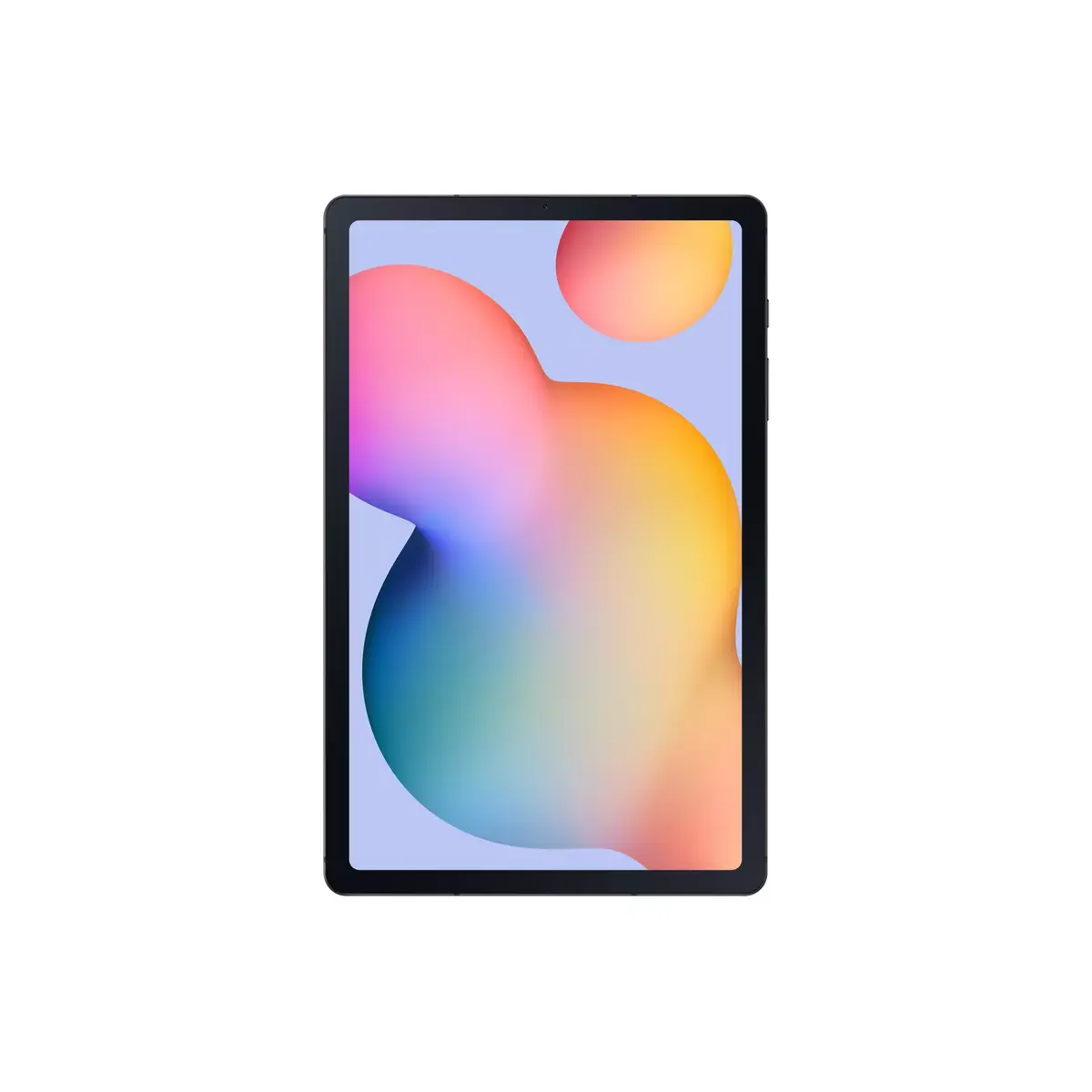
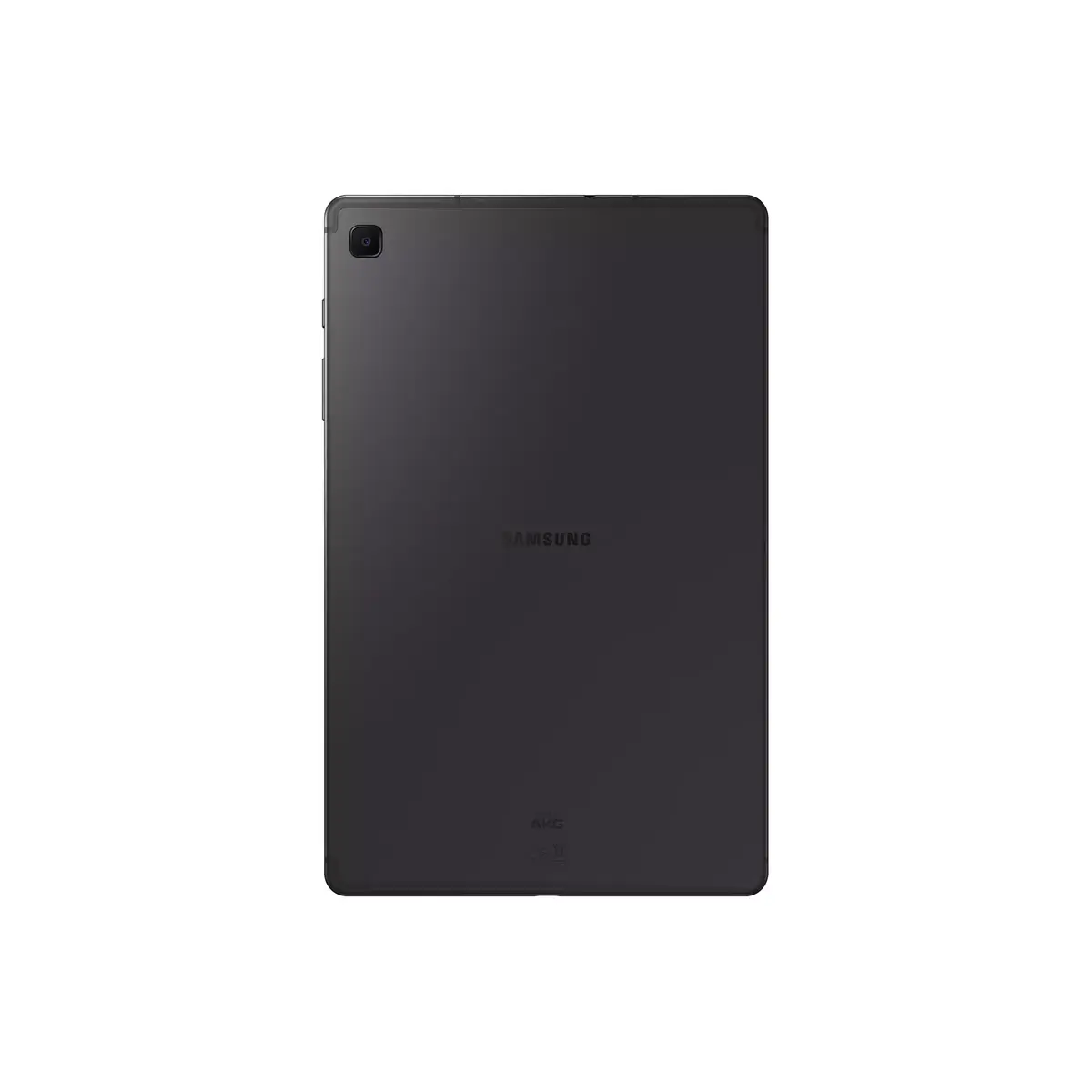
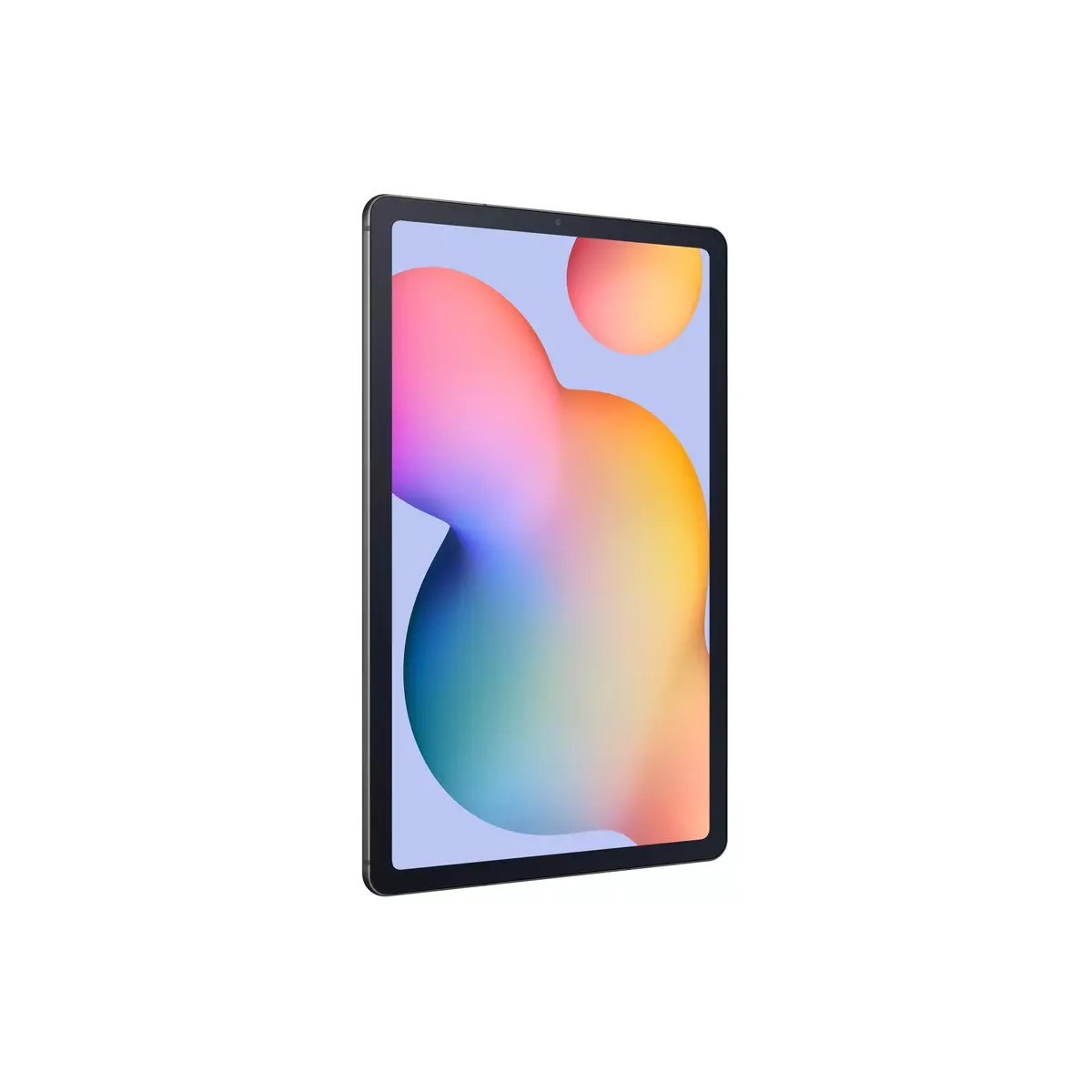
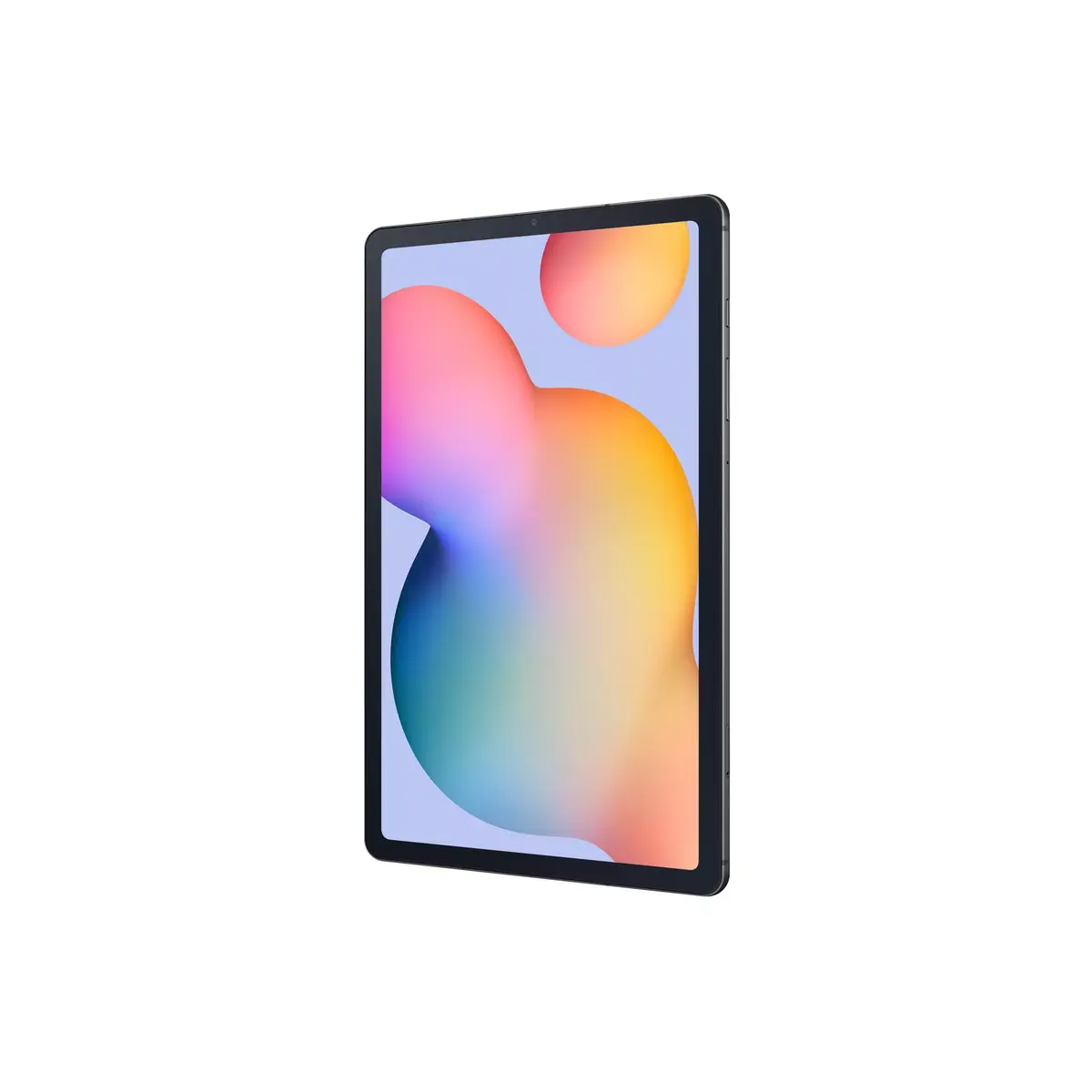
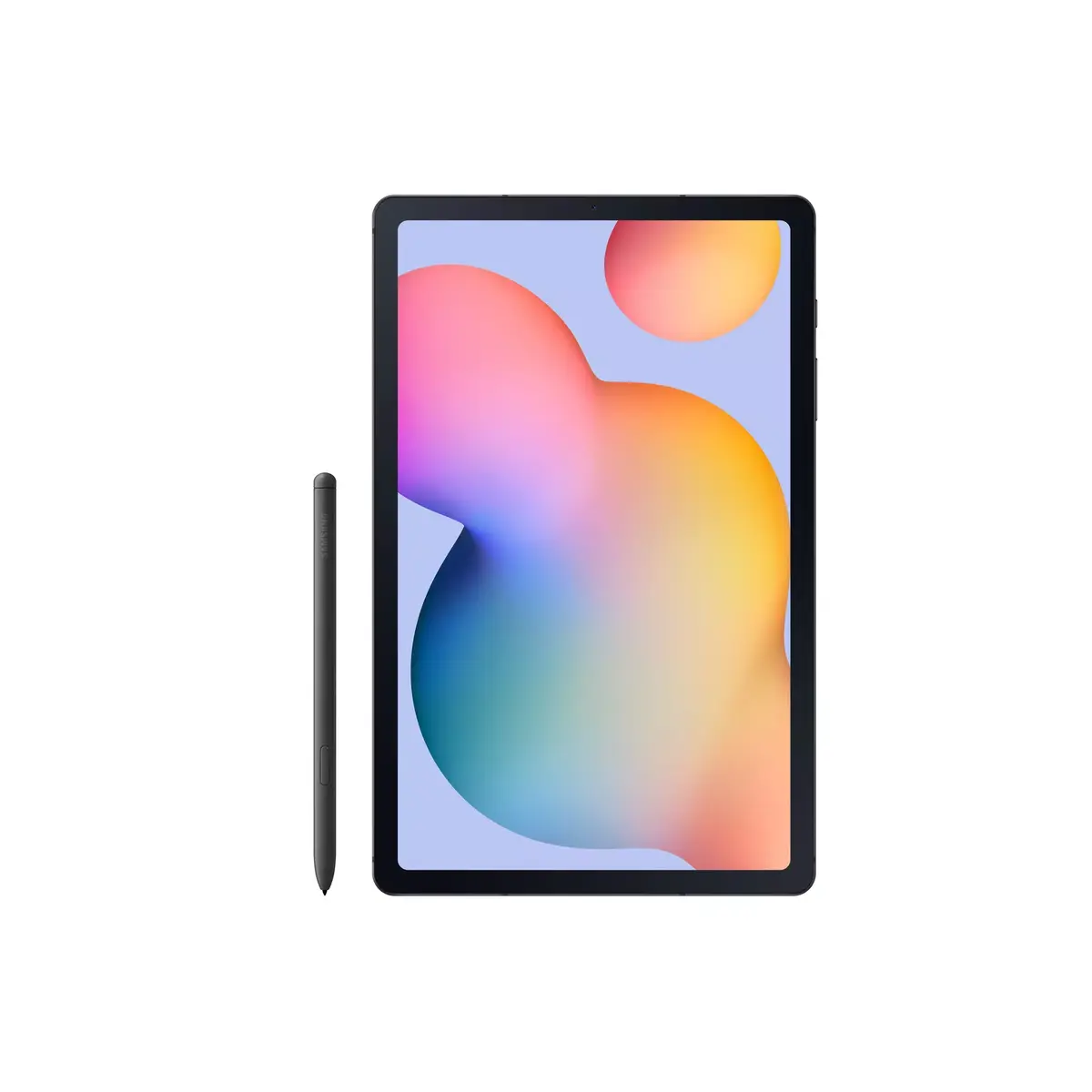
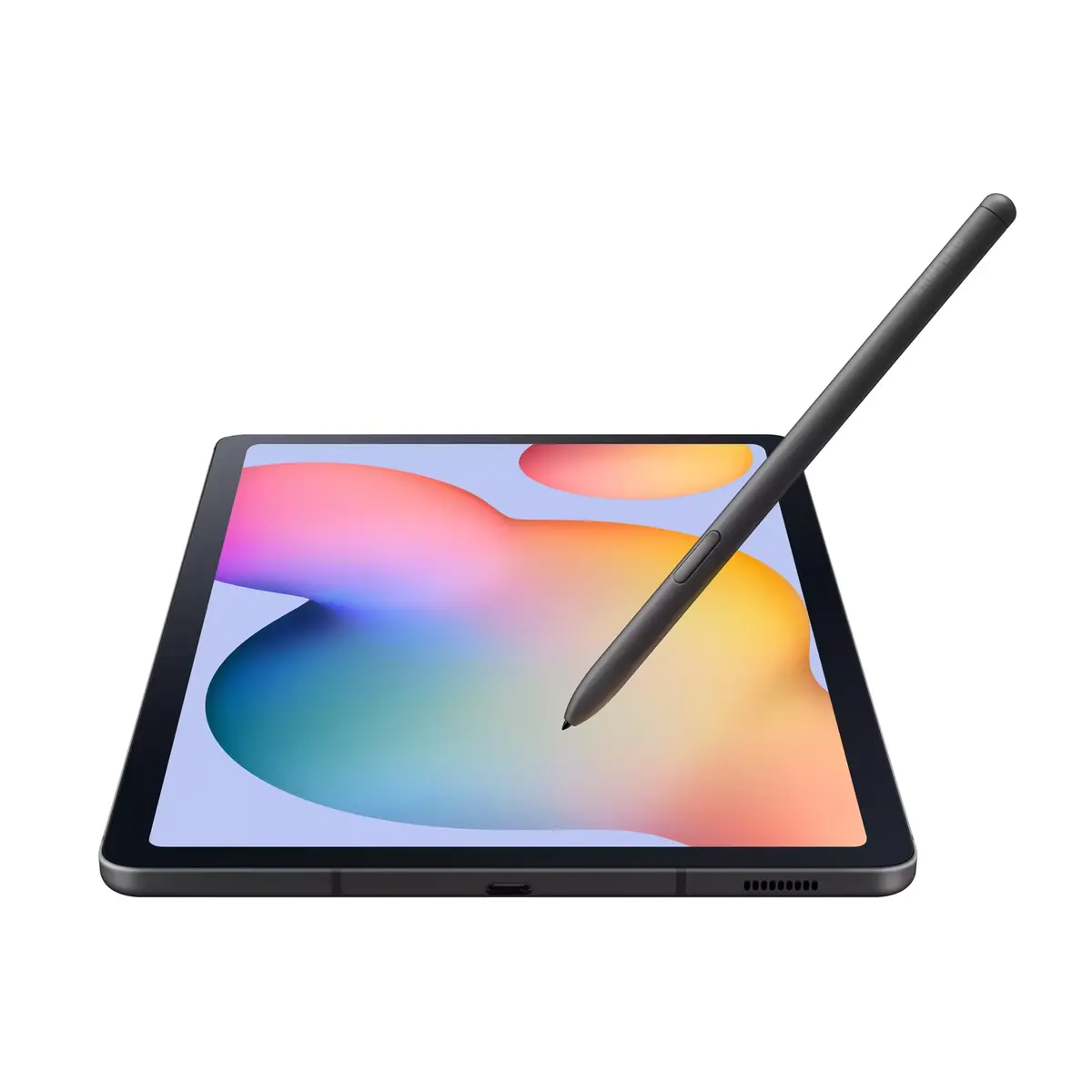
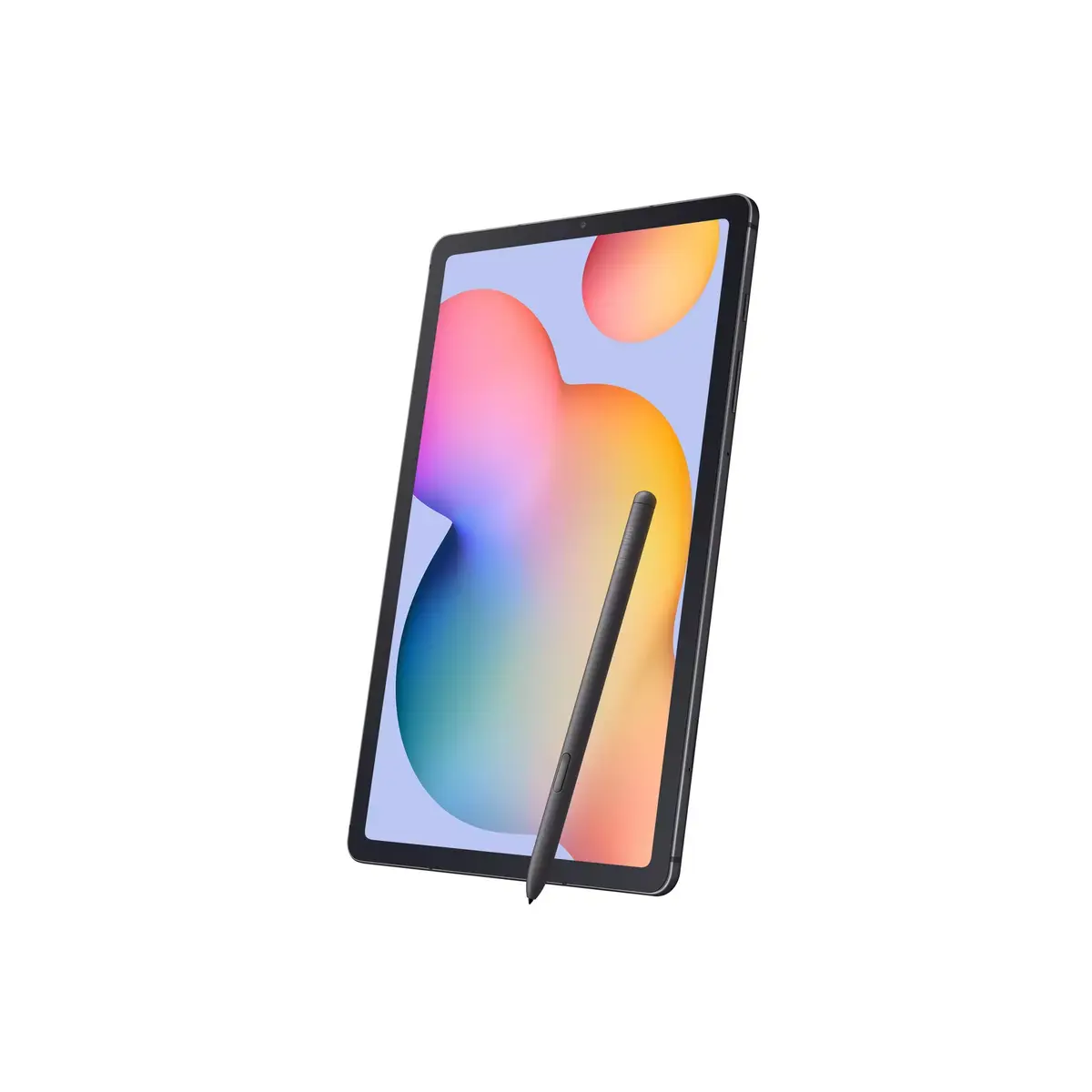
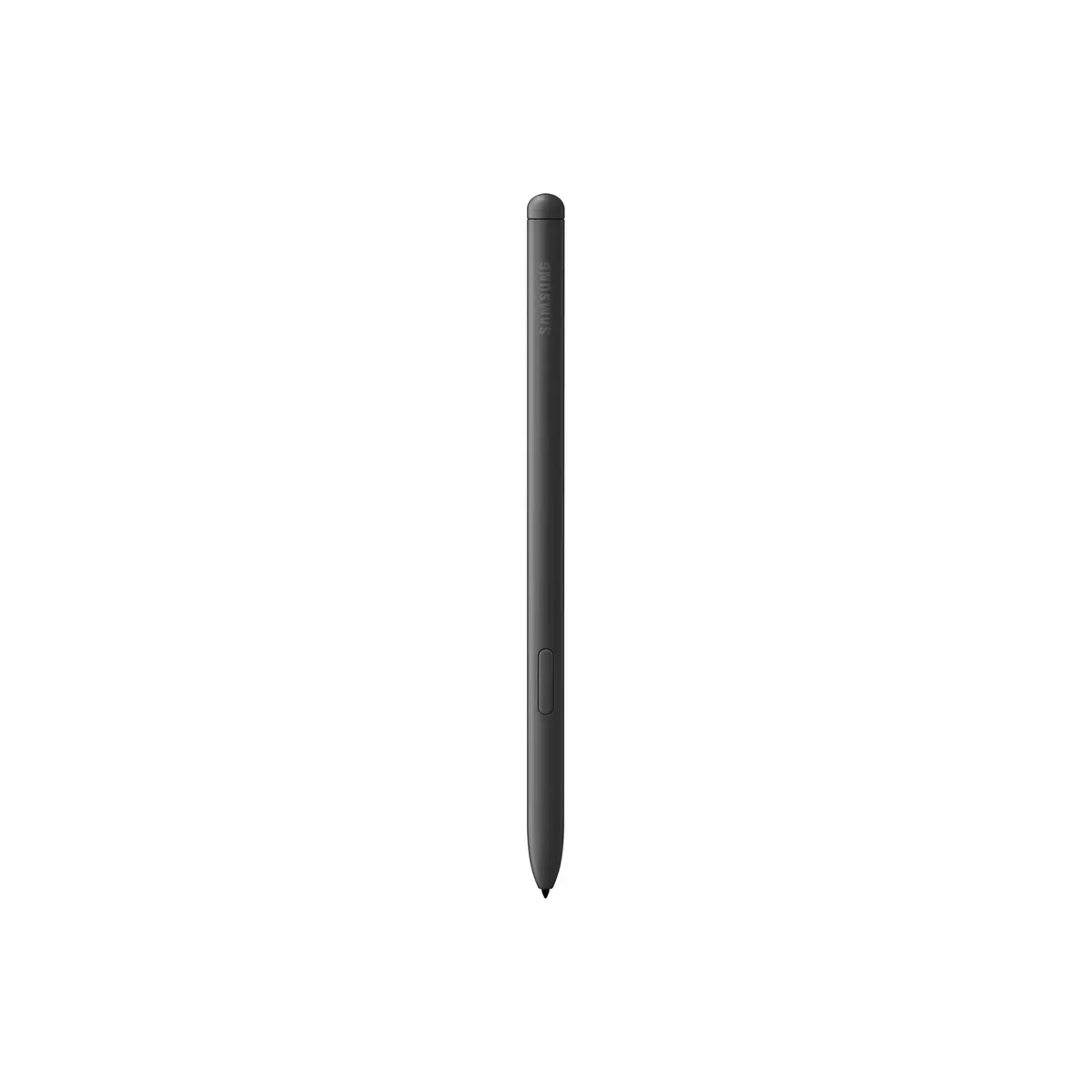
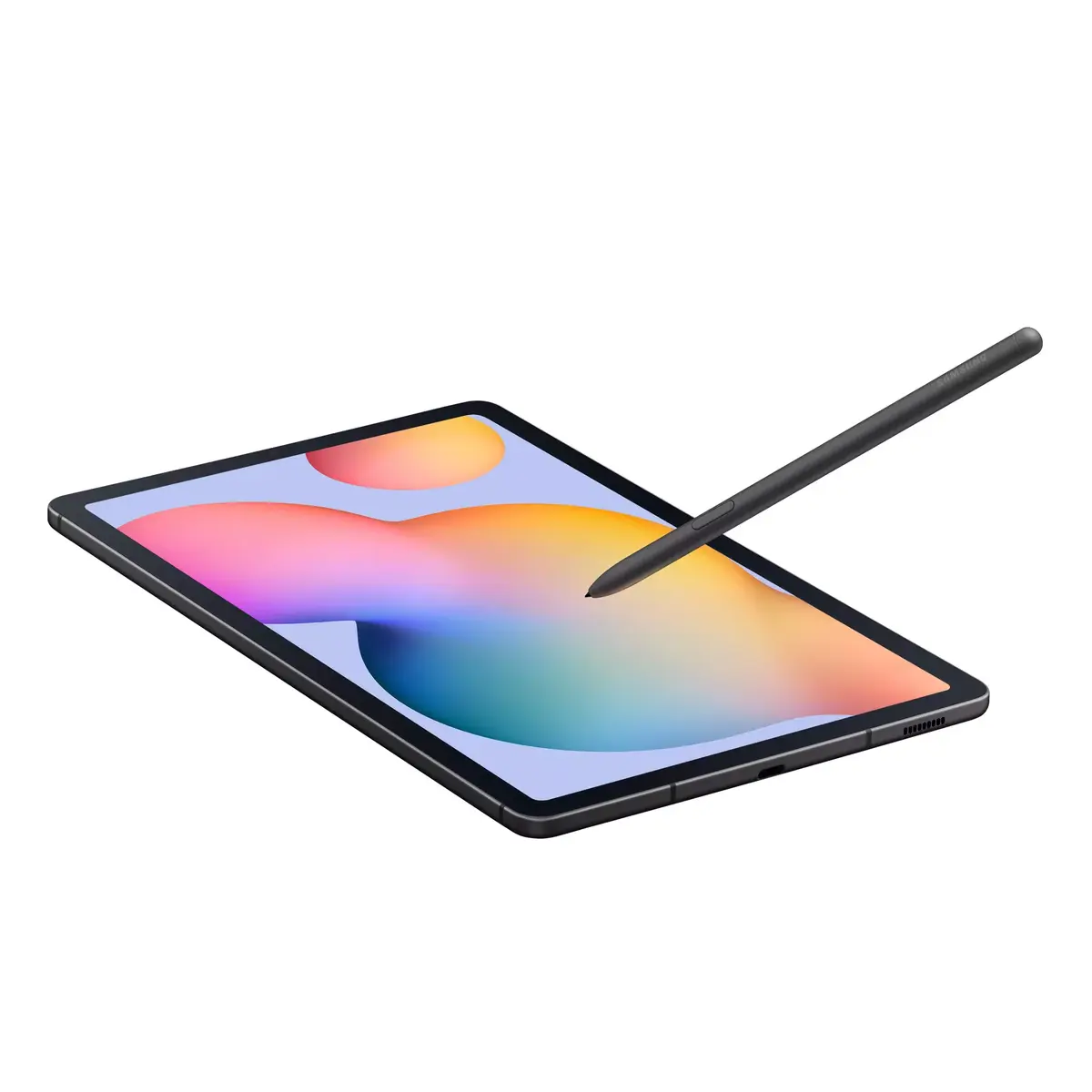
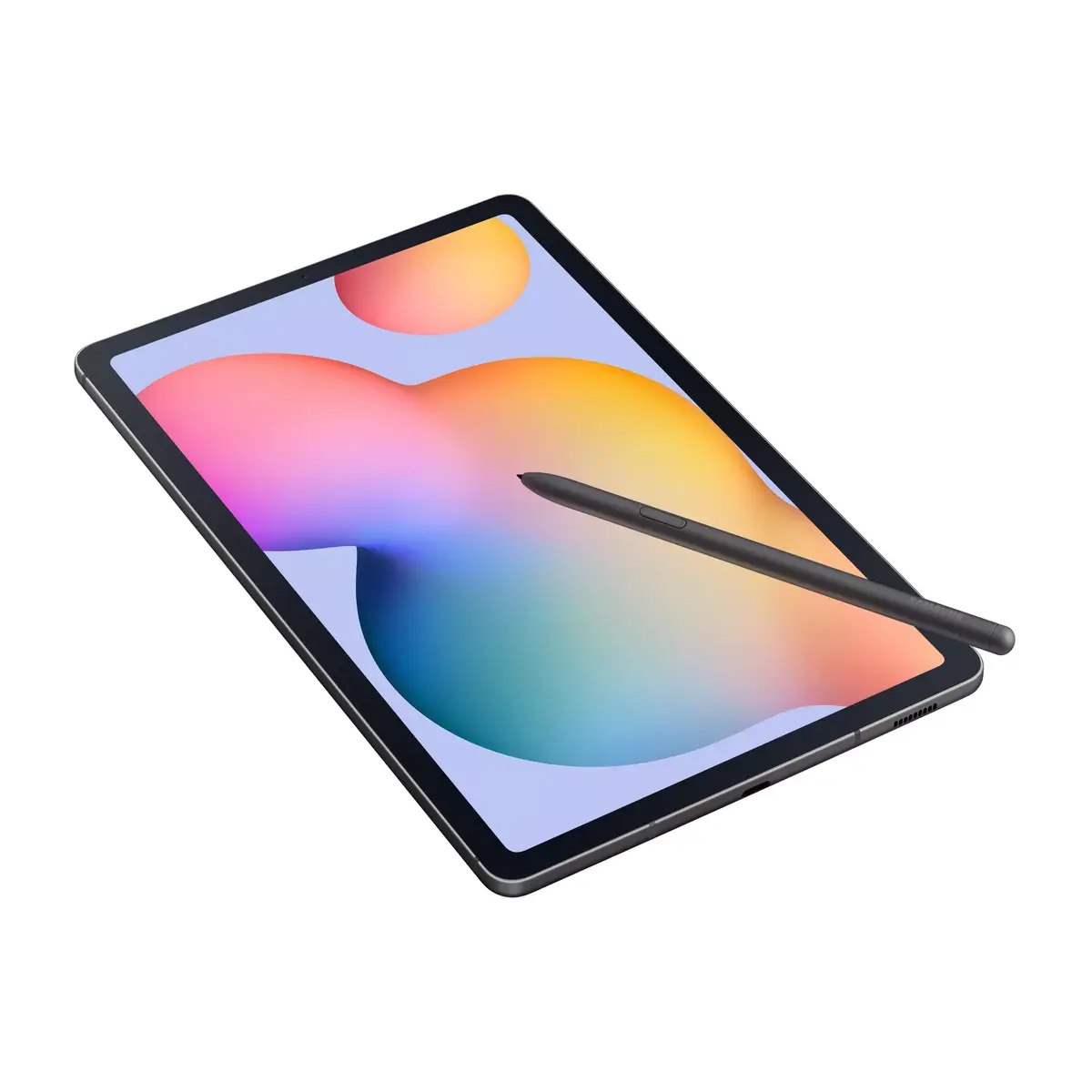
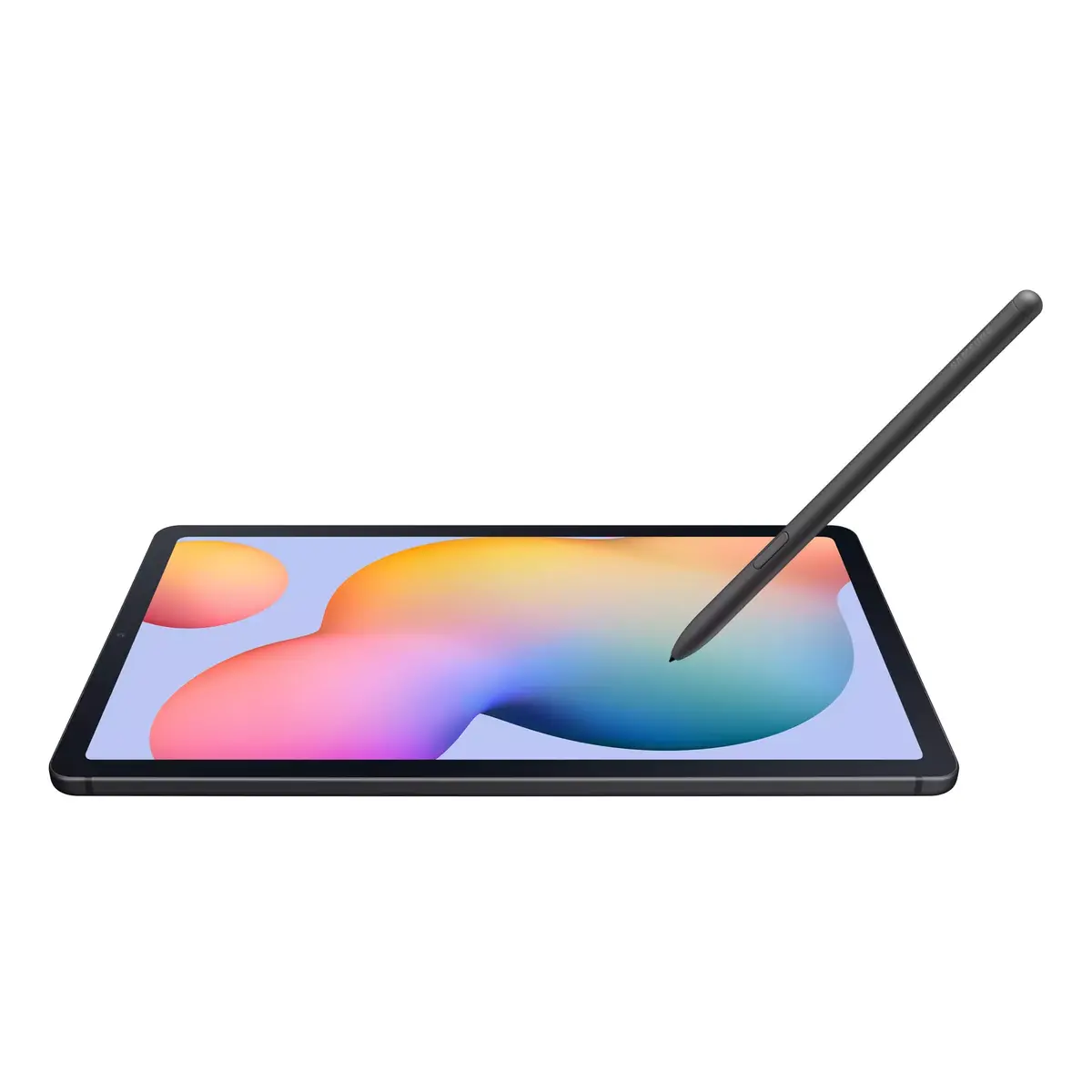
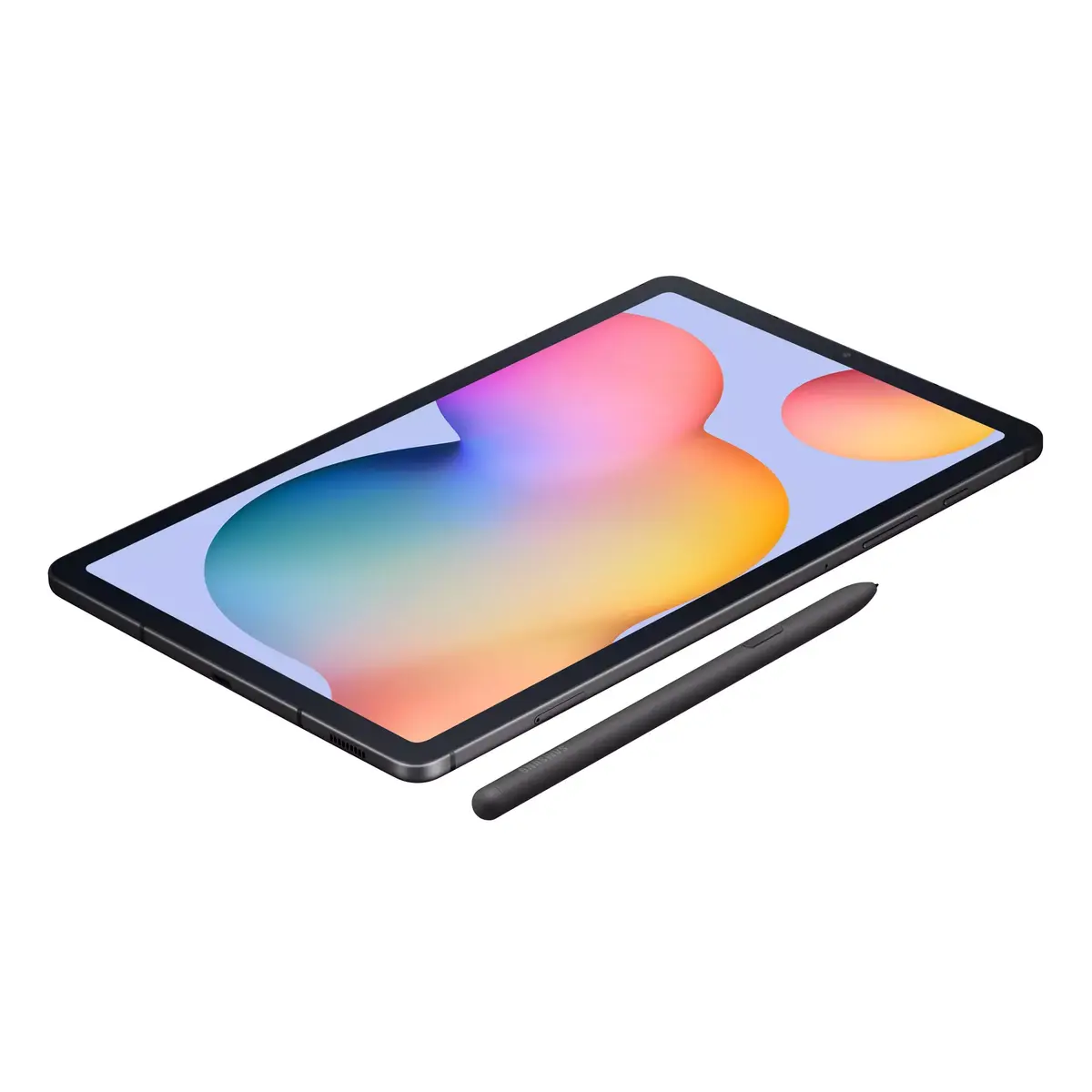
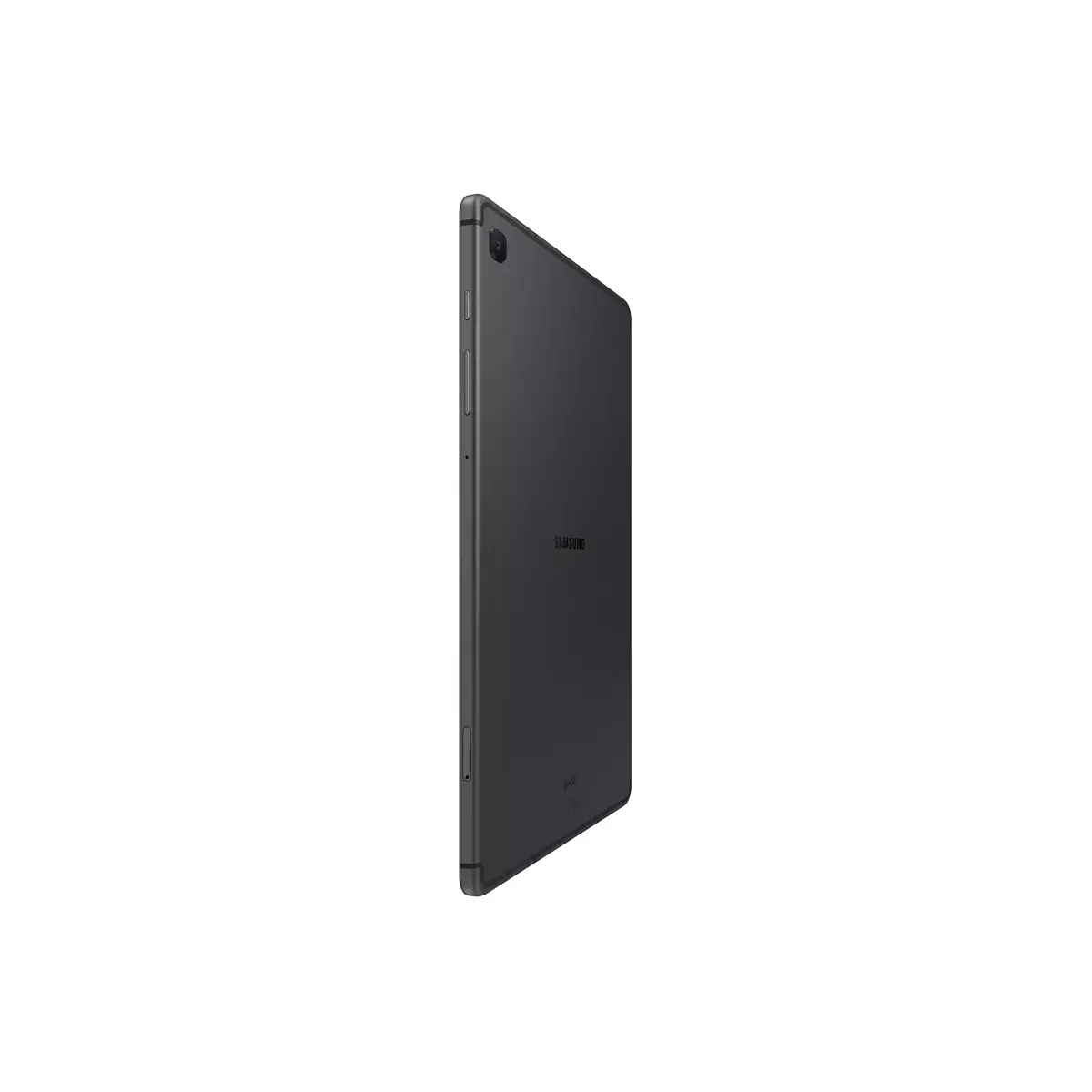
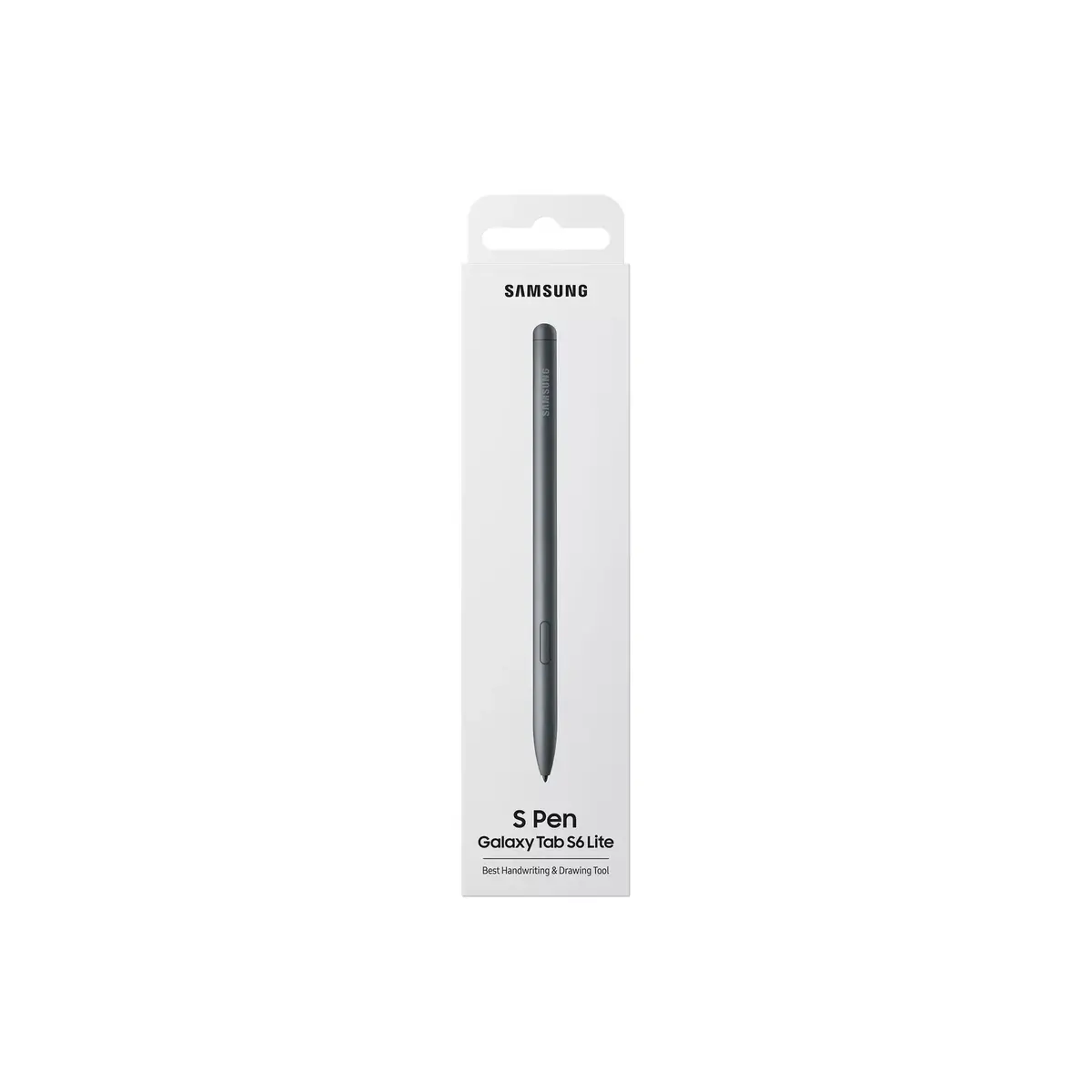
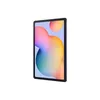
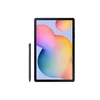
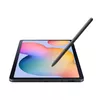
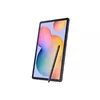
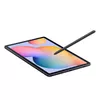
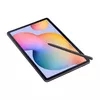
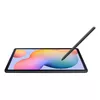
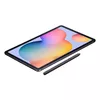
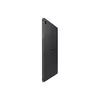
Samsung Galaxy Tab S6 Lite Tablet 10.4-inch 4GB RAM 64GB Storage Qualcomm Snapdragon
The Samsung Galaxy Tab S6 Lite is a compact and efficient 10.4-inch tablet designed to balance productivity and entertainment. Featuring a crisp 2000 x 1200 resolution display, this device provides a clear visual experience for streaming, reading, and browsing. Powered by a Qualcomm Snapdragon processor paired with 4GB of RAM, it handles everyday applications and multitasking with ease. With 64GB of internal storage, which can be expanded via a microSD card, users have ample space for documents, photos, and media files.
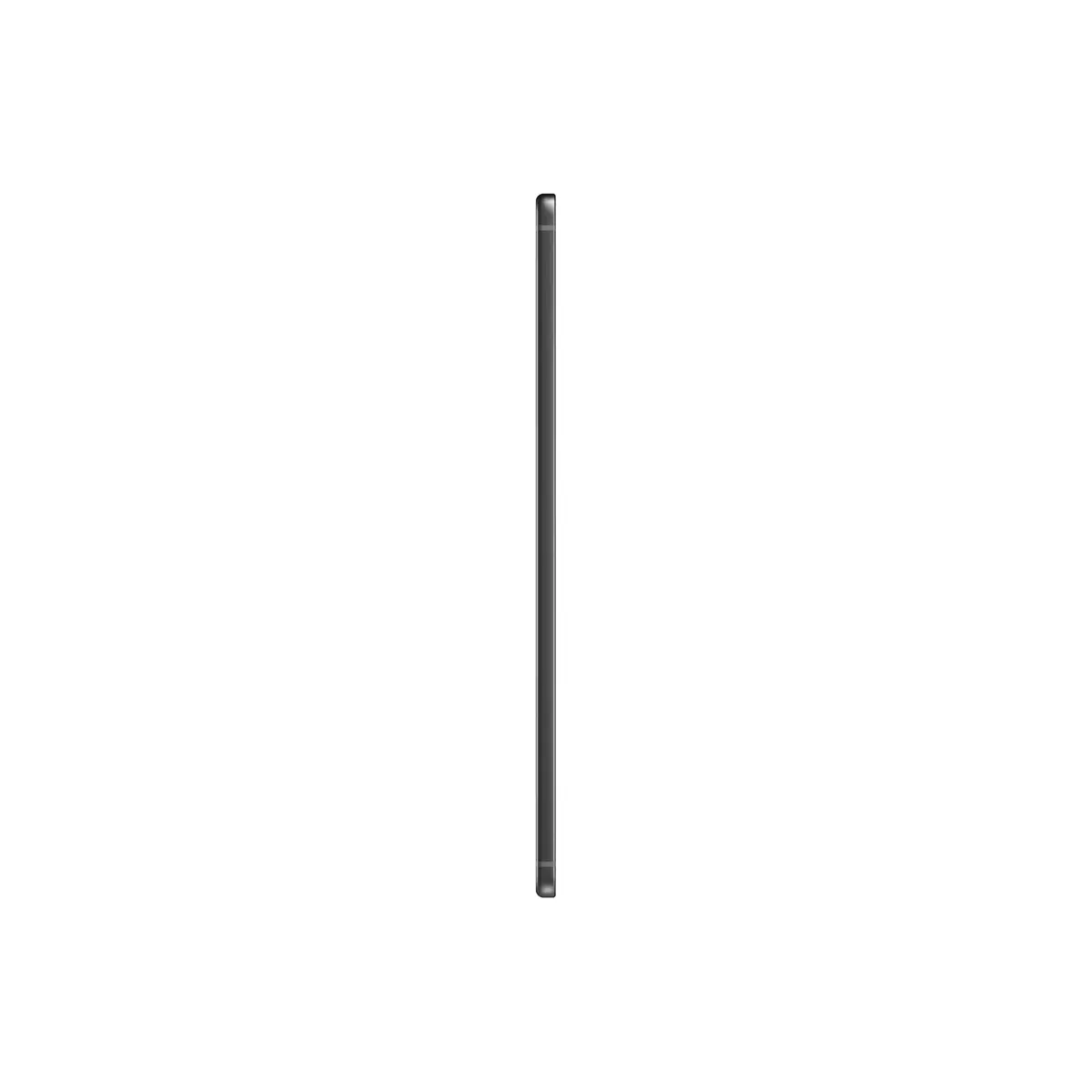
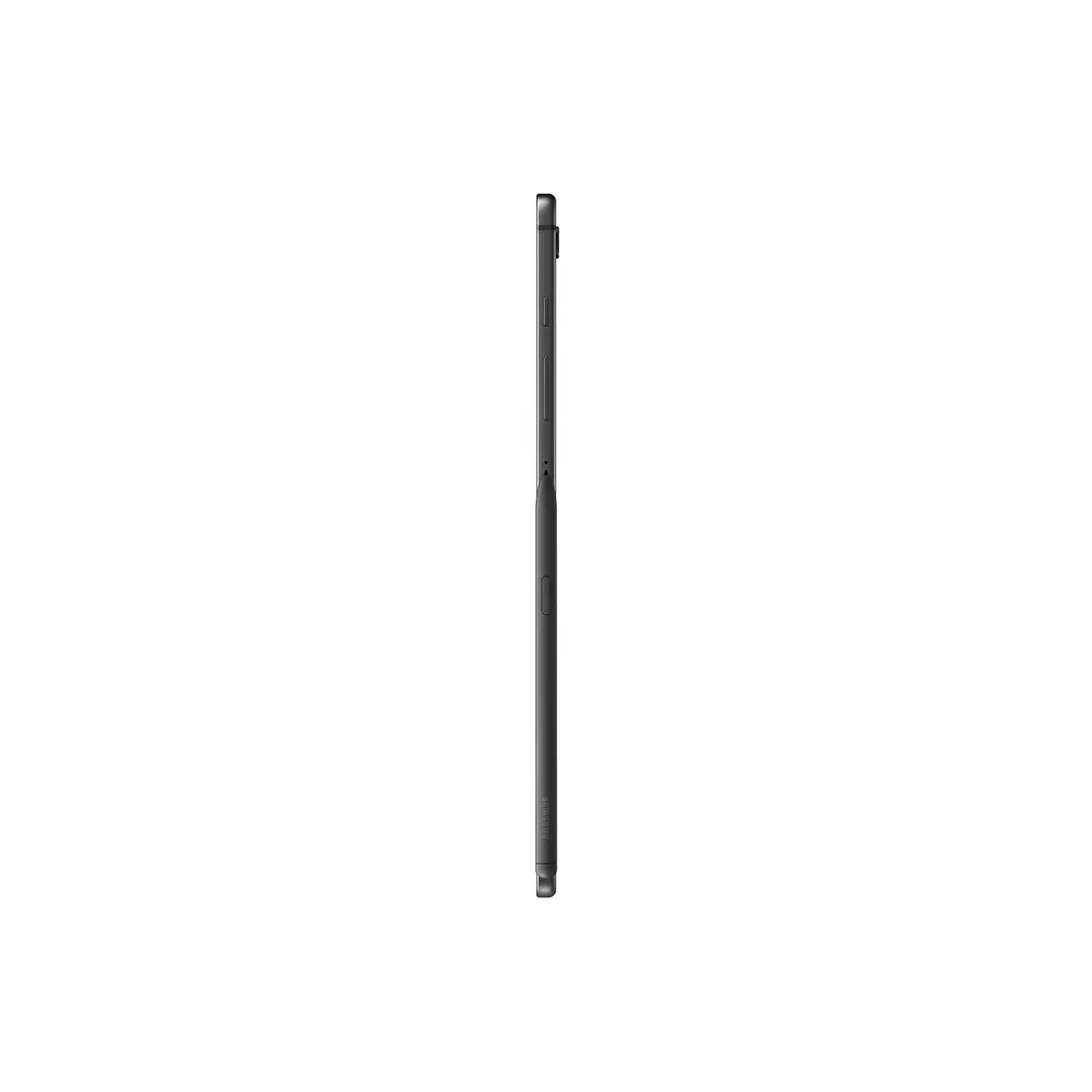
This tablet offers a portable design weighing only 465 grams, making it an ideal companion for travel or daily commutes. The integration of a high-resolution screen ensures that content is displayed with sharp detail, while the reliable processor architecture supports smooth operation across various apps. The inclusion of both front and rear cameras allows for versatile use, from video conferencing to capturing quick snapshots. Furthermore, the support for expandable storage provides flexibility for users who require more space than the base capacity offers.
This tablet is not designed for high-end professional video editing, complex 3D rendering, or running demanding gaming applications that require significant graphical processing power. Additionally, as this model lacks cellular connectivity, it is not suitable for users who require constant internet access in locations without Wi-Fi coverage.
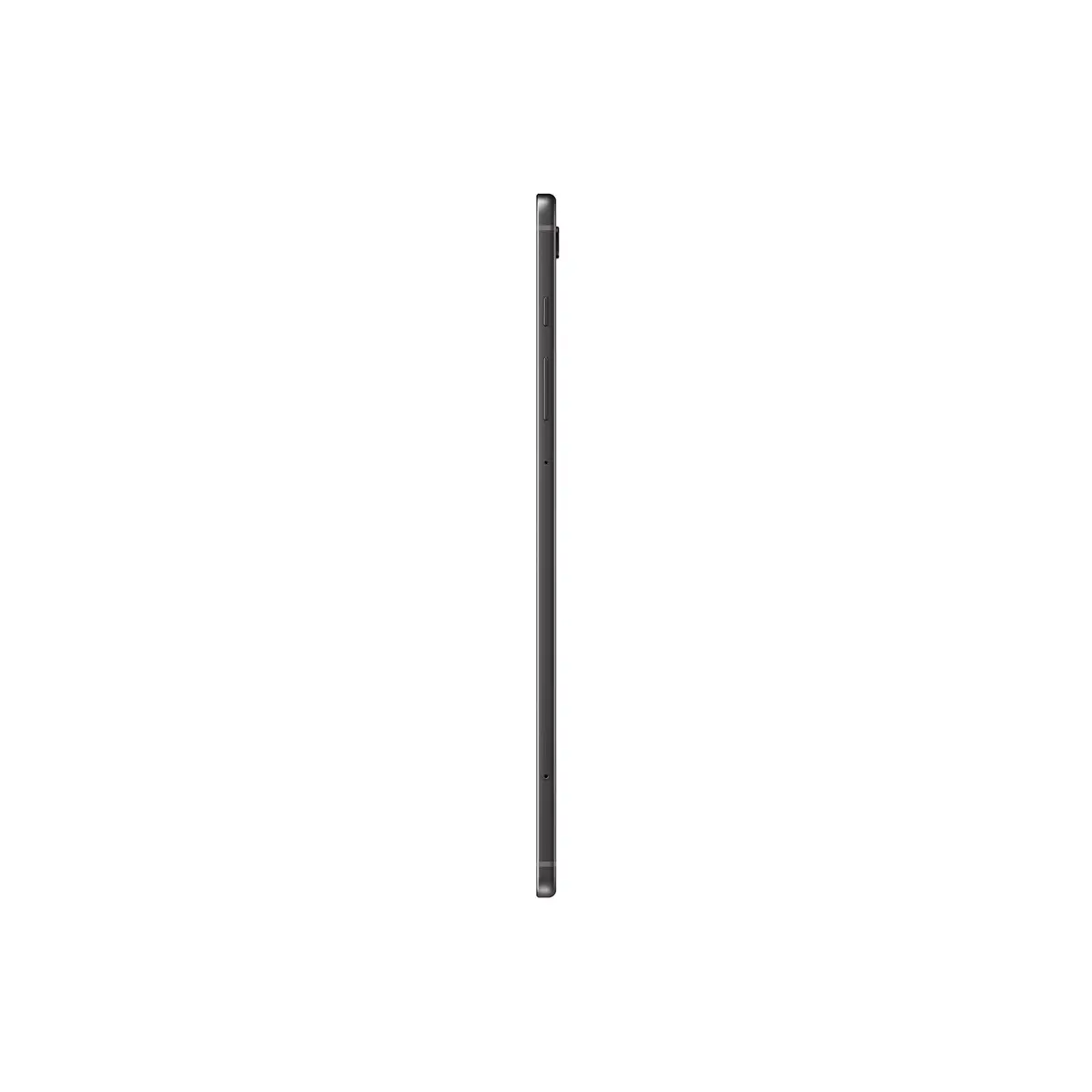
To begin using the Samsung Galaxy Tab S6 Lite, power on the device by holding the side button until the logo appears on the screen. Follow the on-screen prompts to connect to your local Wi-Fi network and sign in with your account. You can navigate the interface using touch gestures. To expand your storage, locate the microSD card slot on the side of the device and insert a compatible memory card. Keep the tablet updated through the settings menu to ensure optimal performance and security.
To maintain the longevity of your device, avoid exposing it to extreme temperatures and moisture. Regularly clear your cache and manage background applications to keep the system running smoothly. Using a screen protector is recommended to maintain the clarity of the 10.4-inch display over time.
{{highlightedFeature.featureTitle}}:
{{getProductFeatureValueById(product, highlightedFeature.featureId)}}
{{ productComparisonGenerationError }}