



Save time and money with our discounts!
In cart {{totalProductsCount}} item(s)
Your cart is empty
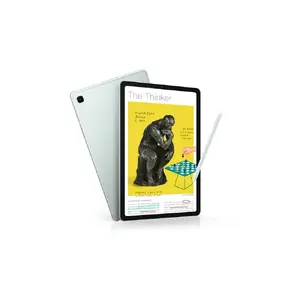
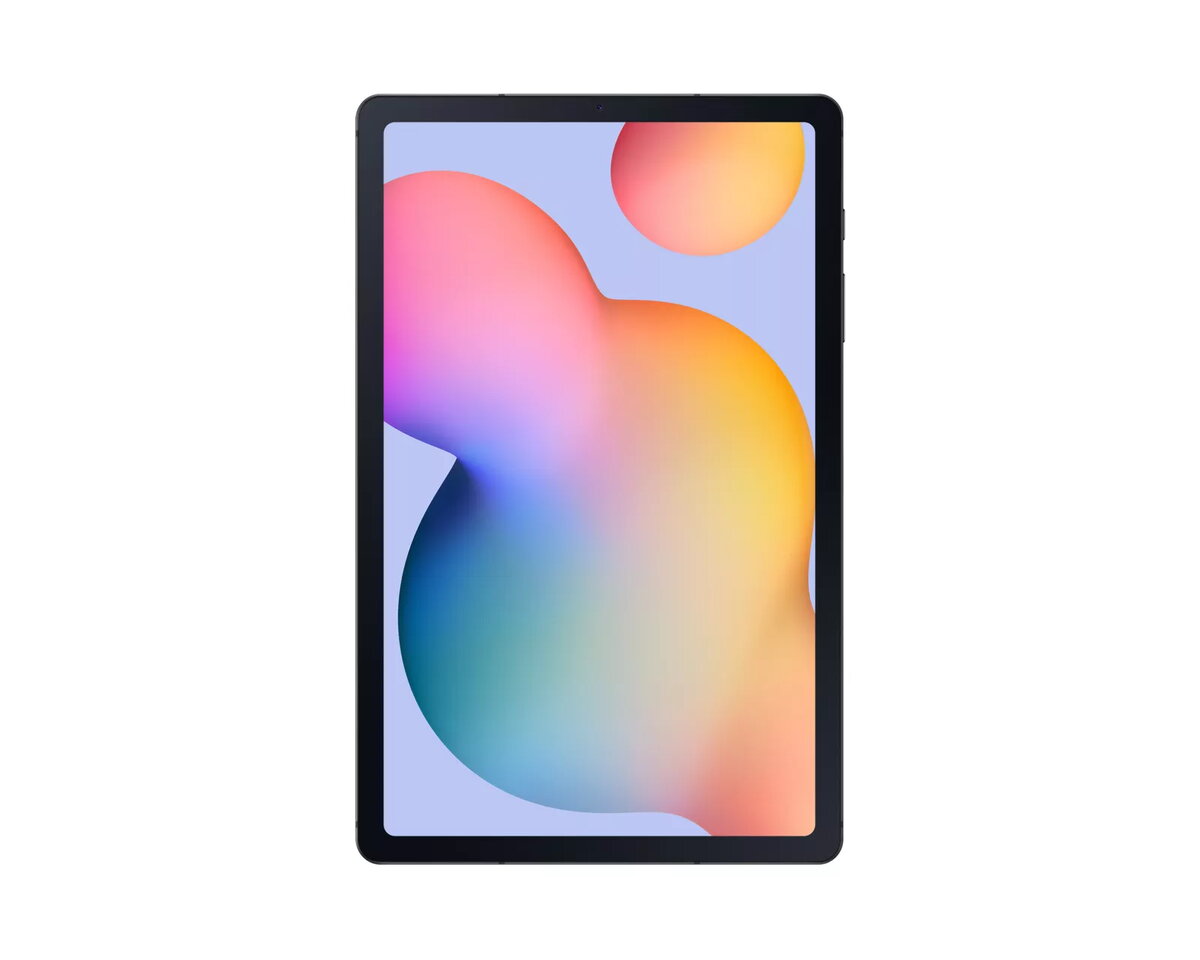
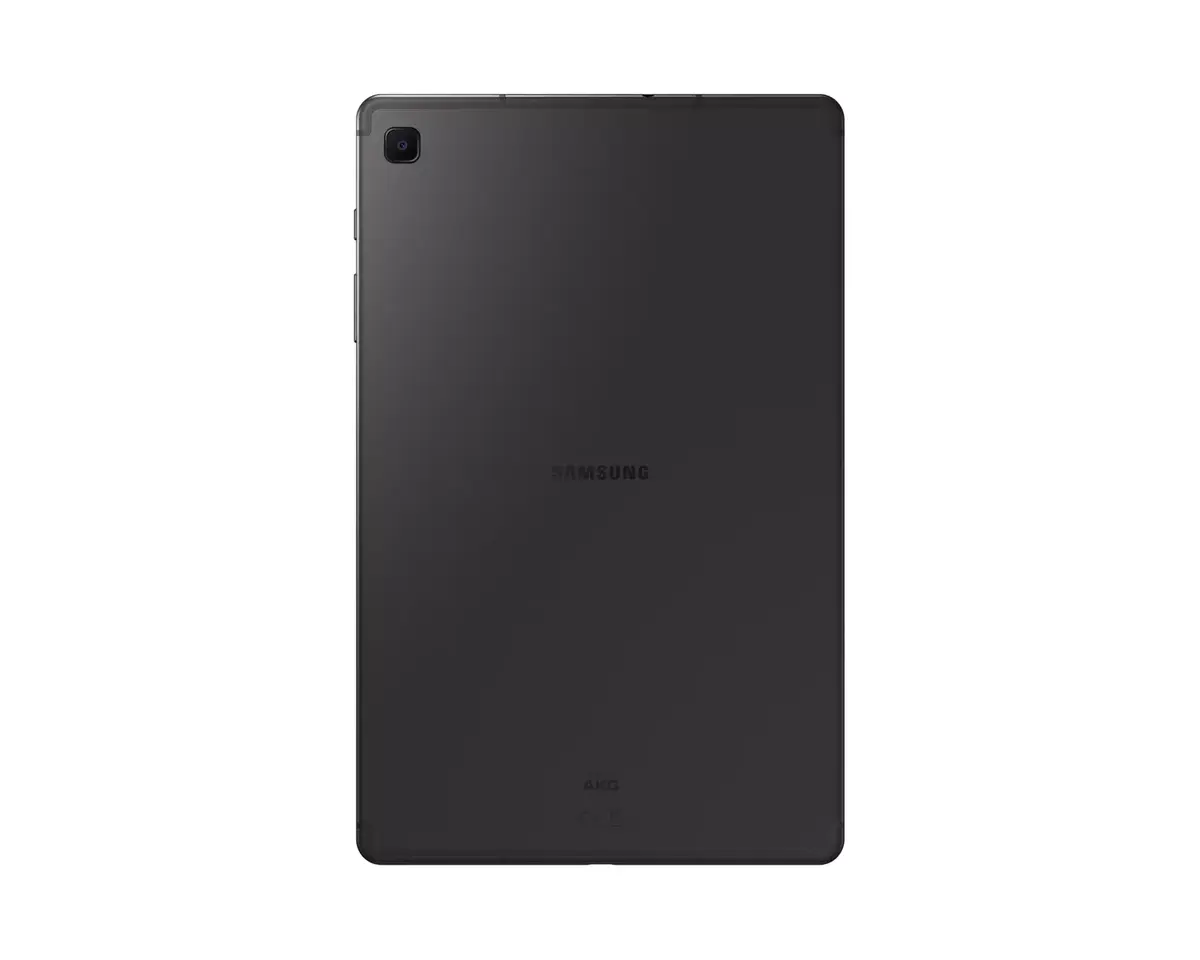
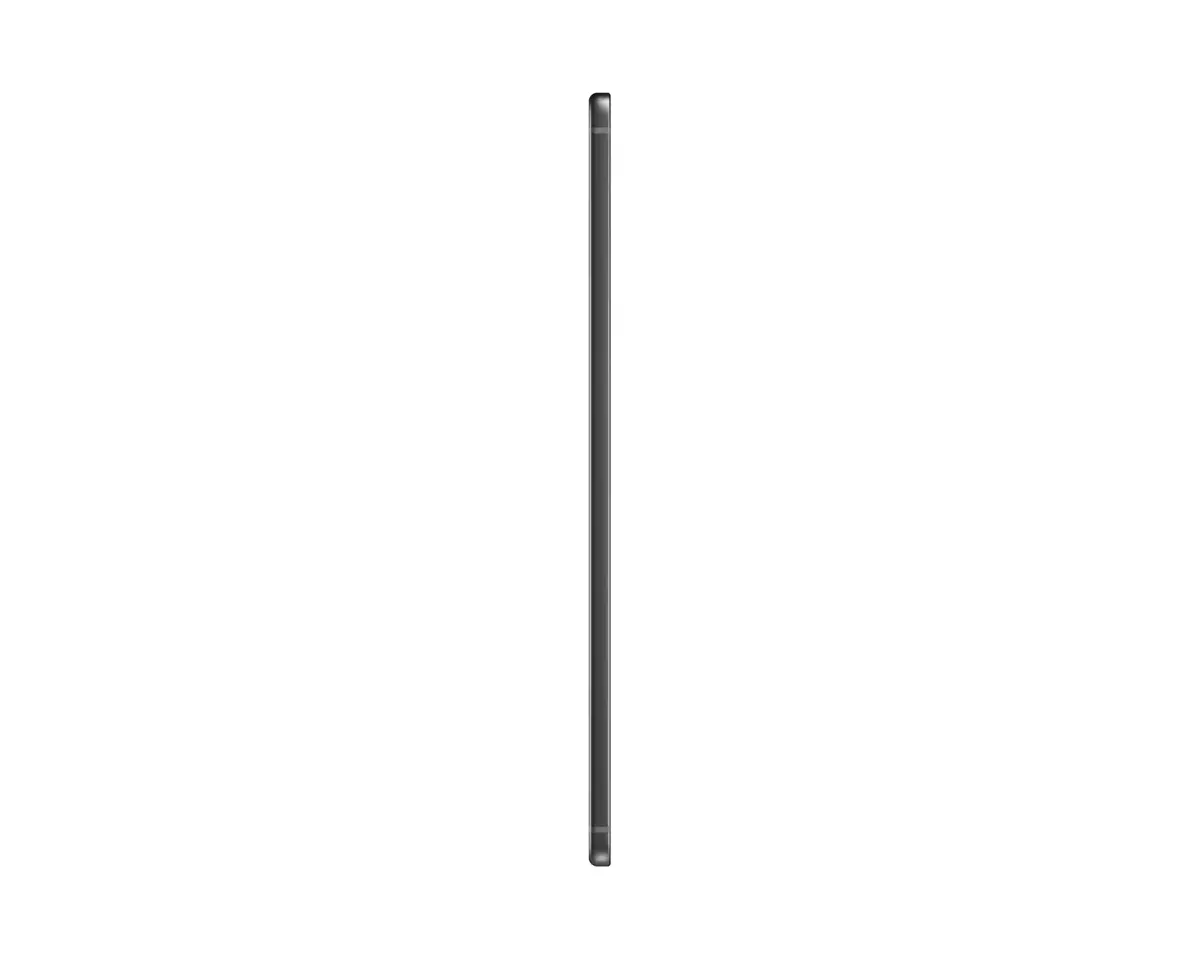
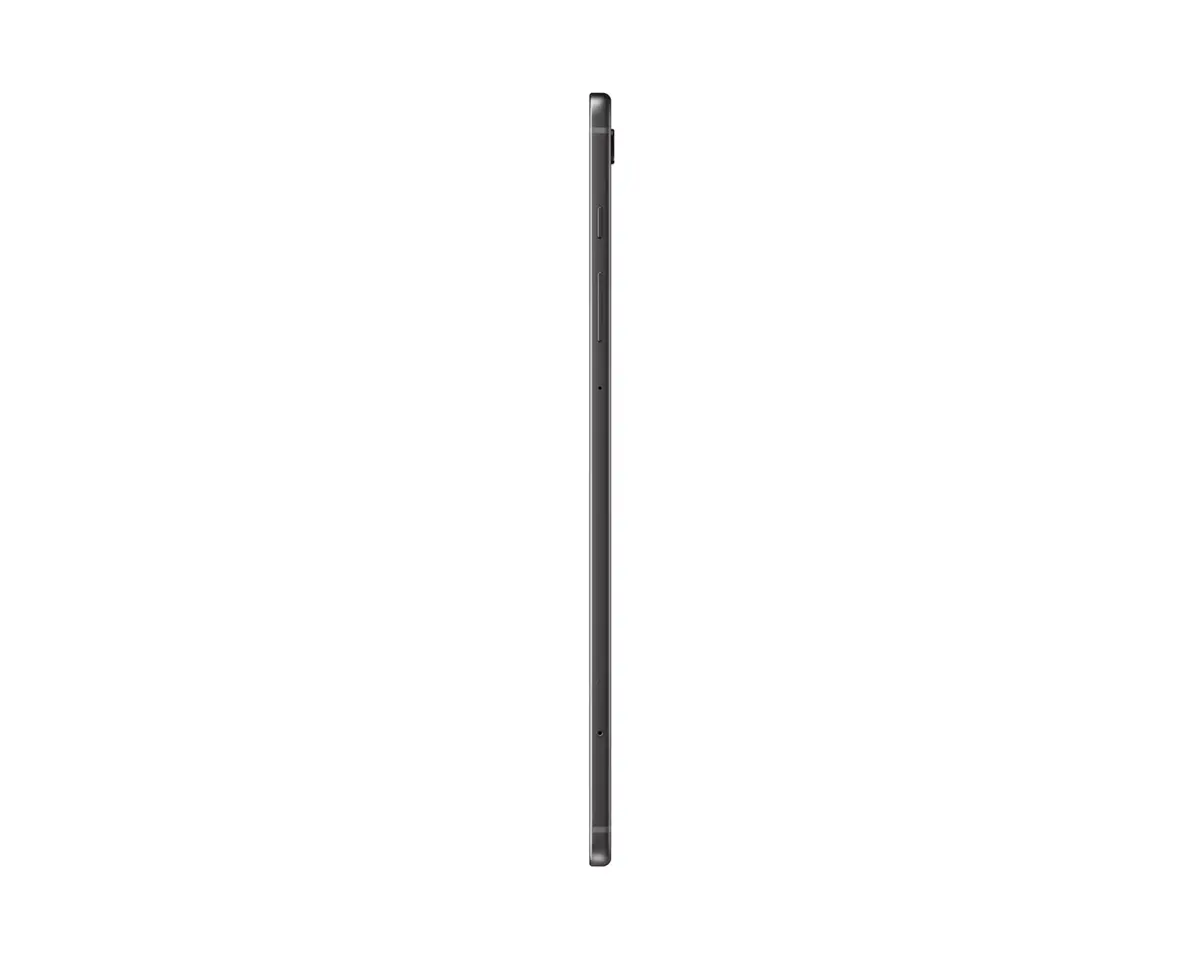
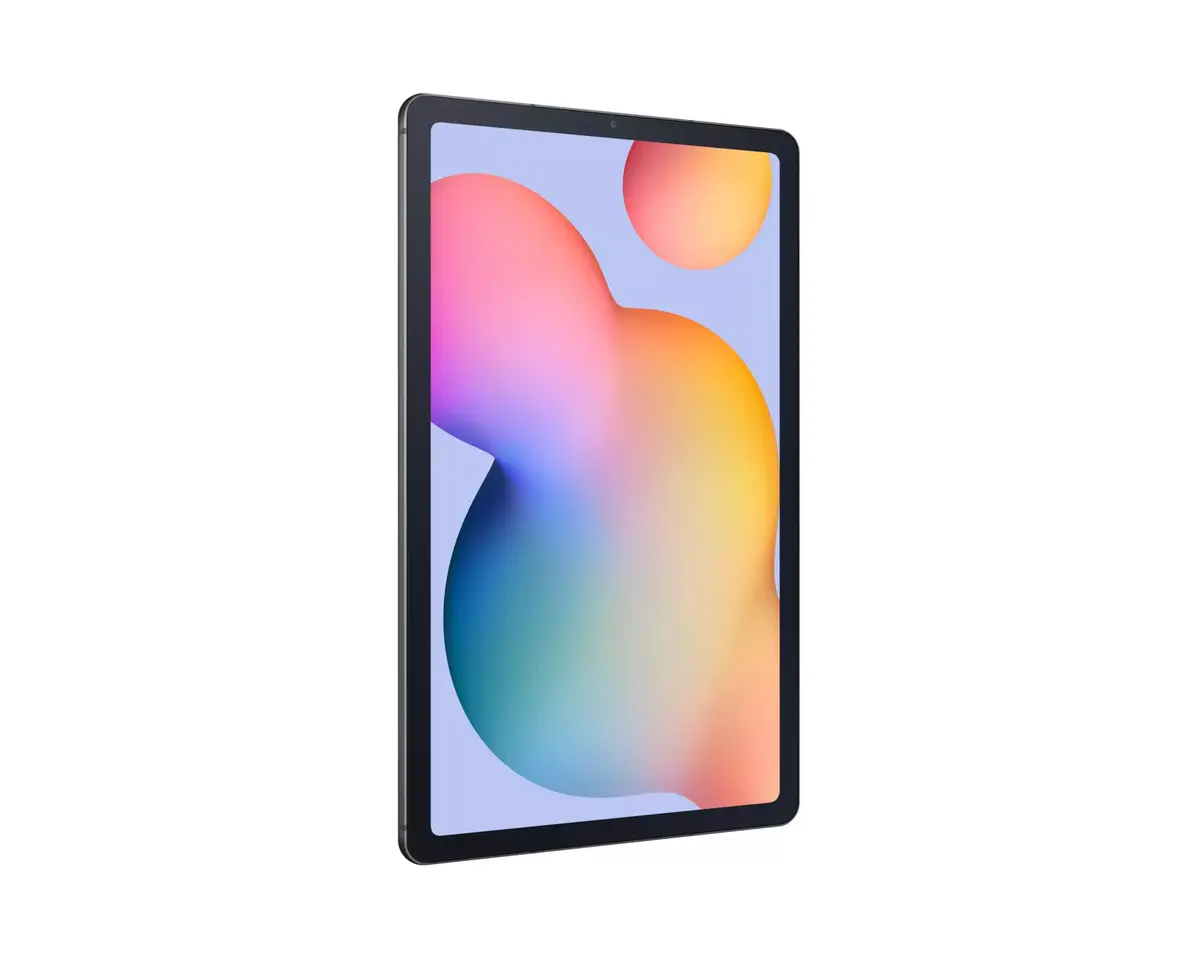
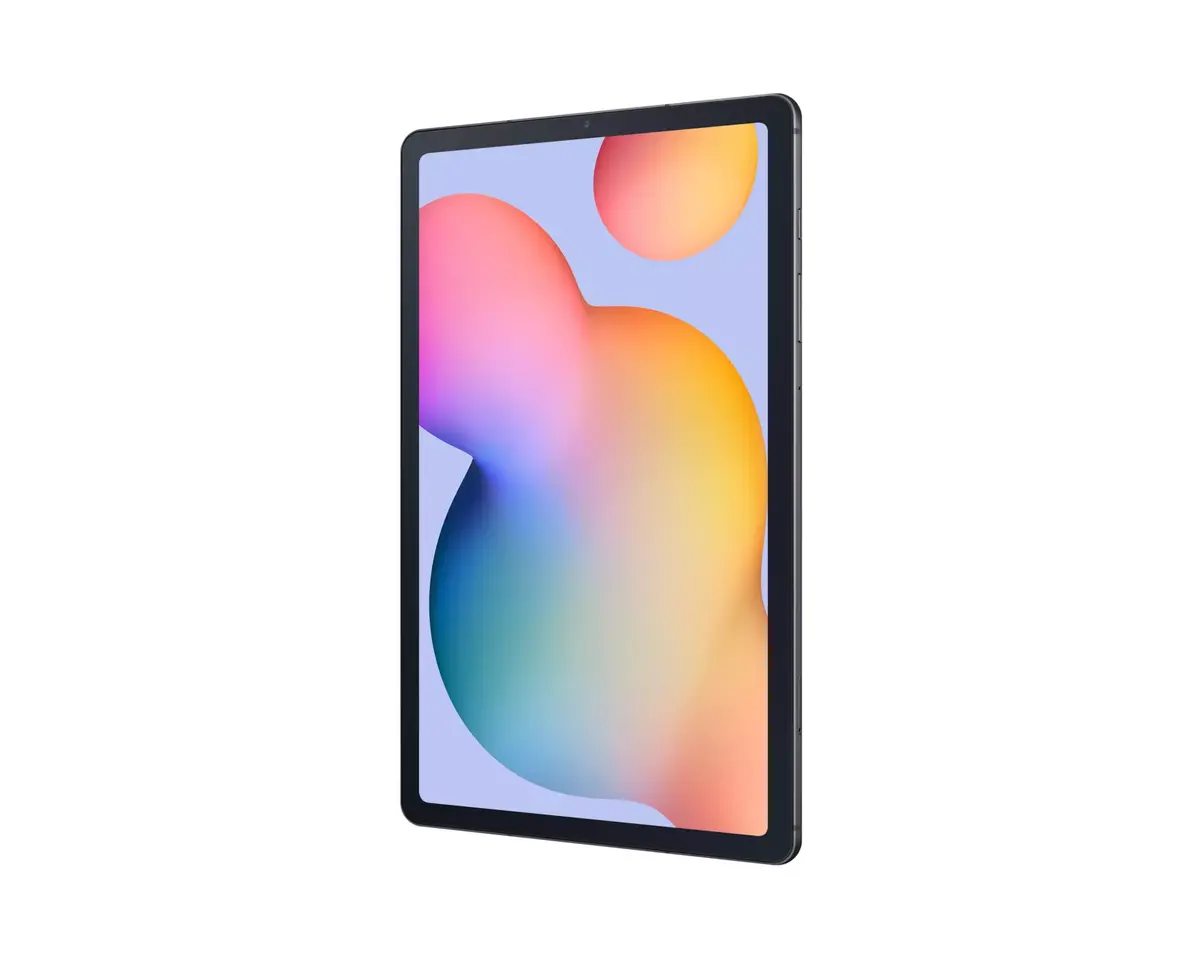
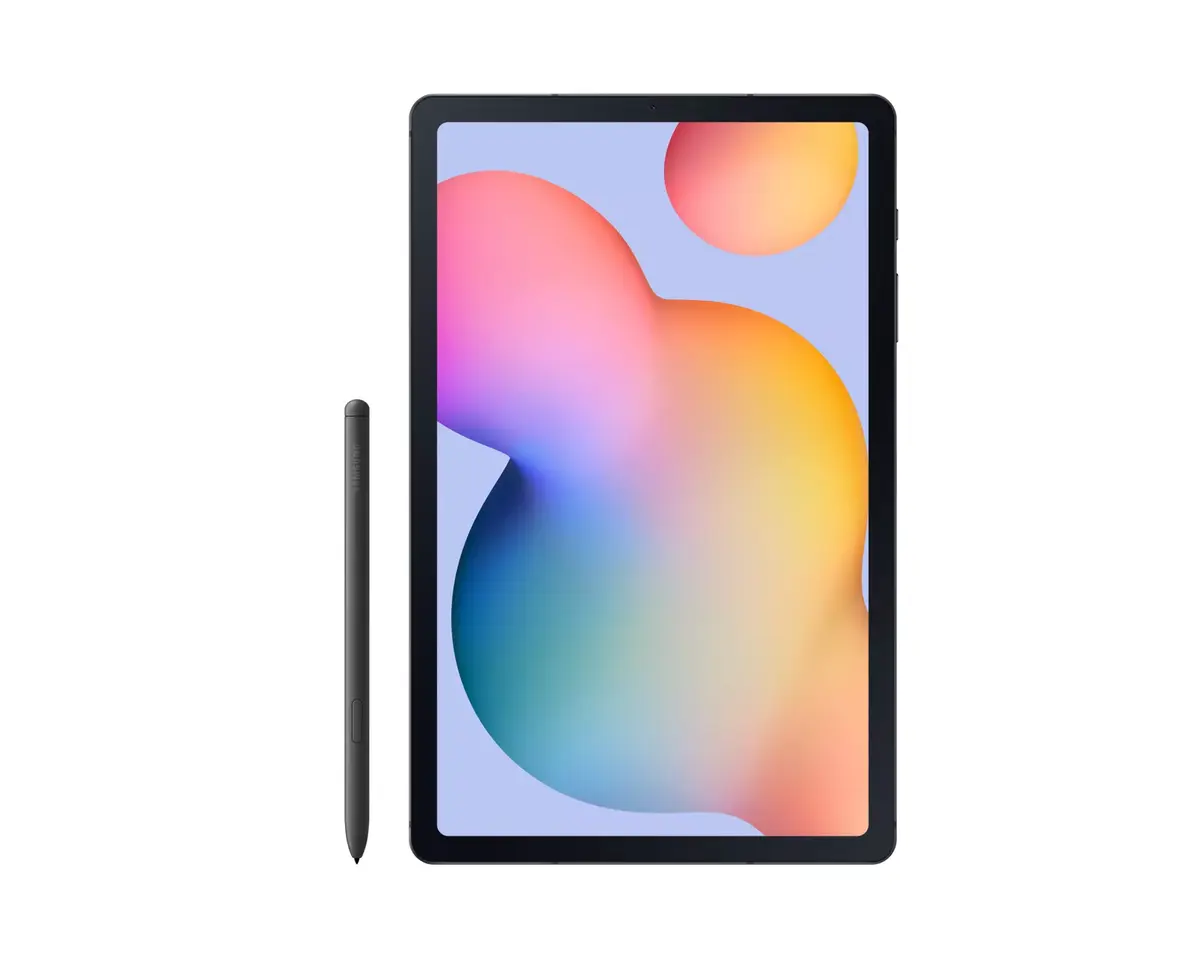
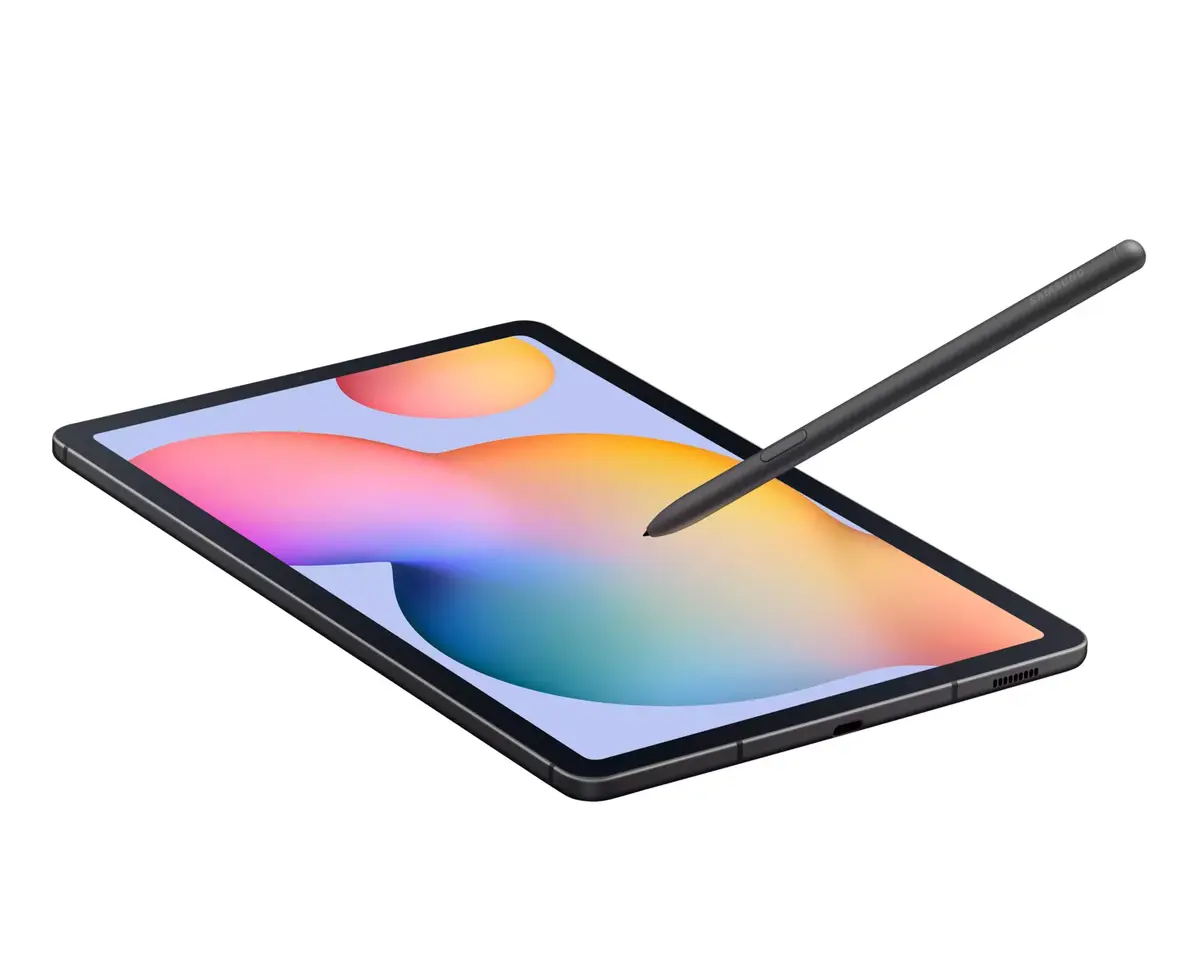
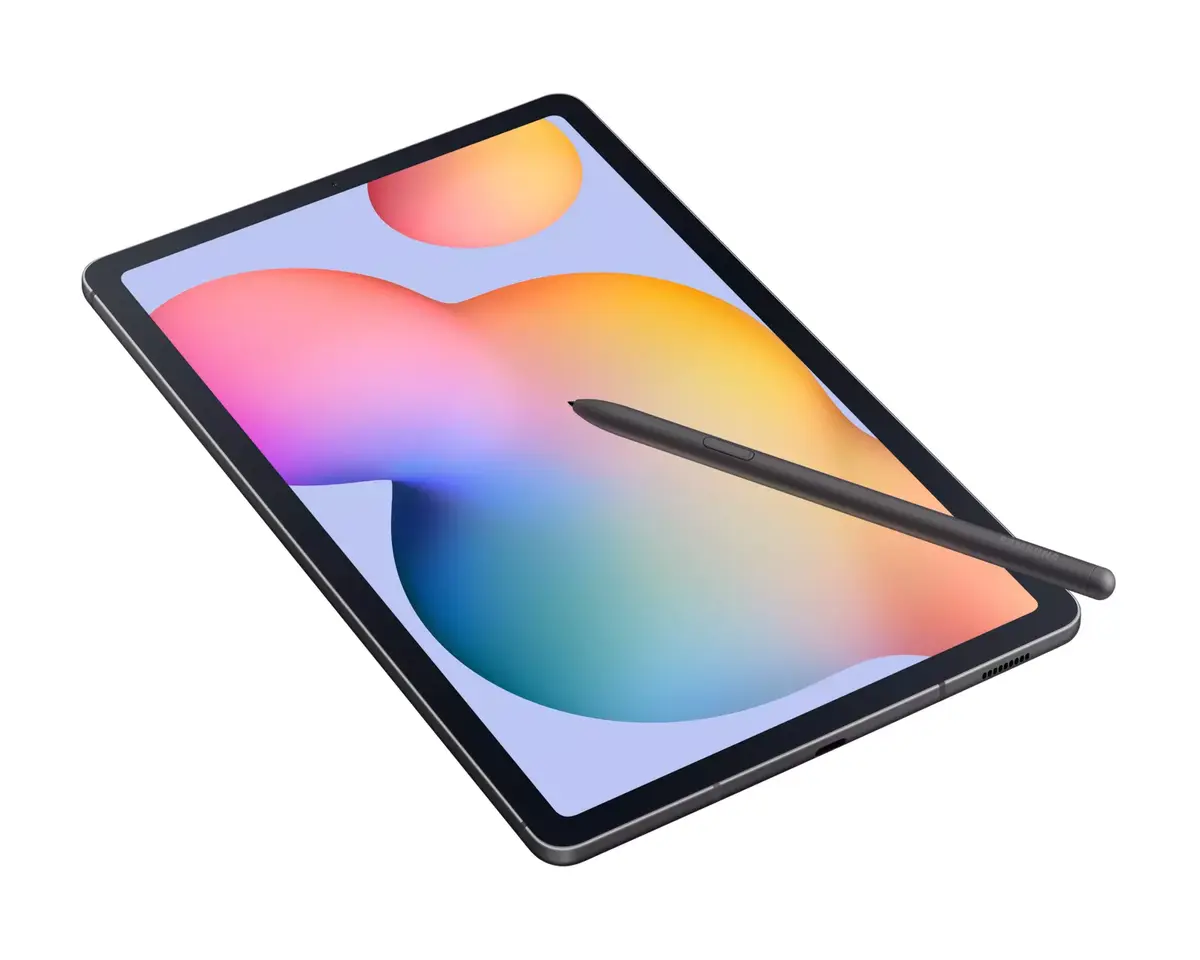
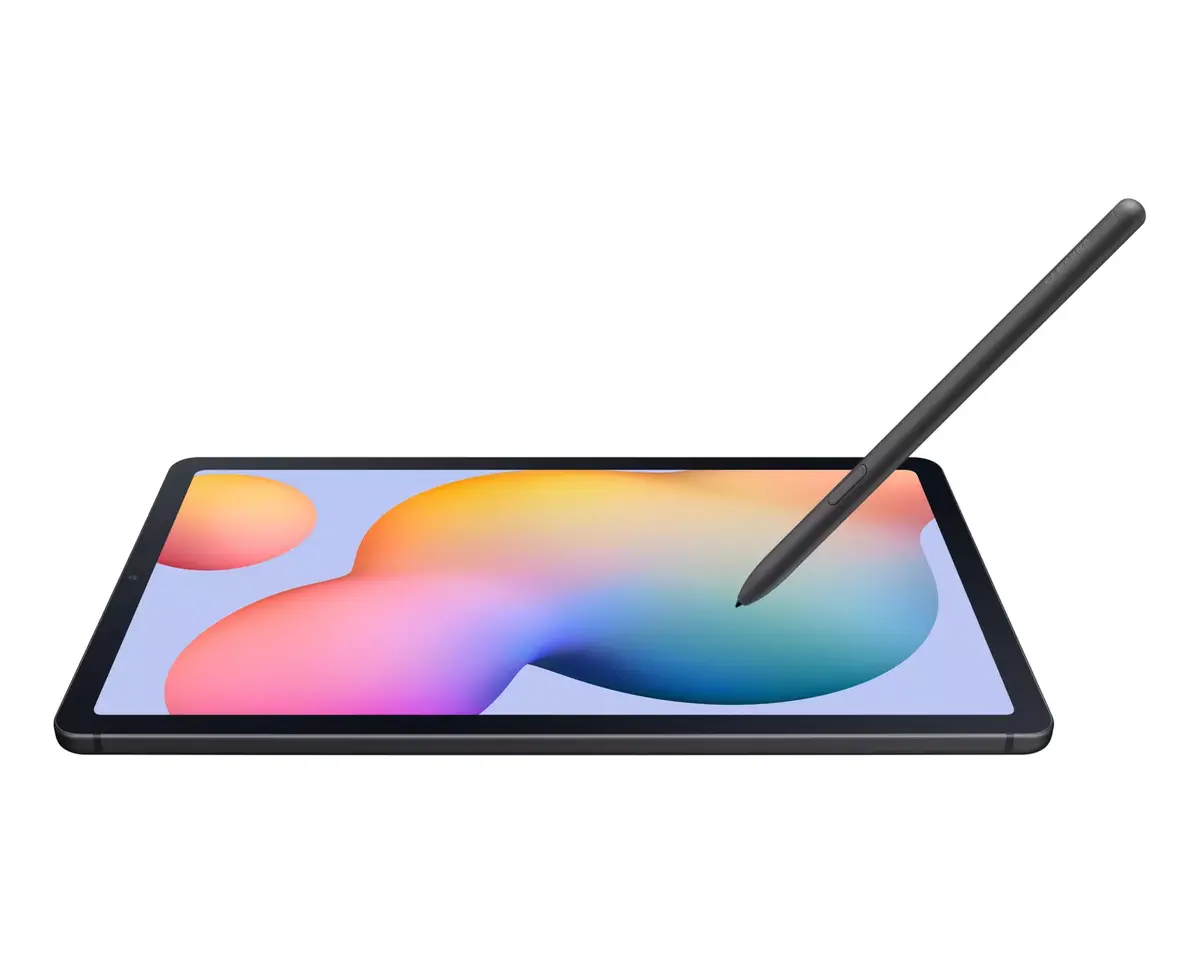
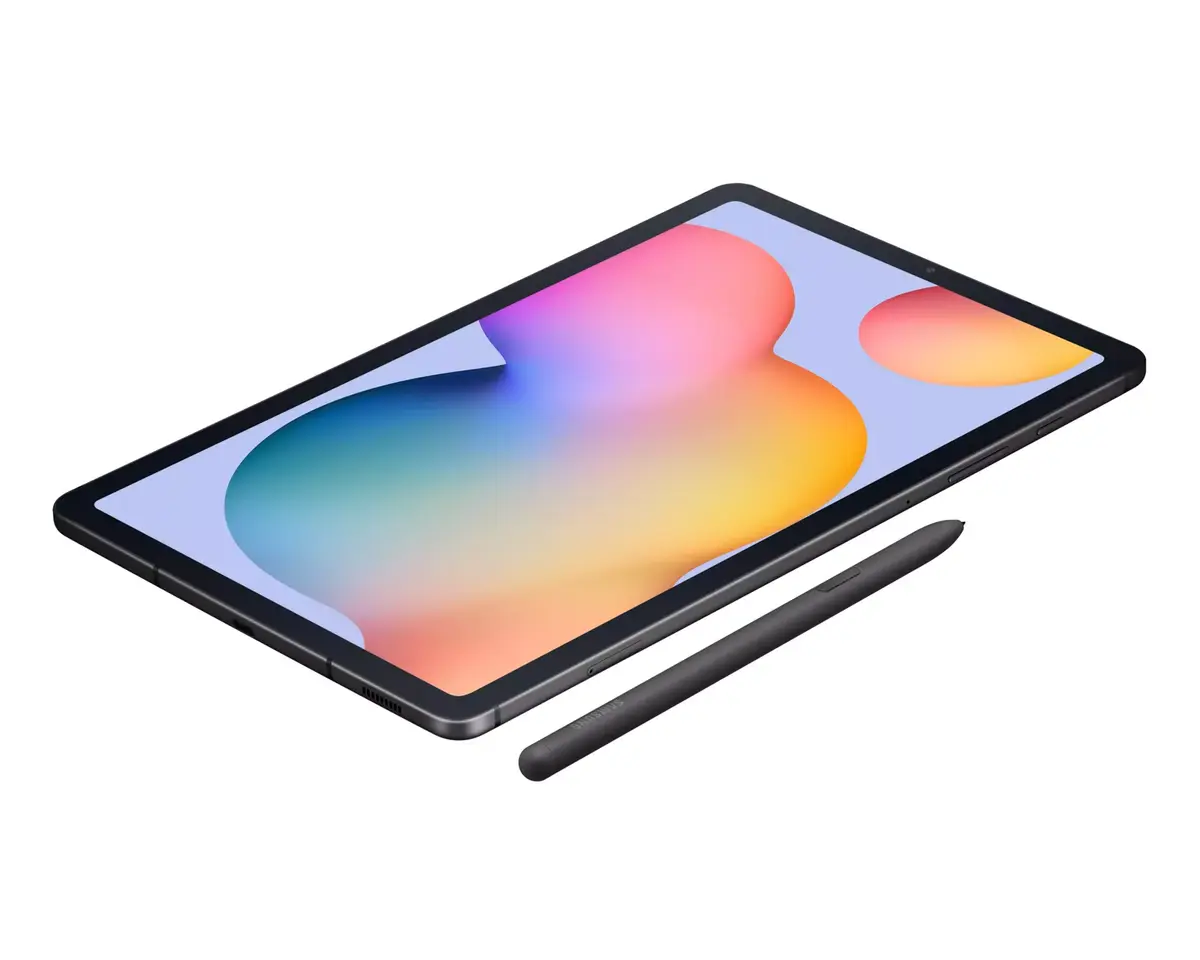
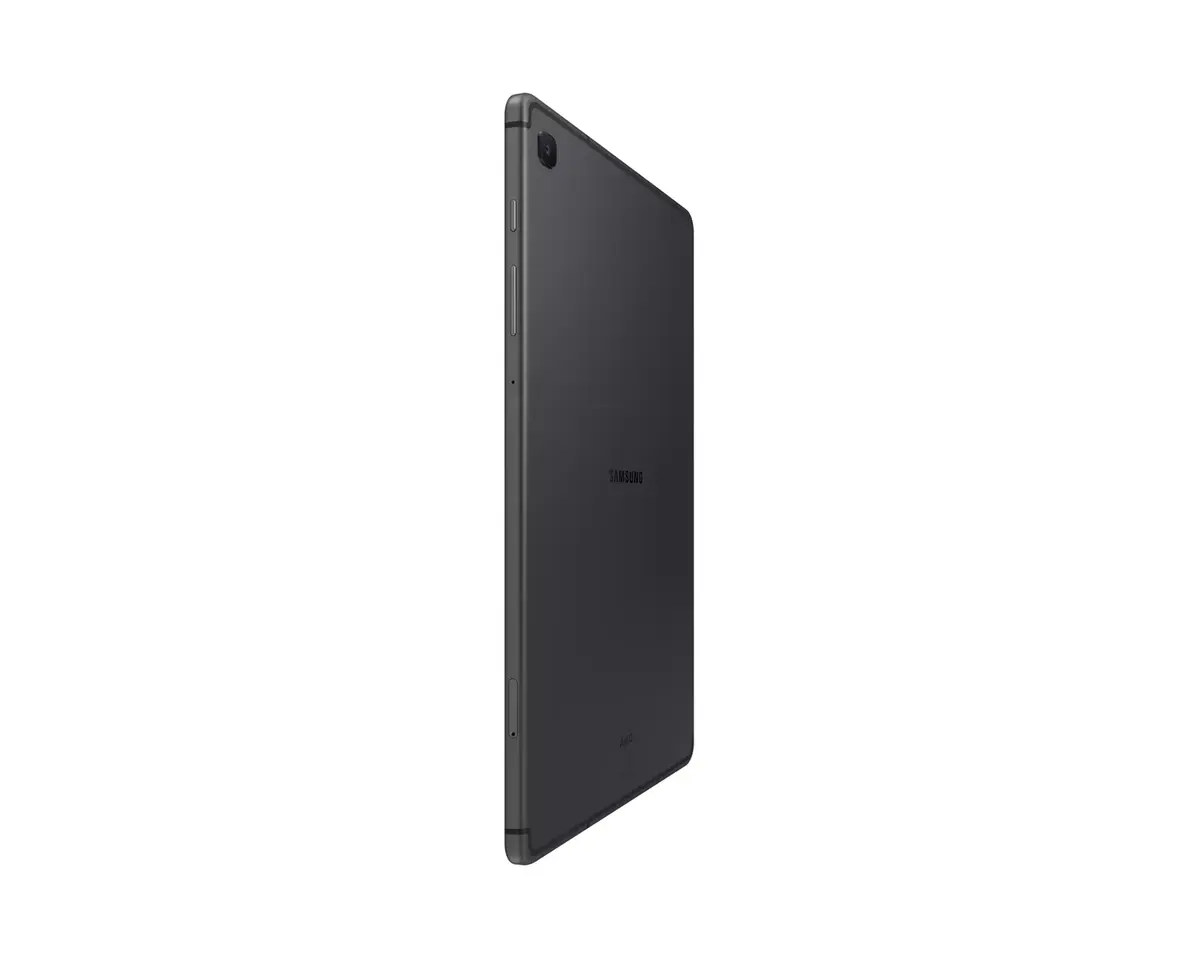
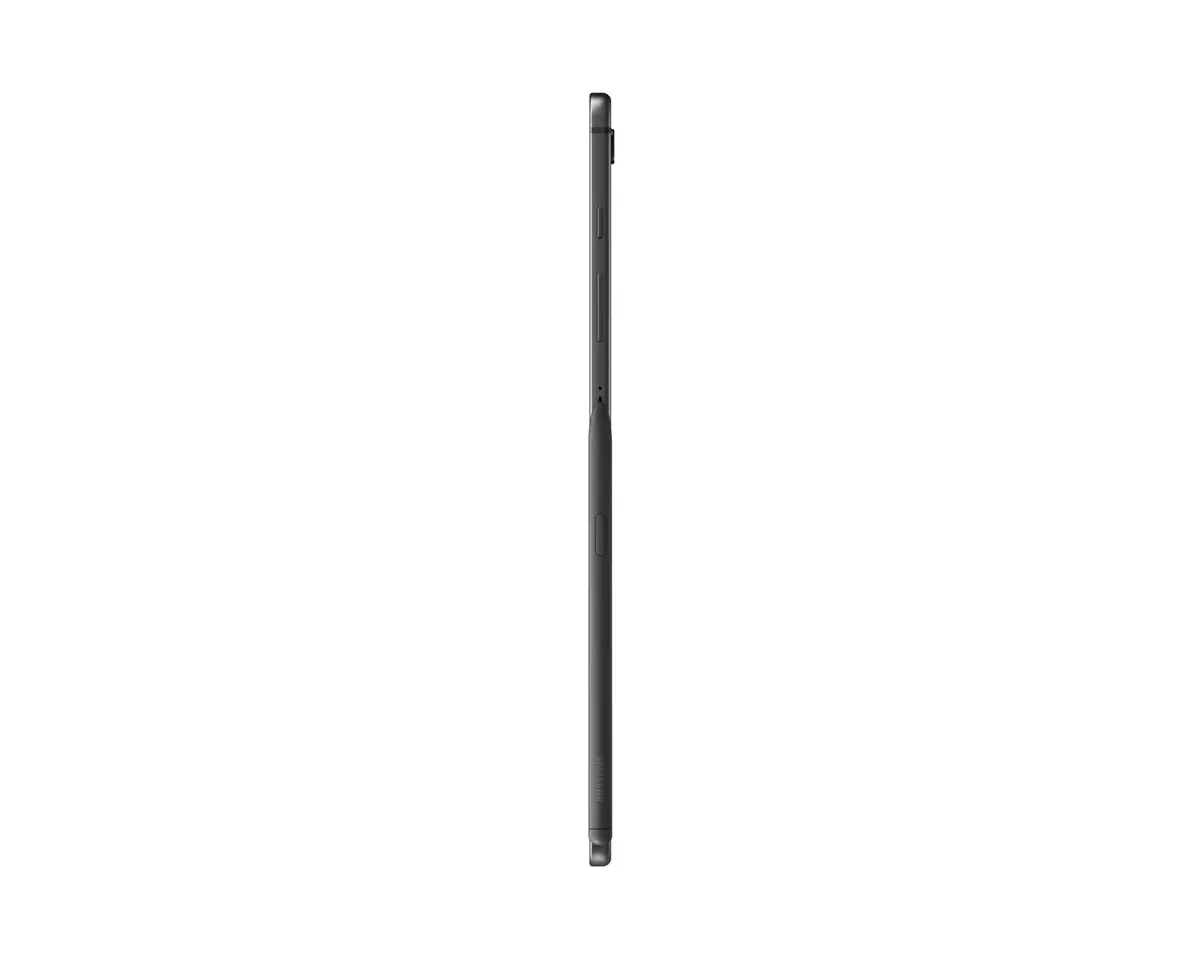
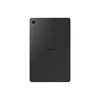
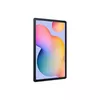
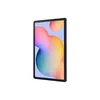
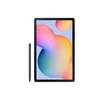
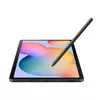
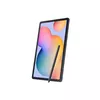
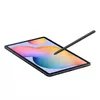
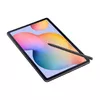
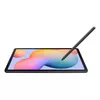
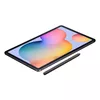
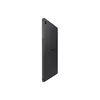
Tablet Samsung Galaxy Tab S6 Lite 2024 10.4" WUXGA+ TFT, 2.0–2.4 GHz Octa‑core, 4GB RAM, 64GB, Oxford Gray, S Pen
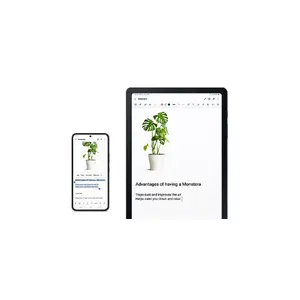
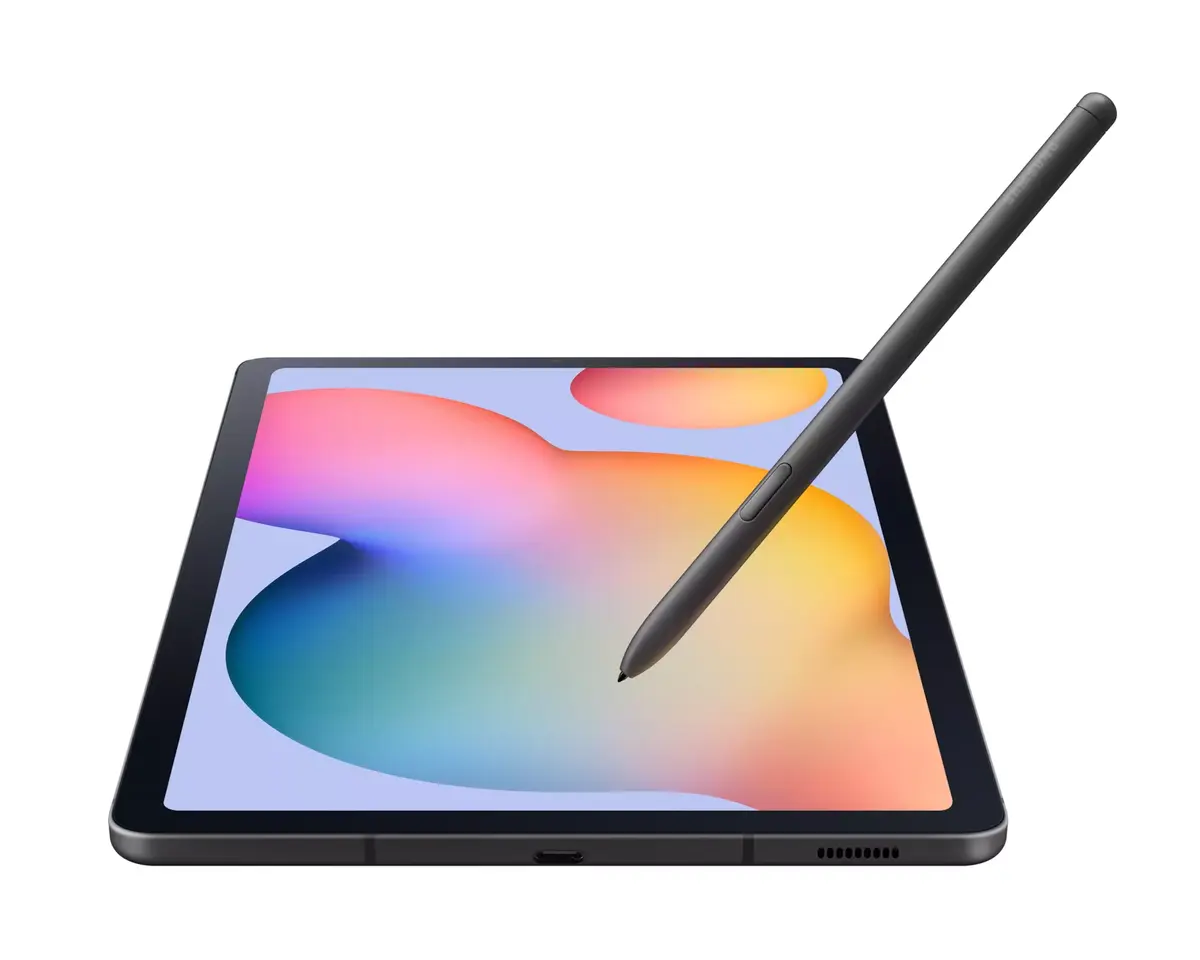
Galaxy Tab S6 Lite is a slim, lightweight tablet with a 10.4-inch display, One UI 6.1 on Android, and an included S Pen. The tablet is designed for note-taking, drawing, studying and media consumption, offering dual landscape speakers for immersive sound, a magnetic S Pen holder, expandable microSD storage and long battery life. It supports LTE and Wi‑Fi connectivity, Samsung DeX for PC-like multitasking, Samsung Knox security and seamless interaction with Galaxy smartphones.
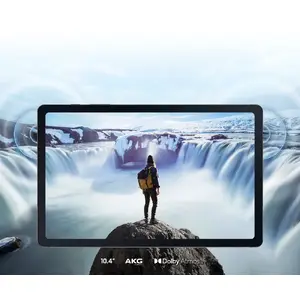
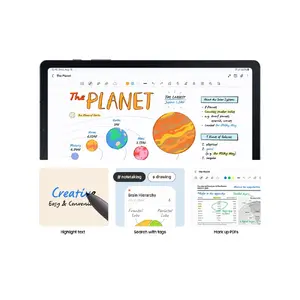
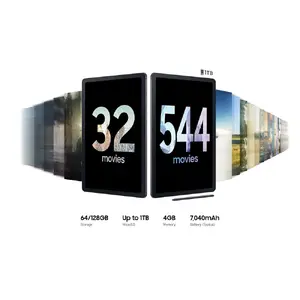
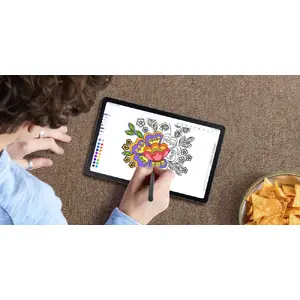
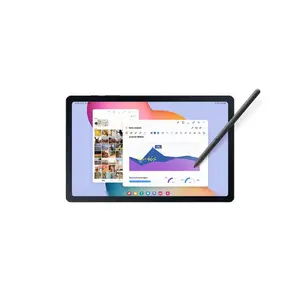
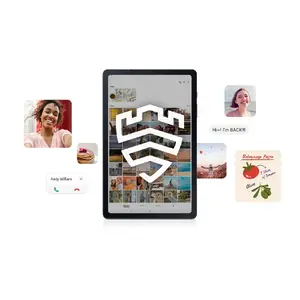
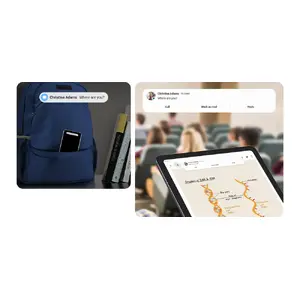
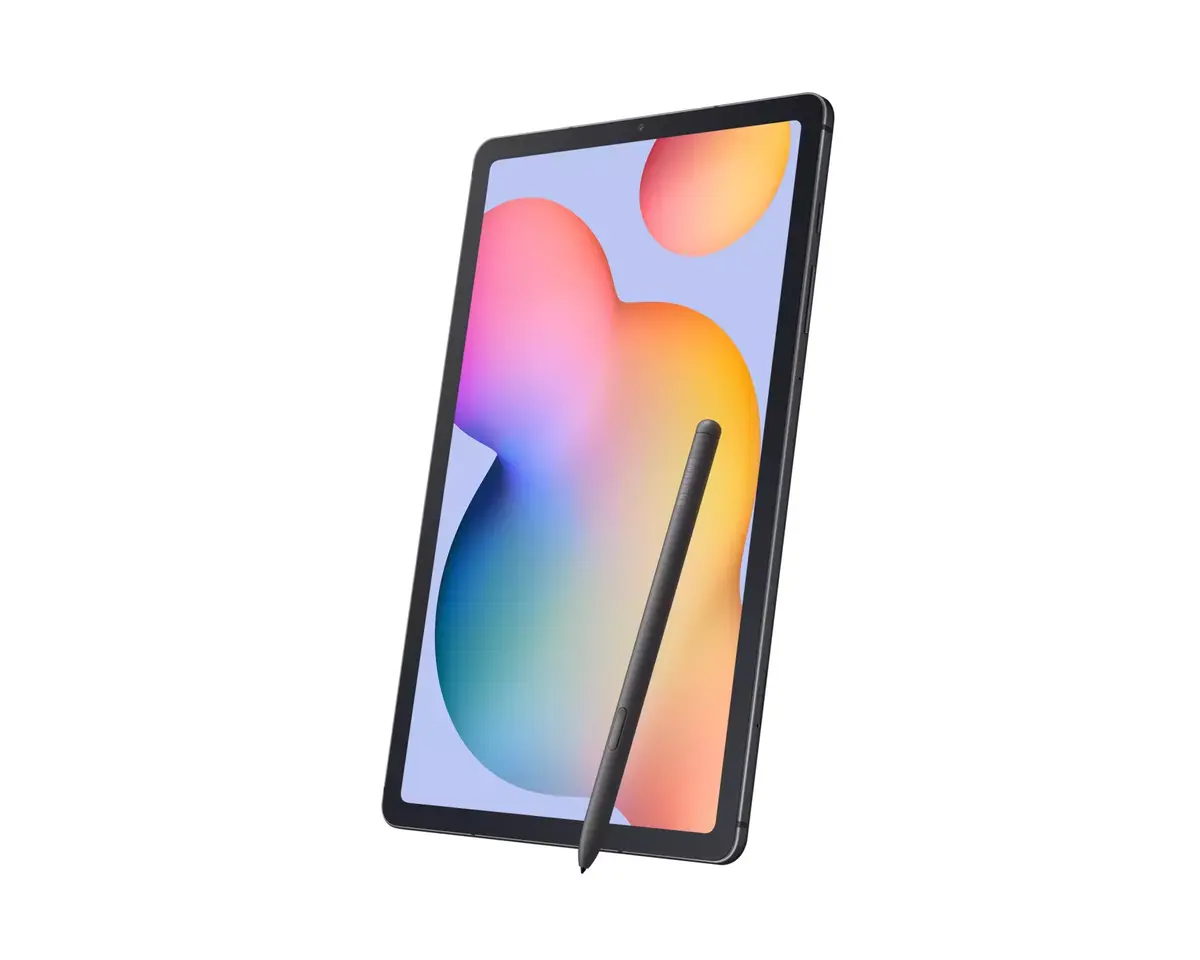
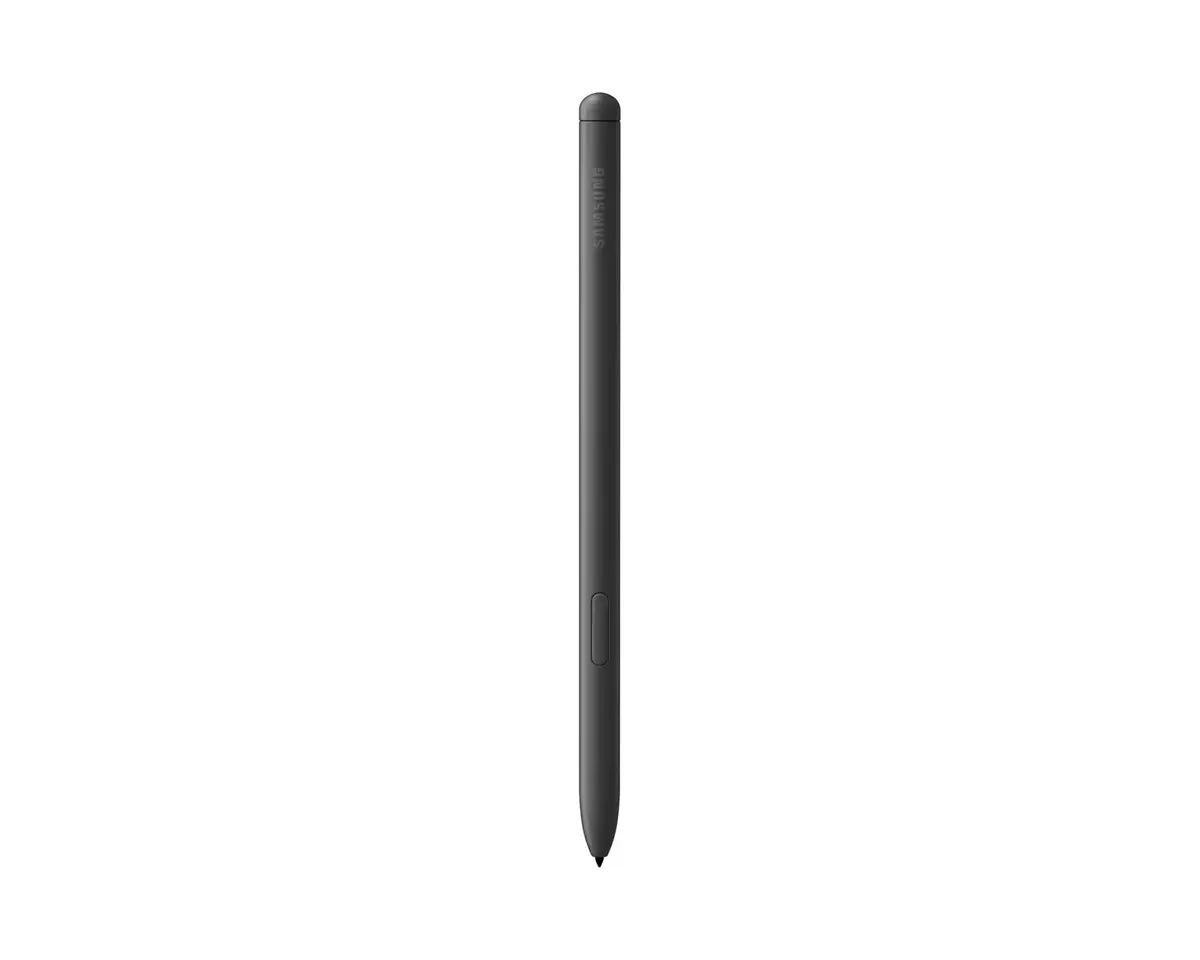
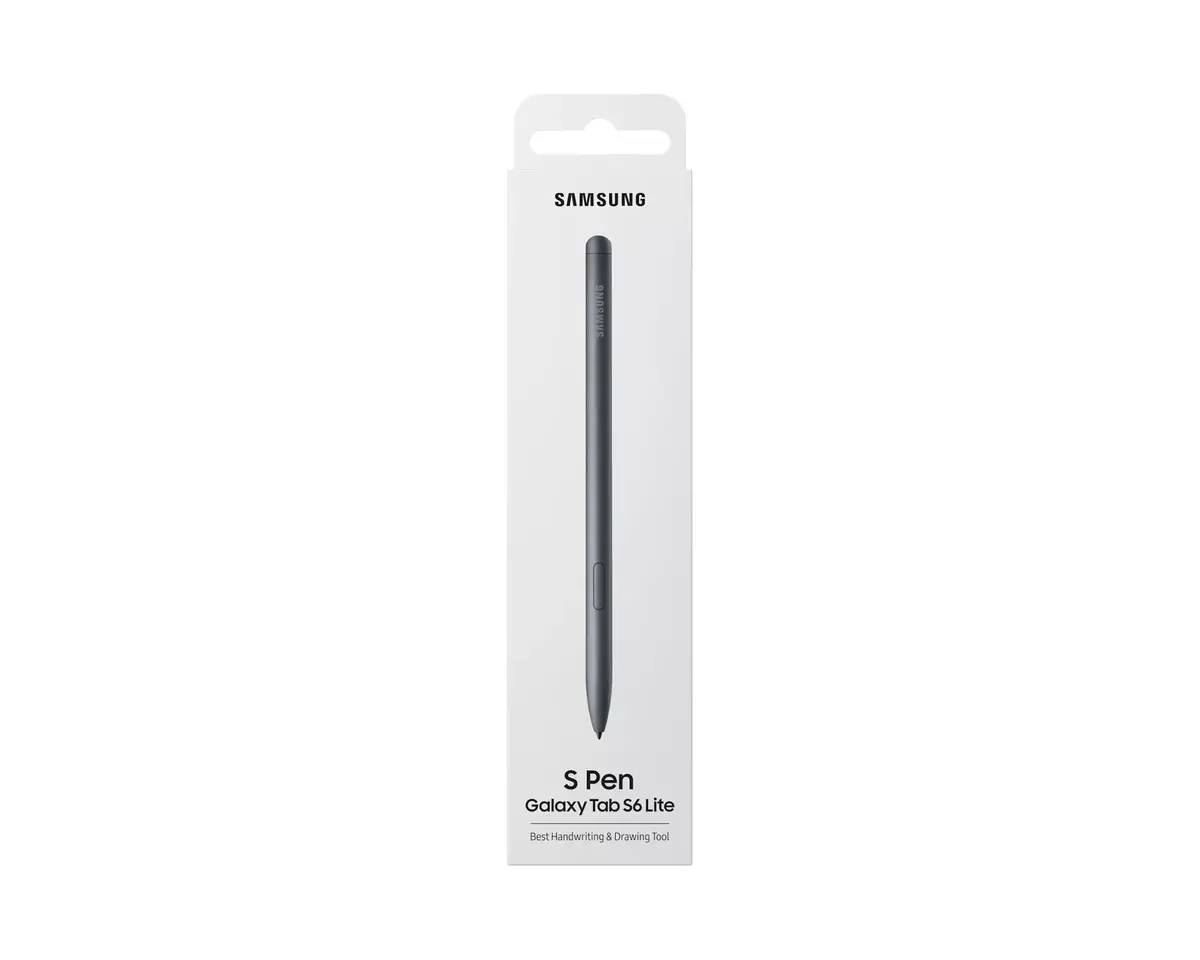
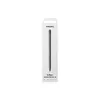
The large 10.4-inch screen in a compact chassis provides more viewing area with reduced bezels. The included S Pen has low latency and good pressure sensitivity for handwriting, sketching and document editing, and it attaches magnetically so it stays with the tablet. Dual speakers in landscape mode deliver richer sound for videos and games. DeX lets you open multiple windows and use the tablet like a PC, while expandable storage and long battery life support extended use. Built-in Samsung Knox protects data, and Quick Share plus phone syncing make file transfer and continuity between Galaxy devices simple.
Power on the tablet and complete the setup using One UI 6.1. Attach the S Pen magnetically when not in use. Use the S Pen to take notes, annotate PDFs and draw with low latency and pressure sensitivity. Switch to landscape orientation to use the dual speakers for improved audio. For PC-like workflow, enable Samsung DeX from the Quick panel to open multiple windows, drag and drop files and use right-click options. Connect to Wi‑Fi or LTE for internet access, and insert a microSD card if additional storage is needed.
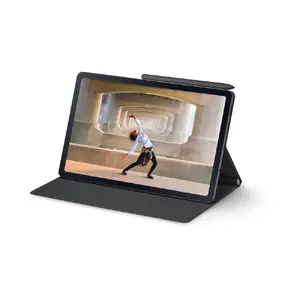
For note-taking and sketching, keep the S Pen charged and stored on the tablet’s magnetic holder to avoid misplacement. Use DeX when you need multi-window productivity, and enable Samsung Knox features to protect sensitive data. For sharing files quickly, use Quick Share between Galaxy devices or generate a QR code for non-Android recipients.


{{highlightedFeature.featureTitle}}:
{{getProductFeatureValueById(product, highlightedFeature.featureId)}}
{{ productComparisonGenerationError }}