







Hurry and order now – up to 50% off!
In cart {{totalProductsCount}} item(s)
Your cart is empty
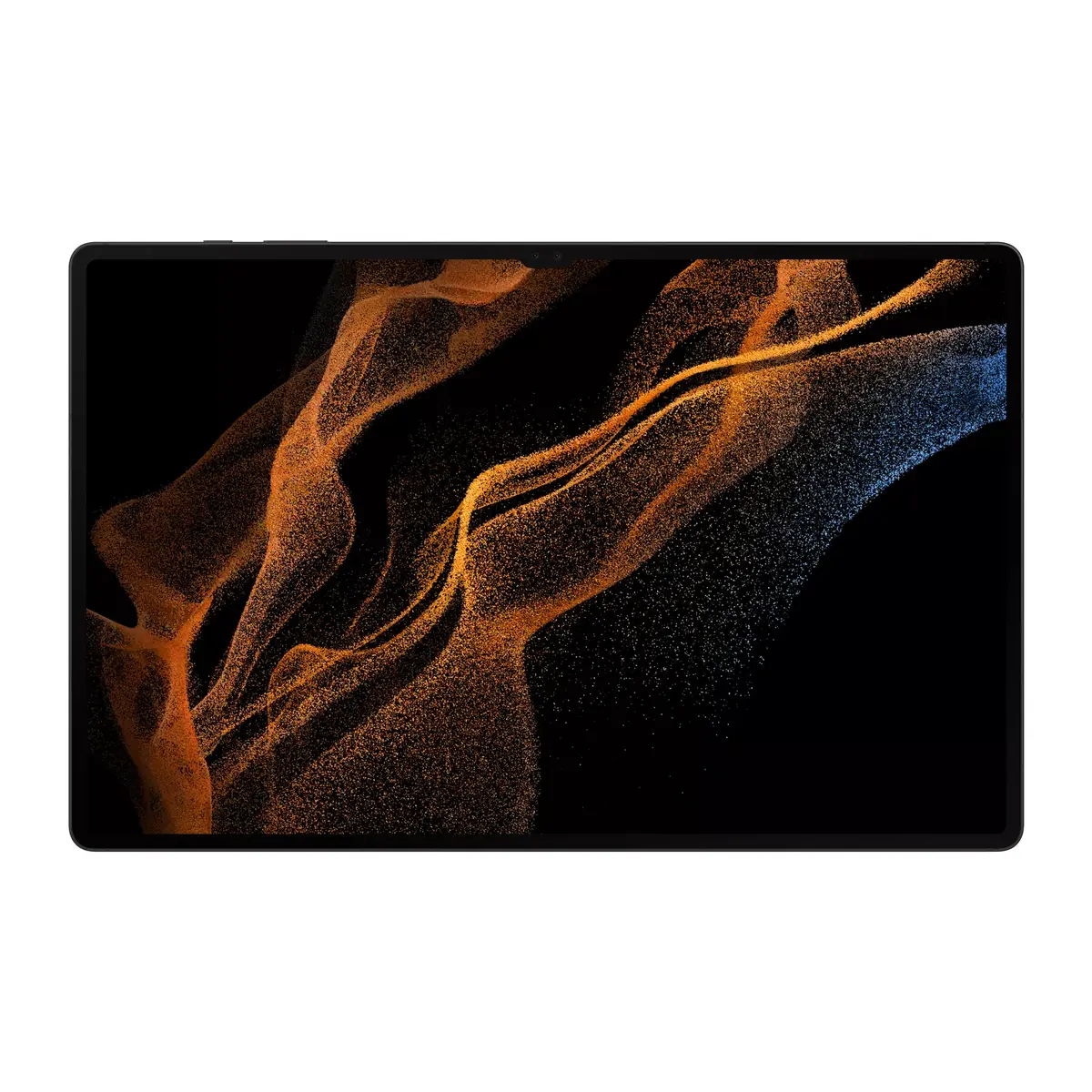
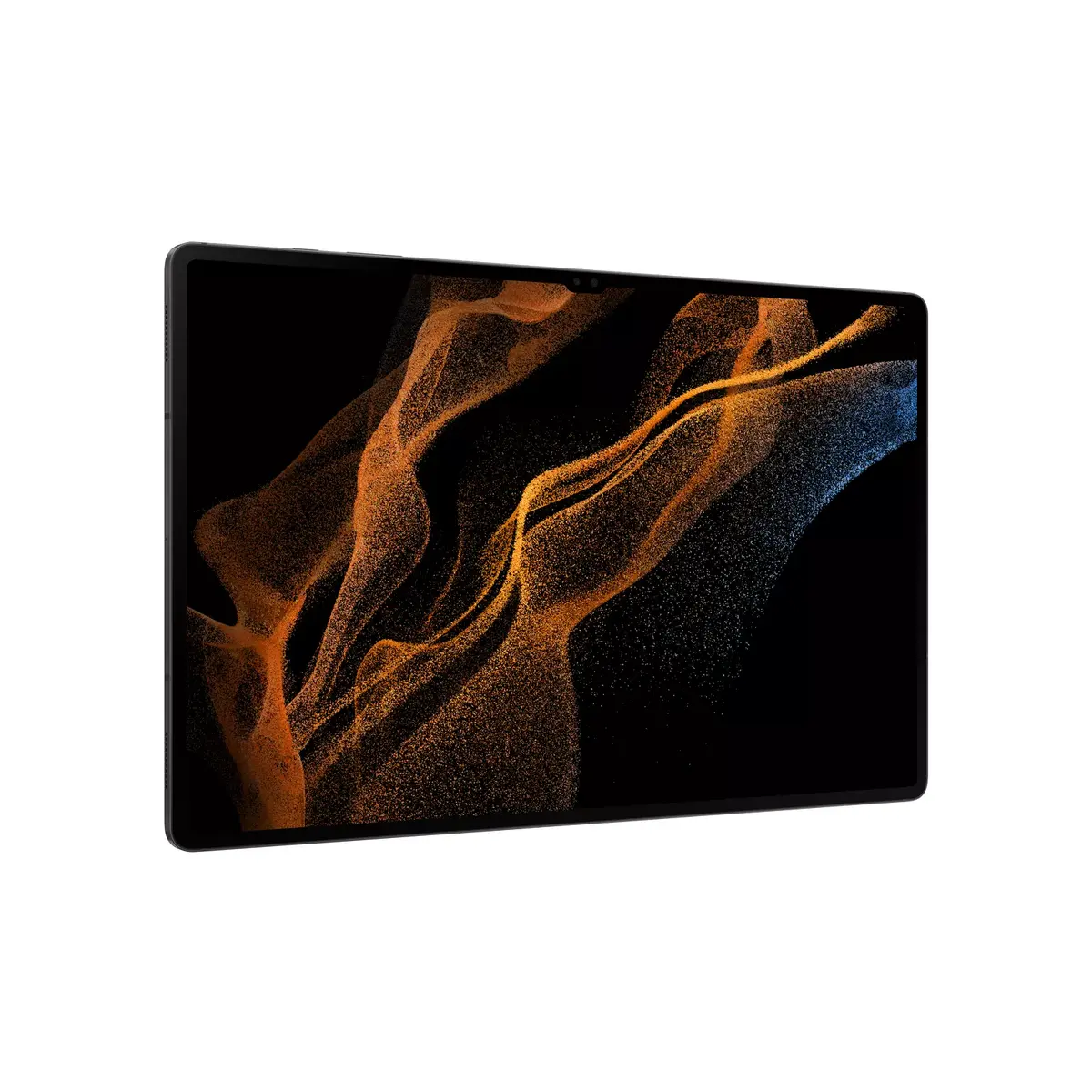
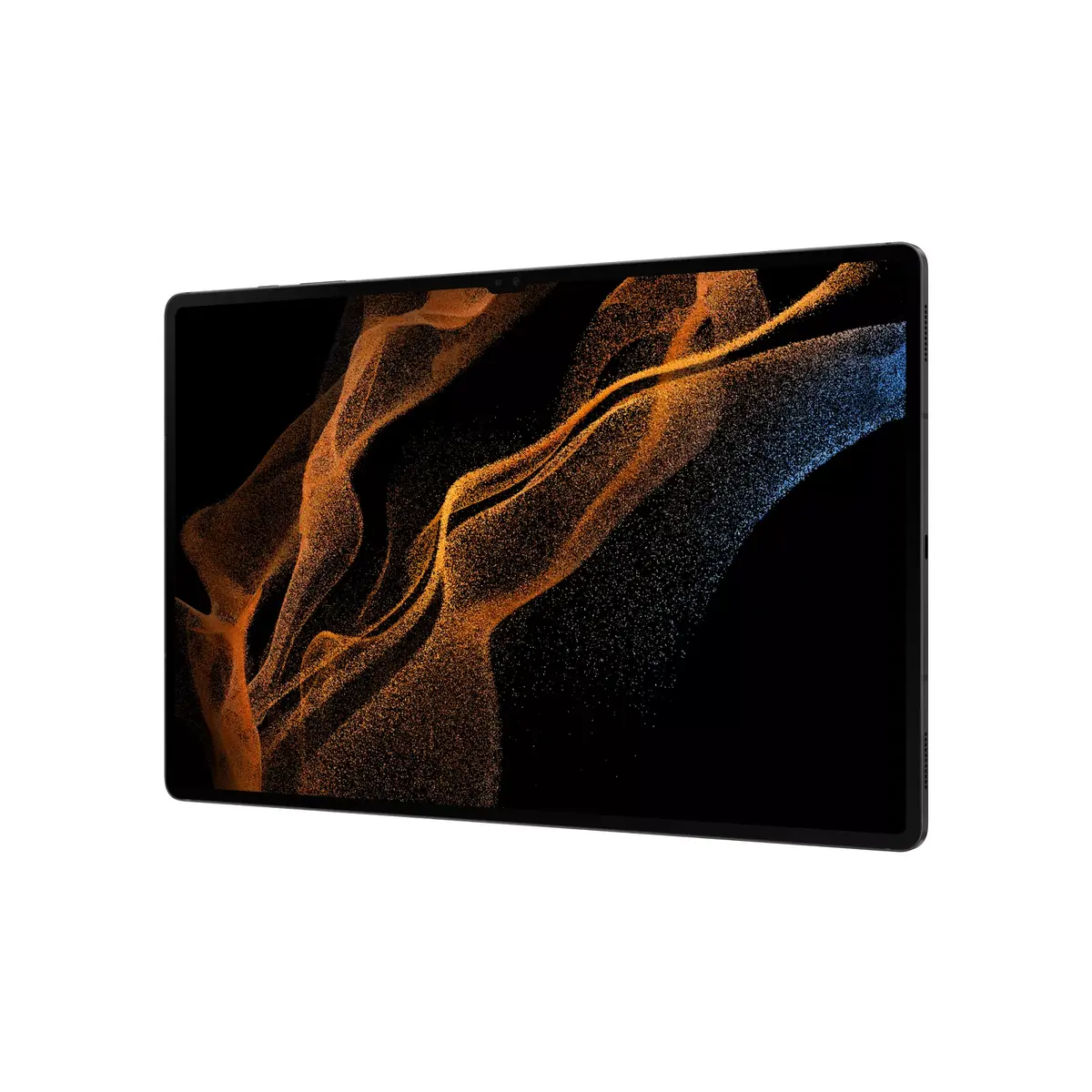
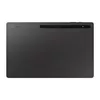
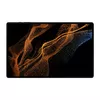
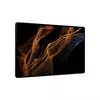
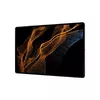
Tablet Samsung Galaxy Tab S8 Ultra SM‑X900N — 14.6" OLED, Snapdragon SM8450 2.99 GHz, 256 GB, 12 GB, Wi‑Fi 6E, Grey
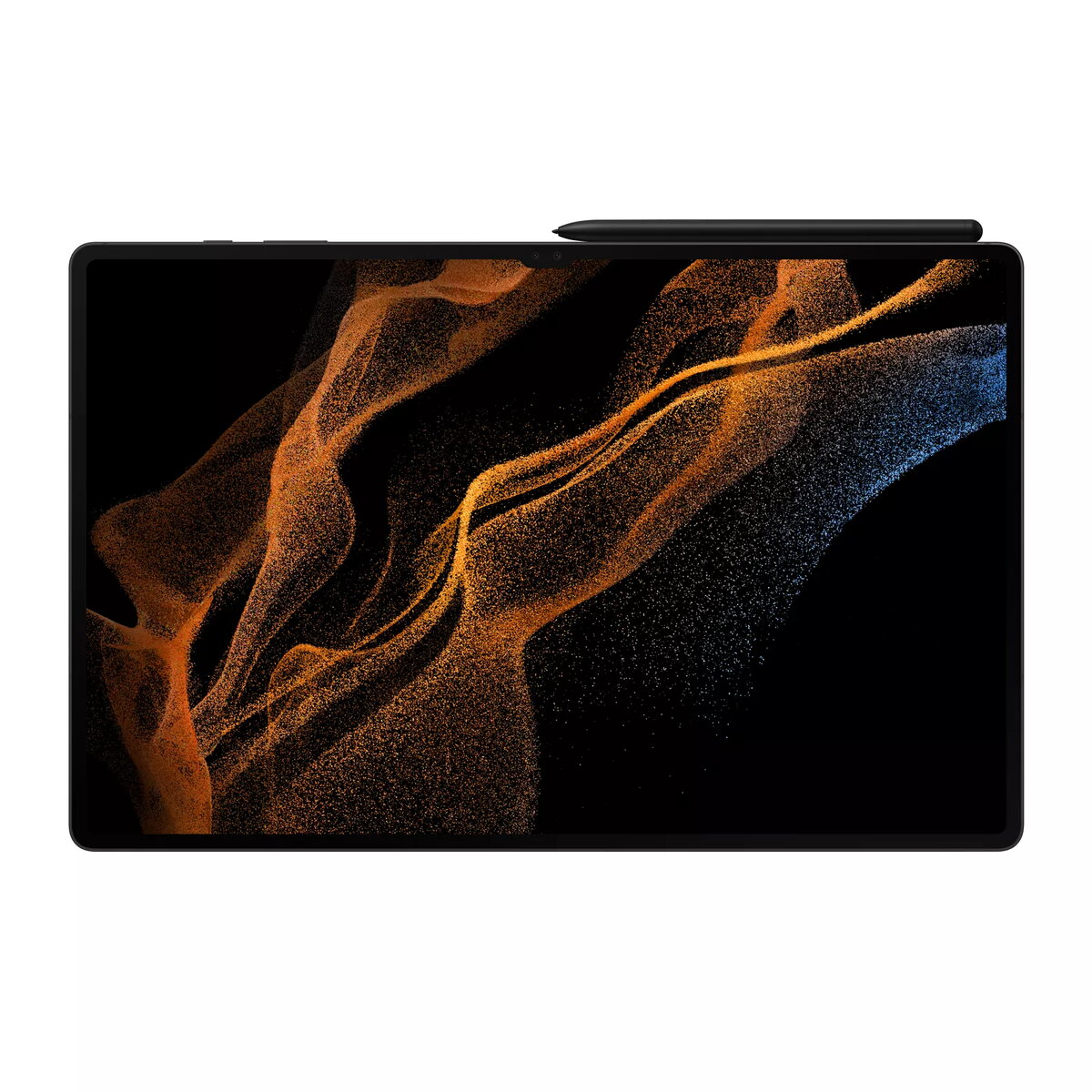
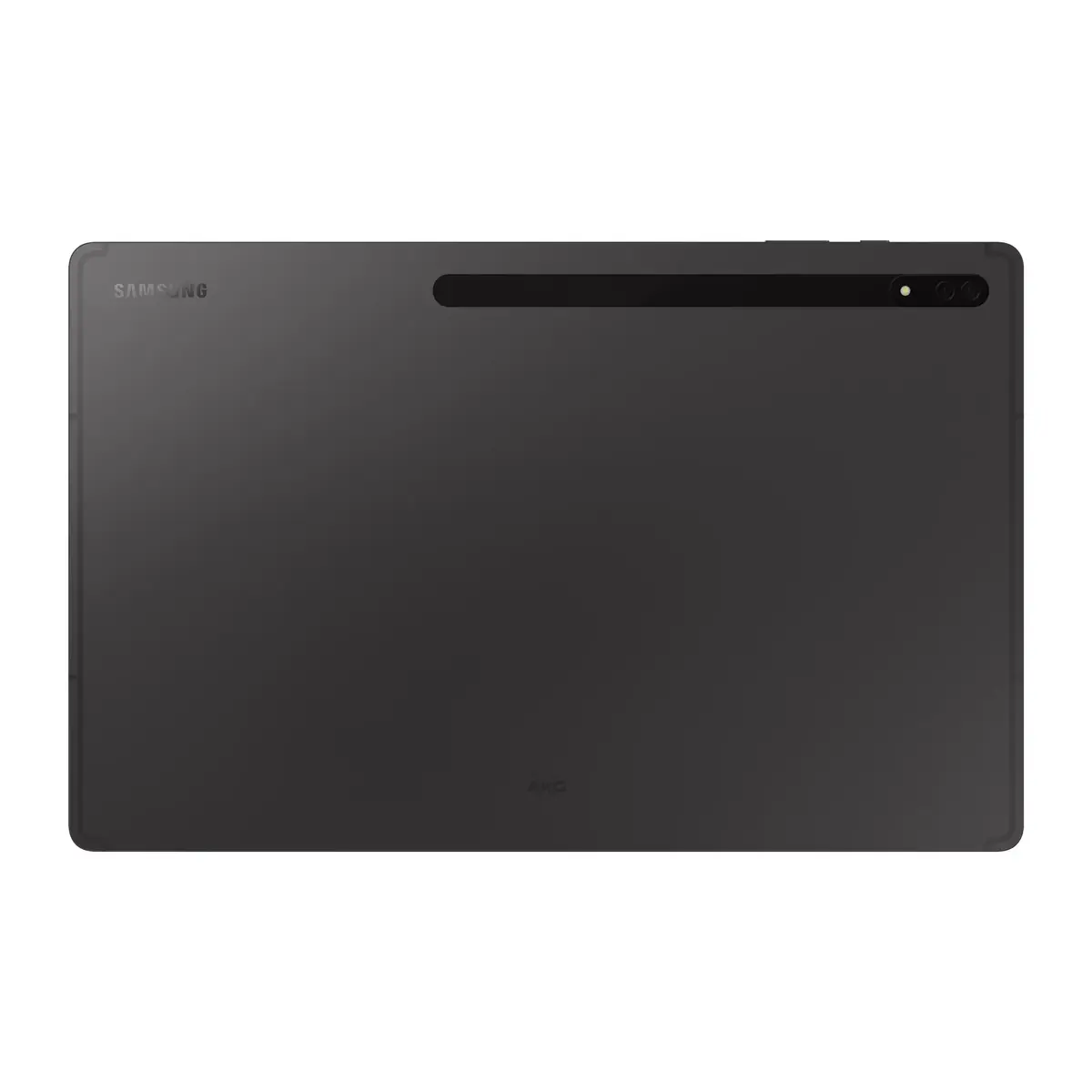
The Samsung Galaxy Tab S8 Ultra SM‑X900N is a high‑end Android tablet with a 14.6" OLED display offering 2960×1848 resolution, a Qualcomm Snapdragon SM8450 processor capable of up to 2.99 GHz, 12 GB of RAM and 256 GB of internal storage. The slate‑style design in grey includes a dual 13 MP rear camera system, a 12 MP front camera, MicroSD card support for expandable storage, Wi‑Fi 6E connectivity and a weight of approximately 726 g. The combination of a large OLED display, powerful chipset and S Pen support positions this tablet for multimedia consumption, creative tasks and productivity workflows.
The 14.6" OLED panel delivers deep contrast and vivid color reproduction suitable for photo and video playback as well as detailed editing. The Snapdragon SM8450 platform and 12 GB of RAM provide responsive multitasking and smooth performance with demanding apps. Built‑in 256 GB storage plus a MicroSD slot allows for large media libraries and extended file storage. Wi‑Fi 6E ensures faster wireless throughput and lower latency on compatible networks. Dual rear cameras and a high‑resolution front camera support content capture and high‑quality video calls. Included S Pen support expands input options for note taking, sketching and precise control.
Power on the tablet using the side button and complete the initial Android setup to configure Google account access, Wi‑Fi 6E network connection and security options such as a PIN or biometric unlock if supported. Insert a MicroSD card into the dedicated slot to increase storage capacity, and pair the S Pen magnetically if required for charging or storage. Use the included One UI interface to arrange apps, enable split‑screen multitasking and adjust display settings for brightness and color profile. Access camera functions from the Camera app for photos and 4K video recording; use the front camera and video calling apps for conferences. Keep the tablet charged using the recommended Samsung charger and USB‑C cable to maintain battery health.
For best results with multimedia and creative work, enable the tablet's highest display quality settings when editing photos or video, store large projects on a MicroSD card if internal capacity is limited, and connect to a Wi‑Fi 6E network for faster transfers and lower latency. Use a protective cover when carrying the 14.6" device and regularly update system software to maintain security and application compatibility.
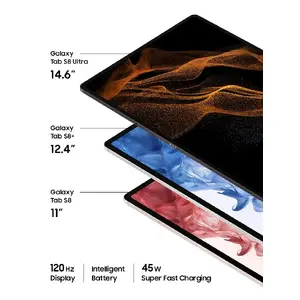
Experience immersive viewing and productivity with three Tab S8 models tailored to different needs. The Galaxy Tab S8 features an 11" LCD, the Tab S8+ offers a larger 12.4" AMOLED, and the Galaxy Tab S8 Ultra delivers a stunning 14.6" OLED display — perfect for multimedia, creative work and multitasking on a high‑end tablet platform powered by a Qualcomm Snapdragon processor.

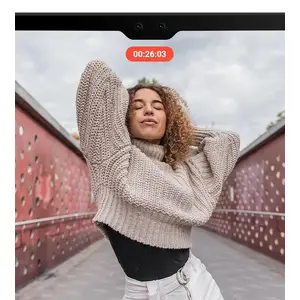
Capture crisp 4K video using the Dual Front Camera system (Ultra Wide + Wide) and rely on Auto Framing to keep the subject centered during video calls or recordings. With a 12 MP front camera and advanced framing, your calls and content look professional whether you’re teaching, conferencing or creating.

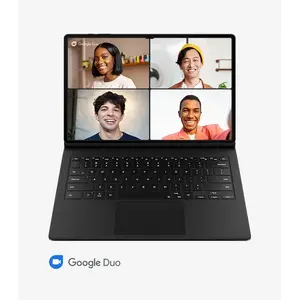
Connect with up to 31 people on Google Duo and enjoy clearer conversations thanks to three‑mic noise reduction technology. Collaborate in real time using Google Jamboard and share your screen effortlessly for group brainstorming and presentations.

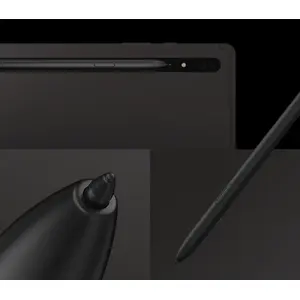
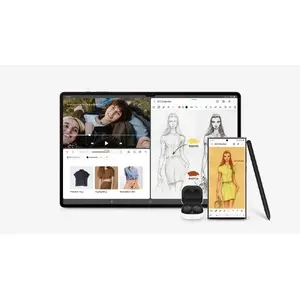
The S Pen snaps to the tablet and charges while attached (depending on model configuration). With ultra‑low latency, it delivers a natural writing and drawing experience so you can sketch, annotate and capture ideas precisely on the go.

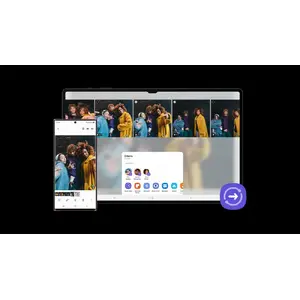
Share large photos and videos with a single tap using Quick Share. Seamlessly transfer your creations between the tablet, phone and PC to speed up your workflow and make collaboration simple.

Enjoy a continuous experience across Galaxy devices with One UI 4.1. Access the same apps, auto‑switch audio to Galaxy Buds and move between tablet and smartphone effortlessly for a unified, productive digital life.
{{highlightedFeature.featureTitle}}:
{{getProductFeatureValueById(product, highlightedFeature.featureId)}}
{{ productComparisonGenerationError }}