







Dreame vacuums for fast and efficient cleaning!
In cart {{totalProductsCount}} item(s)
Your cart is empty
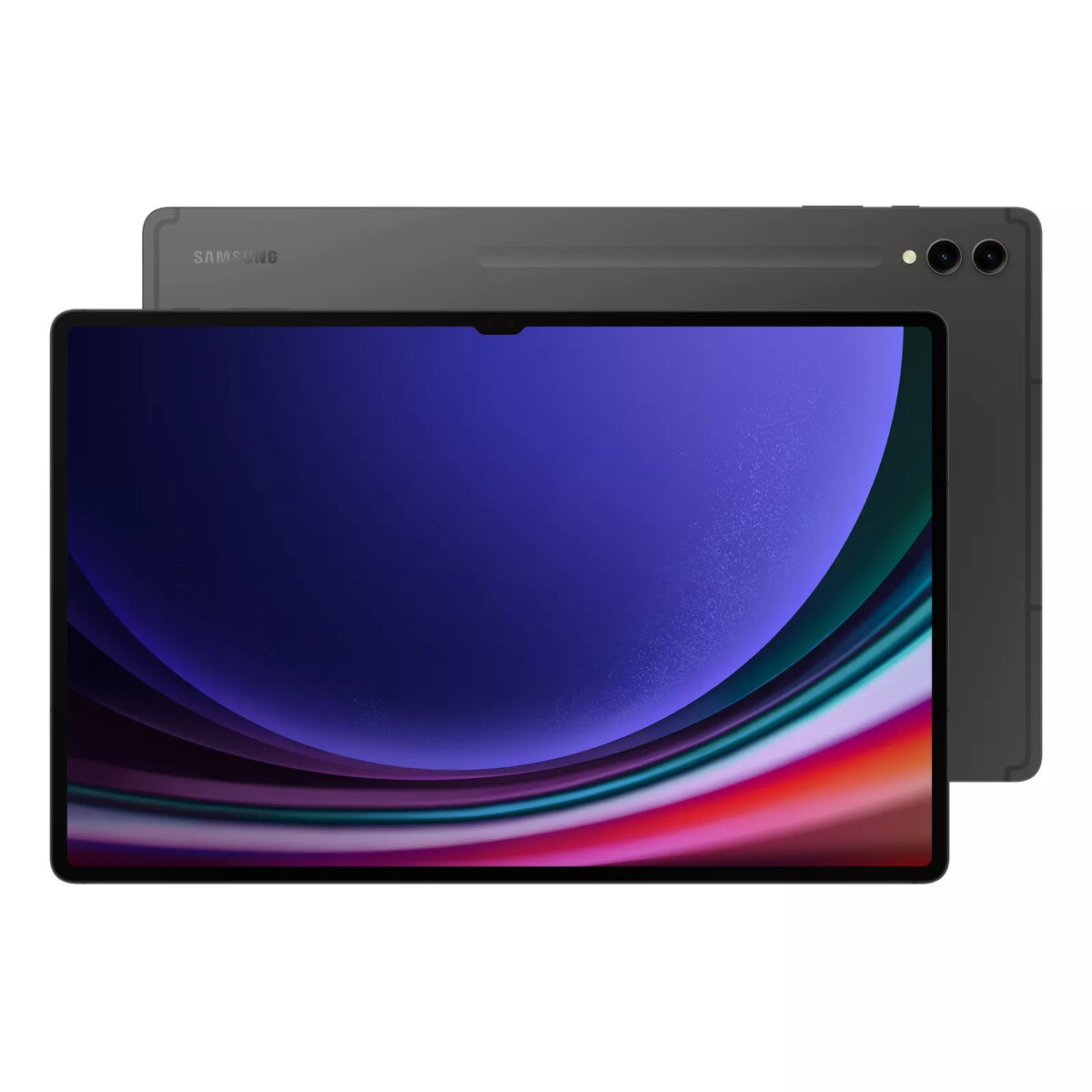
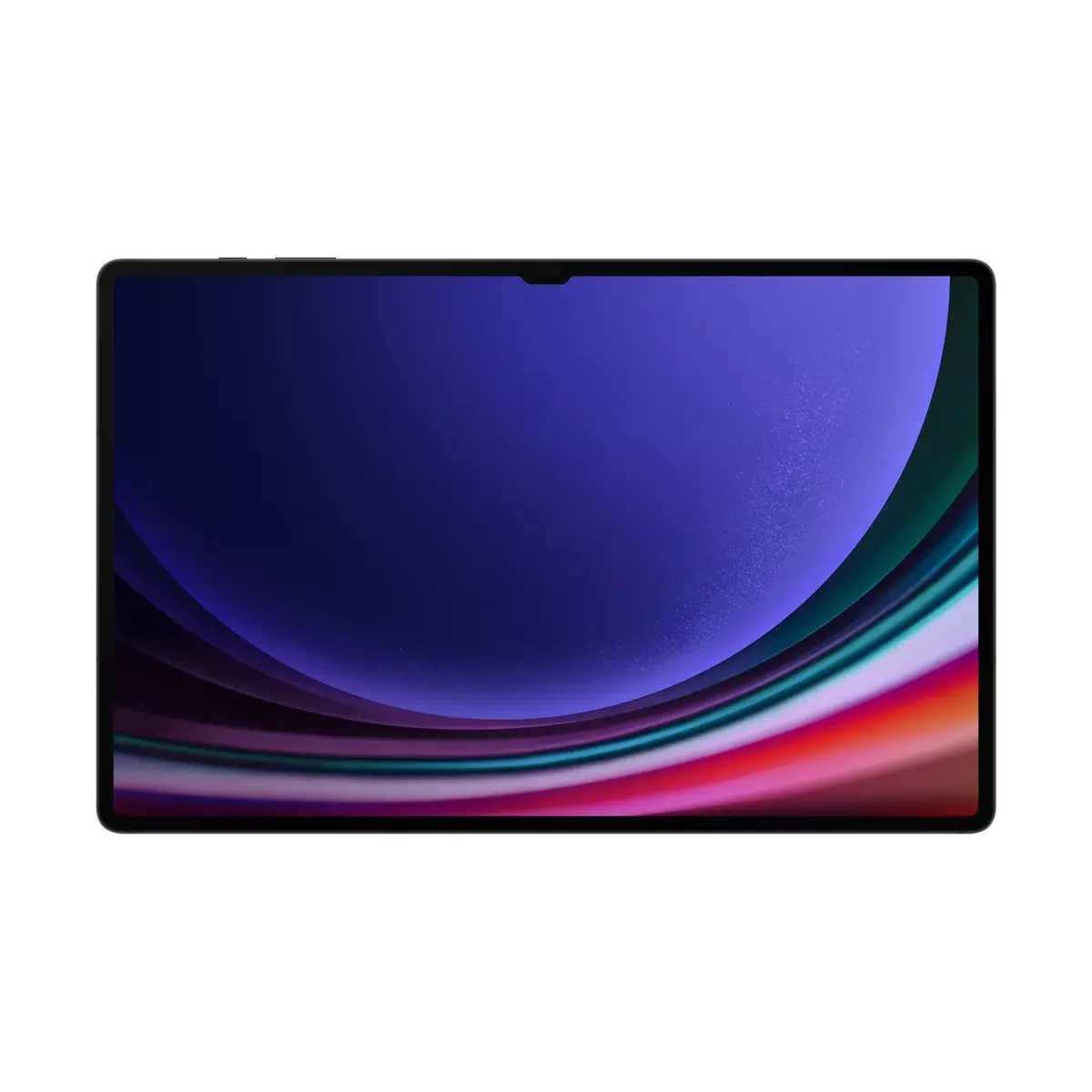
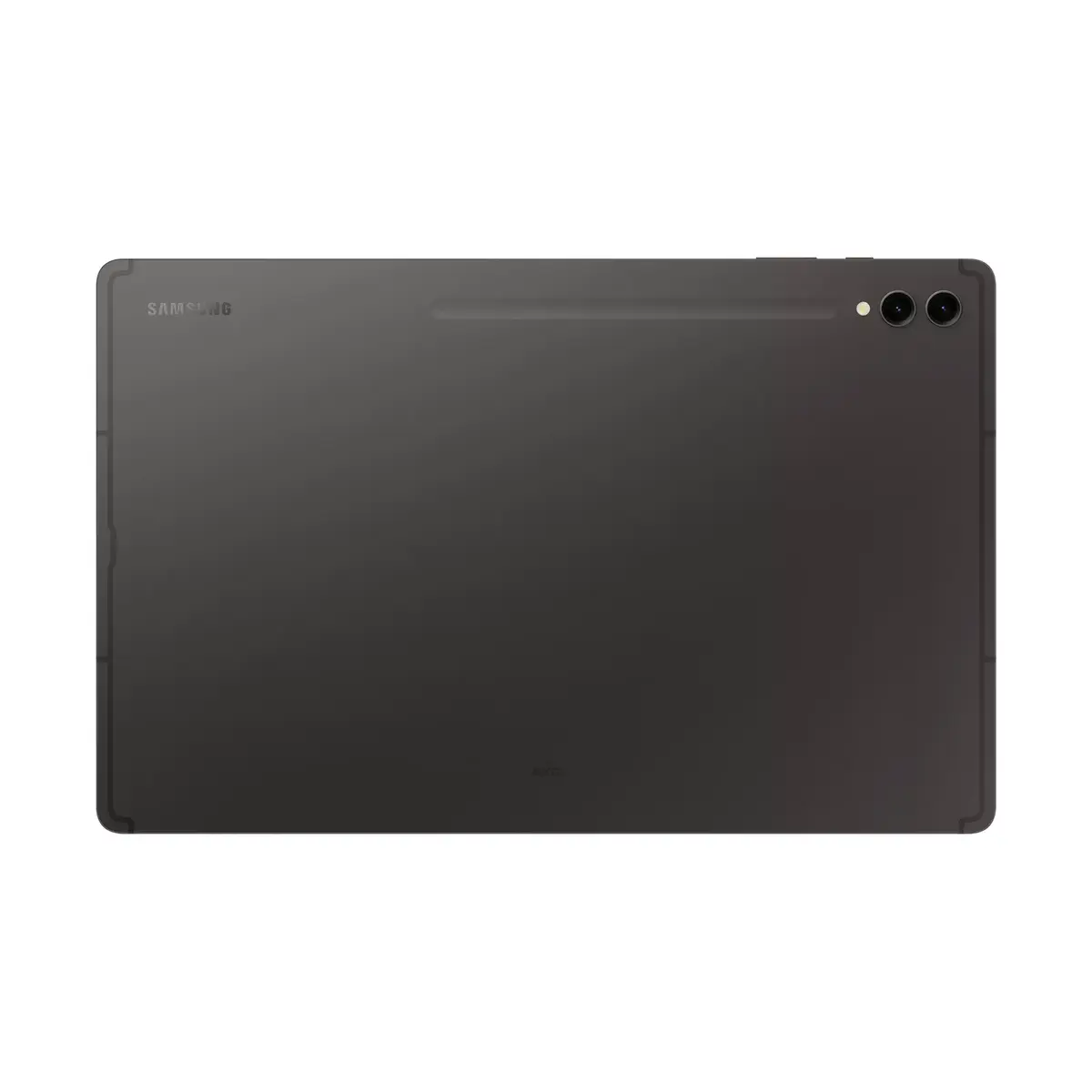
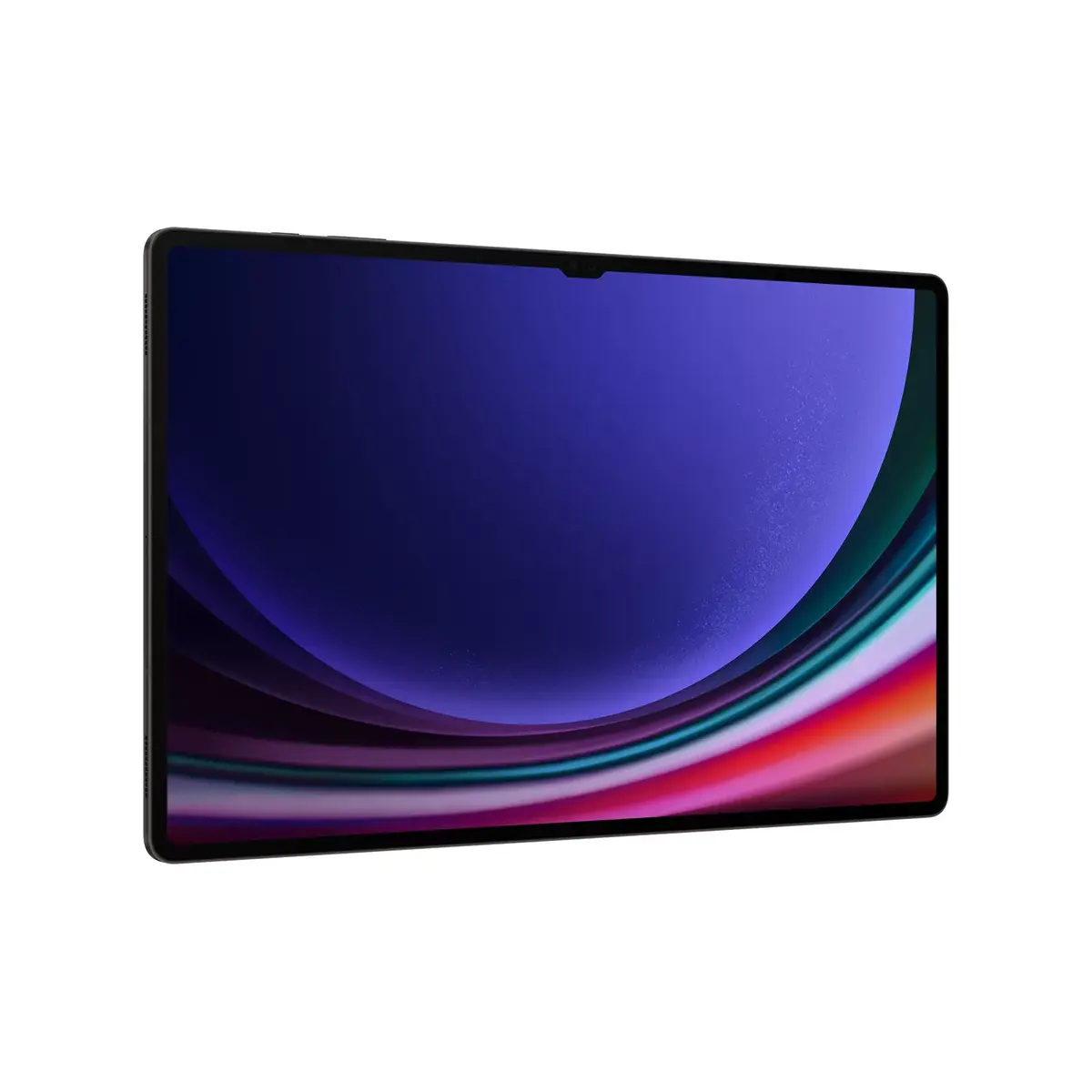
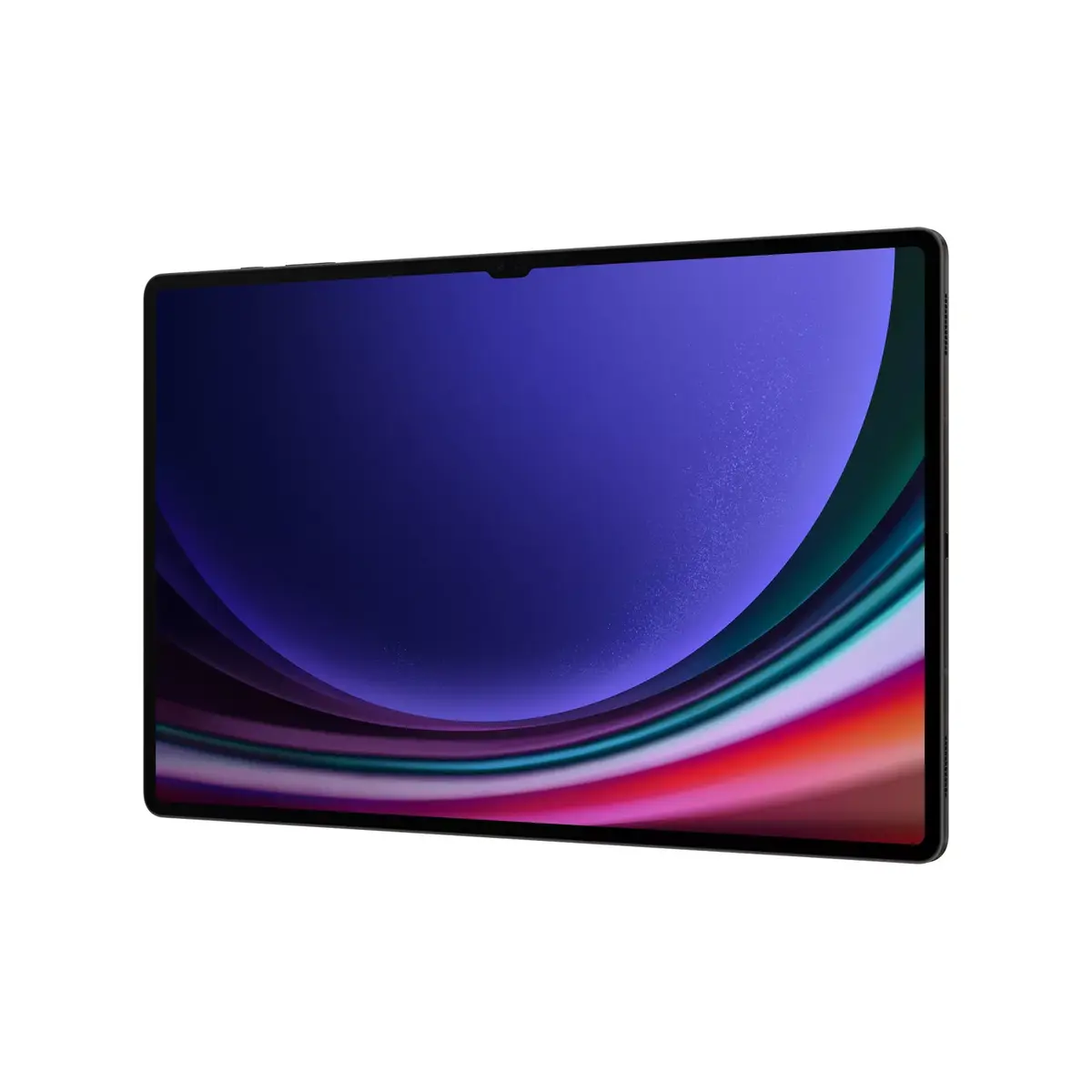
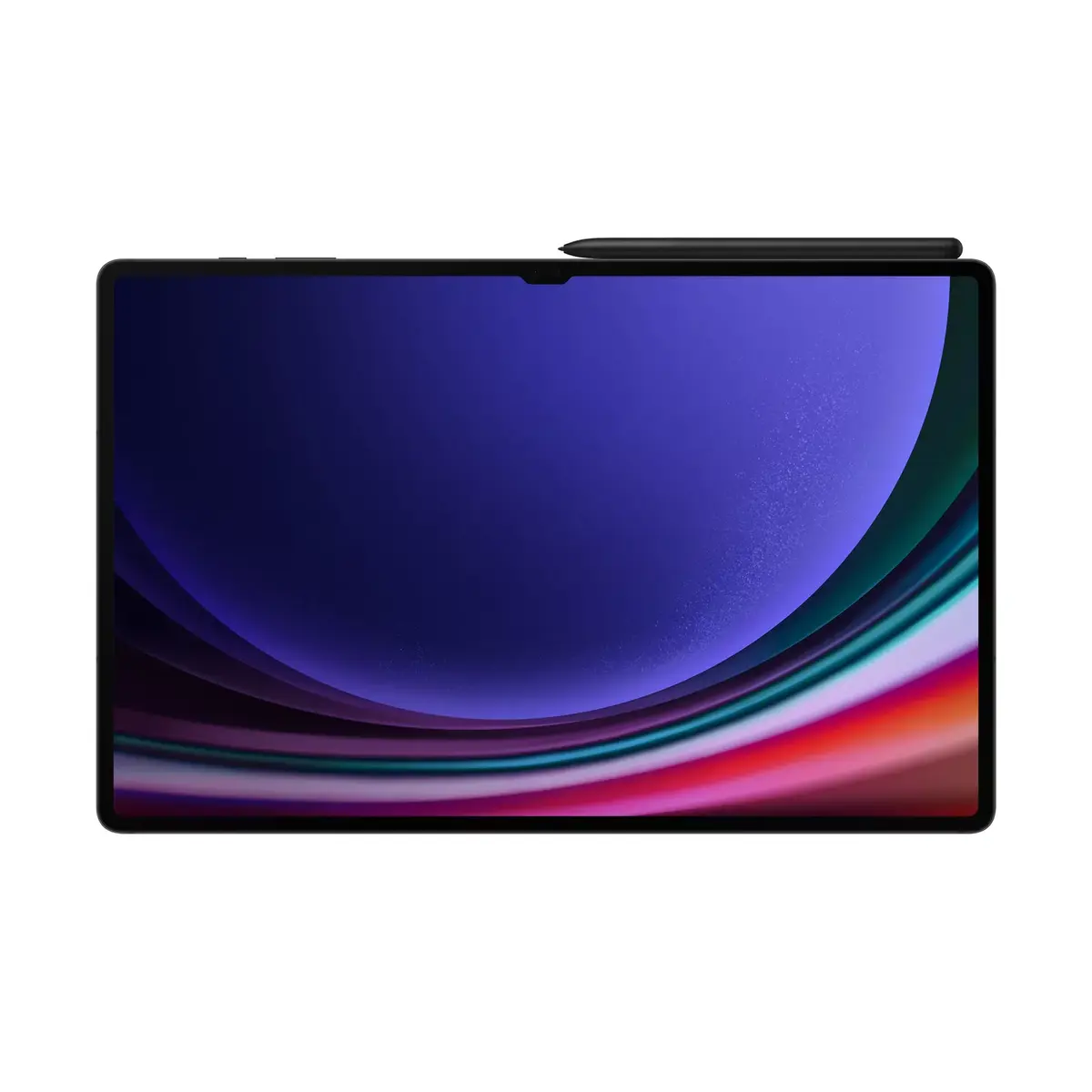
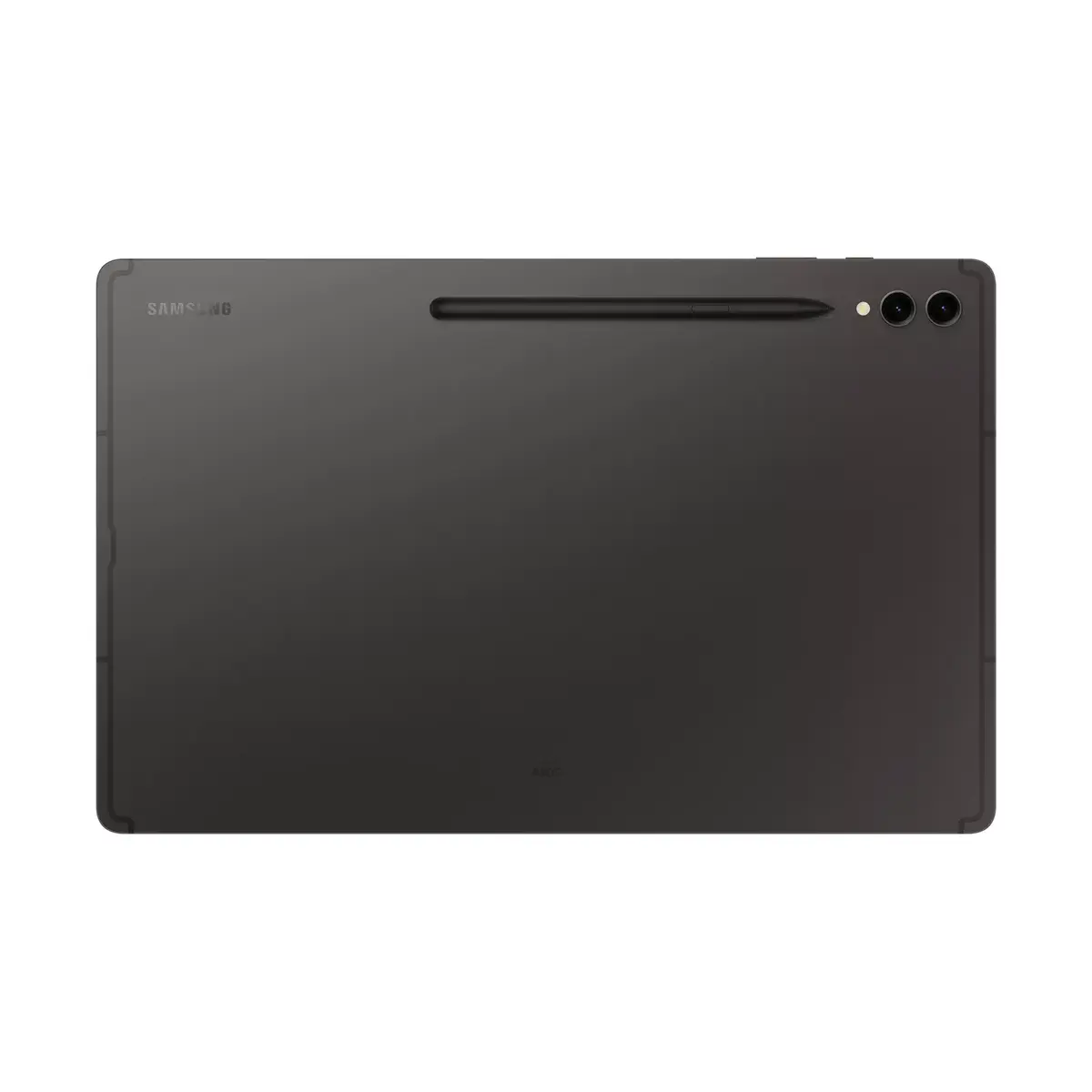
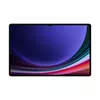
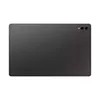
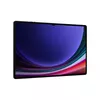
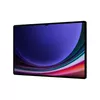
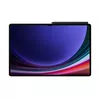
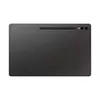
Tablet Samsung Galaxy Tab S9 Ultra Wi‑Fi, 14.6" (37.1 cm) OLED, Snapdragon 8 Gen 2, 1 TB, 16 GB, Wi‑Fi 6, Graphite
The Samsung Galaxy Tab S9 Ultra Wi‑Fi is a high‑end tablet with a 14.6" (37.1 cm) OLED display offering 2960×1848 resolution. Powered by the Qualcomm Snapdragon 8 Gen 2 processor and equipped with 16 GB of RAM and 1 TB of internal storage, this tablet is built for demanding multitasking, high‑resolution media playback and large file storage. The tablet includes a dual rear camera system, a 12 MP front camera for video calls and content creation, an integrated card reader and Wi‑Fi 6 connectivity. With a lightweight metal chassis and a weight of approximately 732 g, it combines a large, color‑accurate screen with powerful hardware for productivity and creative workflows.
The 14.6" OLED panel provides deep blacks, high contrast and accurate colors suitable for photo and video review. The Snapdragon 8 Gen 2 CPU and 16 GB RAM ensure smooth multitasking, fast app loading and efficient handling of large projects. With 1 TB internal storage there is ample room for media libraries, project files and applications without relying on cloud storage. Wi‑Fi 6 delivers faster, more reliable wireless connections for streaming, cloud access and online collaboration. The device’s front and rear cameras support clear video conferencing and basic content capture.
Power on the tablet using the side button and follow the on‑screen setup to connect to a Wi‑Fi 6 network and sign in with your Samsung account to enable cloud sync and device services. Install apps from the Galaxy Store or Google Play for productivity, creativity and media playback. Use split‑screen and multi‑window modes to run several apps simultaneously; the 16 GB RAM supports fluid switching between tasks. For video calls, position the tablet with the front camera toward you and adjust brightness and microphone settings in the call app. Use the integrated card reader to transfer photos and files from external media when supported.
For optimal performance, keep the system software and apps up to date, use Wi‑Fi 6 networks where available for faster transfers, and periodically back up important files to external storage or cloud services. When doing color‑critical photo or video work, calibrate display settings in the tablet’s display menu and work in a controlled lighting environment.
{{highlightedFeature.featureTitle}}:
{{getProductFeatureValueById(product, highlightedFeature.featureId)}}
{{ productComparisonGenerationError }}