Save time and money with our discounts!
In cart {{totalProductsCount}} item(s)
Your cart is empty
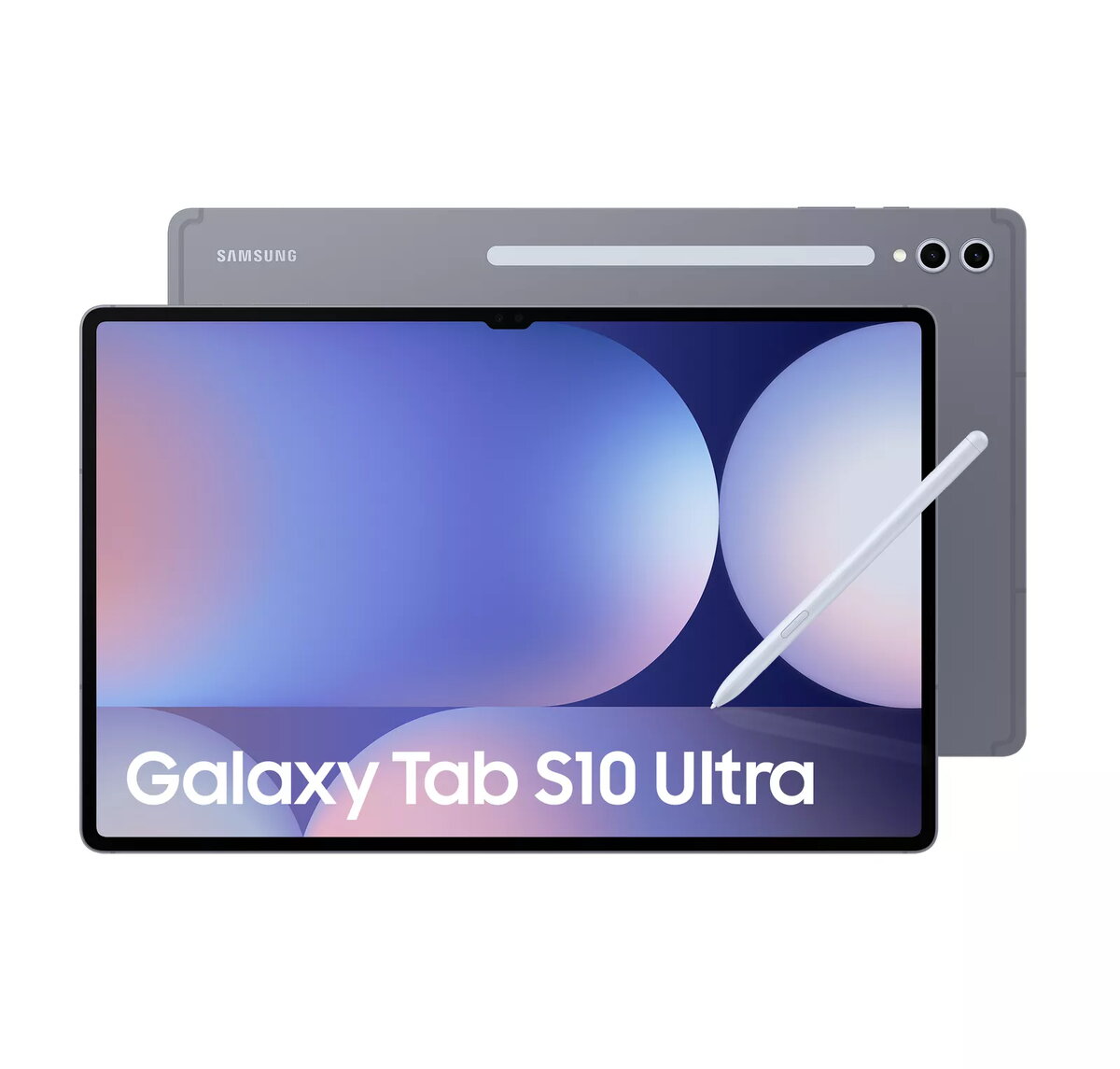
Tablet Samsung S10 Ultra 14.6" MediaTek 12 GB RAM 256 GB Android 14 IP68 Grey
The Tablet Samsung S10 Ultra 14.6" Mediatek 12 GB RAM 256 GB Android 14 is a large-screen Android device designed for multitasking, media consumption and mobile connectivity. The 14.6" display offers 2960 x 1848 pixel resolution for detailed visuals. Powered by a MediaTek processor with 12 GB of RAM and 256 GB of internal storage, the tablet supports demanding apps and stores a large amount of files. It runs Android 14 and includes a dual rear camera system (13 MP) plus a 12 MP front camera for video calls and selfies. Built-in 5G mobile network support, IP68 protection and a MicroSD-compatible card reader expand connectivity and storage options.
The Samsung S10 Ultra combines a high-resolution 14.6" display with substantial memory and storage (12 GB RAM, 256 GB internal) to provide smooth multitasking and responsive app performance. Integrated 5G connectivity enables fast mobile data transfer, while the IP68 rating ensures resistance against dust and water in everyday conditions. The presence of a MicroSD (TransFlash) card slot allows storage expansion without relying solely on internal memory. The tablet's cameras (13 MP rear, 12 MP front) support photography and clear video conferencing. Android 14 provides current OS features and security updates.
Turn on the tablet using the power button and follow the on-screen setup to configure your Google account and network connections. Insert a MicroSD card into the card slot if additional storage is required; follow the system prompts to format or mount the card. Use the Settings app to connect to preferred mobile networks or Wi‑Fi and to manage 5G settings. Open camera apps for photos or video calls using the 13 MP rear camera or the 12 MP front camera. Install and update applications via the Google Play Store; manage running apps through the recent apps overview for efficient multitasking.
To maintain performance, keep Android 14 and installed apps updated. Use a compatible MicroSD card from a reputable brand for storage expansion and periodically back up important data to cloud or external storage. Avoid exposing the tablet to prolonged immersion beyond the IP68 limits and follow manufacturer guidance for cleaning and charging to preserve device longevity.
{{highlightedFeature.featureTitle}}:
{{getProductFeatureValueById(product, highlightedFeature.featureId)}}
{{ productComparisonGenerationError }}