A curated selection of maximum value offers!
In cart {{totalProductsCount}} item(s)
Your cart is empty
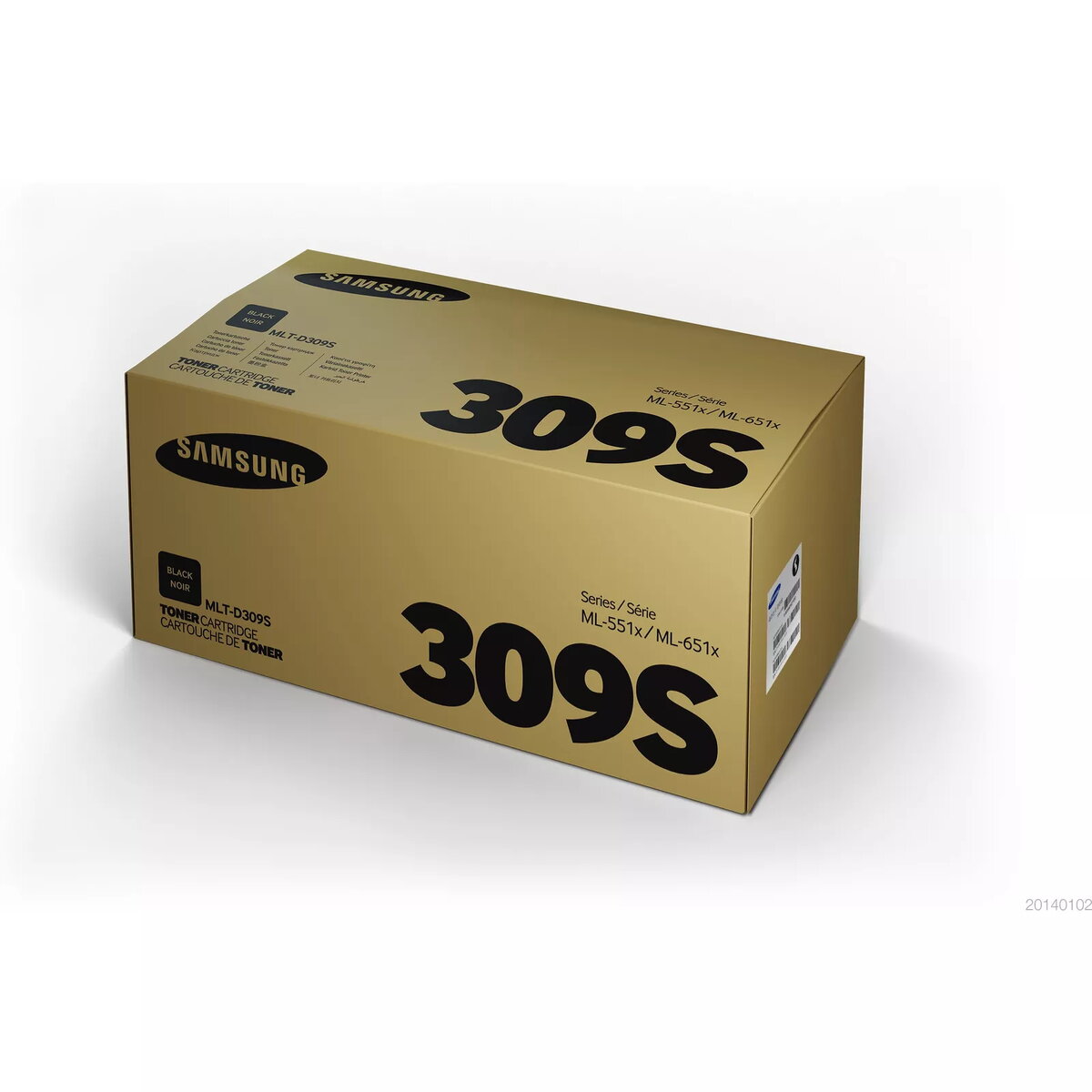
Toner Samsung MLT-D309S 10K Black
The Samsung MLT-D309S 10K Black toner cartridge delivers sharp black text and professional-quality graphics at the speeds your Samsung printer supports. Designed for Samsung printers and compatible with HP-labeled devices where specified, this black laser toner provides consistent output and a yield of up to 10,000 pages, offering reliable performance for home and office printing needs.
This toner cartridge produces crisp, high-contrast black text and clear graphics across multiple pages. It is simple to install, maintains consistent print quality over its rated yield, and is available in a high-yield capacity to reduce cartridge changes and support sustained printing volumes.
Turn off the printer, open the toner access panel, and remove the empty cartridge according to the printer's user guide. Unpack the new MLT-D309S toner, remove any protective seals, and insert the cartridge into the corresponding slot until it clicks into place. Close the access panel and turn the printer on. Perform a test print or alignment if the printer prompts.
Store cartridges in a cool, dry place away from direct sunlight. Use optional high-yield cartridges to minimize replacements for heavy print volumes, and follow your printer manufacturer's recycling or return program for used cartridges.
{{highlightedFeature.featureTitle}}:
{{getProductFeatureValueById(product, highlightedFeature.featureId)}}
{{ productComparisonGenerationError }}