
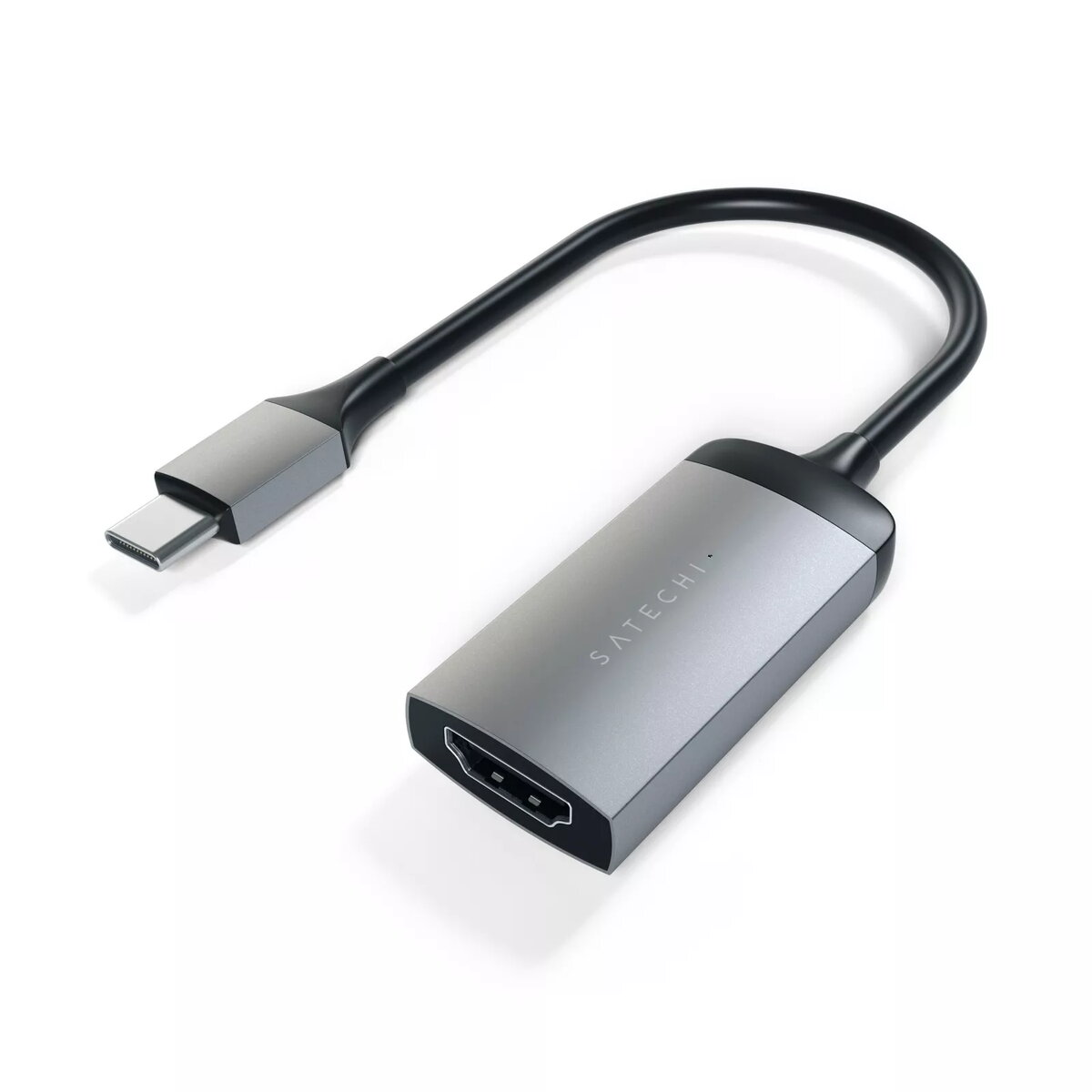
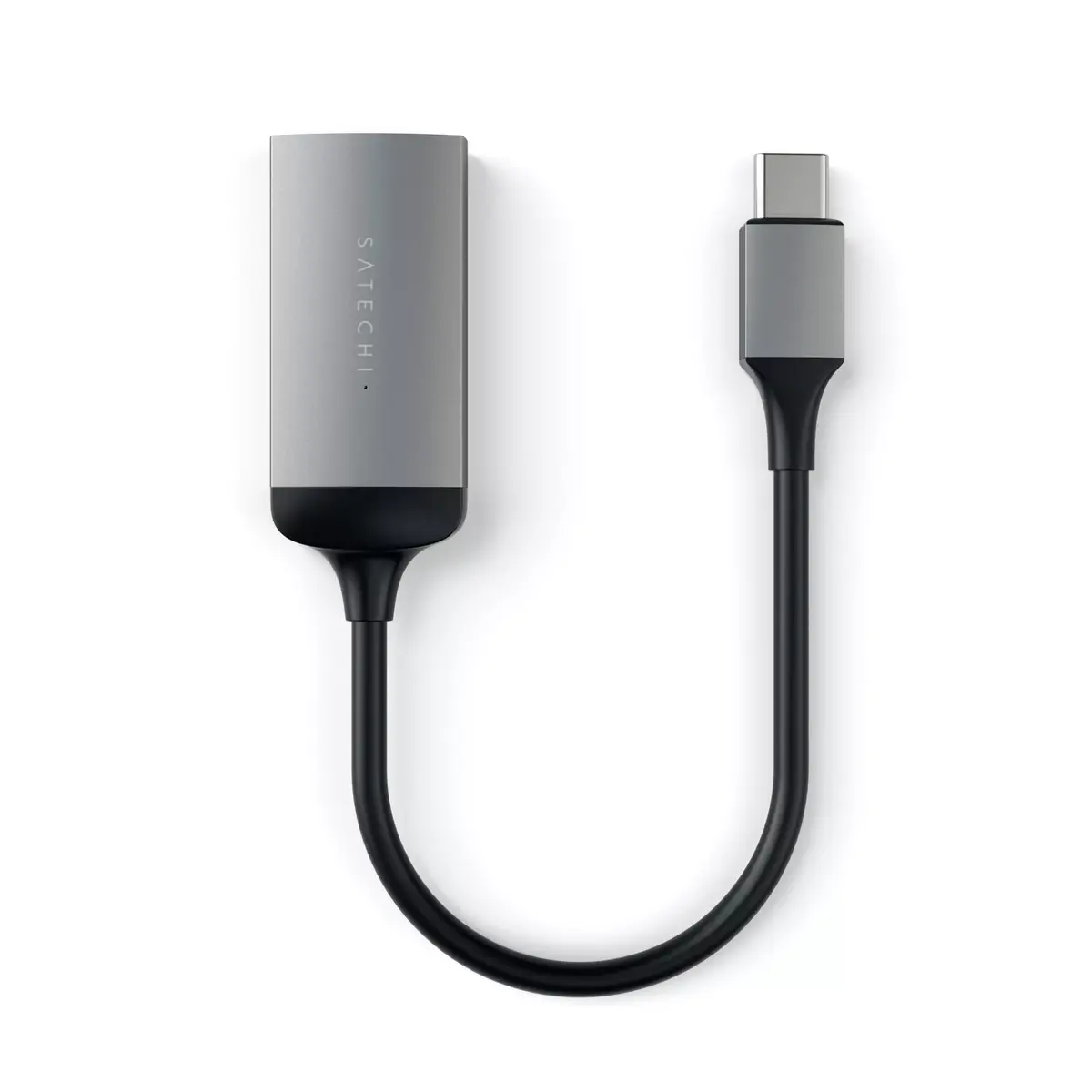
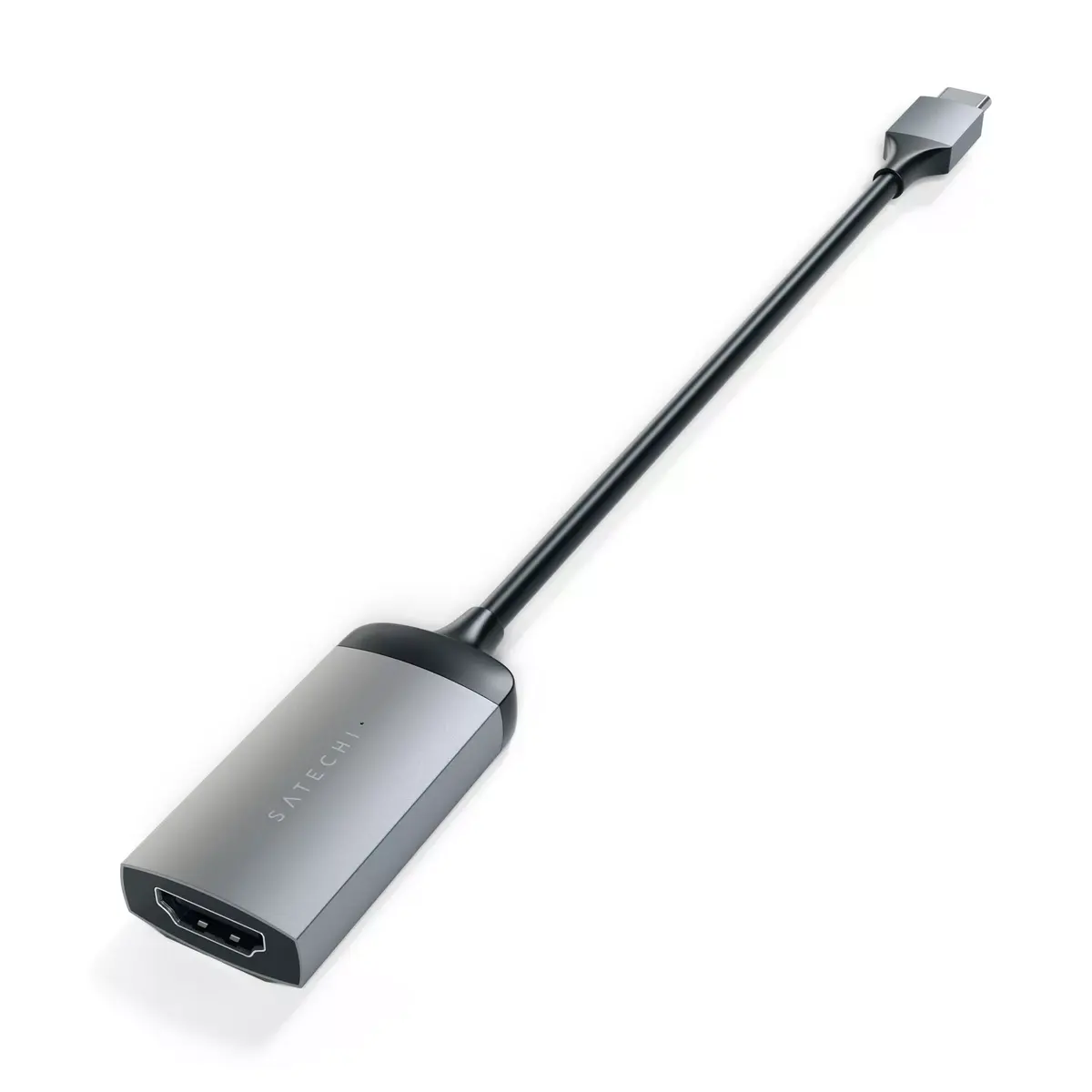
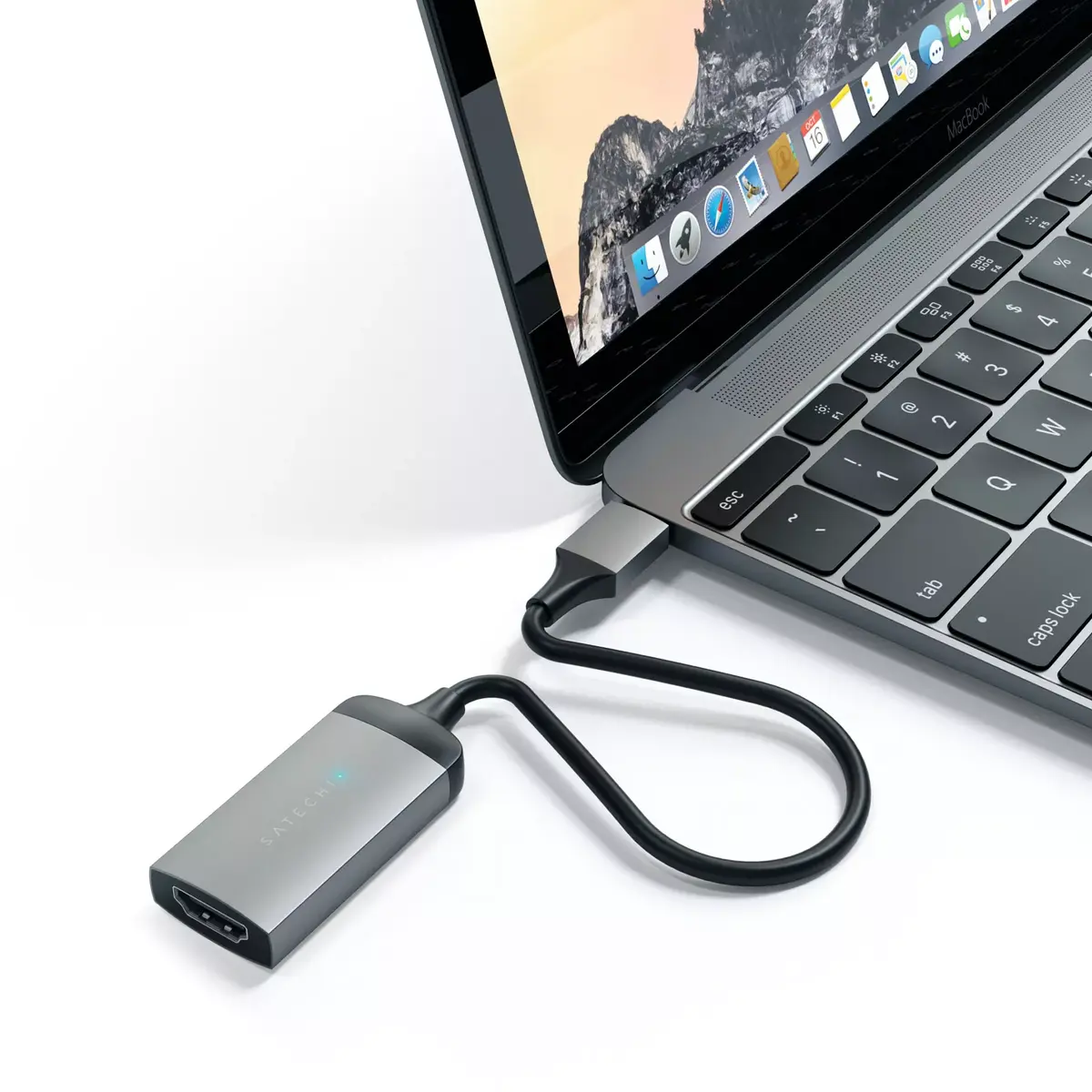
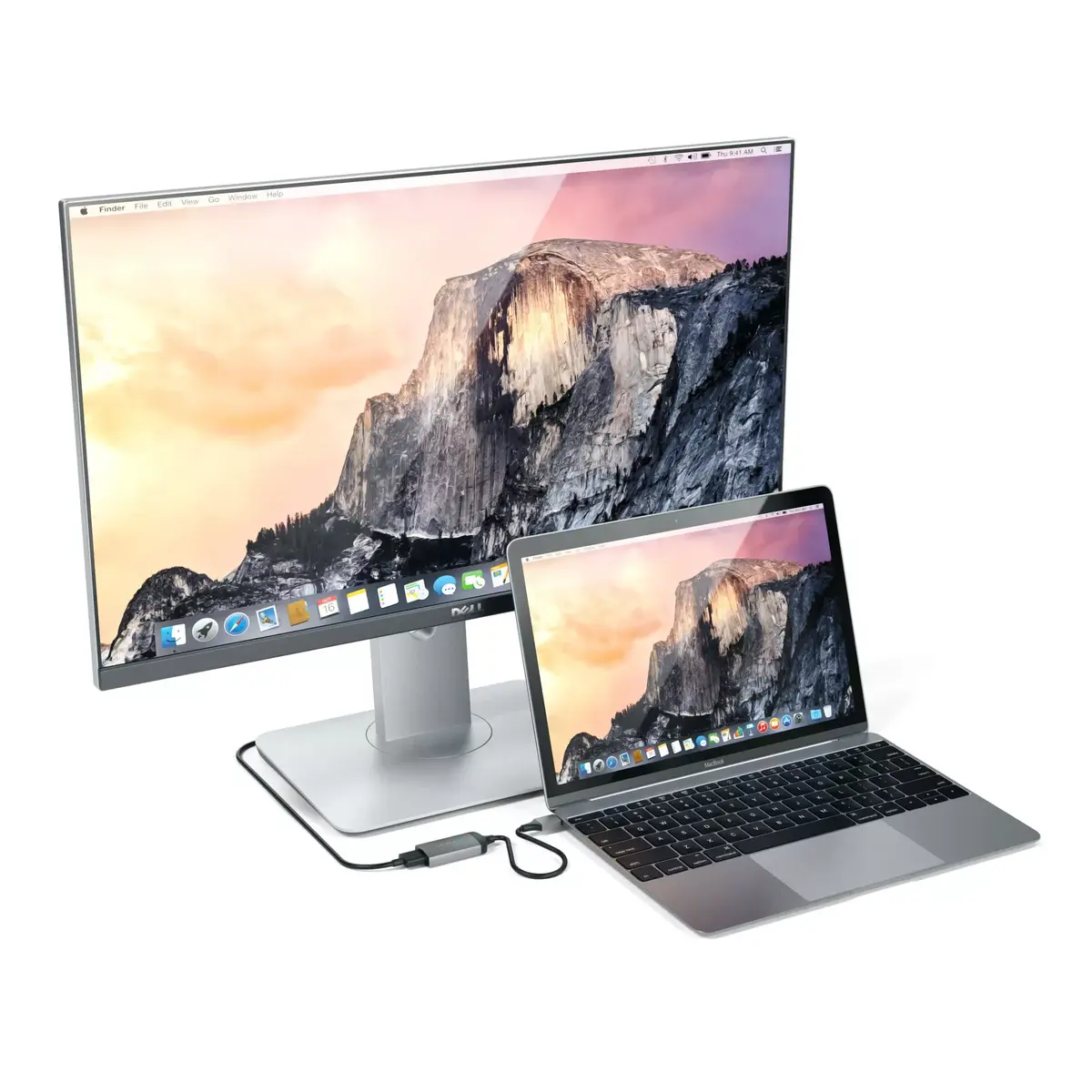
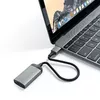
USB graphics adapter Satechi ST-TC4KHAM Grey
35.99 €
{{selectedOffer && selectedOffer.price | formatAmount}}
Short description
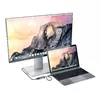
The Satechi ST-TC4KHAM USB graphics adapter in grey features a sleek aluminium housing. Measuring 22.3 mm in width, 203.2 mm in depth, and 6.35 mm in height, it is compact and easy to use. This adapter allows you to connect additional displays to your computer, enhancing your multitasking capabilities. Ideal for professionals and gamers alike, it supports high-resolution output for a better visual experience.
Cheapest delivery:
Unisend LV
Pick-up points
Unisend LV
Cost
1.79 €
Deliver
{{selectedOffer.parcelStationDeliveryString}}
Customer service center
2b. Kengaraga str., Riga, Latvia, LV-1063
13.08.2026
{{selectedOffer.officeDeliveryString}}
free
Courier Delivery
Please note that in case of a large parcel additional delivery costs may apply!
From 4.99 € (Weight: 0.02 kg)
Parcel couriers
Unisend LV / Venipak Pickup LV / Venipak Locker LV / Latvijas Pasts pakomāts / DPD Paku skapis / Omniva LV / Latvijas Pasts nodaļa
18.08.2026
{{selectedOffer.parcelStationDeliveryString}}
From 1.79 €

Payment Methods:
Bank transfer, Bank cards on-line, Apple Pay, Google Pay


