
Leave your address - as soon as the price of the product goes down, you'll know about it right away
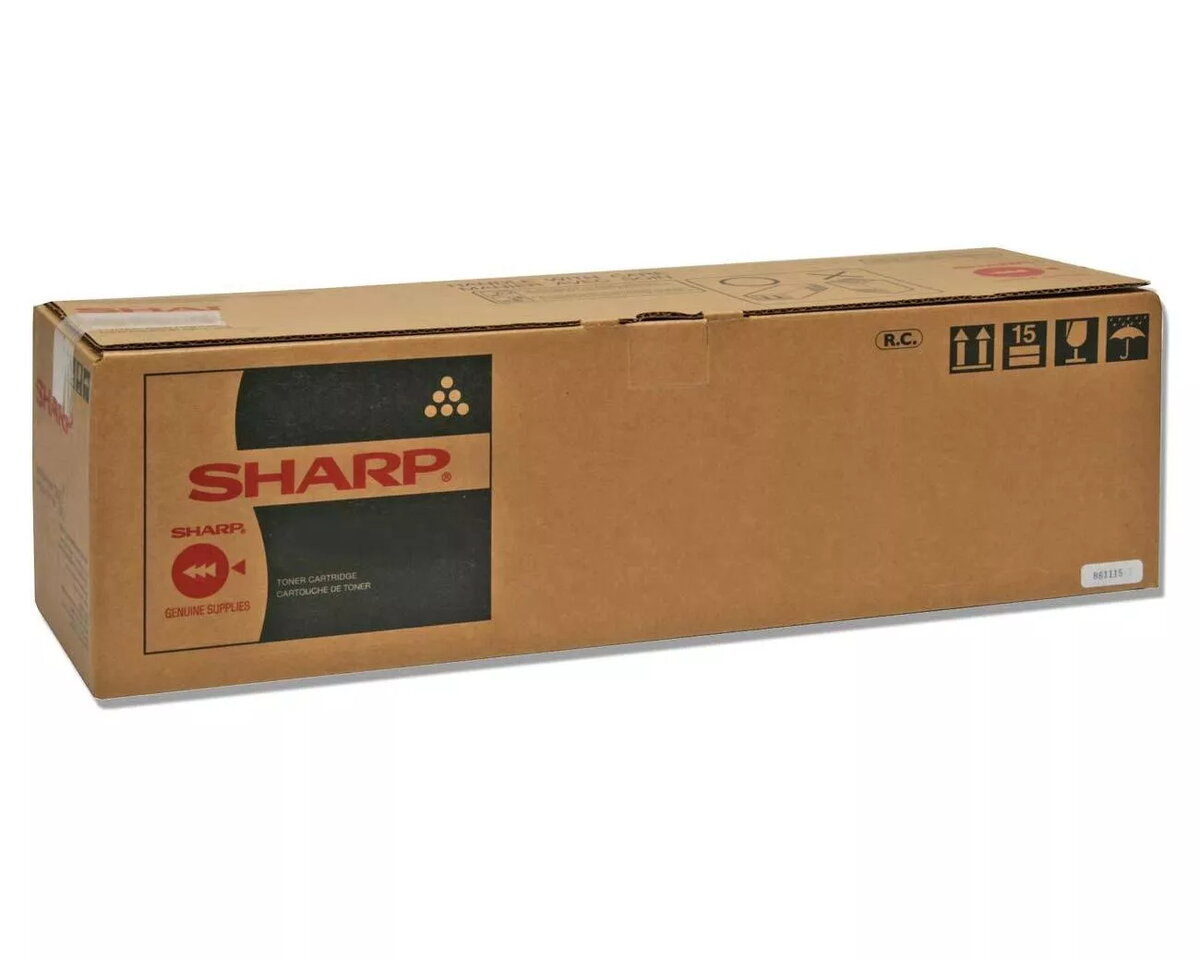
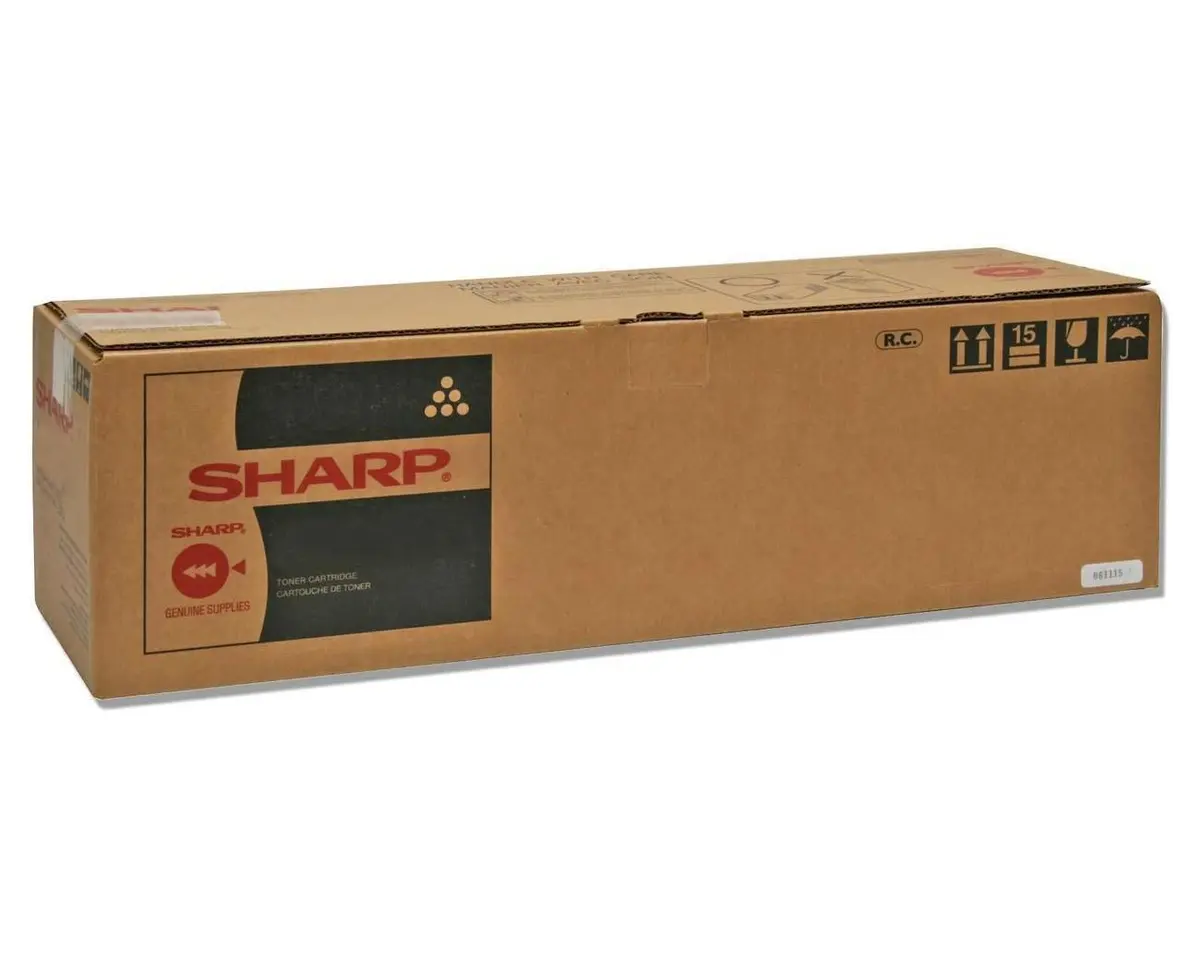
Developer Unit Sharp MX61GVBA 360000 Pages Black
In cart {{totalProductsCount}} item(s)
Your cart is empty
Developer Unit Sharp MX61GVBA 360000 Pages Black
Leave your address - as soon as the price of the product goes down, you'll know about it right away
Developer Unit Sharp MX61GVBA 360000 Pages Black
The Sharp MX61GVBA developer unit is designed for high-volume monochrome print environments, providing an estimated yield of 360,000 pages in black. Compatible with a range of Sharp multifunction printers, this developer unit supports consistent image density and stable toner transfer to maintain reliable print performance over extended service intervals. It is intended as a direct replacement part to help sustain long print runs while reducing the frequency of developer changes.
This developer unit delivers a very high page yield, reducing downtime associated with frequent replacements and lowering overall operating costs for busy offices. It helps preserve uniform black density across large print volumes, contributing to consistent text sharpness and edge definition. The unit is built to match the mechanical and electrical specifications of compatible Sharp devices, which supports easier installation and predictable performance in routine maintenance cycles.
Install the developer unit according to the service manual or user guide for the compatible Sharp printer model. Power off the device or follow the manufacturer’s specified procedure for replacing consumables to avoid damage and ensure safety. Remove the old developer unit following the printer’s instructions, insert the new unit until it seats securely, and perform any required calibration or initialization steps indicated by the device. After installation, run a test print or density check to confirm correct operation.
Store the developer unit in a dry, cool environment away from direct sunlight and extreme temperatures. Handle the unit carefully to avoid physical shocks or contamination of the developer material. Use genuine or manufacturer-recommended supplies and follow scheduled maintenance intervals for the printer to ensure optimal print quality and lifetime performance.
{{highlightedFeature.featureTitle}}:
{{getProductFeatureValueById(product, highlightedFeature.featureId)}}
