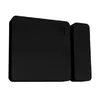
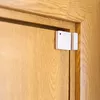
-
Interface:
Interface ports to connect pieces of equipment. USB (Universal Serial Bus) has become the most popular wired interface to connect peripherals. USB 2.0 supports speeds up to 480 Mbit/s (USB 1: 12 Mbit/s). The interface FireWire is also known as the IEEE 1394 standard. Enhanced IDE (EIDE)is sometimes referred to as Fast ATA, Fast IDE or ATA-2.
-
Bluetooth
-
Weight:
Weight of the product without packaging (net weight). If possible, the net weight is given including standard accessories and supplies. Please note that sometimes the manufacturer leaves out the weight of accessories and/or supplies.
-
0.018 kg
-
Battery technology:
The type of battery in the device, e.g. nickel–cadmium (NiCd).
-
Alkaline
-
Security algorithms:
Security algorithms are used to provide authentication, cipher key generation, integrity and radio link privacy to users on mobile networks. The security algorithms supported are the ones that can be used with this product.
-
AES
-
Operating relative humidity (H-H):
-
30 - 70
-
Battery type:
Description of battery supplied with the product, such battery form factor (e.g. AA/AAA).
-
CR2032
-
Operating temperature (T-T):
The minimum and maximum temperatures at which the product can be safely operated.
-
-20 - 40
-
Number of batteries supported:
The number of batteries that can be used with the product.
-
1
-
Height:
The measurement of the product from head to foot or from base to top.
-
35 mm
-
Width:
The measurement or extent of something from side to side.
-
12 mm
-
Depth:
The distance from the front to the back of something.
-
7 mm
-
Connectivity technology:
The technology that enables connectivity of the device, e.g. wired or wireless.
-
Wireless
-
Product colour:
The colour e.g. red, blue, green, black, white.
-
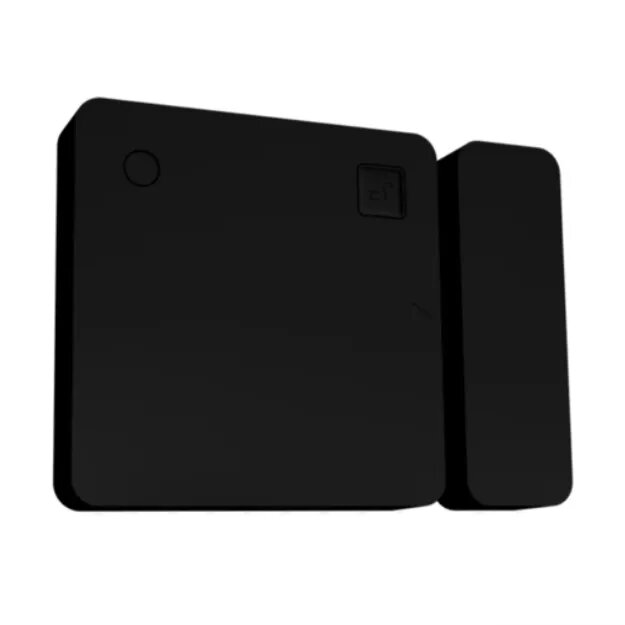
Black
-
Operating frequency:
The rate at which an electrical current alternates, usually measured in Hertz (Hz). Also the way to note a general location on the radio frequency spectrum such as 800 MHz, 900 MHz or 1900 MHz.
-
2400 - 2484
-
Transmitter depth:
-
7 mm
-
Transmitter height:
-
35 mm
-
Transmitter width:
-
35 mm
-
Battery voltage:
The voltage (V) of the battery.
-
3 V
-
Rechargeable battery:
Indicates whether the battery is rechargeable.
-
No
-
Number of products included:
The number of products that are included in the package.
-
1 pc(s)
-
Interconnectable:
The device can be connected to other devices.
-
Yes
-
Maximum indoor range:
The maximum distance to which the signals are transmitted, when the device is used indoors.
-
10 m
-
Maximum outdoor range:
The maximum distance to which the signals are transmitted, when the device is used outdoors.
-
30 m
-
Suitable for:
Who can use the product, or what the product can be used for.
-
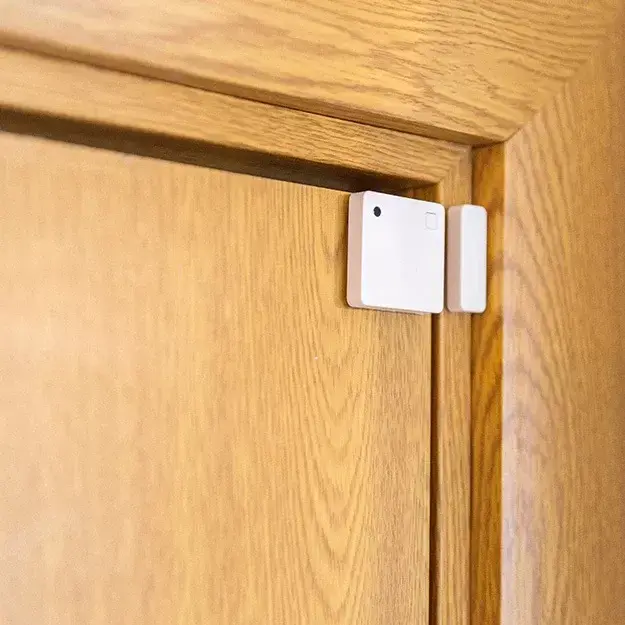
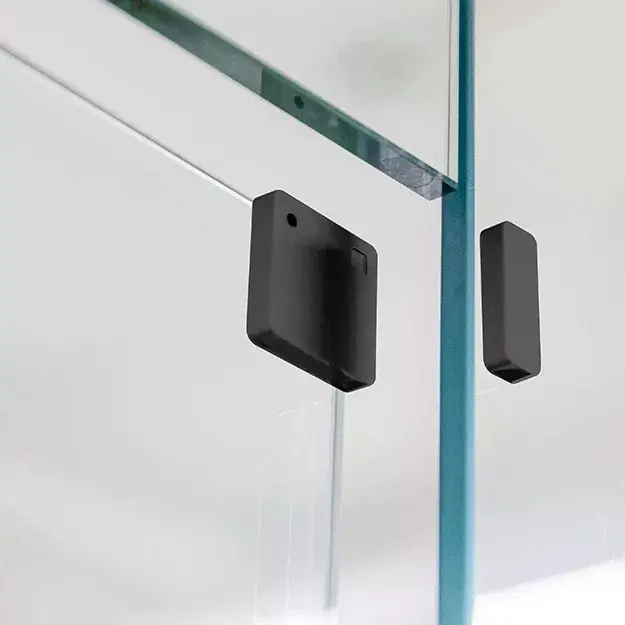
Door/Window
-
Battery life:
-
60 month(s)
-
Battery included:
-
Yes
-
Transmit power:
-
4
-
Replaceable battery:
-
Yes