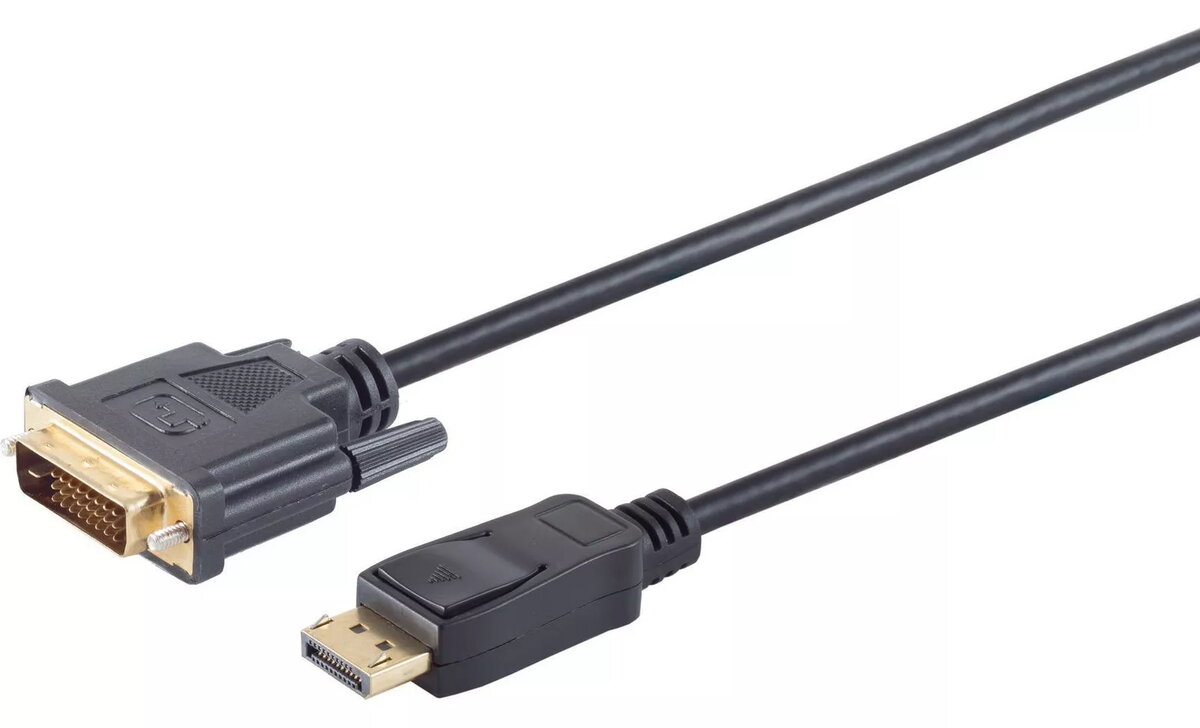
The ShiverPeaks DisplayPort to DVI-D cable is a high-quality connectivity solution designed to bridge the gap between modern DisplayPort-equipped computers or graphics cards and DVI-D enabled monitors or projectors. With a generous length of 7.5 meters, this cable provides the flexibility needed for larger office layouts or home entertainment setups where the source device and display are positioned at a distance. The integration of gold-plated contacts ensures superior signal integrity and resistance to corrosion, contributing to a stable and reliable video transmission experience.
Advantages
This cable offers a robust construction that minimizes signal loss over its 7.5-meter span, ensuring that your digital video content remains clear and consistent. The gold-plated connectors provide an enhanced contact surface, which helps in maintaining a secure connection and preventing signal degradation over time. By utilizing this cable, users can easily integrate legacy DVI-D displays into newer hardware environments without the need for complex adapter setups, making it a practical and cost-effective choice for workstation expansion.
Suitable for
- Connecting desktop PCs or laptops with DisplayPort outputs to DVI-D monitors.
- Extending display setups in home offices or professional environments.
- Connecting projectors that utilize DVI-D inputs to modern workstations.
This cable may not be suitable for high-resolution setups exceeding standard DVI-D capabilities or for applications requiring audio transmission, as DVI-D is a video-only interface. Additionally, it is not intended for use with devices requiring active signal conversion for multi-monitor configurations that demand specific DisplayPort signaling protocols.
Key specifications
- Cable length: 7.5 meters
- Connector A: DisplayPort 20-pin male
- Connector B: DVI-D 24+1 male
- Contact material: Gold-plated
- Signal type: Digital video
To use this cable, simply insert the DisplayPort connector into the output port of your computer or graphics card and connect the DVI-D end to the input port of your monitor. Ensure that both devices are powered off before making the physical connection to prevent potential electrical discharge. Once connected, power on your devices and configure the display settings through your operating system to detect the external monitor and set the appropriate resolution.
What to consider before purchase
- Verify that your source device has a DisplayPort output and your display has a DVI-D input.
- Confirm that the 7.5-meter length is sufficient for your specific cable management needs.
- Note that this cable does not support audio transmission.
Ensure the cable is not bent at sharp angles or placed under heavy furniture to maintain the integrity of the internal wiring and ensure long-term performance.