
Powerful EcoFlow stations for energy anywhere!
In cart {{totalProductsCount}} item(s)
Your cart is empty
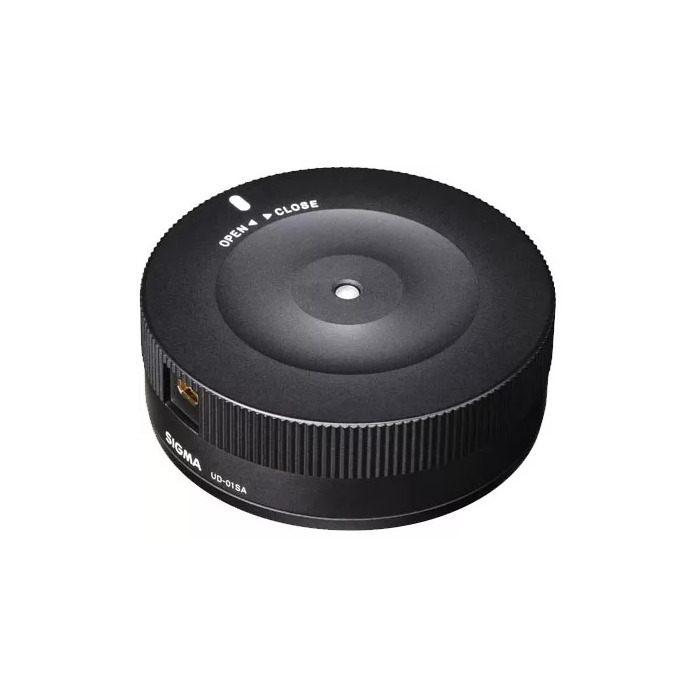
Camera Kit Sigma 878954 Black USB Interface
The Sigma USB Dock (model 878954) connects compatible Sigma lenses to a computer via USB and works with Sigma Optimization Pro software to update lens firmware and adjust lens parameters. It supports firmware updates over the internet and is compatible with Sigma Photo Pro on Mac and PC. The dock enables configuration of focus-related settings for both fixed focal length and zoom lenses, and provides access to parameters relevant for sports-oriented lenses such as autofocus speed, focus limiters, and optical stabilization behavior.
The USB interface provides a direct connection between Sigma lenses and a personal computer for reliable firmware updates and parameter tuning. Through Sigma Optimization Pro, users can customize focus behaviour, apply firmware upgrades downloaded from the internet, and manage lens-specific settings on Mac and Windows systems. The compact black dock is compatible with a range of Sigma lenses and simplifies maintenance and personalization of lens performance.
Install Sigma Optimization Pro on a Mac or PC, connect the Sigma USB Dock to the computer via USB, then mount the compatible Sigma lens on the dock. Launch the software to detect the lens, check for available firmware updates and download them via the internet if needed. Use the software interface to adjust focus settings—select the appropriate profile for prime or zoom lenses and modify the available categories such as focus tuning points, autofocus speed and focus limiter values. Apply changes and test the lens on the camera to confirm the adjustments.
Before performing firmware updates, ensure the computer has a stable internet connection and the camera battery and lens contacts are clean. Follow the Sigma Optimization Pro prompts and do not disconnect the dock while updates are in progress.
{{highlightedFeature.featureTitle}}:
{{getProductFeatureValueById(product, highlightedFeature.featureId)}}