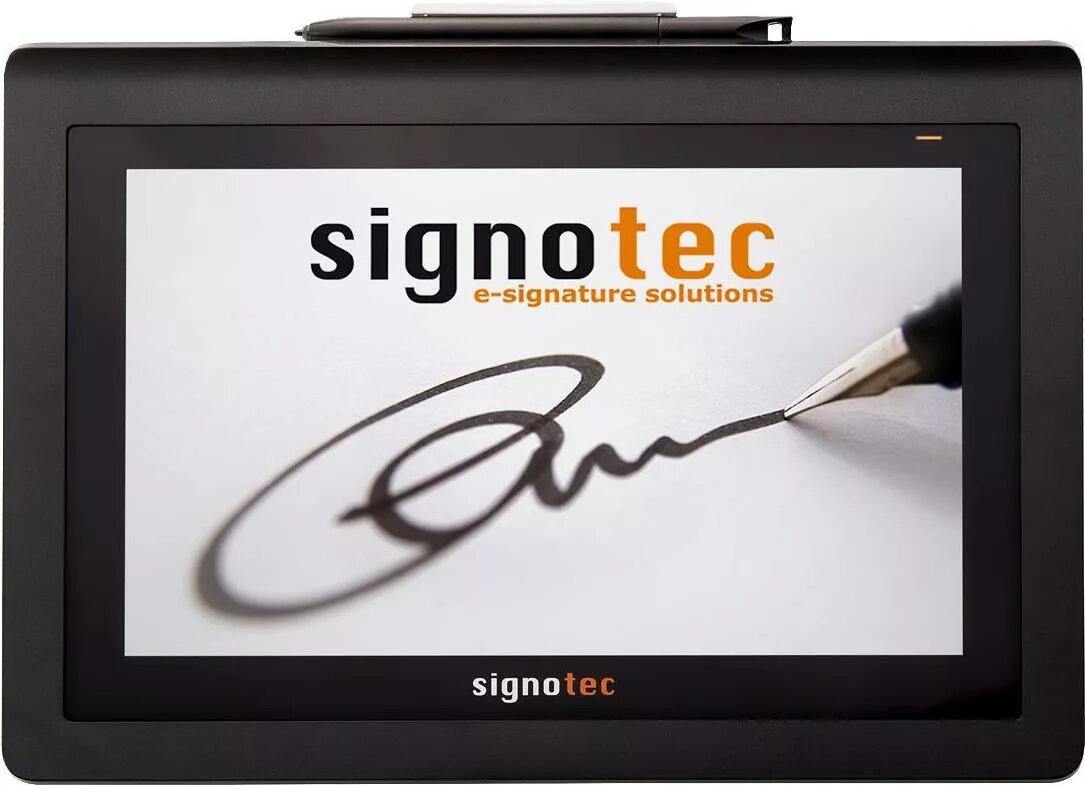
The Signotec Delta 10.1-inch LCD signature pad is a professional-grade device engineered for high-precision digital handwriting capture. Featuring an advanced ERT sensor, this signature pad provides a natural writing experience, ensuring that every stroke is captured with exceptional accuracy. Designed for demanding business environments, the device integrates seamlessly into existing document workflows through its versatile WinUSB and Ethernet connectivity options, making it a reliable solution for organizations requiring secure and efficient electronic signature processes.
Advantages
The primary advantage of the Signotec Delta lies in its robust 10.1-inch display, which offers ample space for clear document viewing and signature placement. The integrated ERT sensor technology is highly durable and resistant to wear, ensuring consistent performance even in high-volume usage scenarios. By utilizing both WinUSB and Ethernet interfaces, the device offers flexible deployment options, allowing for stable connections in various network configurations. Its professional design and high-resolution screen contribute to a seamless user experience, enhancing productivity in administrative and customer-facing tasks.
Suitable for
- Electronic document signing in banking and finance
- Administrative workflows in healthcare and public services
- Retail point-of-sale systems requiring customer verification
- High-volume document management environments
This device may not be suitable for users who require a portable or mobile signature solution, as it is designed primarily for stationary desktop use. Additionally, it is not intended for general-purpose graphic design or artistic illustration, as its specialized sensor is optimized specifically for handwriting and signature capture.
Key specifications
- Display size: 10.1 inches
- Sensor technology: ERT (Electromagnetic Resonance Technology)
- Connectivity: WinUSB and Ethernet
- Cable length: 2.7 meters
- Application: Professional electronic signature capture
To use the Signotec Delta, connect the device to your computer or network terminal using the provided 2.7-meter cable. Ensure that the appropriate drivers and software are installed on your system to facilitate communication between the pad and your document management application. Once connected, the device will act as an extended display or input peripheral, allowing users to sign documents directly on the screen as they appear in your software interface.
What to consider before purchase
- Verify compatibility with your existing document management software
- Ensure sufficient desk space for the 10.1-inch display
- Confirm network availability if utilizing the Ethernet connection feature
Usage recommendations: For optimal performance and longevity, keep the screen surface clean and free of debris. Use only the provided stylus to prevent damage to the ERT sensor surface. Regularly update the device drivers to ensure compatibility with the latest operating system security standards.