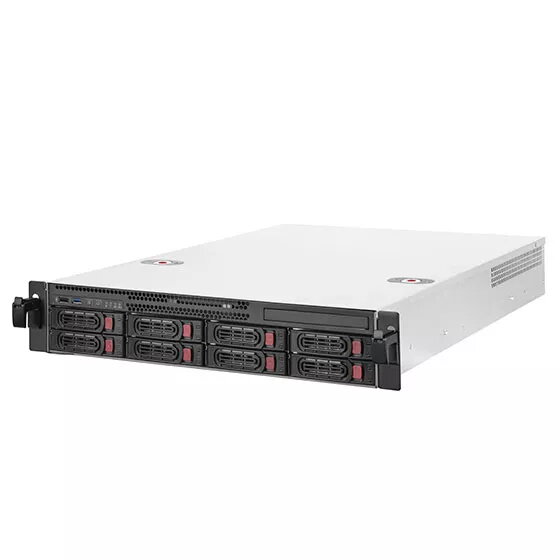
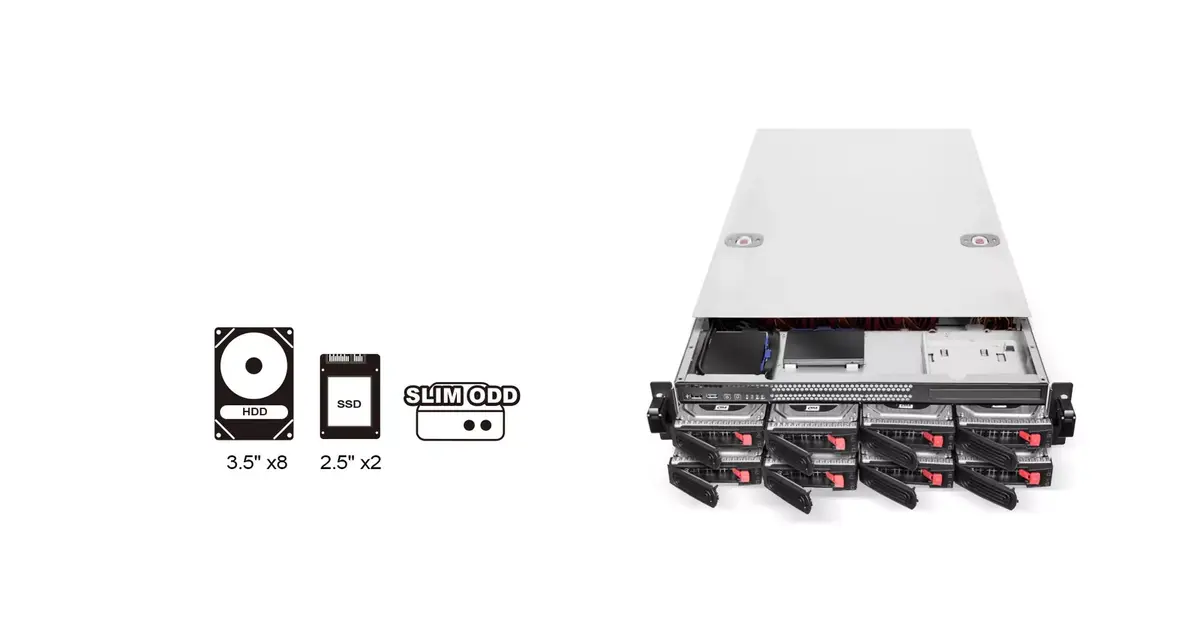
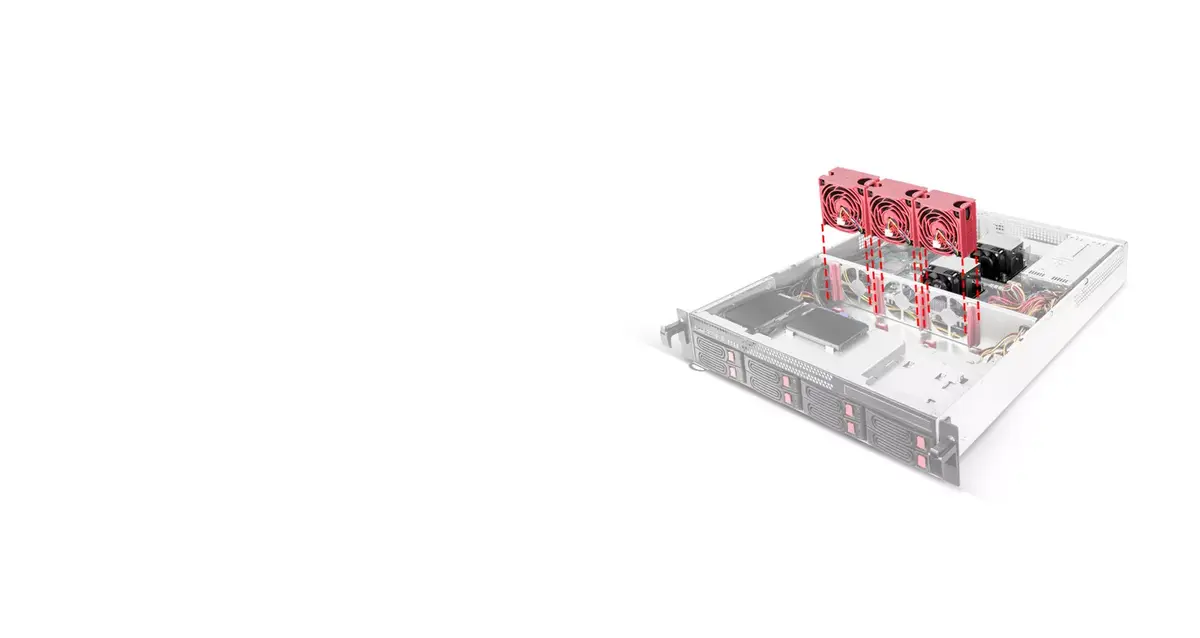
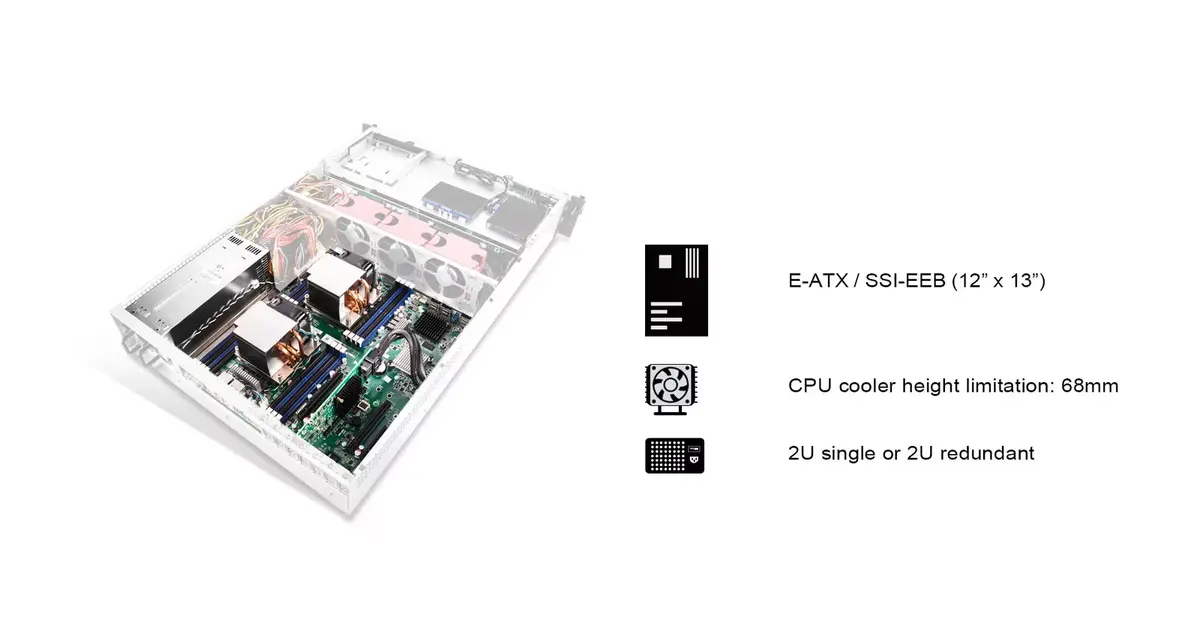
-
Weight:
Weight of the product without packaging (net weight). If possible, the net weight is given including standard accessories and supplies. Please note that sometimes the manufacturer leaves out the weight of accessories and/or supplies.
-
10.1 kg
-
Rack mounting:
The type of mounting that can position devices in a shelving system (rack).
-
Yes
-
Height:
The measurement of the product from head to foot or from base to top.
-
88.5 mm
-
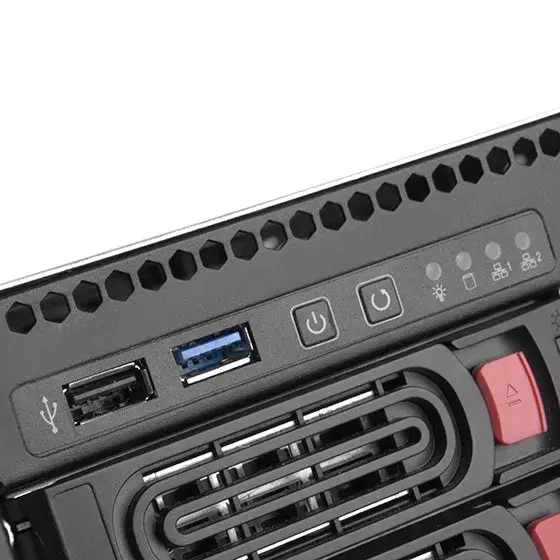
LED indicators:
-
Y
-
Data transfer rate:
Rate at which data can be transferred. Usually expressed in units per second. May vary with network configurations.
-
12 Gbit/s
-
Width:
The measurement or extent of something from side to side.
-
430 mm
-
Depth:
The distance from the front to the back of something.
-
660 mm
-
USB connector type:
The type of USB connector/port that this product has.
-
USB Type-A
-
Product colour:
The colour e.g. red, blue, green, black, white.
-
White, Black
-
Rack capacity:
The spase that device fill in rack.
-
2U
-
Hot-swap:
-
Yes
-
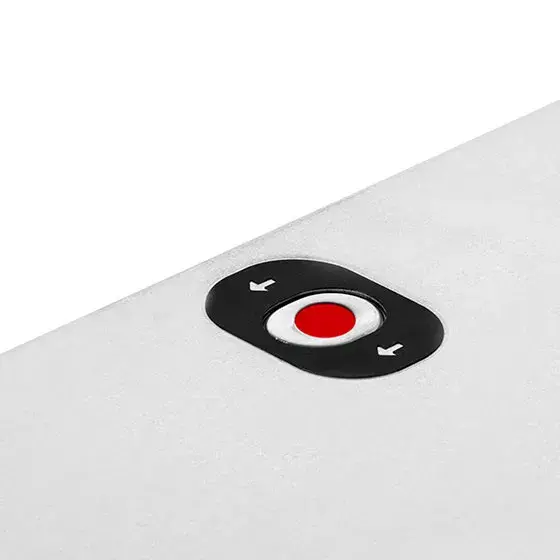
On/off switch:
The button which is pressed to switch the device on or off.
-
Yes
-
USB version:
Universal Serial Bus (USB) is an industry standard developed in the mid-1990s that defines the interface used for connection, communication and power supply between computers and electronic devices. Every new version - for example 1.1, 2.0, 3.0 - is much faster than the previous one.
-
2.0/3.2 Gen 1 (3.1 Gen 1)
-
Storage drive size:
The size of the storage drive, given in inches ('').
-
2.5/3.5
-
Number of storage drives supported:
How many storage drives can be fit into the product at once.
-
10
-
USB connectivity:
The product has USB connector.
-
Yes
-
USB ports quantity:
-
2
-
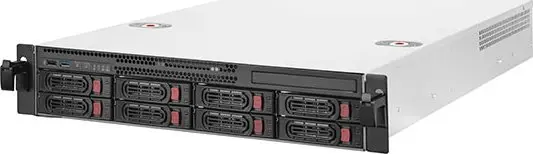
Product type:
The sub-category of the product.
-
HDD enclosure
-
Supported storage drive interfaces:
-
SAS-2, Serial ATA III, Serial ATA II, Serial ATA, SAS-3, SAS
-
USB connector gender:
-
Male