-
Weight:
Weight of the product without packaging (net weight). If possible, the net weight is given including standard accessories and supplies. Please note that sometimes the manufacturer leaves out the weight of accessories and/or supplies.
-
0.036 kg
-
Products per pallet:
Quantity of a single product per pallet. If more than one product is packed per carton; this is the number of products (not number of cartons) per shipping pallet.
-
6000 pc(s)
-
Package weight:
Weight of the packaged product.
-
55 g
-
Tape length:
How long the tape is.
-
8 m
-
Tape size:
The tape format or supported tape formats by equipment.
-
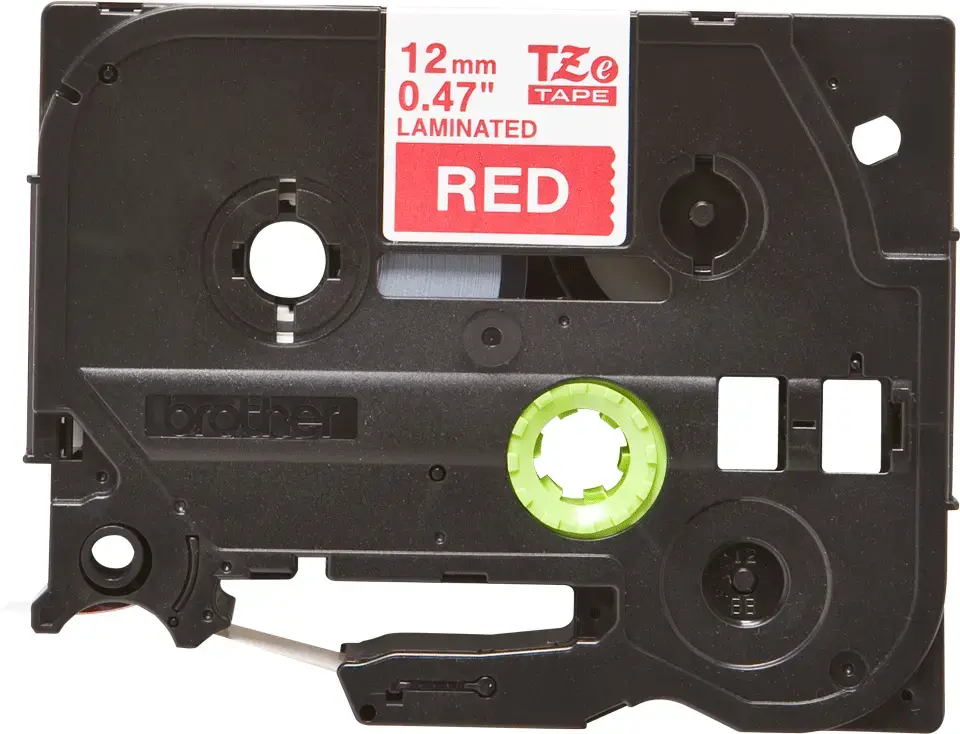
12 mm
-
Height:
The measurement of the product from head to foot or from base to top.
-
106 mm
-
Width:
The measurement or extent of something from side to side.
-
17 mm
-
Depth:
The distance from the front to the back of something.
-
68 mm
-
Master (outer) cases per pallet:
-
60 pc(s)
-
Layers per pallet:
-
6 pc(s)
-
Tape type:
Type of tape used e.g. TZ, Video8.
-
TZe
-
Label colour:
-
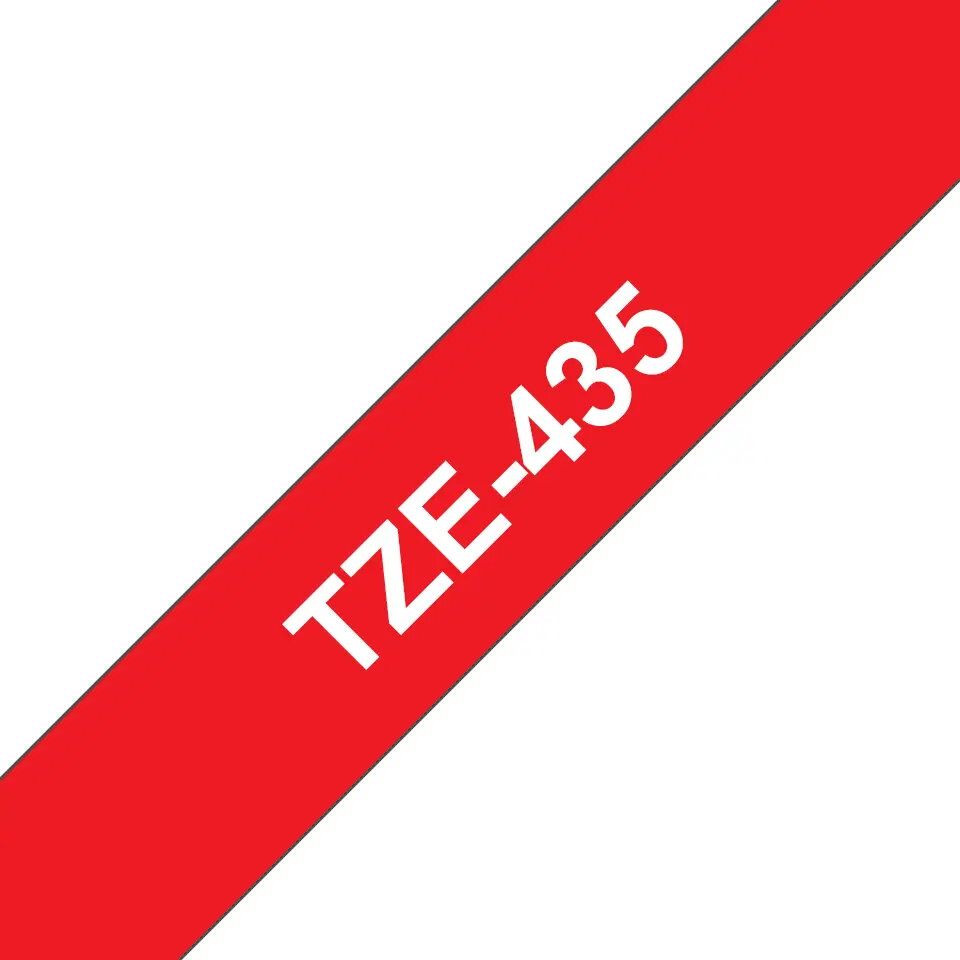
White on red
-
Country of origin:
Country where the device is made. Aka Country of manufacture (COM).
-
Philippines
-
Tape width:
The size of the tape from one side to the other.
-
12 mm
-
Package depth:
The distance from the front to the back of the packaging.
-
374 mm
-
Package height:
The distance from the top to the bottom of the packaging.
-
253 mm
-
Package width:
The distance from one side of the packaging to the other.
-
210 mm
-
Master (outer) cases per pallet layer:
-
10 pc(s)
-
Brand compatibility:
What other brands this brand can be used with.
-
Brother
-
Pallet gross weight:
-
344400 g
-
Quantity per pack:
-
1 pc(s)
-
Pallet gross height:
-
166.8 mm
-
Laminated:
-
Yes
-
Harmonized System (HS) code:
-
48219090
-
Pallet type:
-
800 x 1200 mm
-
Spare part retention:
-
5 year(s)