
Dreame vacuums for fast and efficient cleaning!
In cart {{totalProductsCount}} item(s)
Your cart is empty
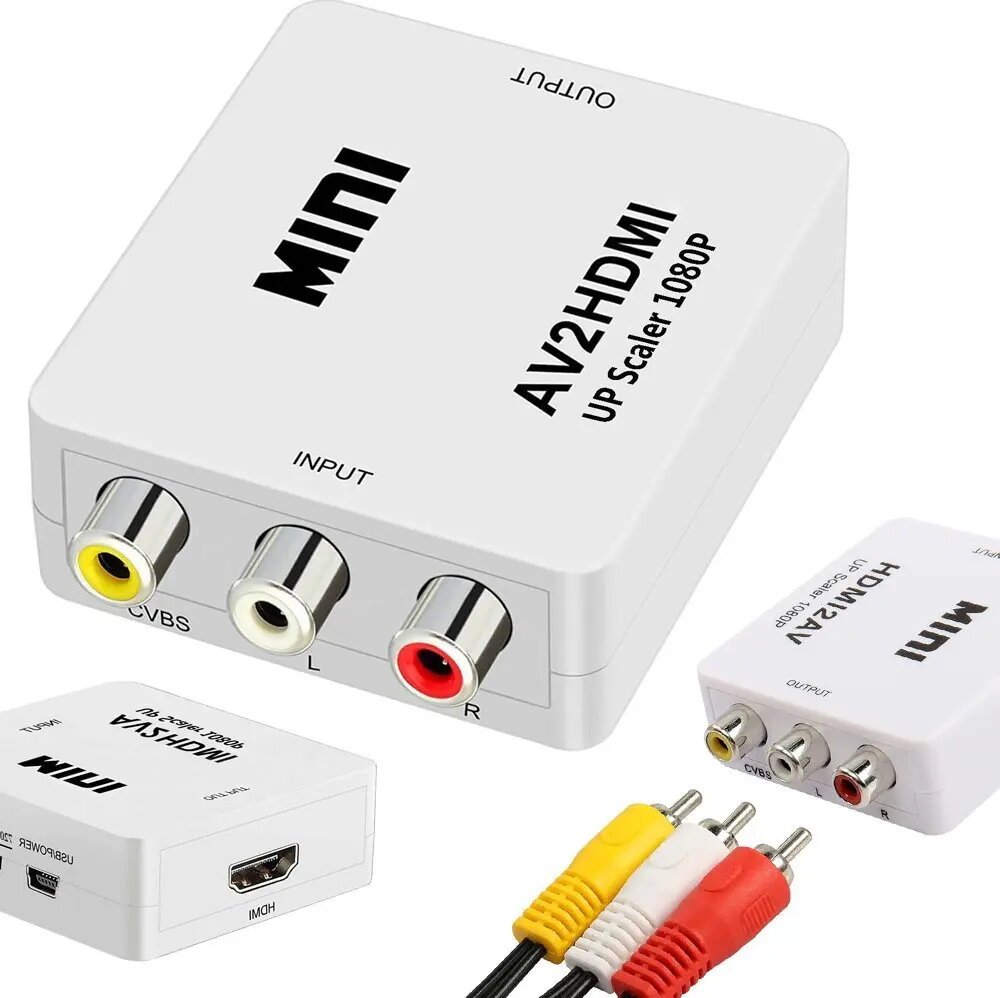
AV Sourcing RCA to HDMI Converter with Audio Output — Sourcing FUSRCHDWH, White
The AV Sourcing RCA to HDMI Converter with Audio Output (white) converts analog composite video and stereo audio signals into a single digital HDMI output. Designed for connecting legacy equipment such as VHS players, older game consoles and camcorders to modern HDTVs, monitors or capture devices, this compact adapter accepts RCA composite video (yellow) plus left/right audio (white/red) and outputs a 720p/1080p compatible HDMI signal for displays that lack analogue inputs.
This Sourcing converter offers straightforward compatibility with composite RCA sources and delivers a combined HDMI output that carries both video and audio. Its compact white housing and plug-and-play design make setup quick without additional software. The converter performs real-time signal conversion so older devices can be used with contemporary HDMI-only displays and recorders.
This converter supports conversion of composite RCA video and analogue stereo audio to HDMI but does not improve the original source resolution or image quality beyond basic upscaling. It is not a video scaler designed for advanced image enhancement, so highly degraded or noisy analogue signals will remain limited by the original tape or source quality.
Connect the yellow RCA plug from the source to the converter's video input and connect the red and white RCA plugs to the left and right audio inputs. Plug an HDMI cable from the converter's HDMI output into your TV, monitor or capture device. Provide power to the converter using a 5V USB power source connected to its power port. Turn on the source device and select the HDMI input on your display; the converter will output the combined video and audio signal. Adjust the TV or capture device settings as needed to match the displayed resolution.
For best results, use good-quality RCA cables and a stable 5V USB power supply. Test the setup with a known working source to verify connections and set the TV to the correct HDMI input. When digitizing tapes, consider cleaning the tape heads or using a well-maintained player to reduce noise before conversion.
{{highlightedFeature.featureTitle}}:
{{getProductFeatureValueById(product, highlightedFeature.featureId)}}
{{ productComparisonGenerationError }}