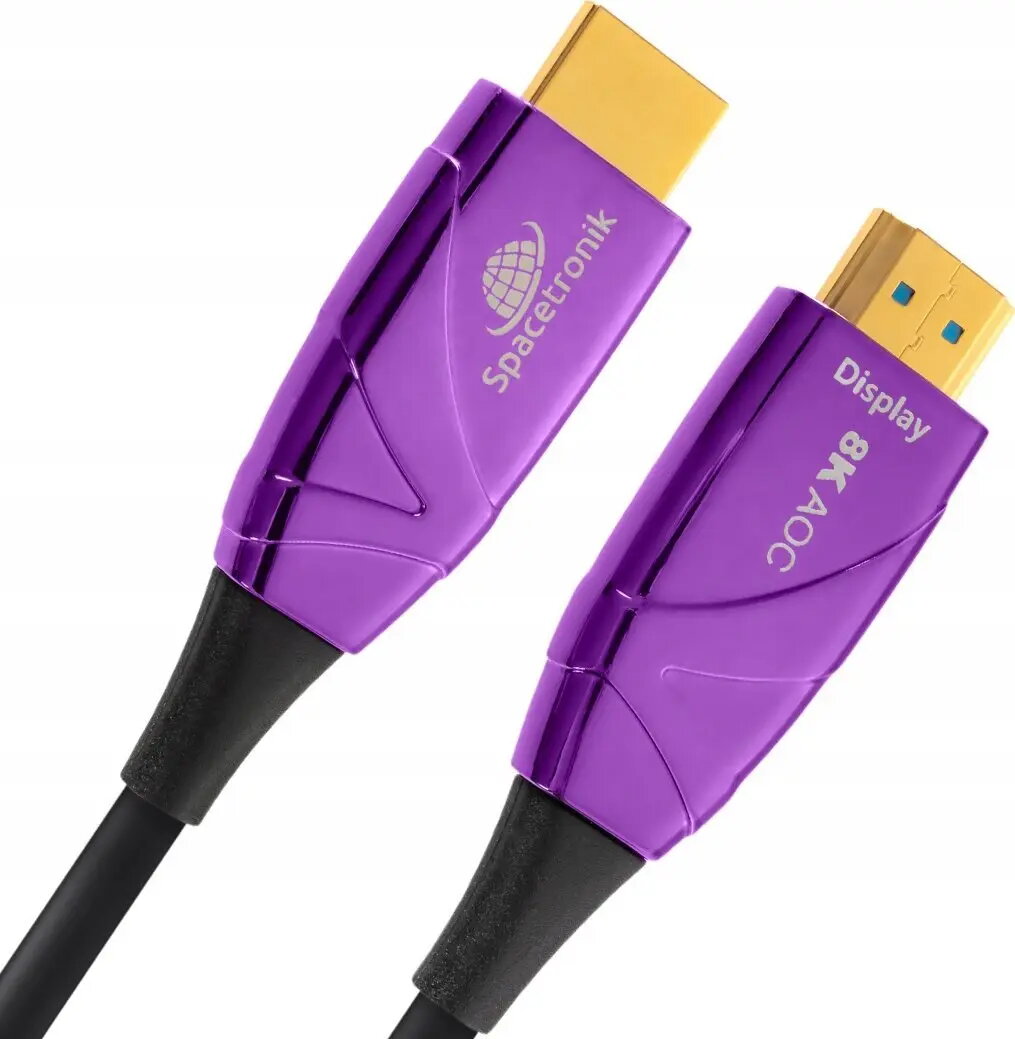
Spacetronik SH-OX300 is a 30 m Optical HDMI 2.1 Active Optical Cable (AOC) engineered for long-distance digital video and audio transmission. The cable converts electrical HDMI signals to optical, enabling stable high-bandwidth connectivity over extended runs without the signal degradation typical of long copper HDMI leads. Compliant with HDMI 2.1, this UHS AOC supports modern high-resolution video and multichannel audio formats while maintaining a slim, flexible form factor suitable for concealed or routed installations.
Advantages
The optical construction minimizes electromagnetic interference and attenuation across the full 30 m length, preserving signal integrity for 4K/8K and high-refresh-rate sources. Being an active cable, it requires no external power adapters beyond the HDMI source and sink devices and provides plug-and-play operation. Its lightweight, bendable design simplifies installation through conduits and behind walls or furniture while reducing latency compared with some long copper alternatives.
Suitable for
- Connecting TVs and soundbars in living rooms and home theatres over long runs
- Linking projectors to media players or PCs in conference rooms and lecture halls
- Wiring AV receivers and source devices in custom installations
- Connecting gaming consoles or PCs to displays where high bandwidth and low latency are needed
Key specifications
- Cable type: Active Optical Cable (AOC)
- HDMI standard: HDMI 2.1 compatibility
- Length: 30 meters
- Bandwidth: suitable for high-bandwidth HDMI 2.1 features (high resolutions and refresh rates)
- Signal conversion: electrical-to-optical and optical-to-electrical conversion integrated in the cable ends
- Form factor: slim, flexible jacket for routing through conduits and behind installations
How to use
Connect one HDMI end of the AOC to the HDMI output of the source device (for example a Blu-ray player, gaming console, PC, or AV receiver) and the other end to the HDMI input of the display or sink device (TV, projector, or soundbar). Ensure HDMI ports on both devices are fully inserted and that both devices are powered on. The cable is active and self-powered through the connected HDMI devices; no separate power supply is normally required. If the display or source has multiple HDMI ports, use the port that supports the desired HDMI 2.1 feature set.
Usage recommendations
For optimal performance, avoid tight, repeated bending near the connectors and route the cable through protective conduits where mechanical stress is possible. Verify that connected devices support the desired HDMI 2.1 features (such as 4K/120 Hz or 8K) and configure device settings accordingly. If you experience handshake or compatibility issues, try power-cycling both source and display, reconnecting the cable, or using a different HDMI port.