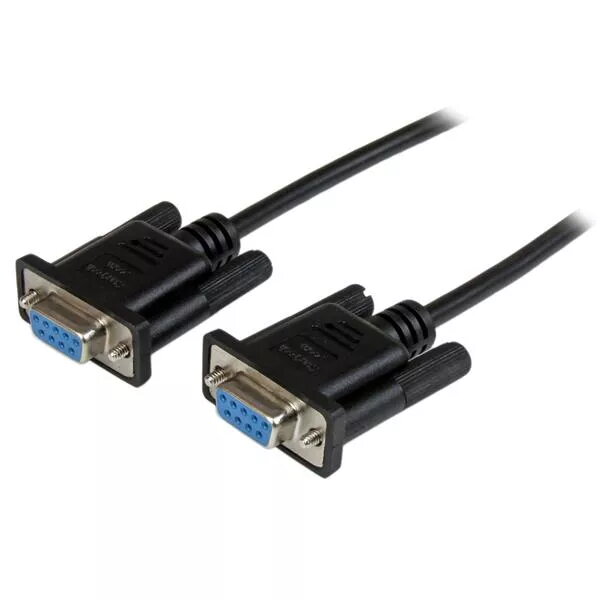
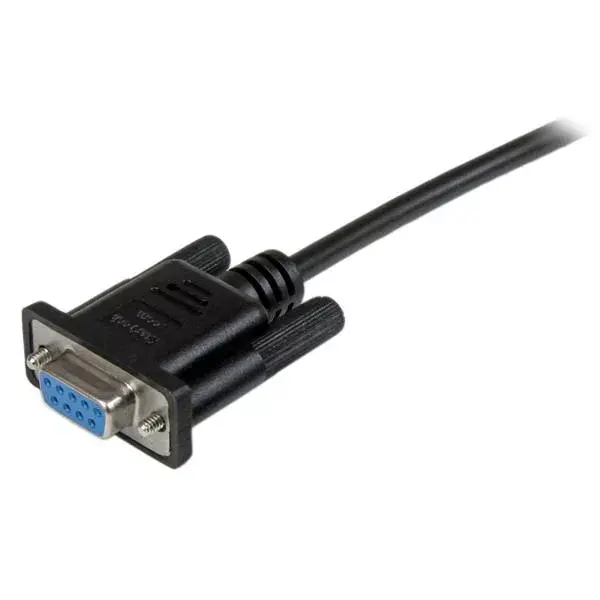
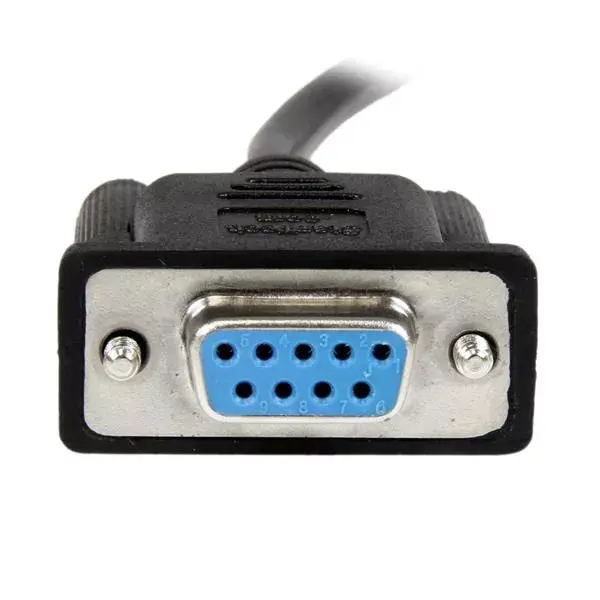
-
Weight:
Weight of the product without packaging (net weight). If possible, the net weight is given including standard accessories and supplies. Please note that sometimes the manufacturer leaves out the weight of accessories and/or supplies.
-
0.14 kg
-
Package weight:
Weight of the packaged product.
-
120 g
-
Cable length:
How long the cable is.
-
2 m
-
Product colour:
The colour e.g. red, blue, green, black, white.
-
Black
-
Package depth:
The distance from the front to the back of the packaging.
-
225 mm
-
Package width:
The distance from one side of the packaging to the other.
-
125 mm
-
Master (outer) case height:
-
275 mm
-
Master (outer) case width:
-
370 mm
-
Connector 1:
This is the first connector in the device.
-
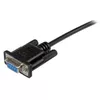
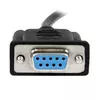
DB-9
-
Connector 2:
This is the second connector in the device.
-
DB-9
-
Connector 1 form factor:
-
Straight
-
Connector 2 form factor:
-
Straight
-
Jacket material:
-
Polyvinyl chloride (PVC)
-
AWG wire size:
-
28
-
Cable shielding:
The protective layer for the cable, typically made of plastic.
-
Aluminum mylar foil
-
Connector 1 gender:
The gender of the first connector of the product. Each half of a pair of mating connectors is assigned the designation male or female, the part bearing one or which fits into another being called male.
-
Female
-
Connector 2 gender:
The gender of the second connector of the product. Each half of a pair of mating connectors is assigned the designation male or female, the indented one or the one fitting around the other being called female.
-
Female
-
Quantity per pack:
-
1 pc(s)
-
Master (outer) case length:
-
410 mm
-
Products per master (outer) case:
-
140 pc(s)
-
Harmonized System (HS) code:
-
84733080