
A curated selection of maximum value offers!
In cart {{totalProductsCount}} item(s)
Your cart is empty
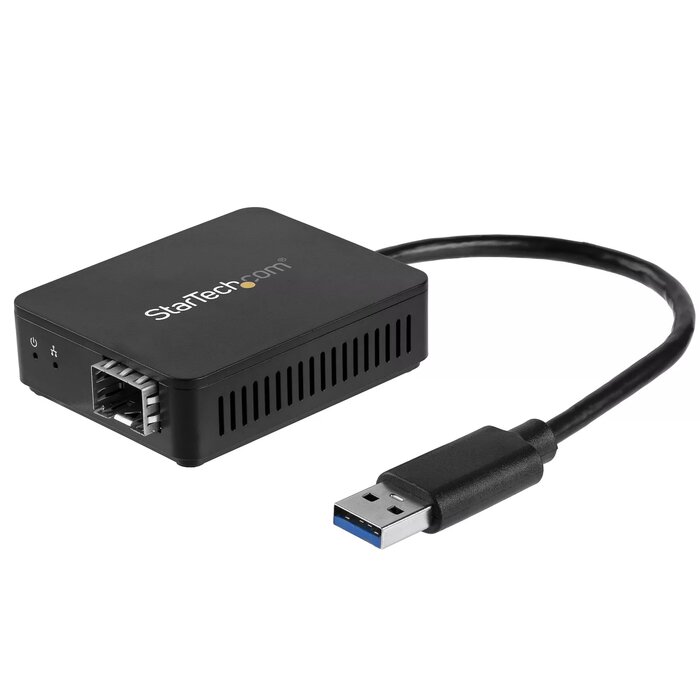
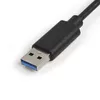
USB 3.0 to Fiber Optic Converter StarTech US1GA30SFP — USB-powered Gigabit SFP Adapter (MMF/SMF, 1000 Mbit/s)
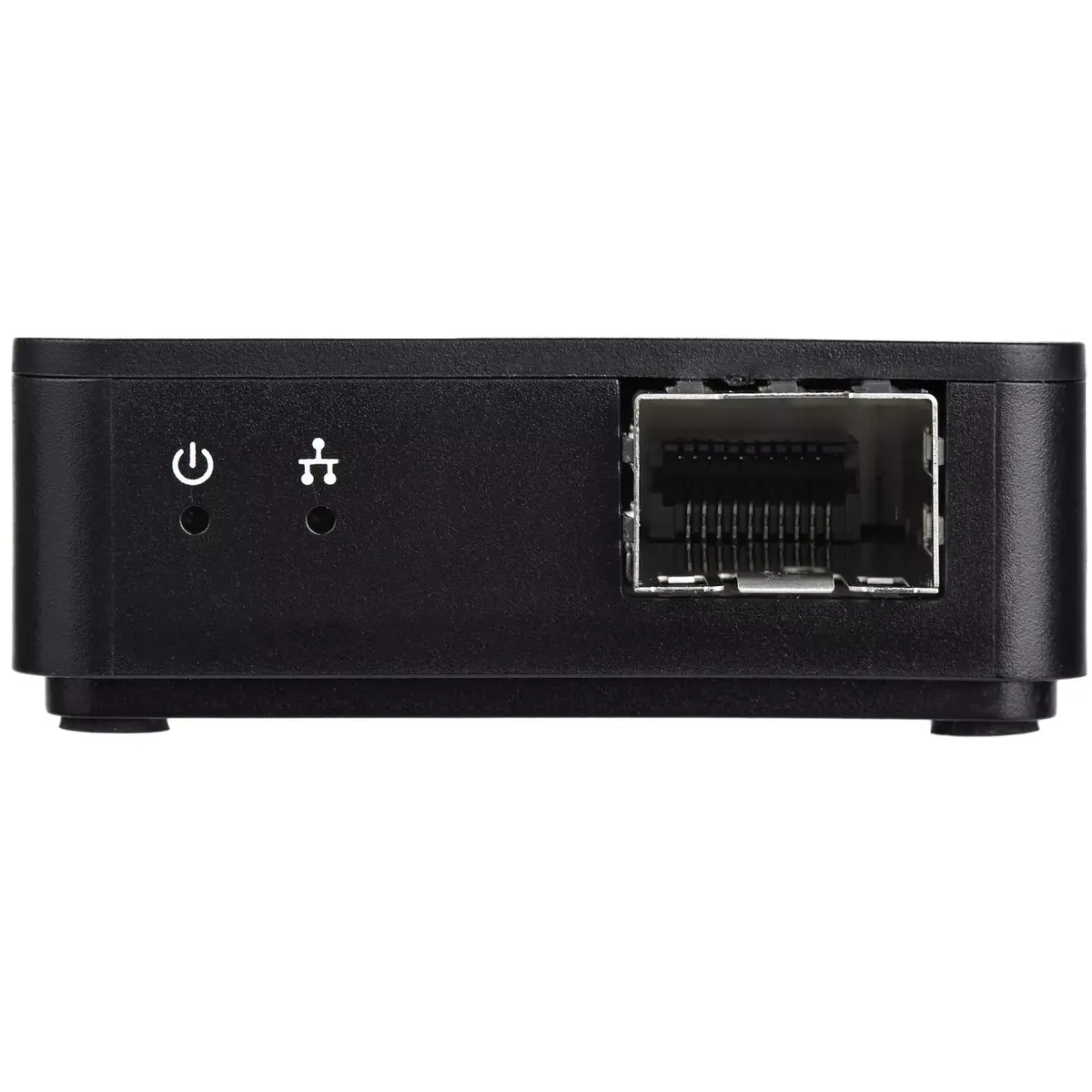
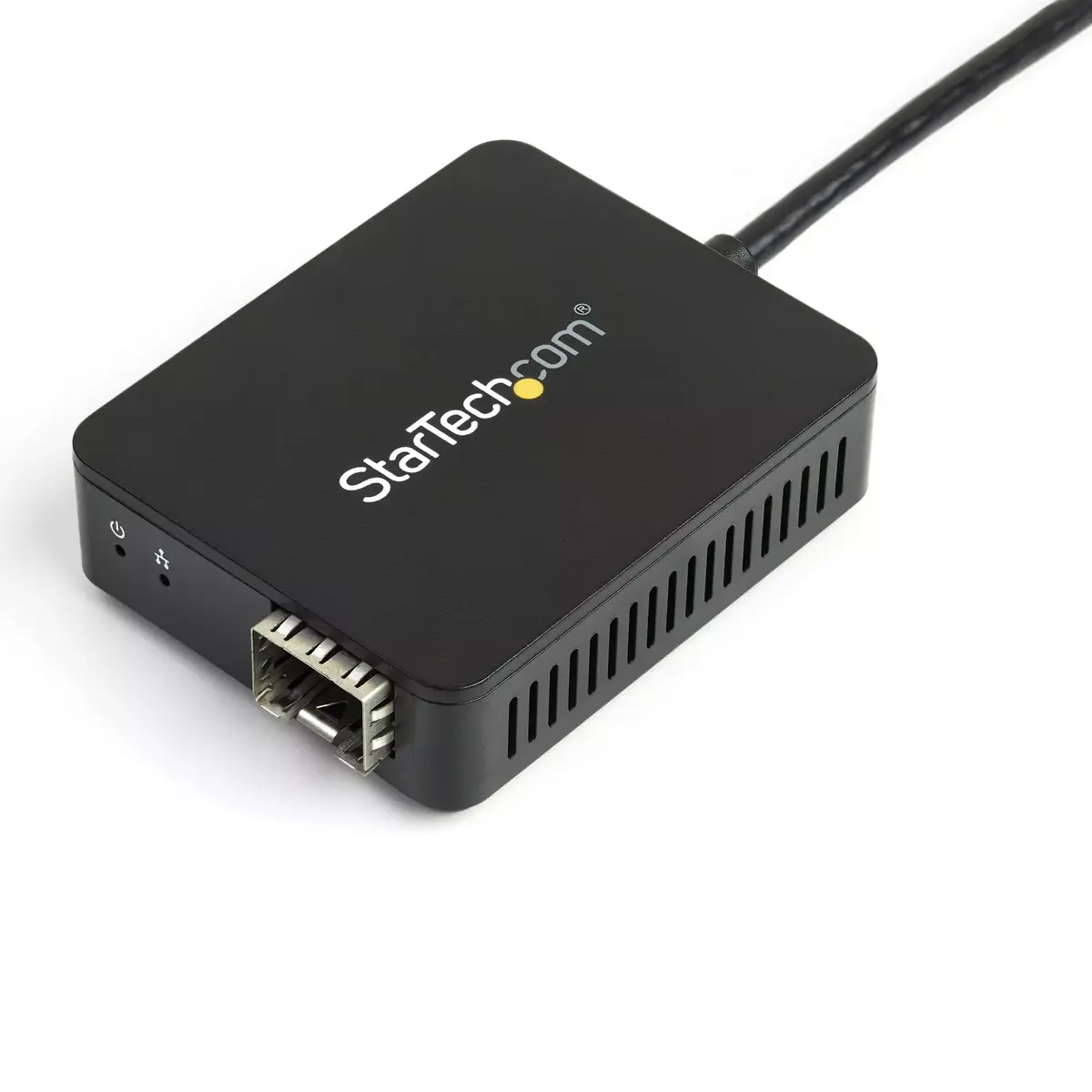
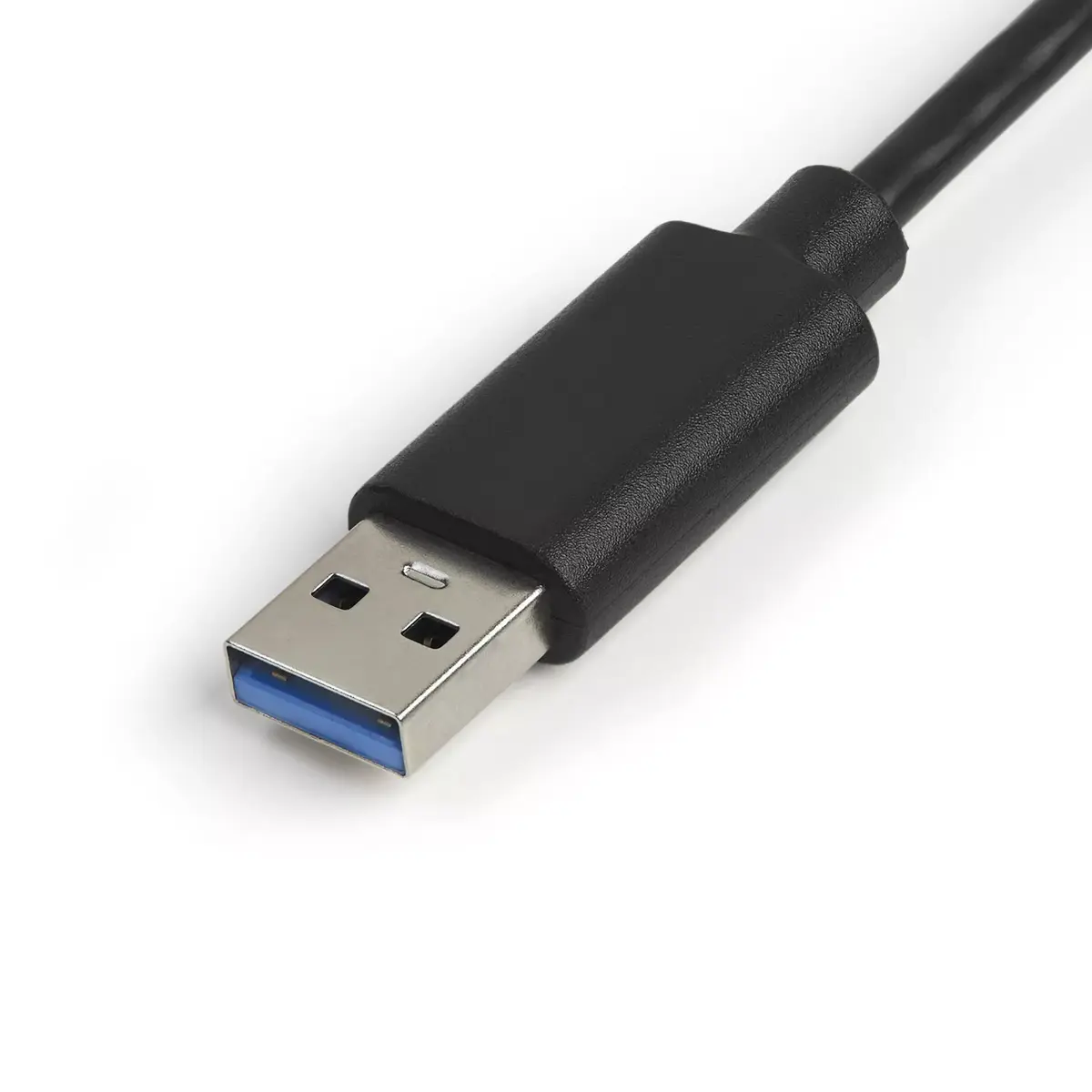
The USB 3.0 to Fiber Optic Converter StarTech US1GA30SFP provides a USB-powered way to add a Gigabit SFP port to a laptop, tablet or desktop. The adapter accepts standard SFP transceivers (sold separately) and supports both multi-mode and single-mode fiber links with up to 1000 Mbit/s throughput. The host interface is USB 3.0 Type-A and the device supports networking standards including IEEE 802.3z and IEEE 802.1Q, enabling VLAN-aware Gigabit fiber connectivity without an expansion slot.
This compact converter is powered directly from the USB port, making it portable and easy to deploy at the desk or in the field. The open SFP slot gives flexibility to choose wavelength, distance and connector type that match your network requirements. Fiber connectivity reduces susceptibility to electromagnetic interference and improves security for sensitive data compared with copper Ethernet. Certified drivers for Windows, macOS and Linux simplify installation and operation.
Install the appropriate certified driver for your operating system (Windows, macOS or Linux) following the instructions from StarTech.com. Insert a compatible SFP transceiver into the open SFP slot, connect the fiber cable to the transceiver, then plug the converter into an available USB 3.0 Type-A port on your host device. Once the driver is installed and the SFP module is recognized, configure network settings or VLAN parameters as required by your environment. The adapter is bus-powered, so no external power supply is needed.
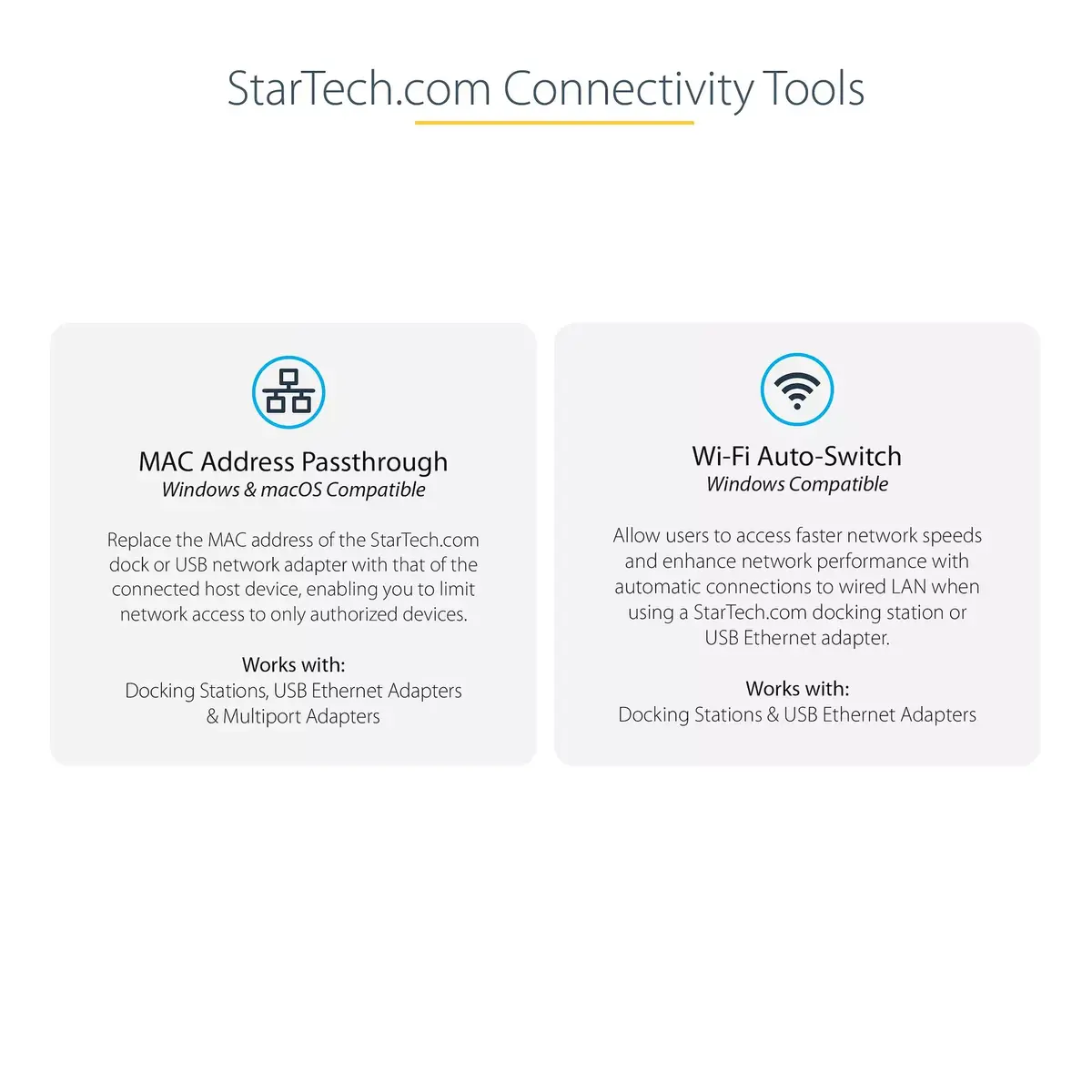
Use SFP transceivers that match your network’s wavelength and distance requirements and are compatible with the adapter. For best throughput, connect to a USB 3.0 port (Type-A) on the host. Keep driver software up to date and consider using the StarTech.com Connectivity Tools application for improved device management and network utilities such as MAC pass-through and Wi‑Fi auto switch functions.
{{highlightedFeature.featureTitle}}:
{{getProductFeatureValueById(product, highlightedFeature.featureId)}}
{{ productComparisonGenerationError }}