A curated selection of maximum value offers!
In cart {{totalProductsCount}} item(s)
Your cart is empty
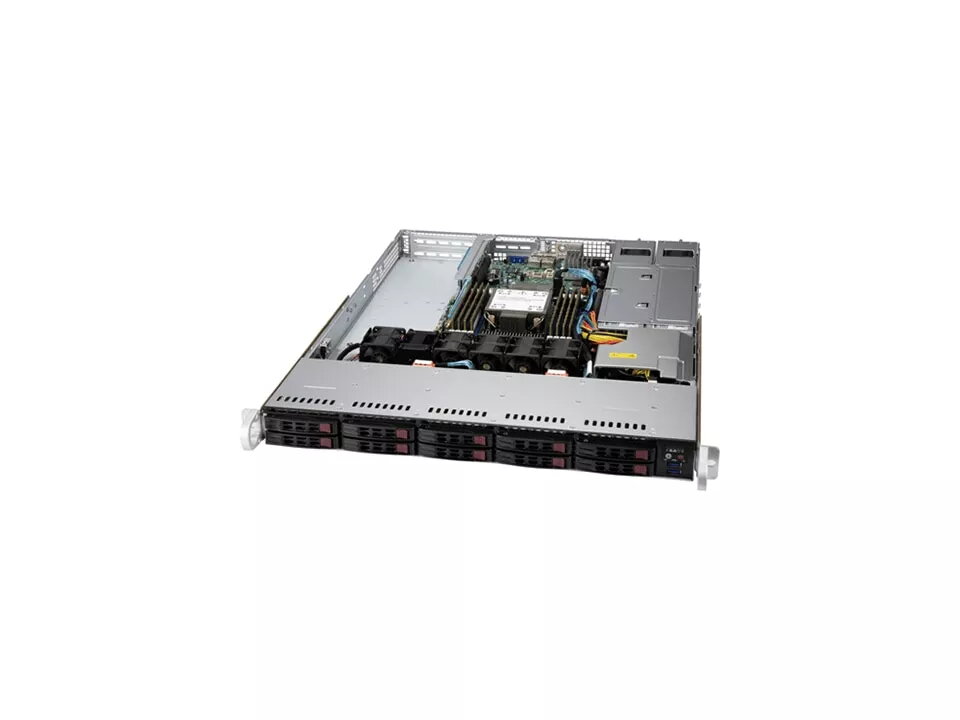
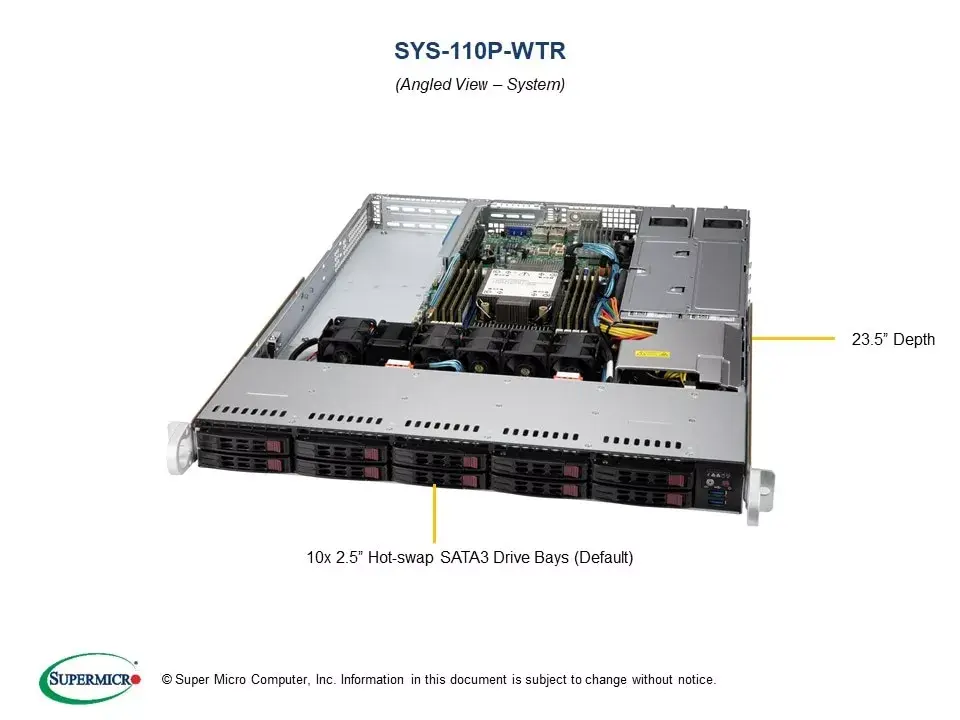
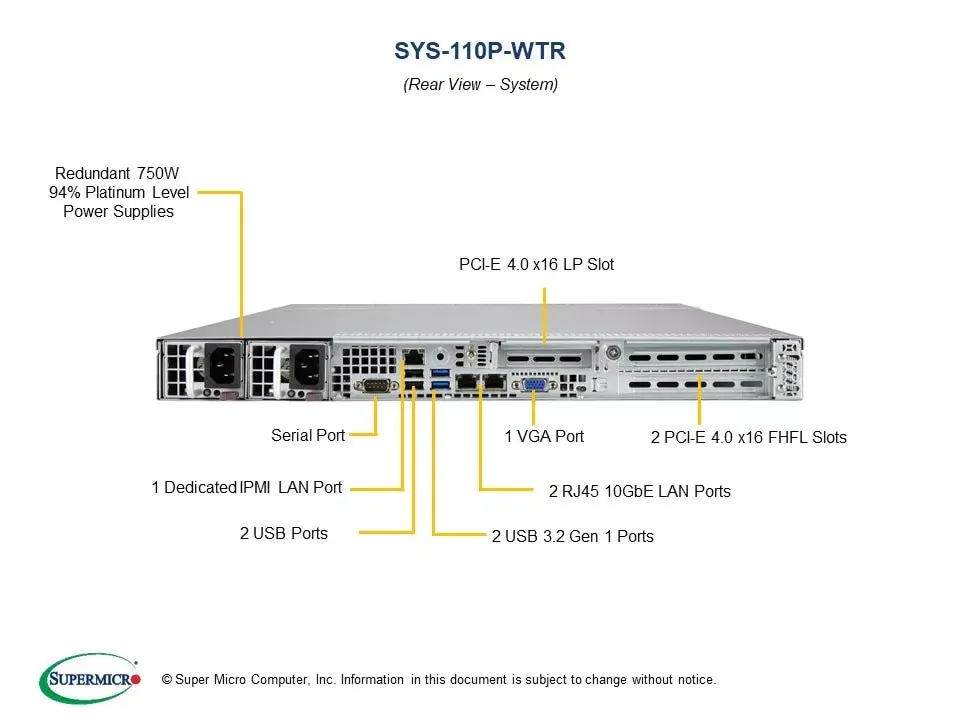
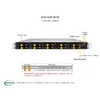
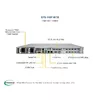
Supermicro SYS-110P-WTR 1U Rack Server, Intel Xeon 3000, 8x DDR4 DIMM, 10x 2.5" SATA Drive Bays, 750W Redundant Power
The Supermicro SYS-110P-WTR is a high-performance 1U rackmount server engineered to meet the rigorous demands of modern enterprise data centers. Built on a robust architecture, this server provides a reliable foundation for critical business applications, virtualization, and data-intensive workloads. Its compact 1U form factor ensures efficient use of rack space while maintaining high computational density and thermal management.
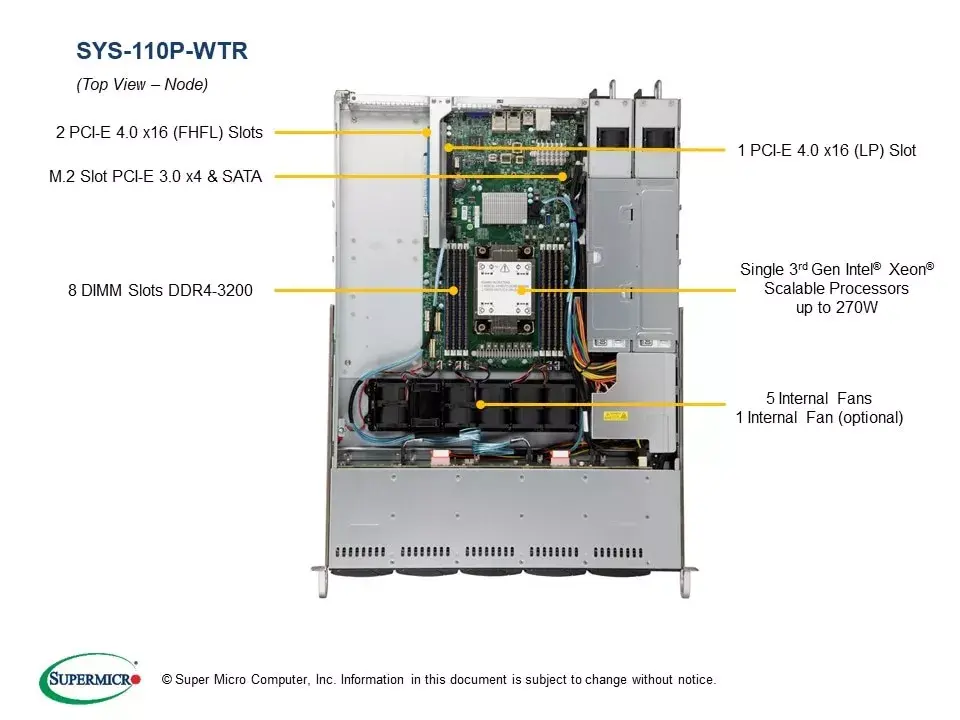
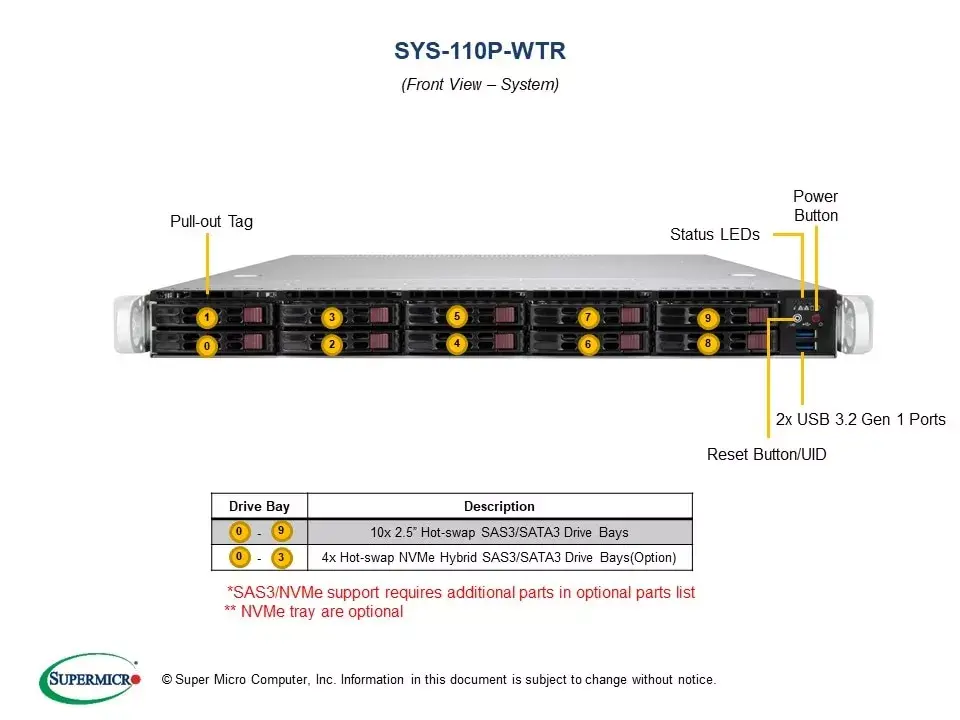
This server offers significant flexibility through its support for Intel Xeon 3000 series processors, allowing for scalable performance tailored to specific operational needs. With eight memory slots capable of supporting up to 3000 GB of DDR4-SDRAM, it provides ample capacity for memory-intensive tasks. The inclusion of ten hot-swap 2.5-inch SATA drive bays enables high-density storage configurations with the added security of RAID support, ensuring data integrity and availability. Furthermore, the 750W redundant power supply configuration minimizes the risk of downtime, providing consistent power delivery even in the event of a single power supply failure.
This server may not be the optimal choice for small office environments that lack dedicated server rack infrastructure or climate-controlled cooling systems, as it is designed specifically for rackmount deployment. Additionally, it may be overkill for simple file-sharing tasks that do not require the high-performance processing or redundant power capabilities offered by this enterprise-grade hardware.
To deploy the Supermicro SYS-110P-WTR, mount the chassis into a standard 19-inch server rack using appropriate rail kits. Once secured, install the necessary processors, memory modules, and storage drives into the designated slots. Connect the redundant power cables to independent power sources to ensure maximum uptime. After hardware installation, configure the RAID settings through the integrated management interface to optimize your storage array before installing your preferred operating system or virtualization platform.
For optimal performance and longevity, ensure the server is operated in a dust-free environment with adequate airflow. Regularly monitor the status of the redundant power supplies and hot-swap drives through the system management interface to proactively address potential hardware issues before they impact service availability.
{{highlightedFeature.featureTitle}}:
{{getProductFeatureValueById(product, highlightedFeature.featureId)}}
{{ productComparisonGenerationError }}