

Filters you can trust. Pure water every day.
In cart {{totalProductsCount}} item(s)
Your cart is empty
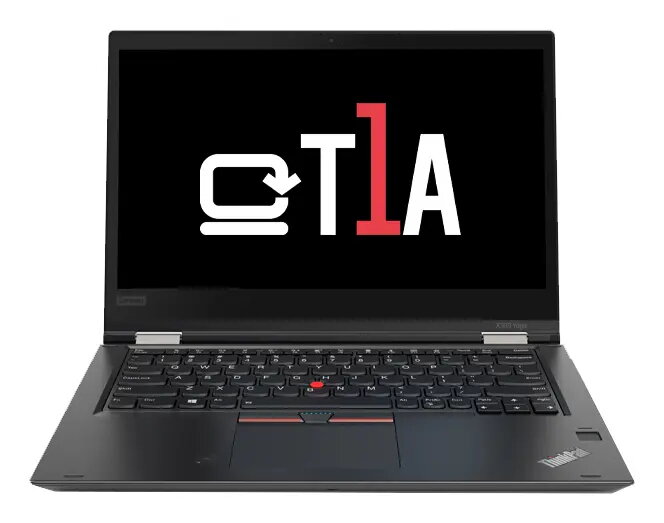
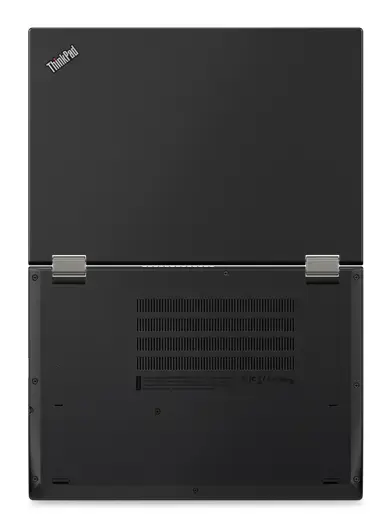
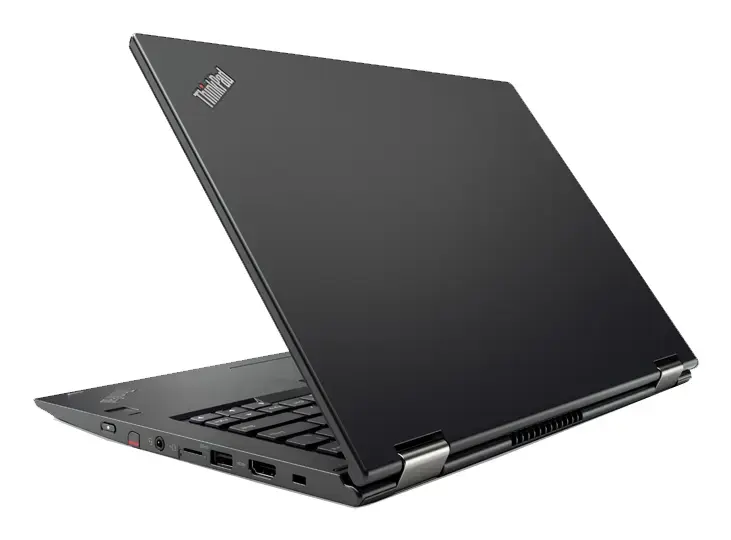
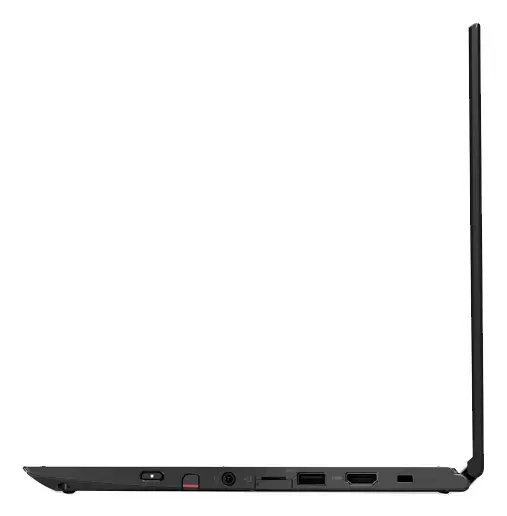
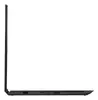
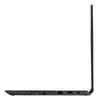
T1A Lenovo ThinkPad X380 Yoga 2-in-1 Laptop, Intel Core i5-8350U, 13.3" Full HD Touchscreen, 8GB RAM, 256GB SSD, Windows 10 Pro, Black
The T1A Lenovo ThinkPad X380 Yoga is a versatile 2-in-1 convertible laptop designed for professionals who require a balance of performance and portability. This refurbished device features a flexible hinge that allows it to function as both a traditional laptop and a tablet, making it an ideal companion for mobile work environments. Equipped with an Intel Core i5-8350U processor and a responsive 13.3-inch Full HD touchscreen, it delivers consistent power for everyday business applications and creative tasks.
This hybrid device offers exceptional flexibility through its convertible design, enabling users to switch seamlessly between typing, presenting, and note-taking modes. The inclusion of a high-quality Full HD touchscreen enhances interaction, while the solid-state drive ensures quick boot times and efficient file access. By choosing this refurbished model, you benefit from a professional-grade machine that has been rigorously tested and quality-checked, providing a sustainable and cost-effective alternative to purchasing new hardware without compromising on essential functionality.
This laptop may not be suitable for users who require high-end graphical performance for intensive 3D rendering, professional video editing, or modern gaming, as it utilizes integrated graphics. Additionally, those who prioritize the latest hardware releases or require a brand-new aesthetic appearance may find the visible signs of use on this refurbished unit less ideal.
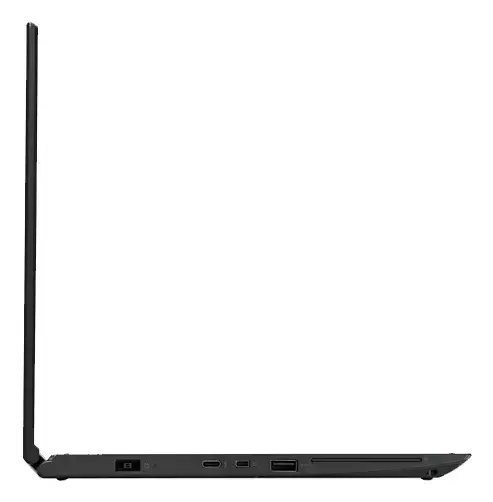
To begin using your T1A Lenovo ThinkPad X380 Yoga, simply connect the power adapter to charge the battery fully before the first use. Once powered on, follow the on-screen prompts to configure your Windows 10 Pro settings, including your language preferences and user account details. The device is ready to use immediately, with all necessary drivers pre-installed. You can utilize the touchscreen for navigation or connect external peripherals via the available ports to expand your workspace.
For optimal performance and longevity, keep the device updated with the latest Windows security patches and avoid exposing the touchscreen to sharp objects. Regularly cleaning the screen with a microfiber cloth will maintain display clarity.
{{highlightedFeature.featureTitle}}:
{{getProductFeatureValueById(product, highlightedFeature.featureId)}}
{{ productComparisonGenerationError }}