
Leave your address - as soon as the price of the product goes down, you'll know about it right away
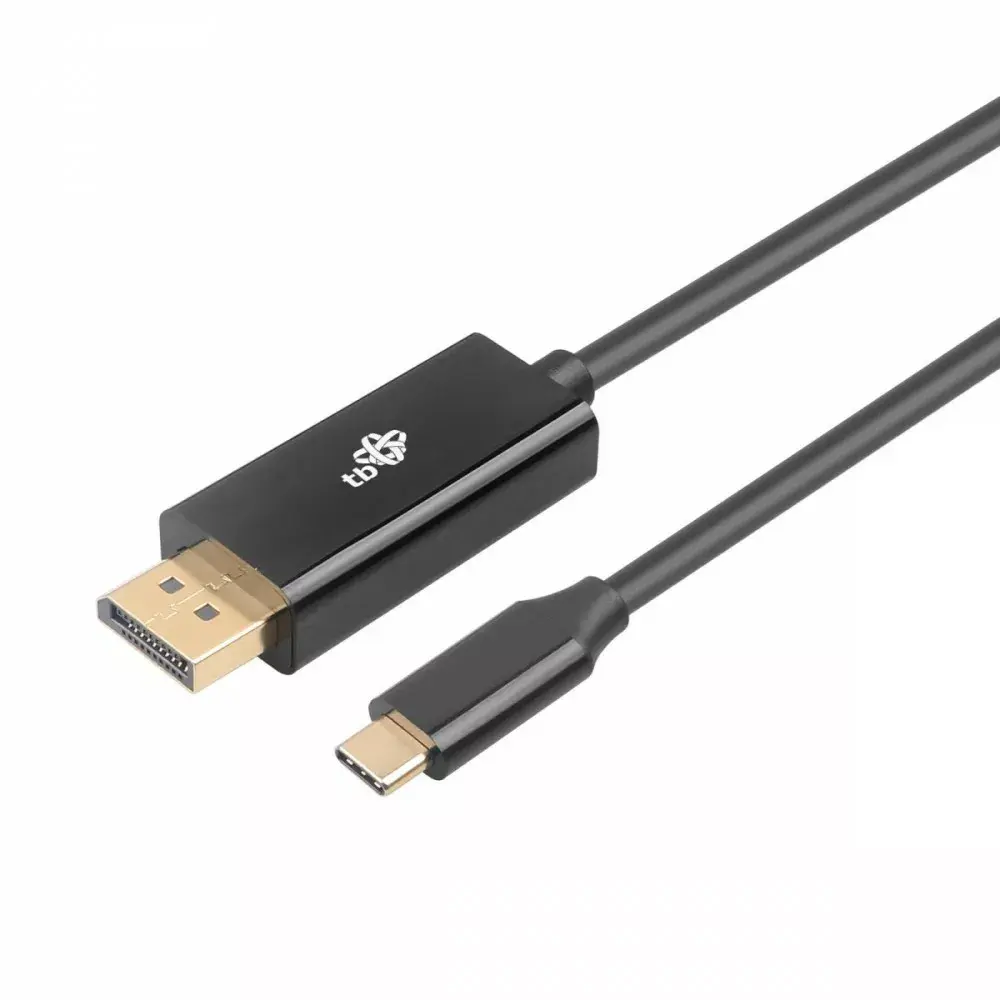
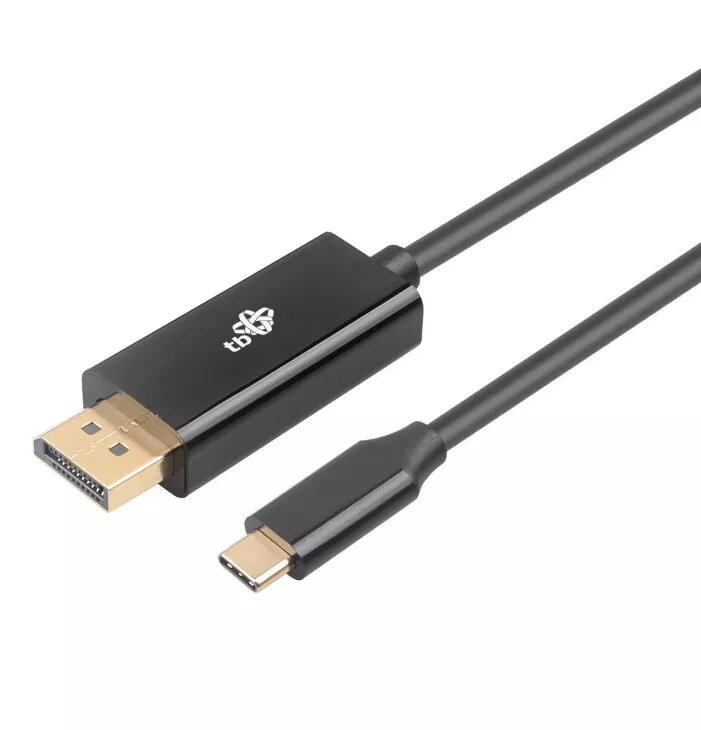
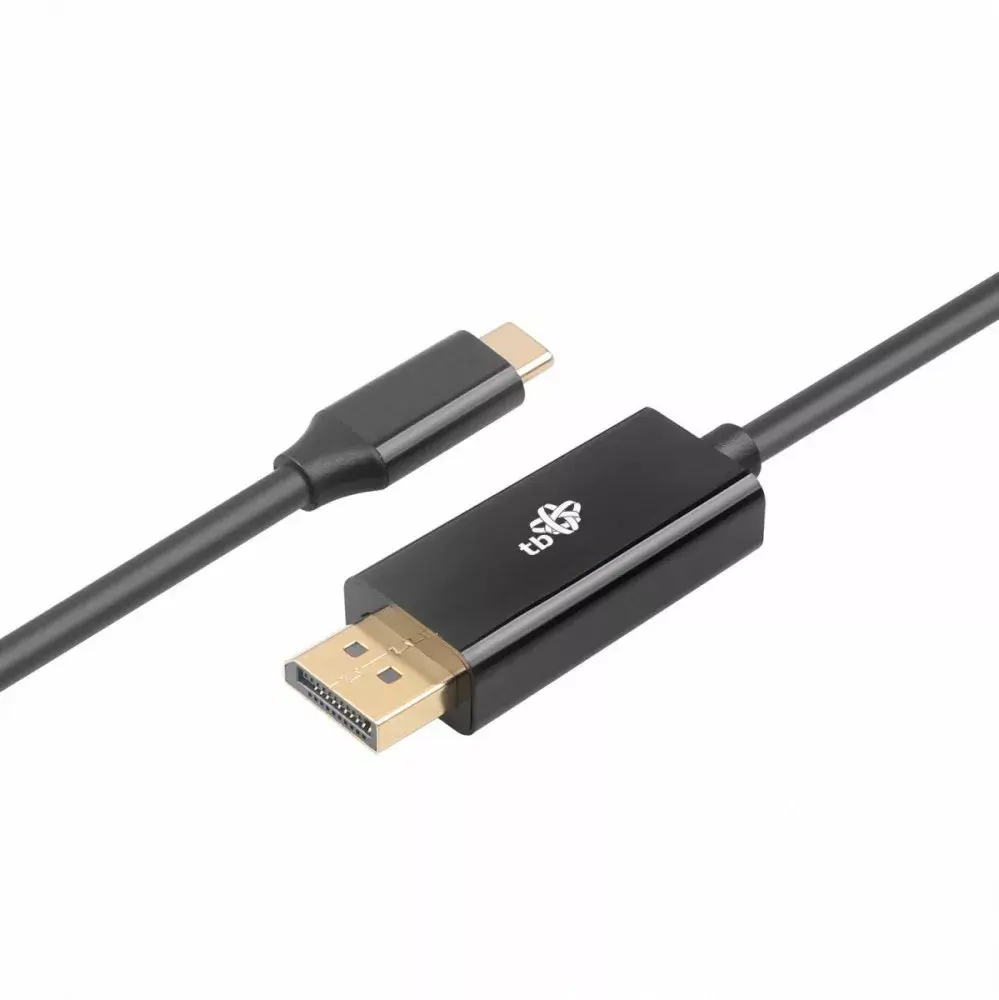
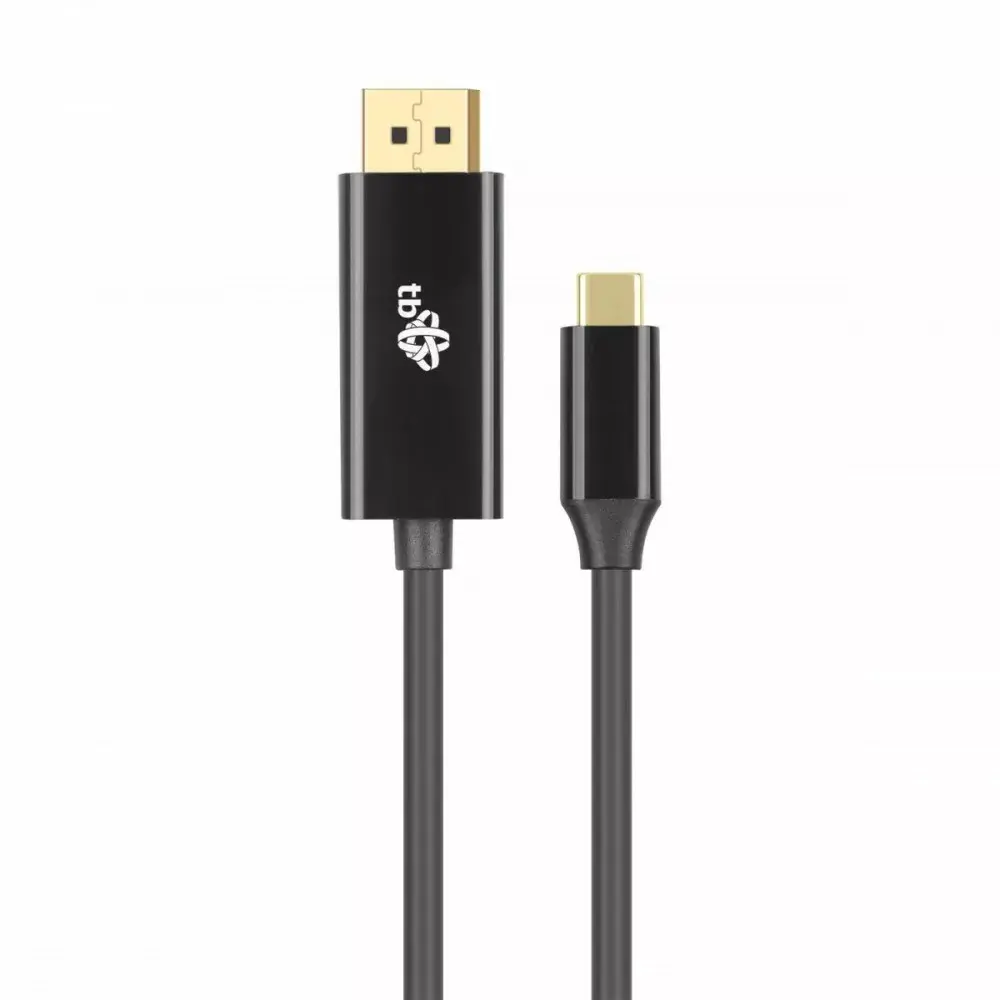
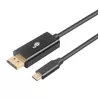
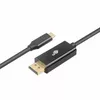
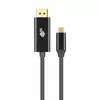
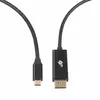
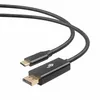
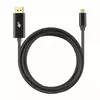
USB-C to DisplayPort cable TB AKTBXVDUSBCDP2B 2 m — black
In cart {{totalProductsCount}} item(s)
Your cart is empty
USB-C to DisplayPort cable TB AKTBXVDUSBCDP2B 2 m — black
Leave your address - as soon as the price of the product goes down, you'll know about it right away
USB-C to DisplayPort cable TB AKTBXVDUSBCDP2B 2 m — black
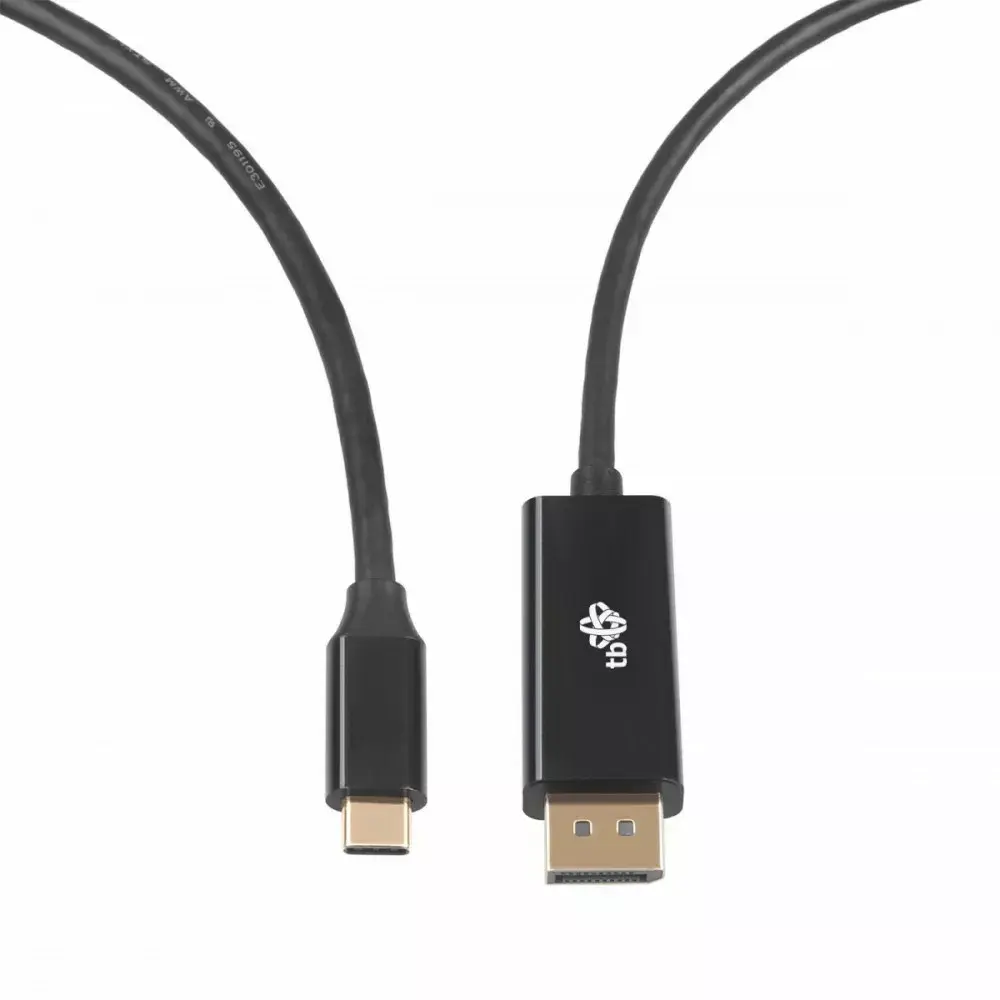
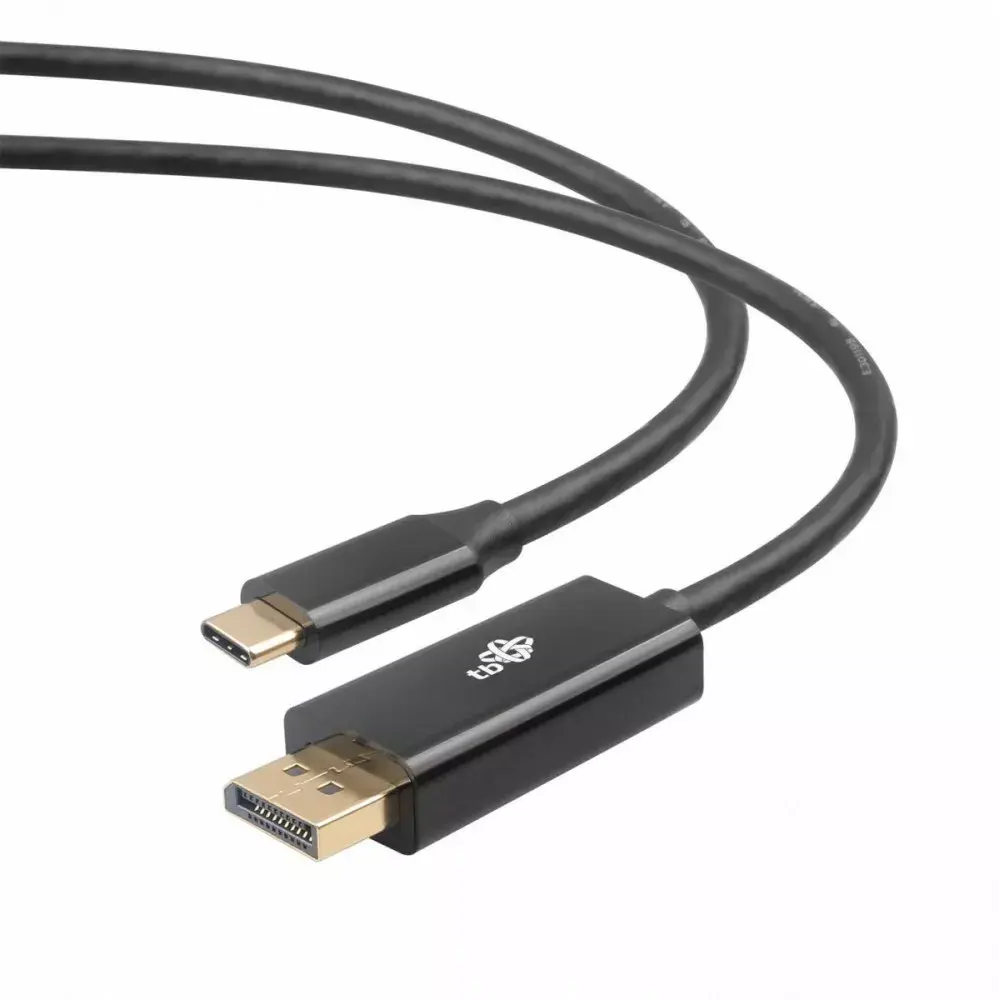
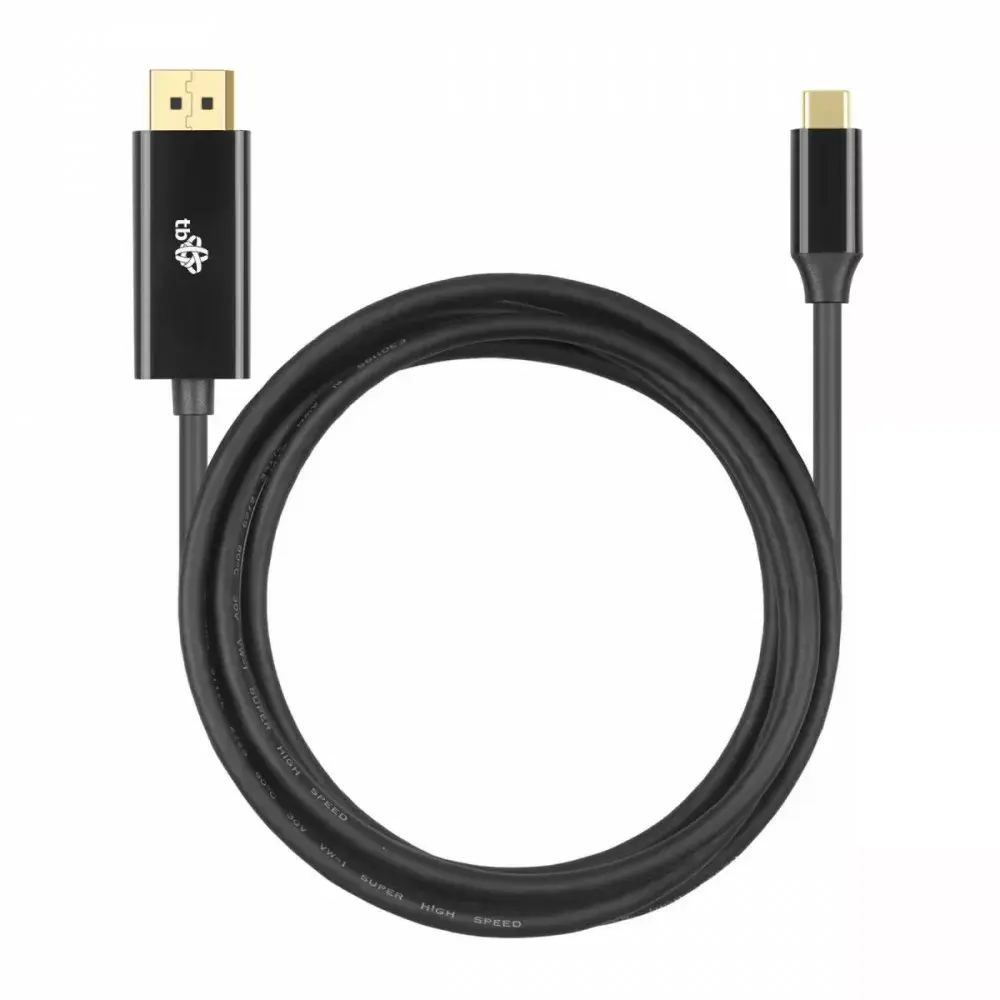
TB USB-C to DisplayPort cable AKTBXVDUSBCDP2B, 2 m — black provides a direct wired video connection between a USB-C source that supports Alt Mode and a DisplayPort-enabled monitor or projector. The 2 meter length balances reach and signal stability for desktop and meeting-room setups. This single-cable solution supports plug-and-play operation without additional drivers when used with compatible devices and simplifies connecting laptops, tablets or smartphones with USB-C video output to DisplayPort displays.
This USB-C to DisplayPort cable offers a straightforward, reliable way to transmit video over a 2 m distance. The cable supports native USB-C Alt Mode video output on the source device, delivering a direct DisplayPort signal to the display. Its black jacket and compact connectors are designed for typical office and home environments, and the single-cable format reduces clutter compared with multi-adapter setups. The device requires no external power or software when used with devices that natively support USB-C video output.
Connect the USB-C end to a device that supports video output over USB-C (DisplayPort Alt Mode) and plug the DisplayPort end into the target monitor, TV or projector. The connected display should be set to the correct input; most modern operating systems automatically detect the external display. No drivers are normally required for standard video output, but device-specific settings such as resolution and scaling can be adjusted in the operating system display settings if needed.
Use the cable with devices that explicitly support DisplayPort Alternate Mode over USB-C. Avoid excessive bending or kinking near the connectors and route the cable to prevent strain. For optimal video quality, set the output device to a resolution and refresh rate supported by the connected display.
{{highlightedFeature.featureTitle}}:
{{getProductFeatureValueById(product, highlightedFeature.featureId)}}