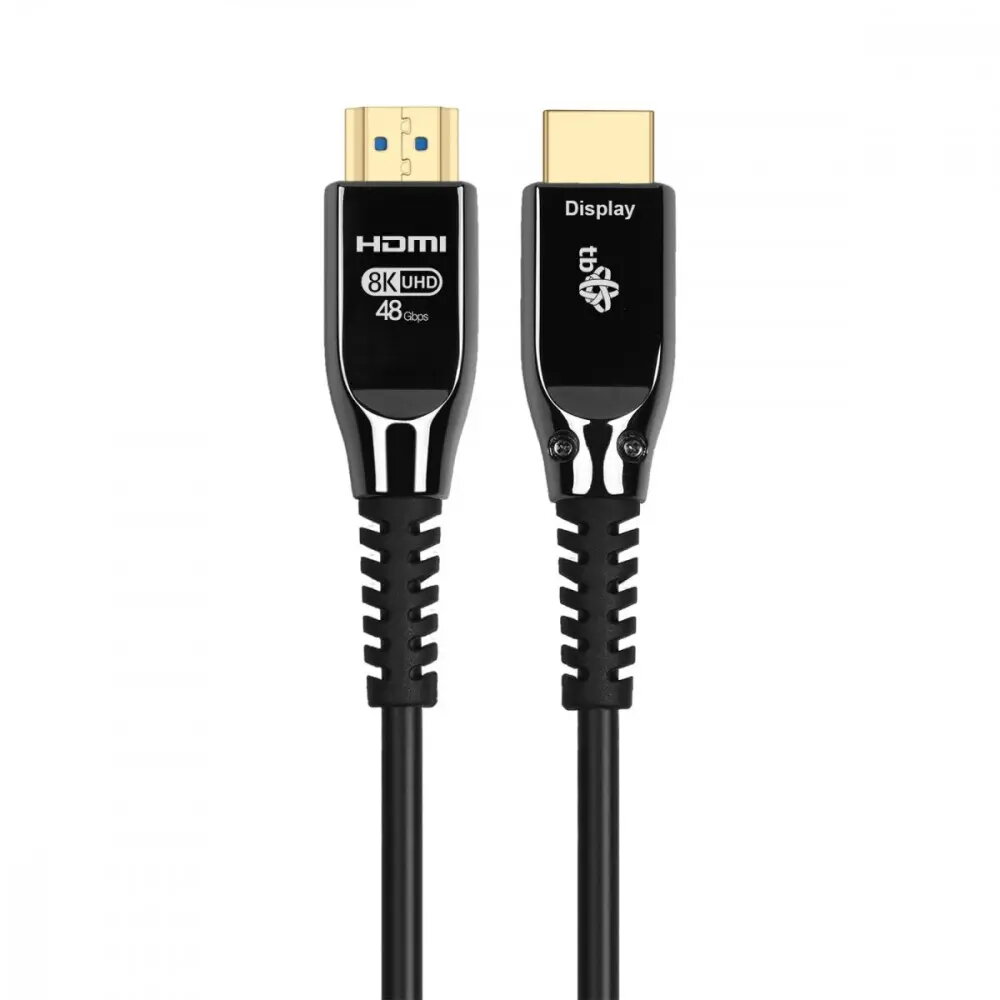
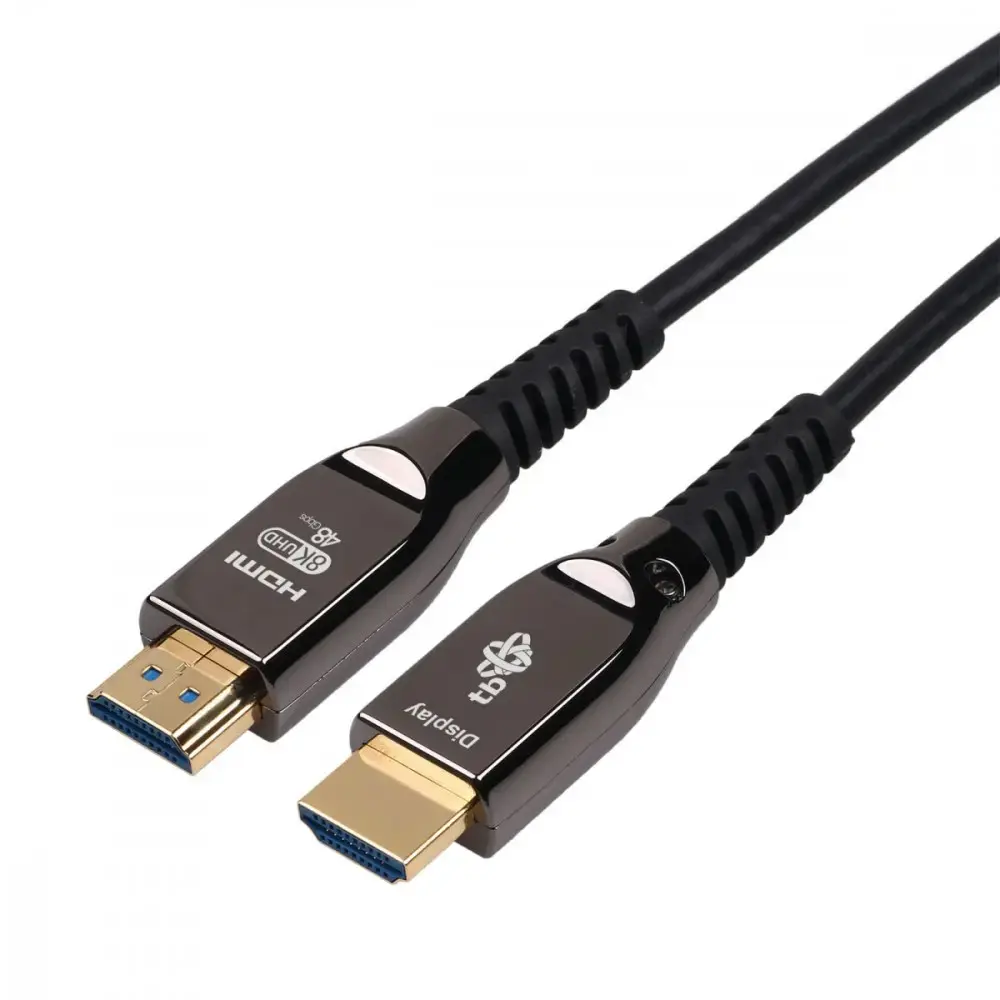
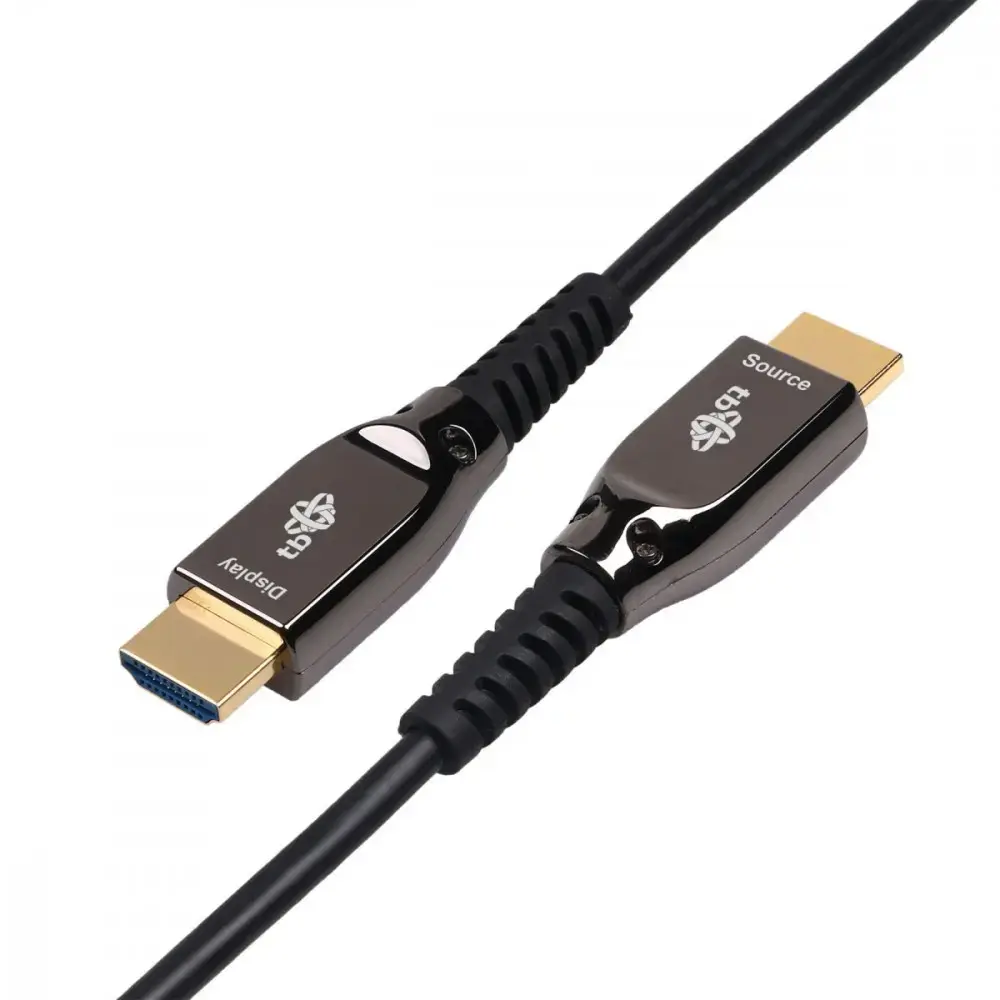
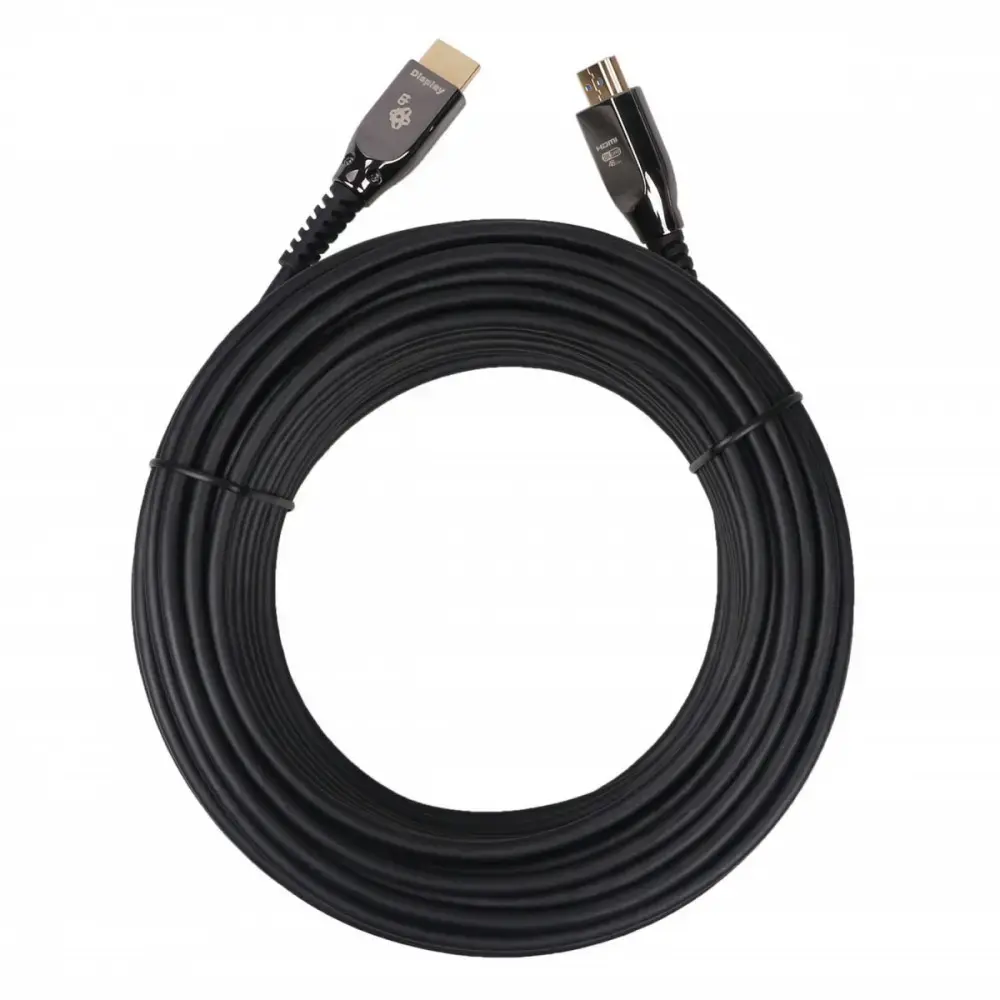
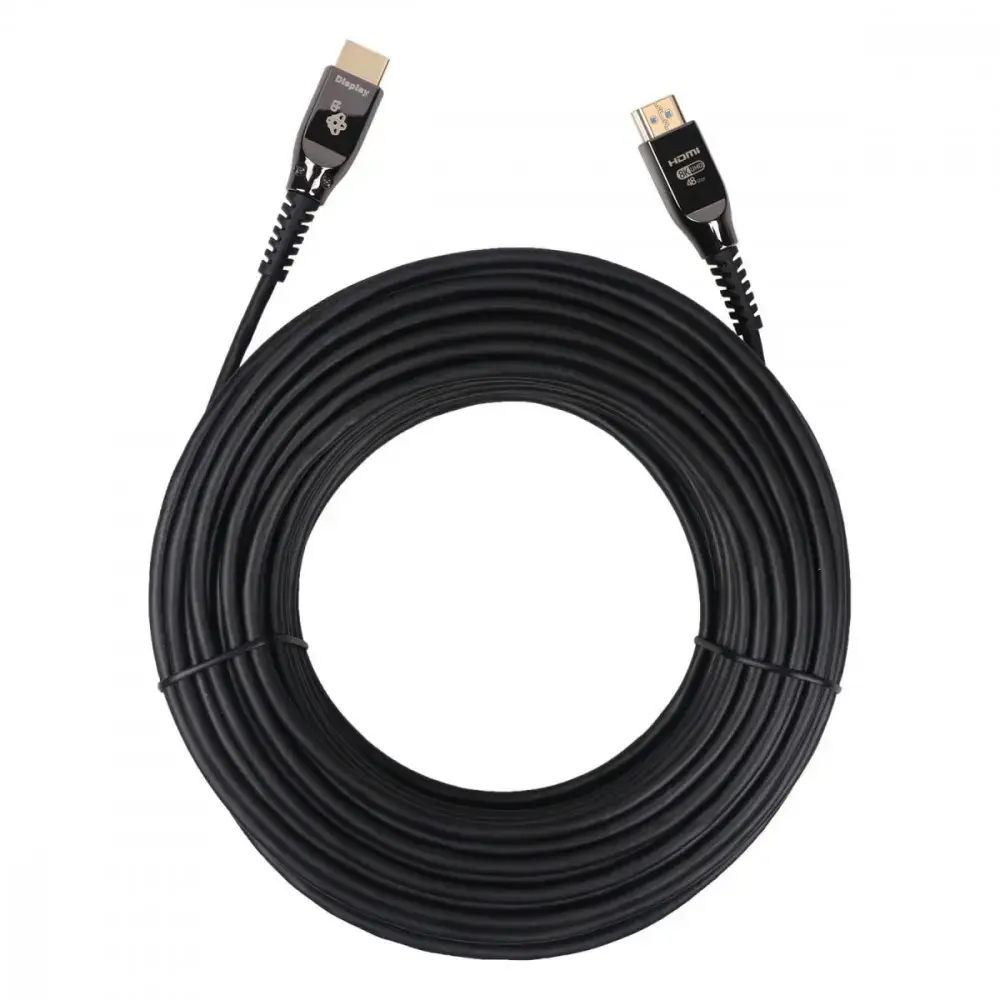
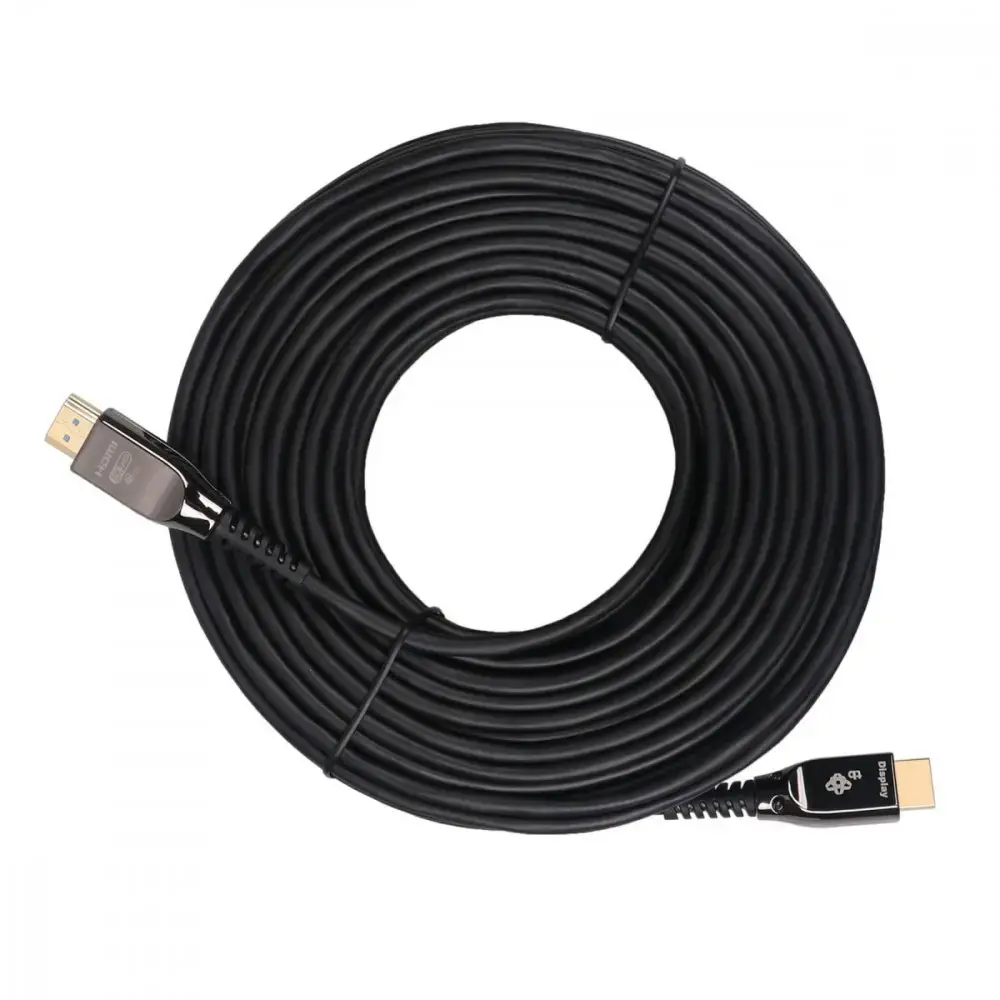
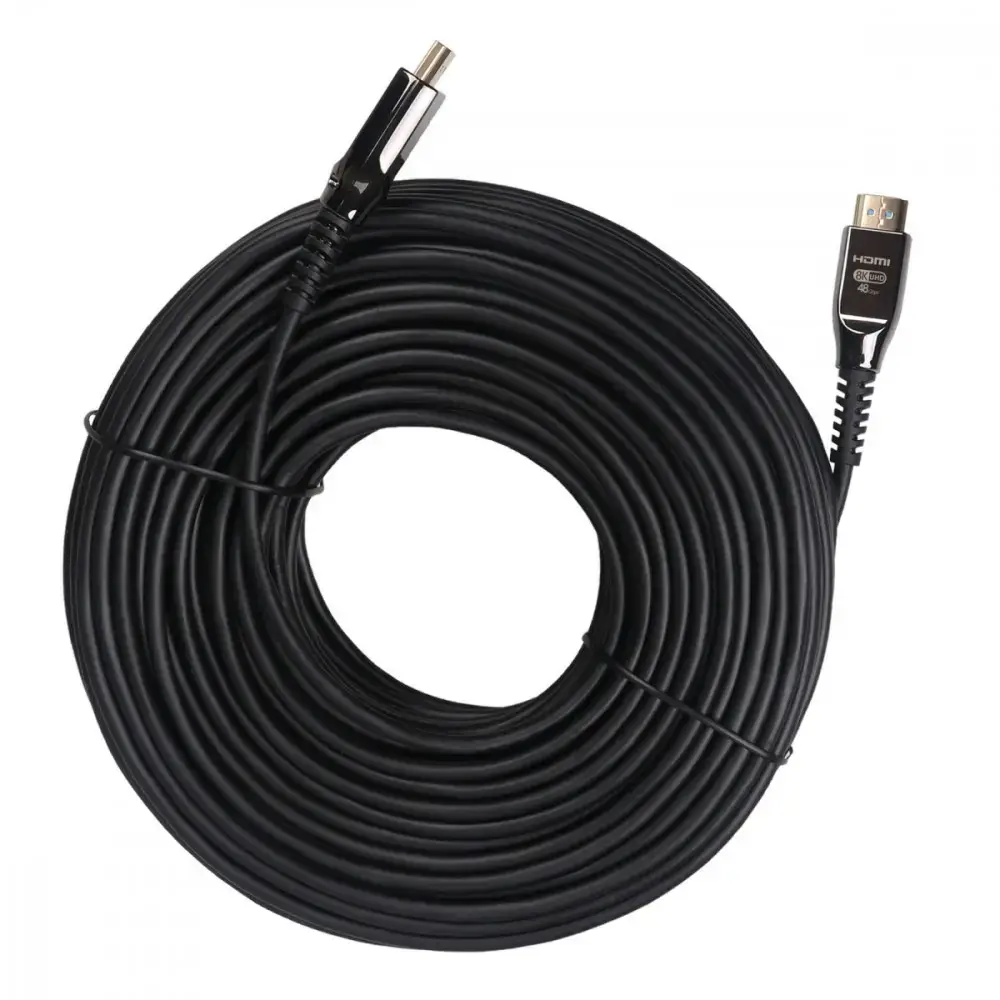
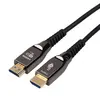
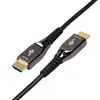
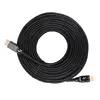
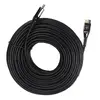
The TB HDMI cable v2.1 15 m, black is a single-cable solution for transmitting high-bandwidth digital video, audio and control signals over an extended distance. Compliant with HDMI 2.1 specification, this 15-metre cable is intended for installations that require longer reach between source devices (such as media players, game consoles and set-top boxes) and displays including TVs, monitors and projectors. The cable's construction and connectors are optimized to preserve signal integrity across the full length while carrying resolutions and features supported by the HDMI 2.1 standard.
Advantages
This HDMI cable supports the HDMI 2.1 feature set for higher bandwidth transmission, enabling compatibility with modern video formats and audio channels. Its 15 m length provides flexibility for room layouts where devices are positioned at a distance from displays. The black jacket offers a discreet appearance for home and professional installations, and the single-cable design reduces cable clutter by carrying video, audio and control signals together. The cable is designed to maintain signal stability across an extended run when used within recommended system limits.
Suitable for
- Connecting 4K/8K-capable source devices to TVs and monitors in living rooms and home theaters
- Linking game consoles and media players to distant displays in gaming setups
- AV installations in conference rooms, classrooms and public venues where longer cable runs are required
- Integration with AV receivers and soundbars that rely on a single HDMI connection for audio and video
Key specifications
- HDMI version: HDMI 2.1 feature set compatibility
- Length: 15 metres
- Colour: black jacket
- Supported signals: digital video, multi-channel audio, and control (CEC) over a single cable
- Designed for high-bandwidth transmissions required by contemporary high-resolution and high-frame-rate sources
How to use
Connect one HDMI connector to the source device's HDMI output and the other connector to the HDMI input on the display, AV receiver or soundbar. Ensure both devices are powered off when making the connection for the first time, then power them on and select the correct HDMI input on the display. If using features such as enhanced refresh rates or higher colour depths, confirm that connected devices and their settings support HDMI 2.1 capabilities. Route the cable to avoid tight bends and excessive strain on the connectors to preserve signal quality.
Usage recommendations
For reliable performance over 15 metres, use this cable with source and display equipment that support HDMI 2.1 features, and avoid running the cable parallel to high-power electrical cables. If you experience signal issues at high resolutions or frame rates, verify device settings, try alternative HDMI inputs, and minimize sharp bends or kinks. In professional installations, allow for gentle cable loops and secure connectors to prevent movement.