
Save time and money with our discounts!
In cart {{totalProductsCount}} item(s)
Your cart is empty
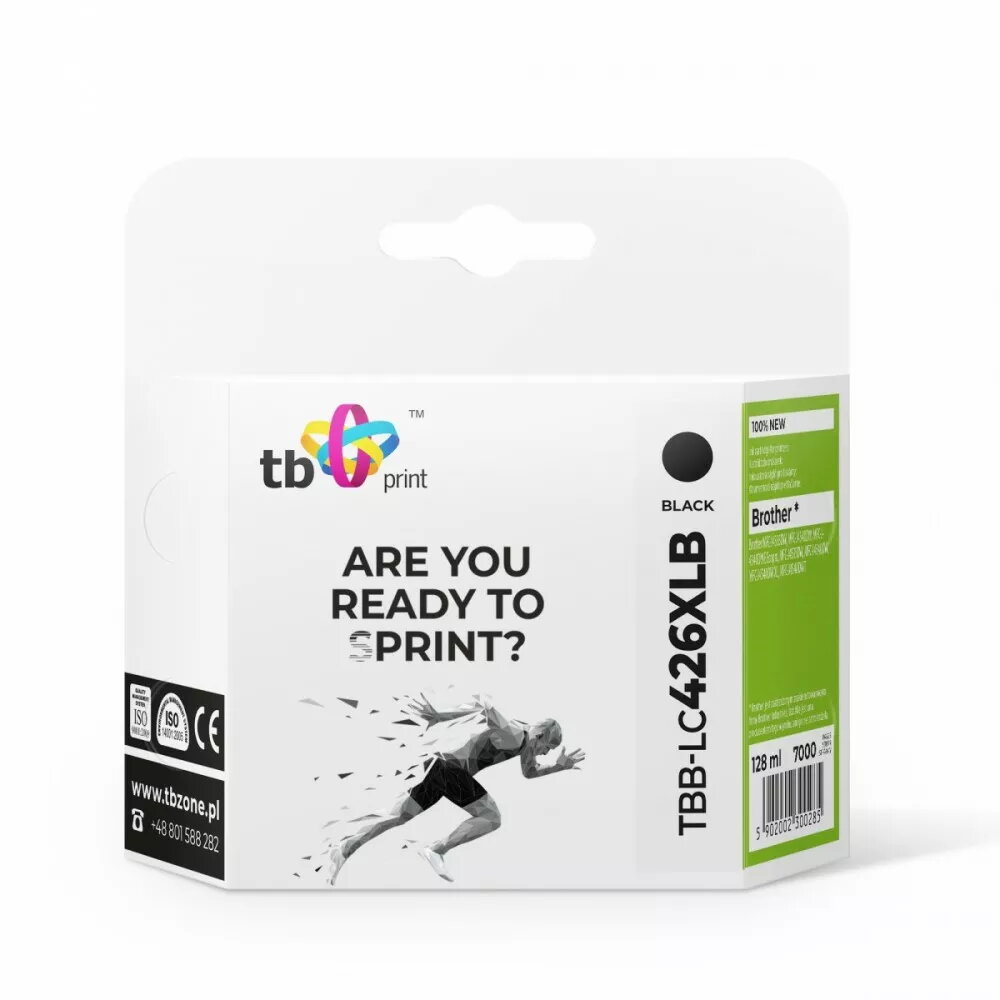
Cartridge Brother MFC-J4540DW TBB-LC426XLB Black
The TBB-LC426XLB black ink cartridge is designed for use with Brother MFC-J4540DW printers. This 100% new black cartridge delivers sharp text and consistent monochrome output for documents and images. Manufactured to match OEM form and fit, it installs easily into the printer to restore black printing capability and maintain print quality over extended runs.
This black cartridge provides reliable, consistent ink flow for clear, legible text and solid blacks in graphics. As a new unit, it reduces the risk of leaks and print defects associated with remanufactured options. The cartridge is engineered for easy installation and stable performance, helping to minimise downtime and maintain predictable print costs.
Turn on the Brother MFC-J4540DW and open the front cover or cartridge access panel according to the printer manual. Remove the empty cartridge by gently pulling it out, then unpack the new TBB-LC426XLB cartridge and remove any protective tabs or seals. Insert the cartridge into the black slot until it clicks into place, close the access panel, and follow any on-screen prompts to initialise the cartridge. Perform a test print or nozzle check to confirm installation and print quality.
Store unused cartridges in a cool, dry place away from direct sunlight and extreme temperatures. Use the printer's built-in alignment and cleaning utilities if print quality deteriorates. Replace the cartridge promptly when print density drops or when the printer indicates low ink to avoid inconsistent output.
{{highlightedFeature.featureTitle}}:
{{getProductFeatureValueById(product, highlightedFeature.featureId)}}
{{ productComparisonGenerationError }}