
JBL speakers and headphones for pure and deep sound!
In cart {{totalProductsCount}} item(s)
Your cart is empty
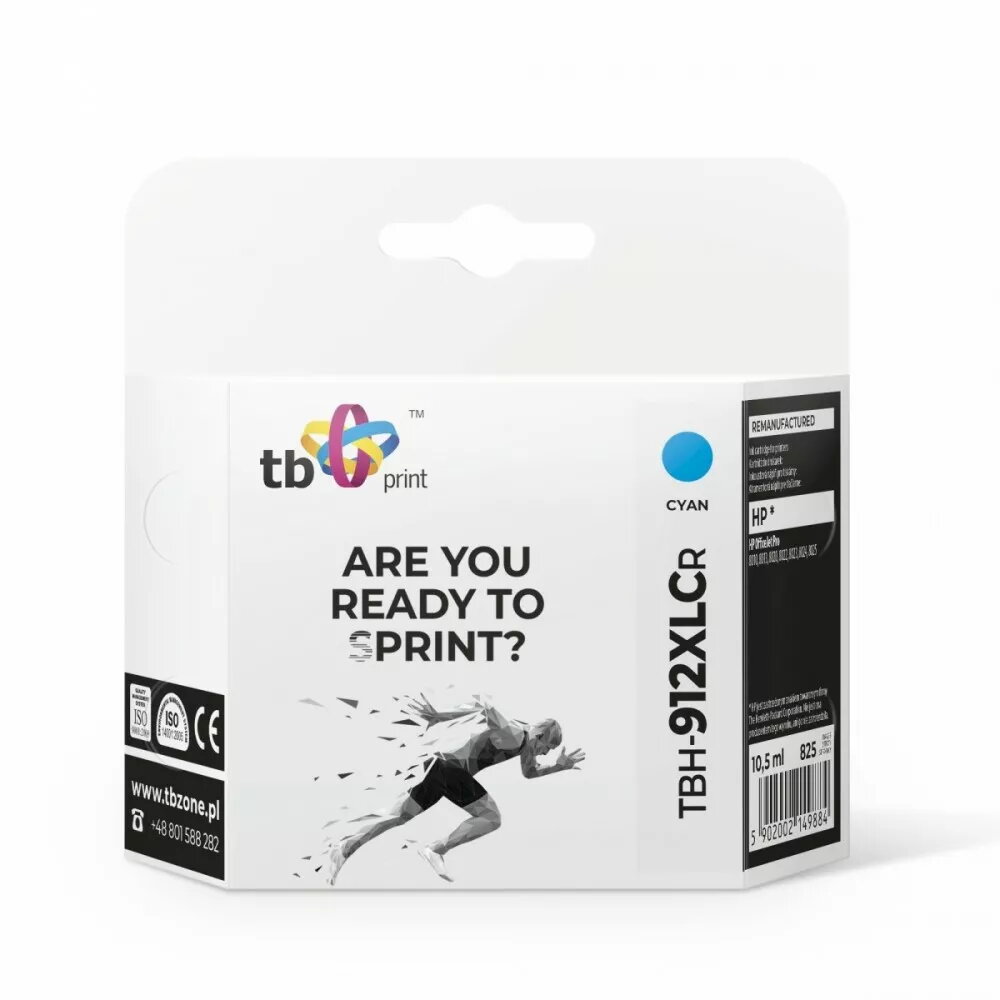
Ink Cartridge HP OfficeJet Pro 8025 TBH-912XLCR CY
The TB ink cartridge TBH-912XLCR CY for HP OfficeJet Pro 8025 delivers cyan color for high-quality prints. Designed for compatibility with the HP OfficeJet Pro 8025 series, this cartridge provides vibrant color output and sharp text suitable for business documents, marketing materials and reports. It features a high page yield to reduce the frequency of replacements and is intended for straightforward installation in the printer model it supports.
This cyan cartridge offers consistent color performance and reliable page yield to support regular office printing. The cartridge is easy to install in the HP OfficeJet Pro 8025, minimizes downtime with fewer replacements thanks to its high-yield design, and produces uniform cyan tones suitable for mixed color and full-color documents. It is manufactured to work with the target printer model and aims to maintain print quality across batches.
Turn on the HP OfficeJet Pro 8025 and open the cartridge access door. Remove the used cartridge according to the printer prompts, unwrap the replacement TBH-912XLCR CY cartridge, remove protective seals if present, and insert it into the cyan slot until it clicks into place. Close the access door and allow the printer to initialize and, if required, perform an automatic alignment or calibration. Use the printer driver or control panel to verify ink levels and run a test page if needed.
Store unused cartridges in a cool, dry place and install them before the indicated expiration or best-use timeframe to preserve print performance. For consistent results, use the cartridge with HP OfficeJet Pro 8025 series printers and follow the printer’s maintenance and alignment procedures.
{{highlightedFeature.featureTitle}}:
{{getProductFeatureValueById(product, highlightedFeature.featureId)}}
{{ productComparisonGenerationError }}