
Save time and money with our discounts!
In cart {{totalProductsCount}} item(s)
Your cart is empty
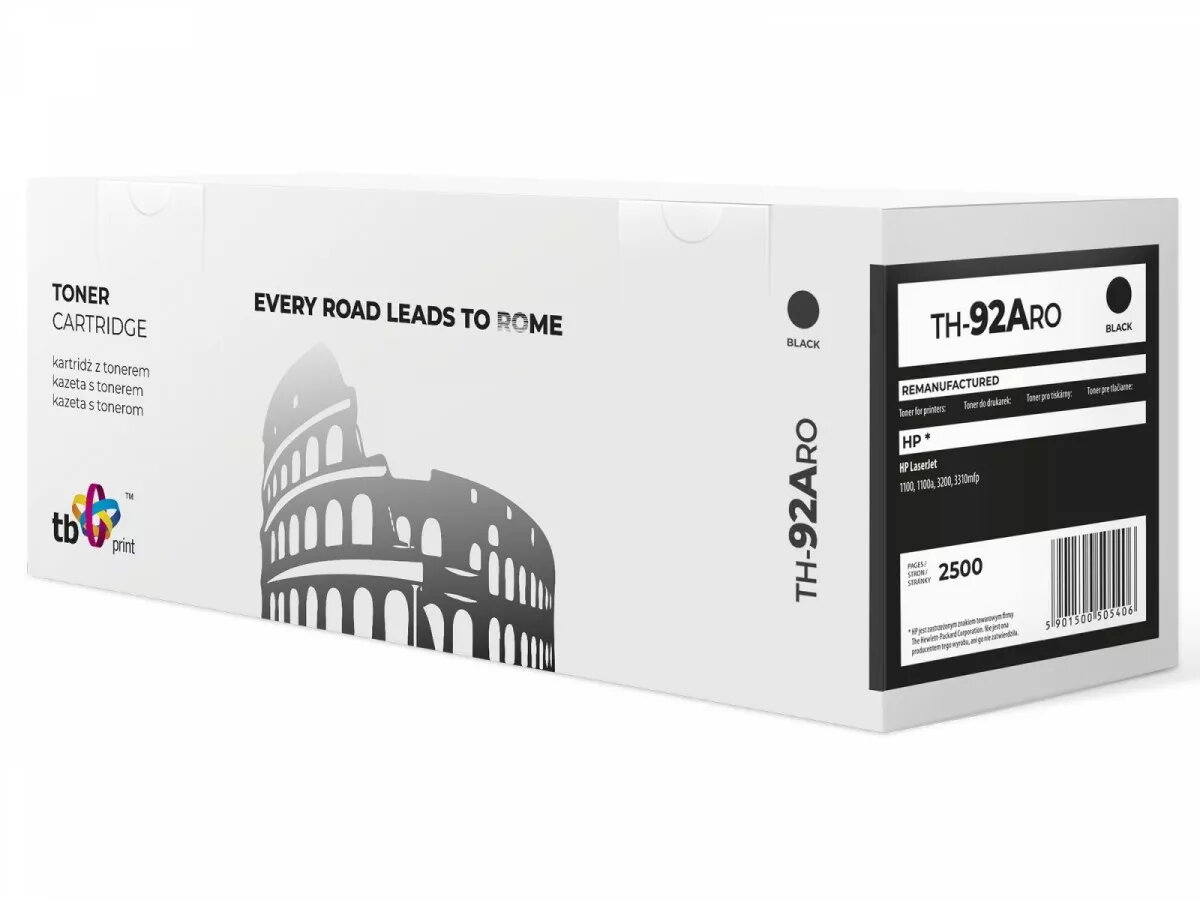
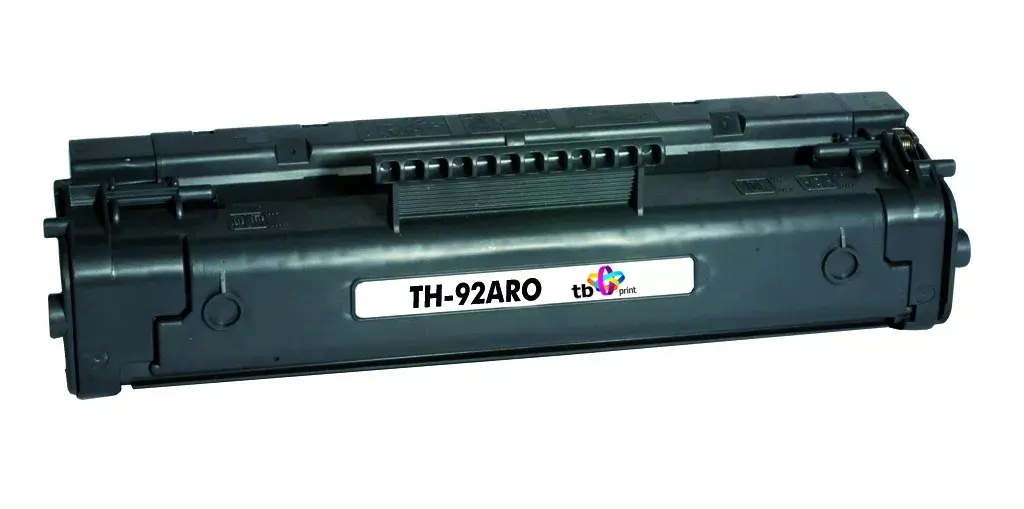
Toner HP C4092A 5000 pages Black
This compatible toner cartridge for HP C4092A (black) yields up to 5000 pages and is intended for standard monochrome printing tasks in home and office environments. The cartridge is designed to provide sharp black text and consistent print density across documents, with straightforward installation compatible with printers that accept the C4092A format. The product is positioned as a cost-effective replacement option that maintains readable, professional-looking output for everyday printing needs.
The cartridge offers a high page yield up to 5000 pages under standard coverage, delivering consistent black tone and clear text quality. Installation is simple and follows the same procedure as original C4092A cartridges, enabling quick replacement with minimal downtime. The toner formulation is optimized for even distribution on paper to reduce streaking and maintain stable density across long print runs. This compatible option provides lower per-page cost while meeting typical office requirements for reliability and clarity.
Turn off the printer or follow the manufacturer’s hot-swap guidance if supported, open the printer’s toner access panel and remove the empty cartridge by gently pulling it free. Unpack the replacement cartridge from its protective packaging, remove any transport seals or protective clips, and align it with the cartridge guides inside the printer. Slide the cartridge into place until it seats securely, then close the access panel and power the printer on if it was turned off. Run a test print or printer calibration if available to confirm correct installation and optimal print density.
Store unused cartridges in a cool, dry place away from direct sunlight and sources of heat. For consistent print quality, allow the cartridge to acclimate to room temperature before installation if it has been stored in cold conditions. Use original paper types recommended by the printer manufacturer and perform periodic printer maintenance such as cleaning paper paths and checking rollers to reduce the risk of smudging or feeding issues.
{{highlightedFeature.featureTitle}}:
{{getProductFeatureValueById(product, highlightedFeature.featureId)}}