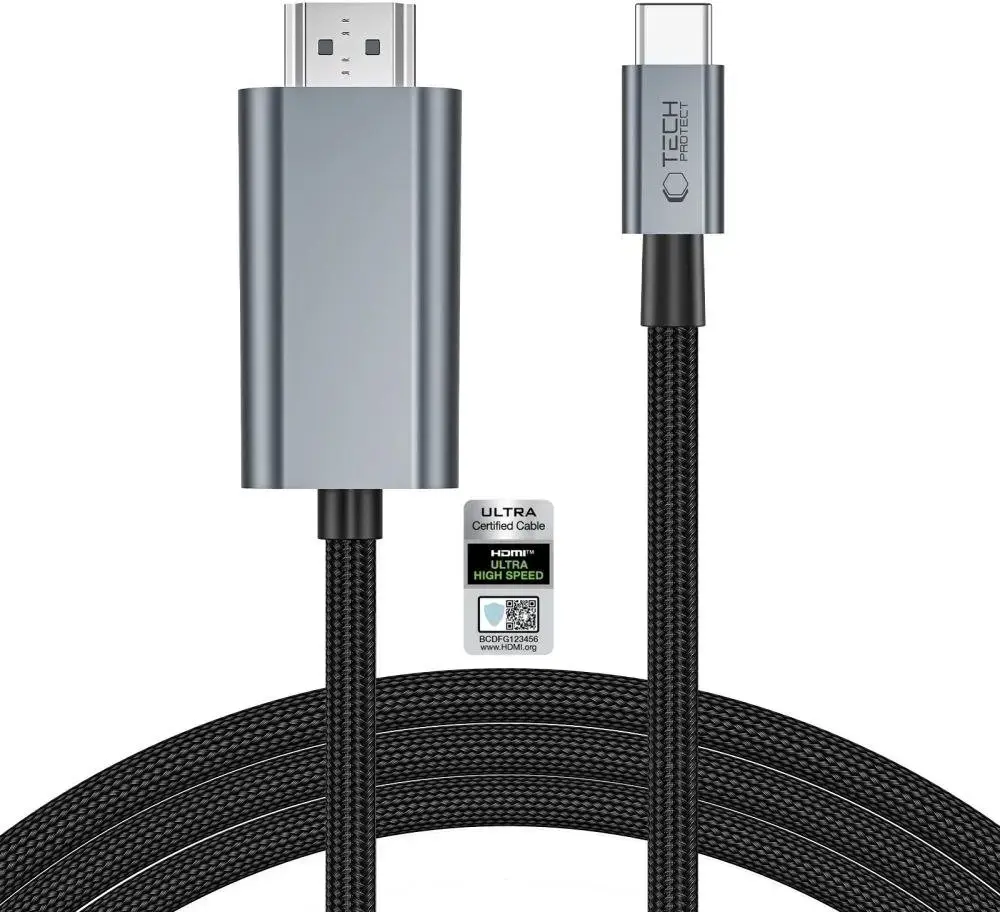
The Tech-Protect UltraBoost USB-C to HDMI 2.1 Cable 200 cm 8K 60Hz Grey is compared against several similar cables from the Tech-Protect brand, including options featuring Mini HDMI, standard HDMI 2.1 in various lengths, and DisplayPort connections. All of these products are designed for reliable audio and video transmission, but the key differences lie in their connector types, supported resolutions, refresh rates, and cable lengths.
⚙️ Below is a comparison of relevant characteristics such as connector types, cable length, maximum supported resolution, and source device compatibility.
| Specification | Tech-Protect UltraBoost USB-C to HDMI 2.1 200 cm (main) | Tech-Protect Ultraboost Mini HDMI 2.1 200cm | Tech-Protect Ultraboost HDMI 2.1 200cm | Tech-Protect Ultraboost HDMI 2.1 100cm | Tech-Protect Ultraboost HDMI 2.1 300cm | DisplayPort to HDMI 2.0 Tech-Protect UltraBoost 200 cm | Practical Conclusion |
|---|
| Connector Types | USB-C to HDMI | Mini HDMI to HDMI | HDMI to HDMI | HDMI to HDMI | HDMI to HDMI | DisplayPort to HDMI | The connector type dictates compatibility with your source device, such as a laptop, smartphone, gaming console, or standard desktop PC. |
| Cable Length | 200 cm | 200 cm | 200 cm | 100 cm | 300 cm | 200 cm | Length impacts placement flexibility: 100 cm suits close setups, 200 cm is versatile, and 300 cm provides extra reach for distant devices. |
| Resolution & Frequency | Up to 8K at 60Hz | Up to 8K at 60Hz | Up to 8K at 60Hz / 4K at 120Hz | Up to 8K at 60Hz / 4K at 120Hz | Up to 8K at 60Hz / 4K at 120Hz | Up to 4K at 60Hz | HDMI 2.1 standard cables offer higher bandwidth capabilities for demanding ultra-high resolutions and high-refresh gaming than the DisplayPort 2.0 alternative. |
◎ Below are various usage scenarios to help determine which product best matches your specific devices and intended use cases.
| Use Case | Recommended Product | Why |
|---|
| Connecting a USB-C laptop or smartphone to a TV or monitor | Tech-Protect UltraBoost USB-C to HDMI 2.1 Cable 200 cm 8K 60Hz Grey | Perfect for mobile devices and modern laptops equipped with a USB-C port that require high-performance 8K signal output. |
| Connecting portable devices featuring a Mini HDMI port | Tech-Protect Ultraboost Mini HDMI 2.1 Cable 8K 60Hz 200cm Black | The specialized Mini HDMI connector allows direct connection from compact portable electronics to large displays. |
| Connecting stationary gaming consoles or PCs with standard HDMI ports at medium distance | Tech-Protect Ultraboost HDMI 2.1 Cable, 8K 60Hz, 4K 120Hz, 200cm, Black | The balanced 200 cm length and 120Hz support at 4K make this an optimal choice for high-end gaming setups. |
| Connecting devices at minimal distance without cable clutter | Tech-Protect Ultraboost HDMI 2.1 Cable 100cm, 8K 60Hz, 4K 120Hz, Black | The short 100 cm length eliminates desk clutter when the source device is positioned right next to the monitor. |
| Connecting hardware across a larger room or greater distance | Tech-Protect Ultraboost HDMI 2.1 Cable 300cm, 8K 60Hz, 4K 120Hz, Black | The 300 cm length provides the necessary reach for distant hardware layouts without sacrificing signal stability. |
| Connecting a PC or laptop with a DisplayPort output | DisplayPort to HDMI 2.0 cable Tech-Protect UltraBoost 200 cm — 4K 60Hz, black | Designed specifically for graphics cards and computers that feature a DisplayPort interface instead of HDMI or USB-C. |
The Tech-Protect UltraBoost USB-C to HDMI 2.1 Cable 200 cm 8K 60Hz Grey differs from the alternatives by featuring a USB-C interface, making it essential for users of smartphones, tablets, and modern laptops lacking standard video outputs. This product is most suitable for buyers who need to transmit high-definition content directly from a mobile or portable device to a display, whereas the alternative models require standard HDMI, Mini HDMI, or DisplayPort ports.