
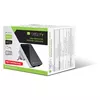
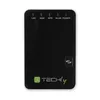
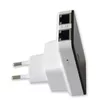
Wireless Router Techly Wall Plug 300N Wi-Fi 4
27.49 €
{{selectedOffer && selectedOffer.price | formatAmount}}
Short description
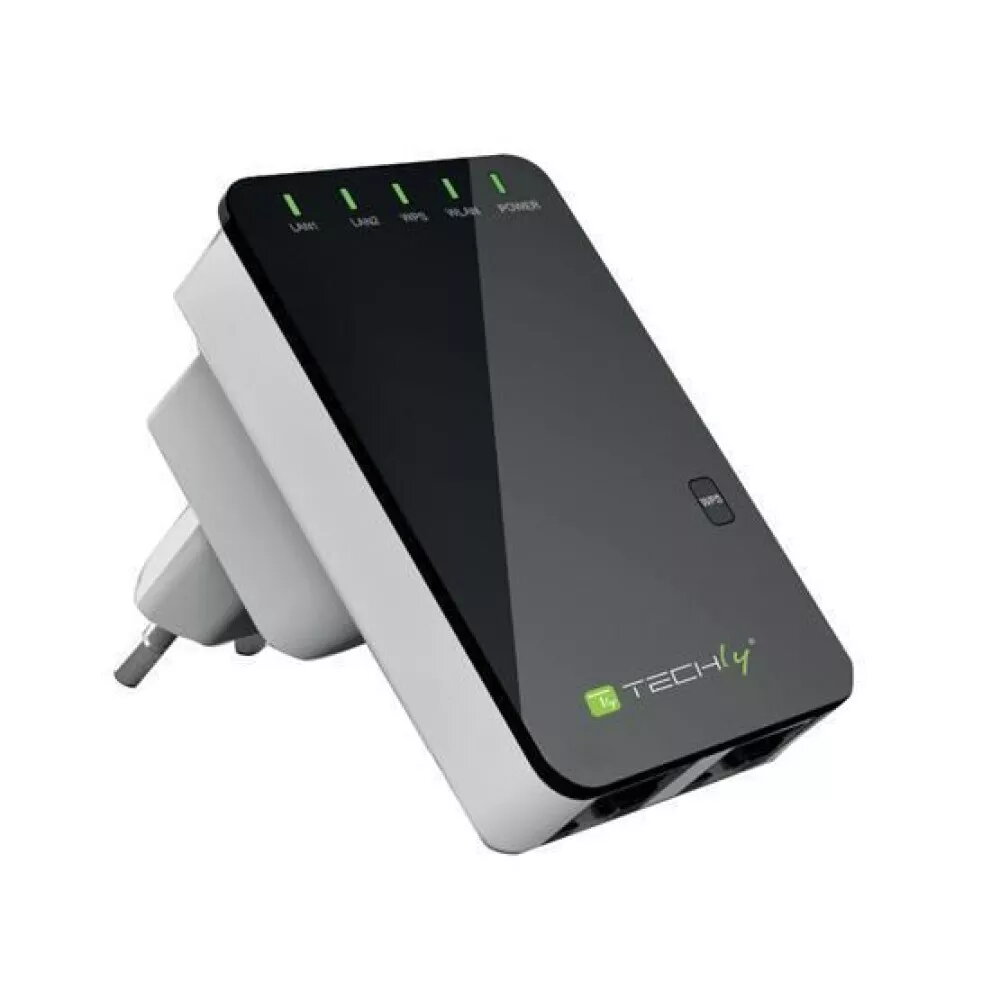
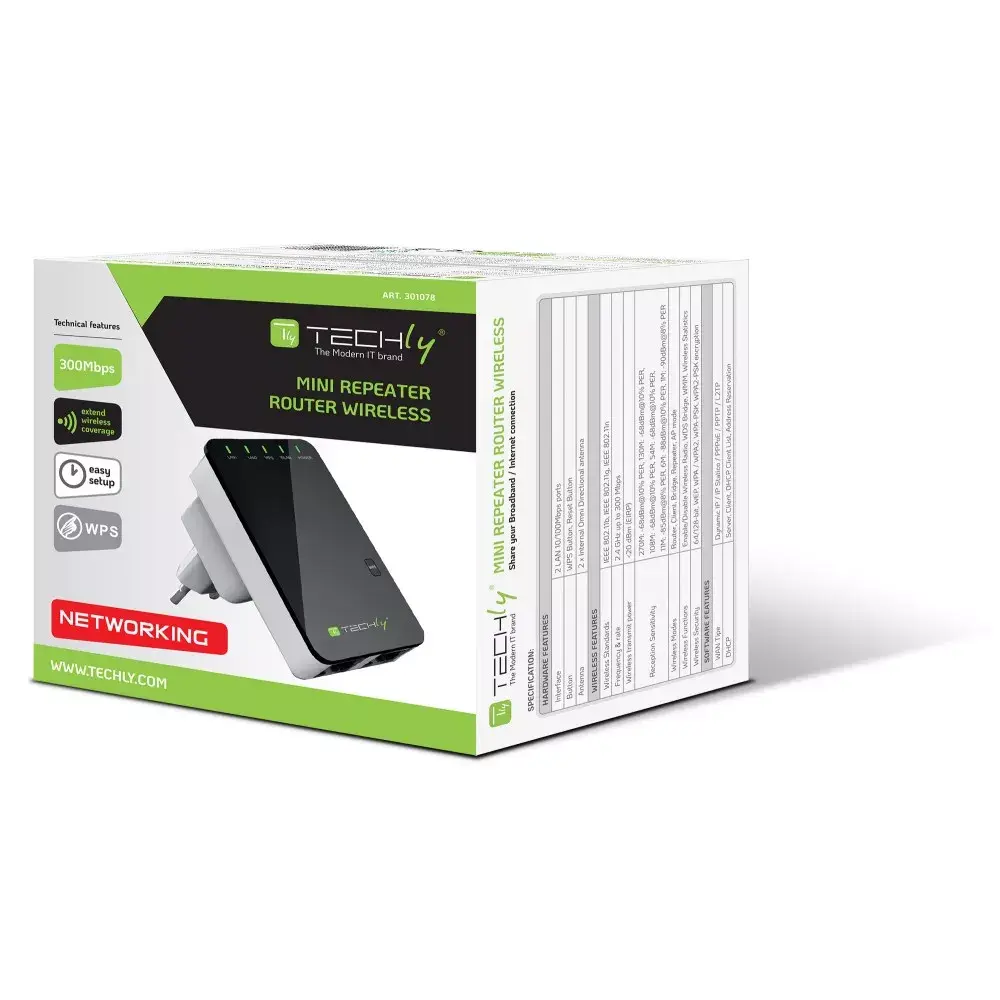
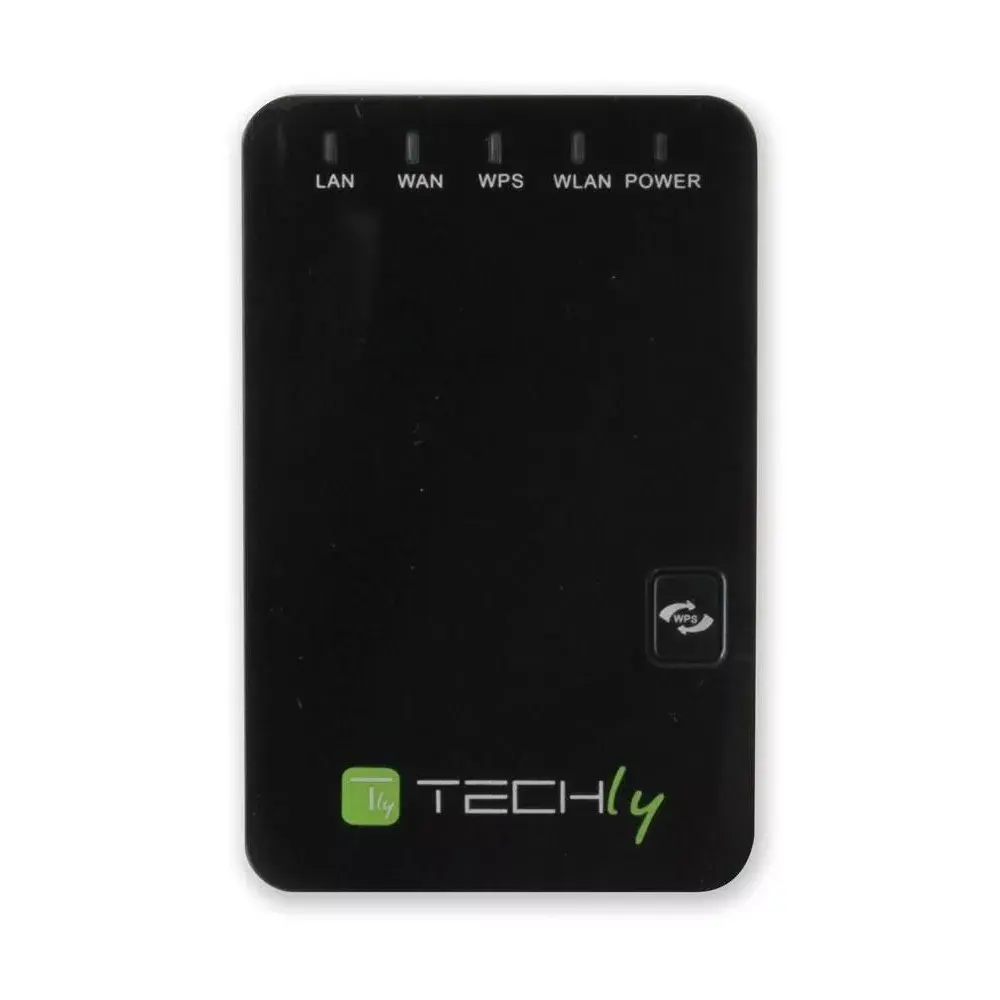
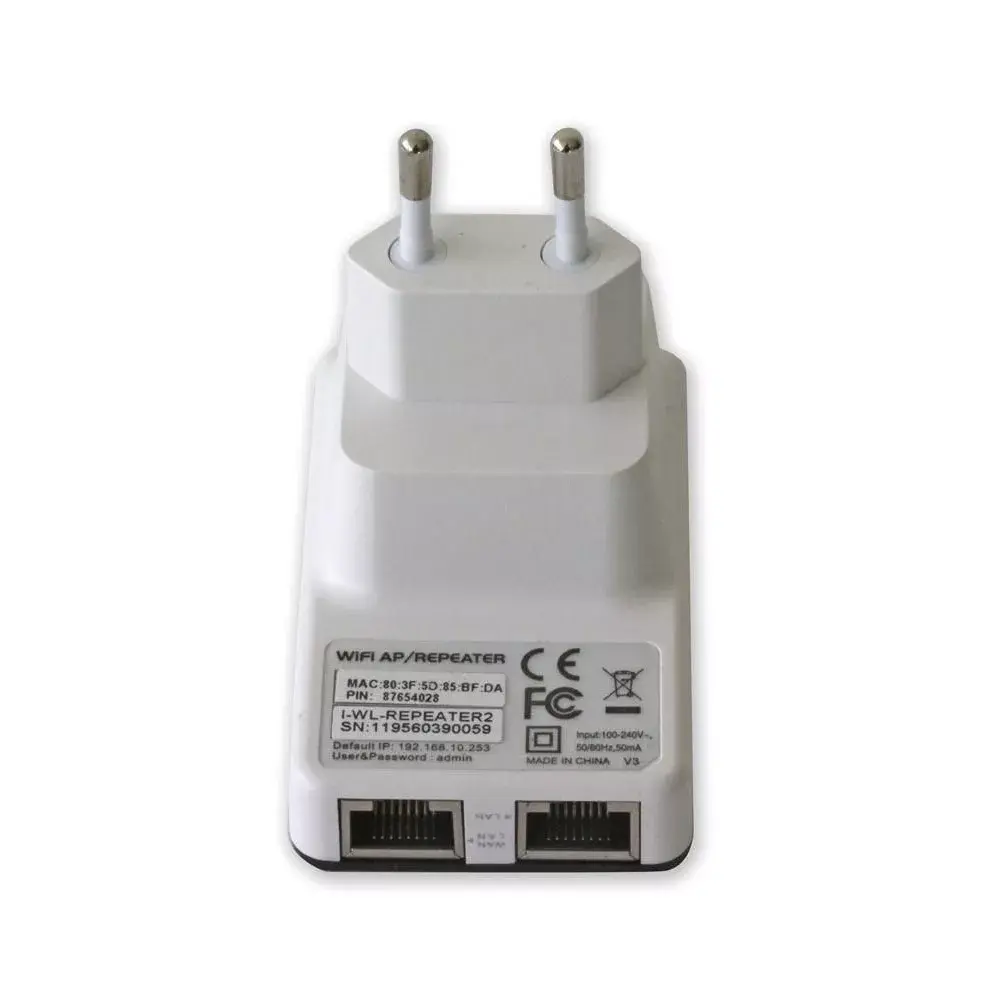
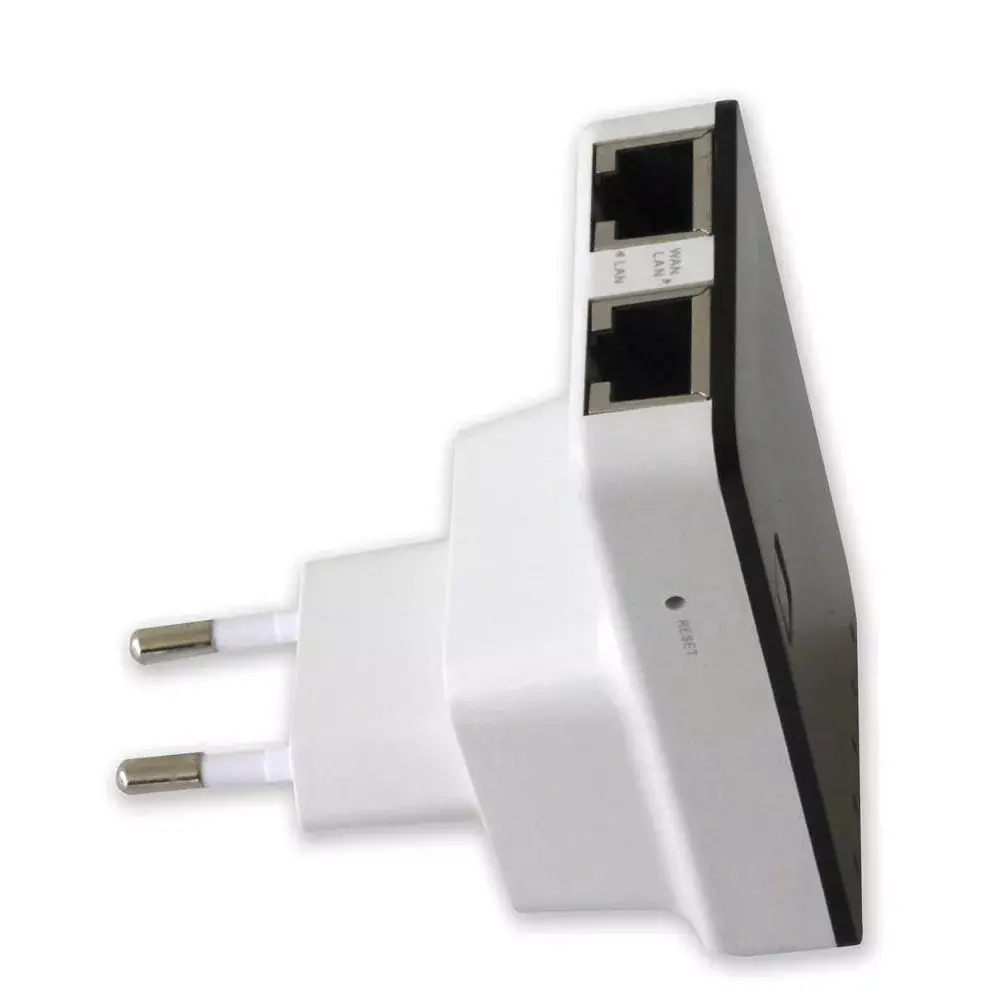
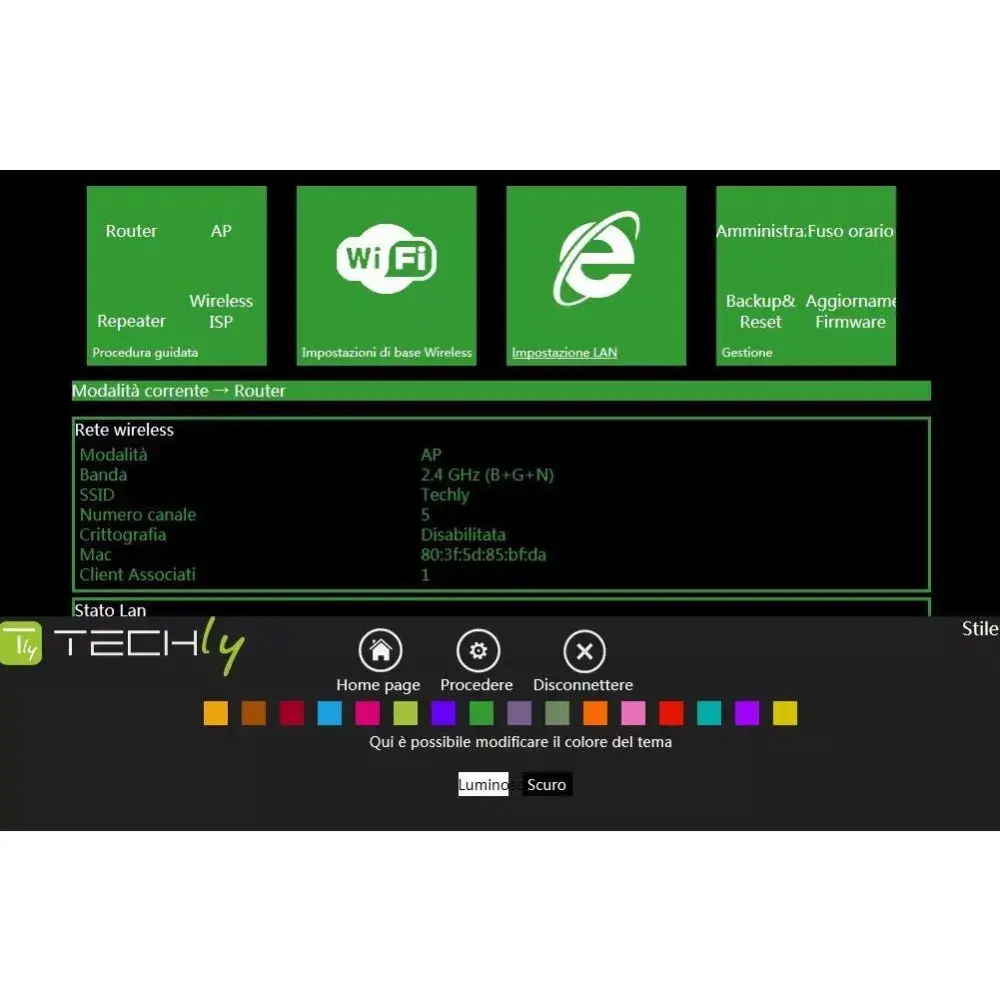
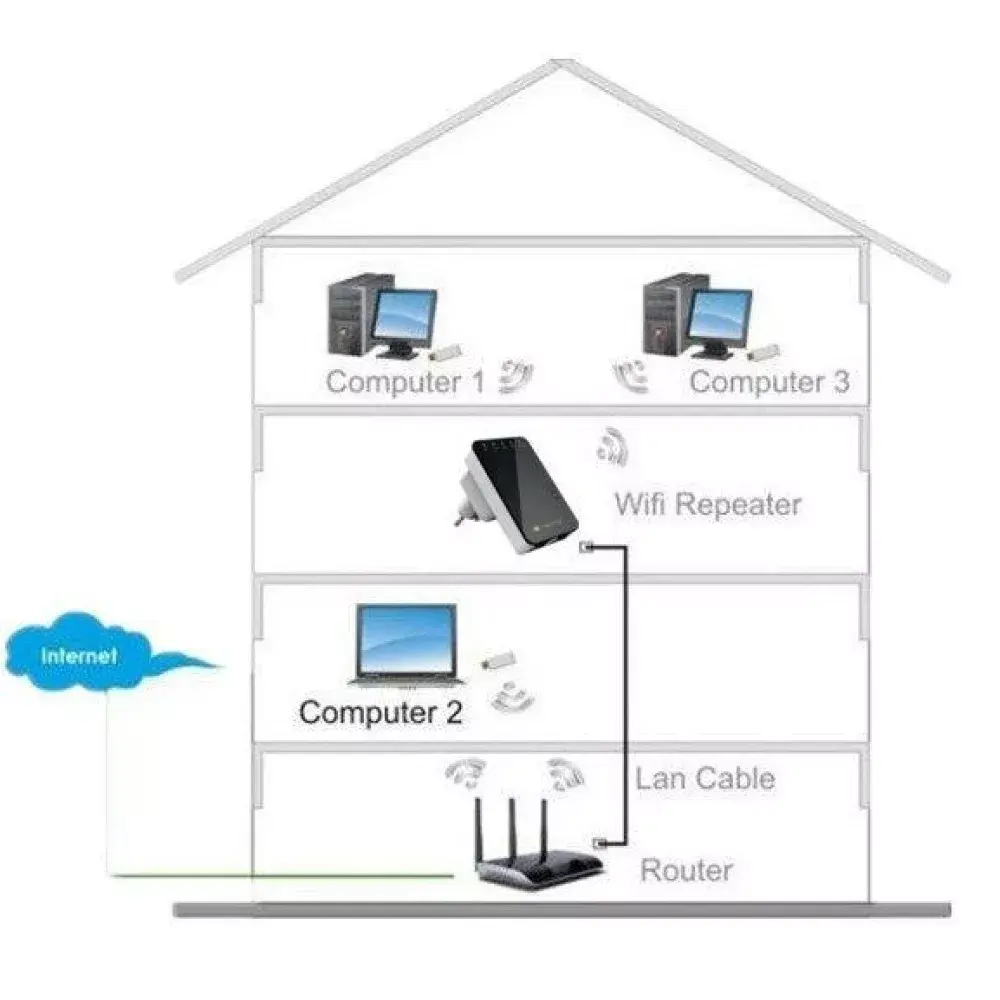
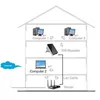
The Techly Wall Plug Wireless Router 300N is a compact and efficient device that supports Wi-Fi 4 (802.11n) with a maximum data transfer rate of 300 Mbit/s. It features Fast Ethernet LAN with data rates of 10/100 Mbit/s and supports multiple security protocols including WEP, WPA, and WPA2. The router is available in black and white, equipped with LED indicators for LAN, Power, WLAN, and WPS, ensuring easy monitoring of your network. CE and RoHS certified for safety and environmental compliance.
Available for order:
1 pcs.
Warranty:
2 Years
SKU:
411172


Cheapest delivery:
Unisend LV
Pick-up points
Unisend LV
Cost
1.79 €
Deliver
{{selectedOffer.parcelStationDeliveryString}}
Customer service center
2b. Kengaraga str., Riga, Latvia, LV-1063
07.08.2026
{{selectedOffer.officeDeliveryString}}
free
Courier Delivery
Please note that in case of a large parcel additional delivery costs may apply!
From 4.99 € (Weight: 0.20 kg)
Parcel couriers
Unisend LV / Venipak Pickup LV / Venipak Locker LV / Latvijas Pasts pakomāts / DPD Paku skapis / Omniva LV / Latvijas Pasts nodaļa
12.08.2026
{{selectedOffer.parcelStationDeliveryString}}
From 1.79 €

Payment Methods:
Bank transfer, Bank cards on-line, Apple Pay, Google Pay


