






Powerful EcoFlow stations for energy anywhere!
In cart {{totalProductsCount}} item(s)
Your cart is empty
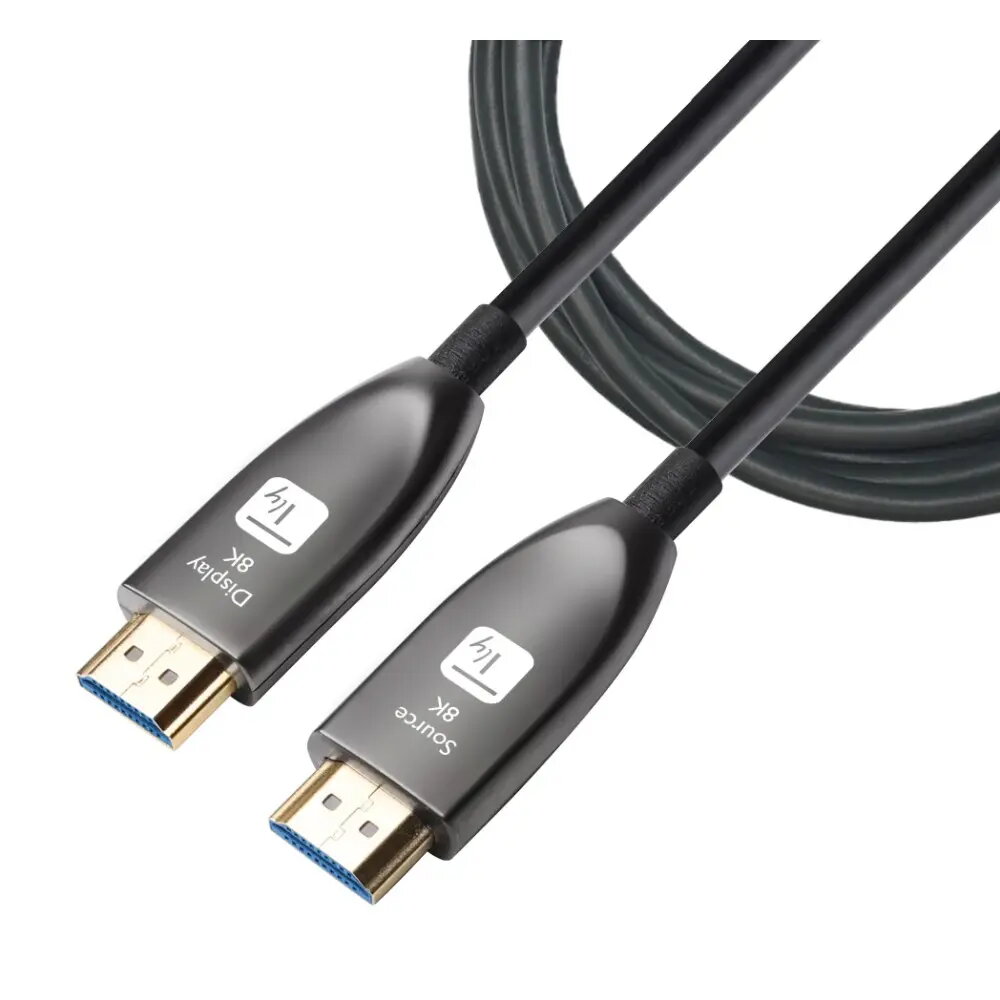
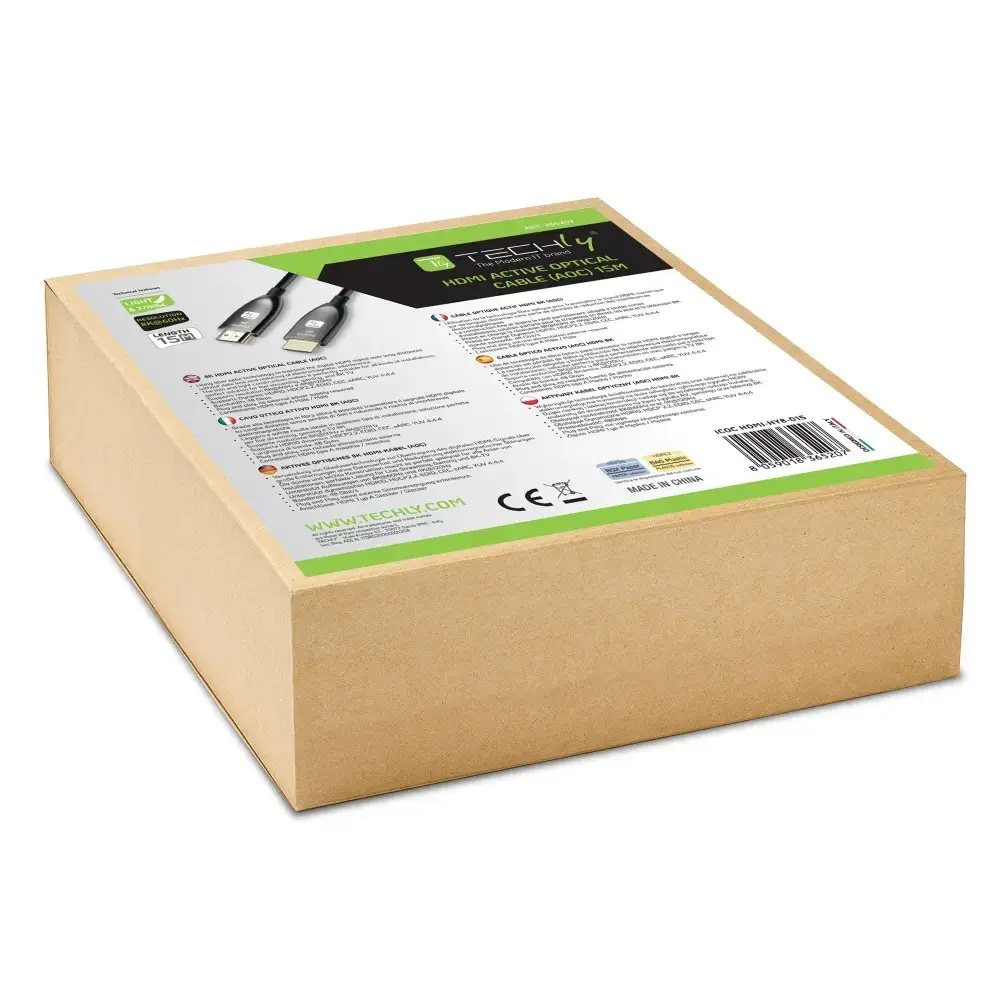
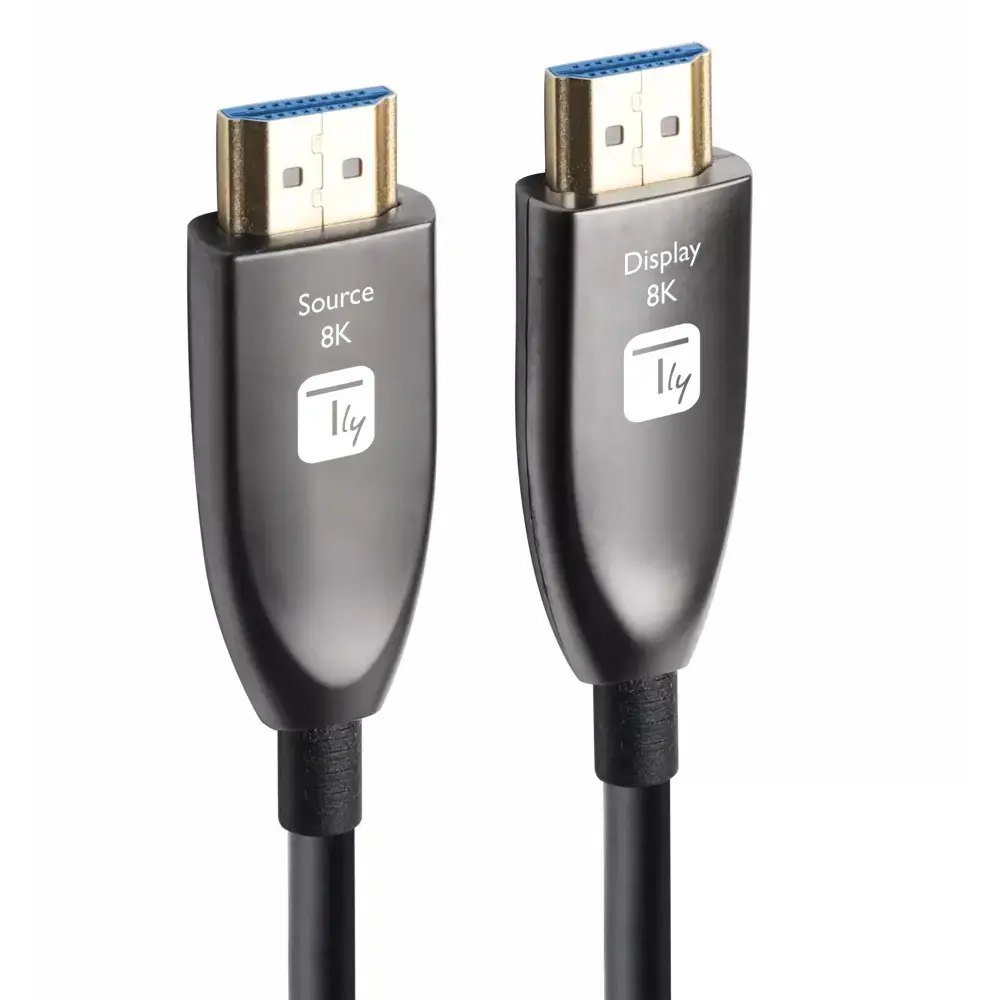
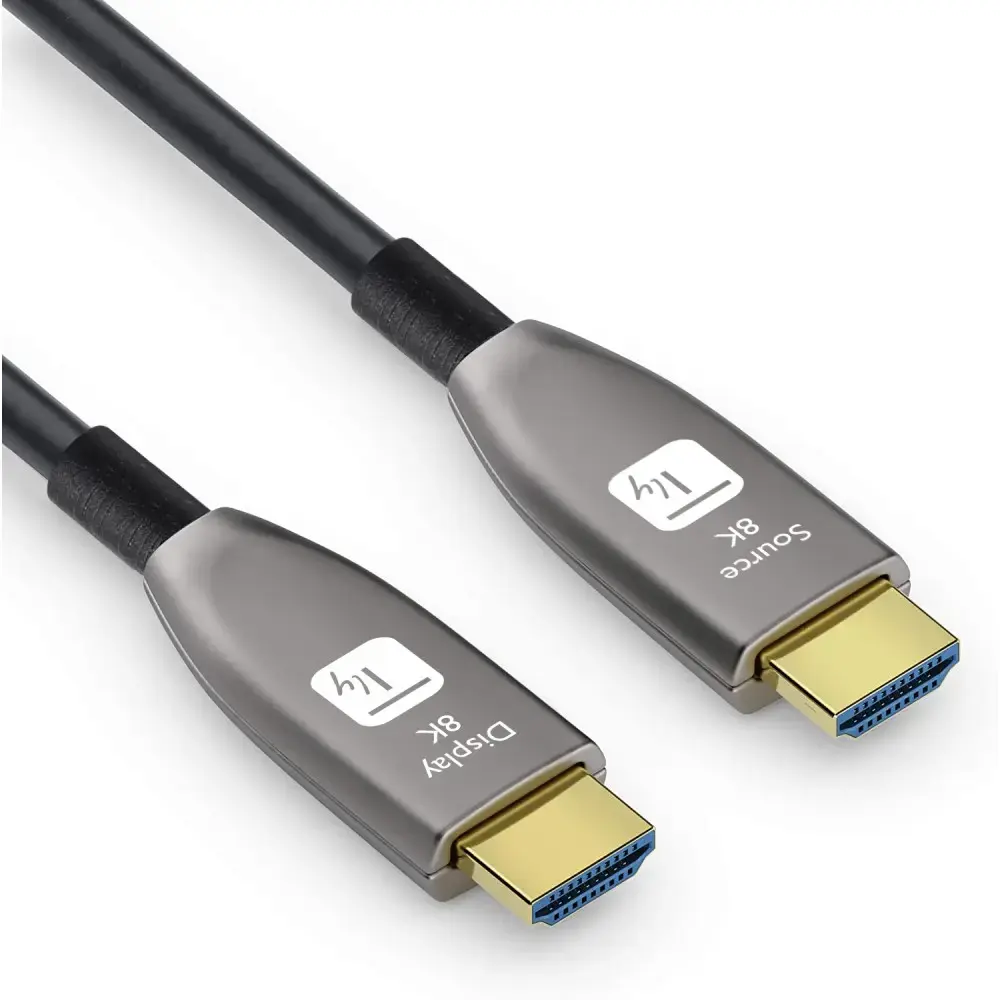
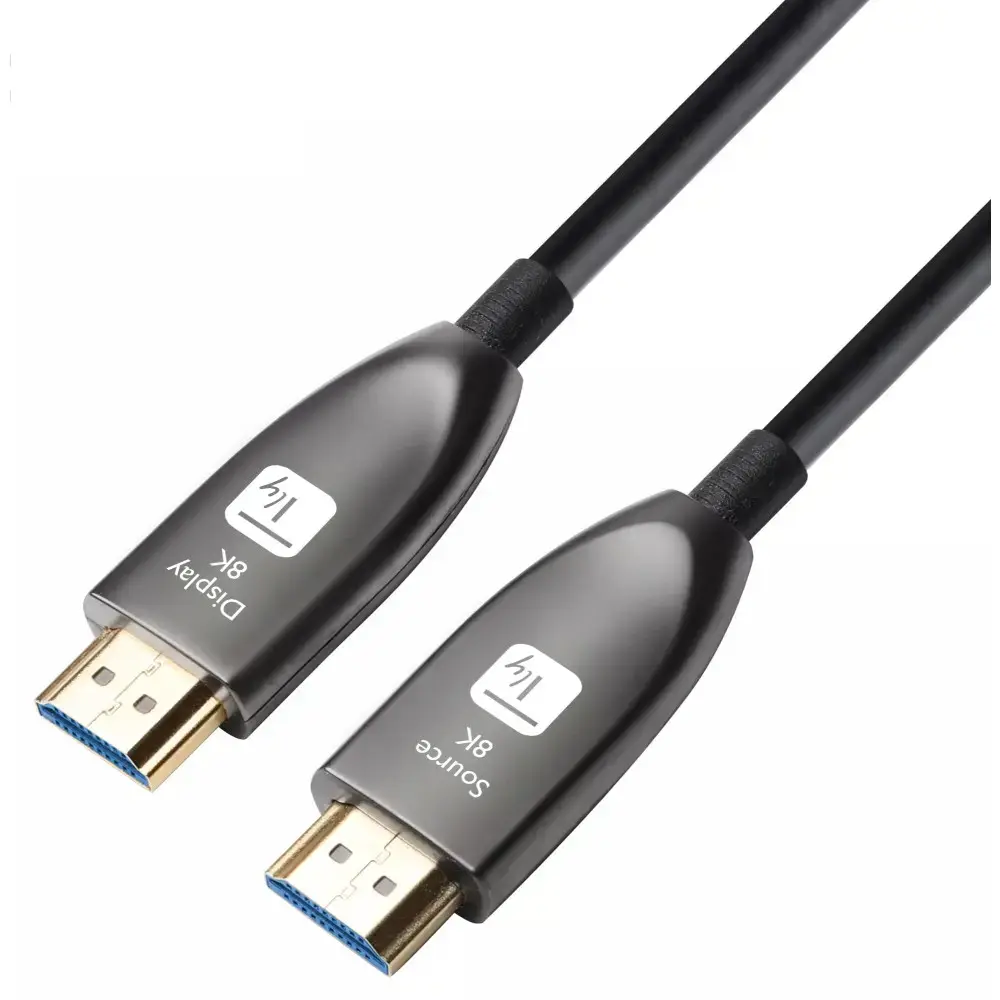
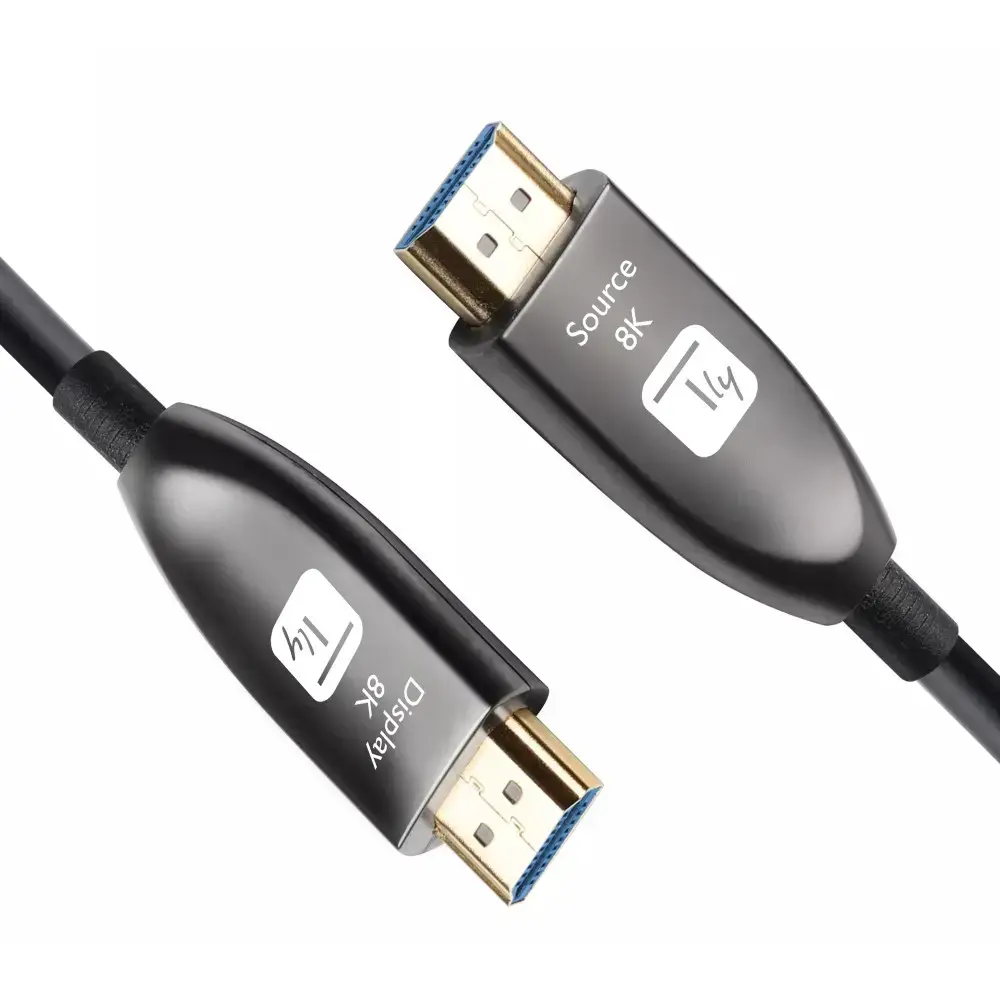
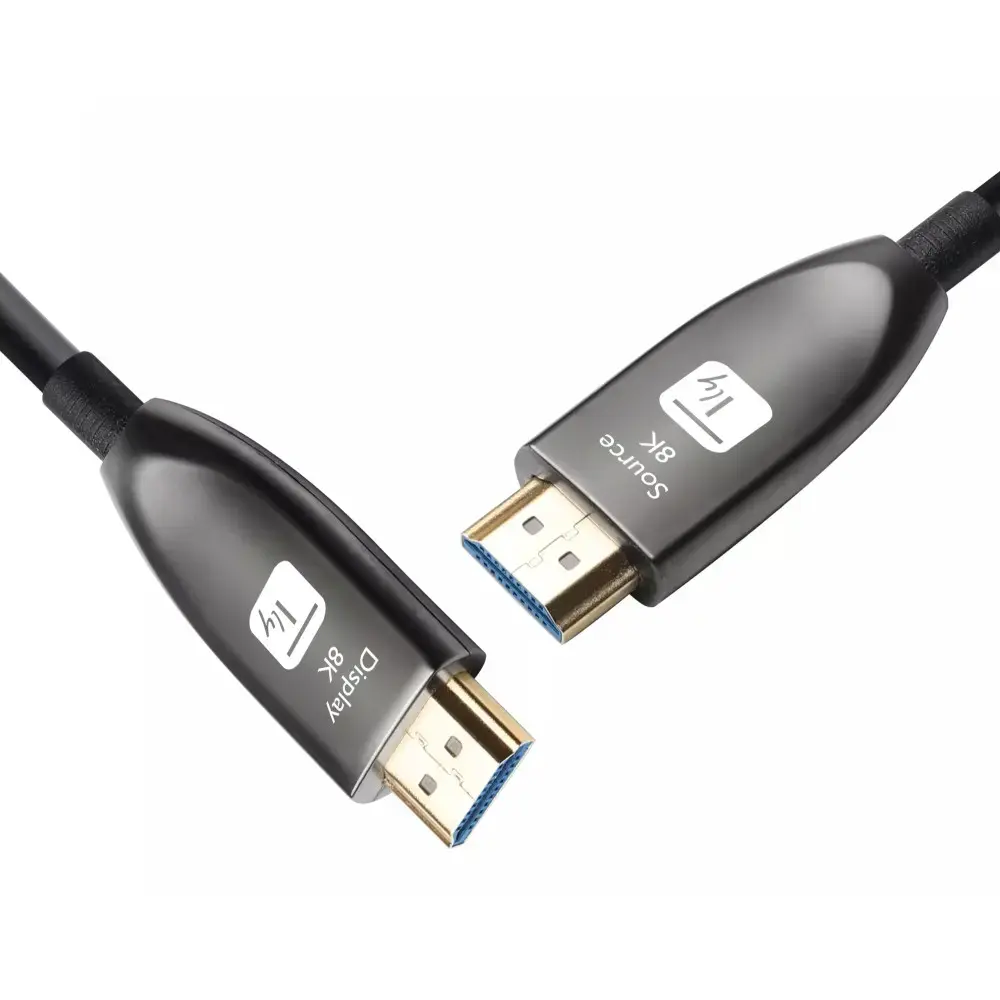
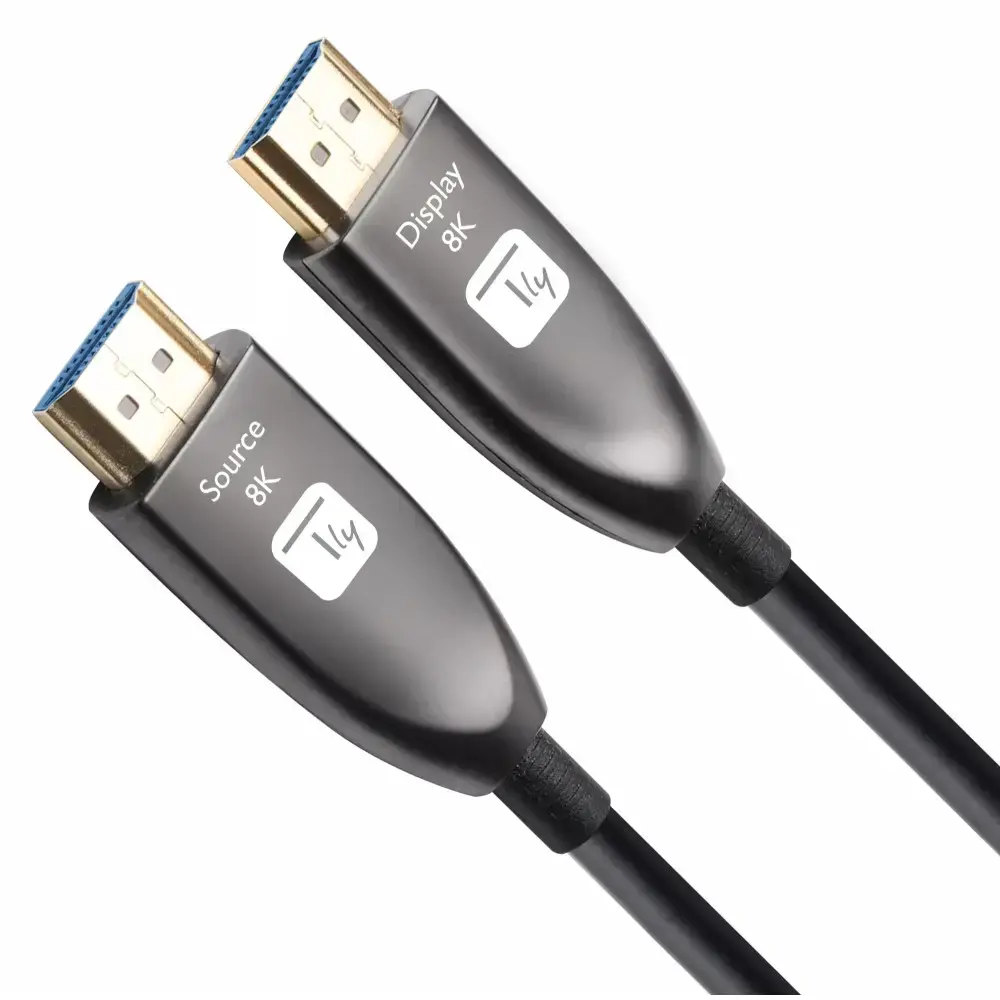
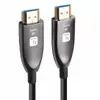
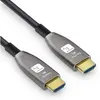
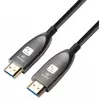
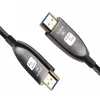
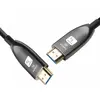
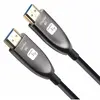
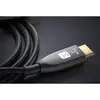
HDMI cable TECHLY ICOC HDMI-HY8-015, 15 m, HDMI Type A male–male, HDMI 2.1, 48 Gbit/s, ARC, gold-plated contacts, black
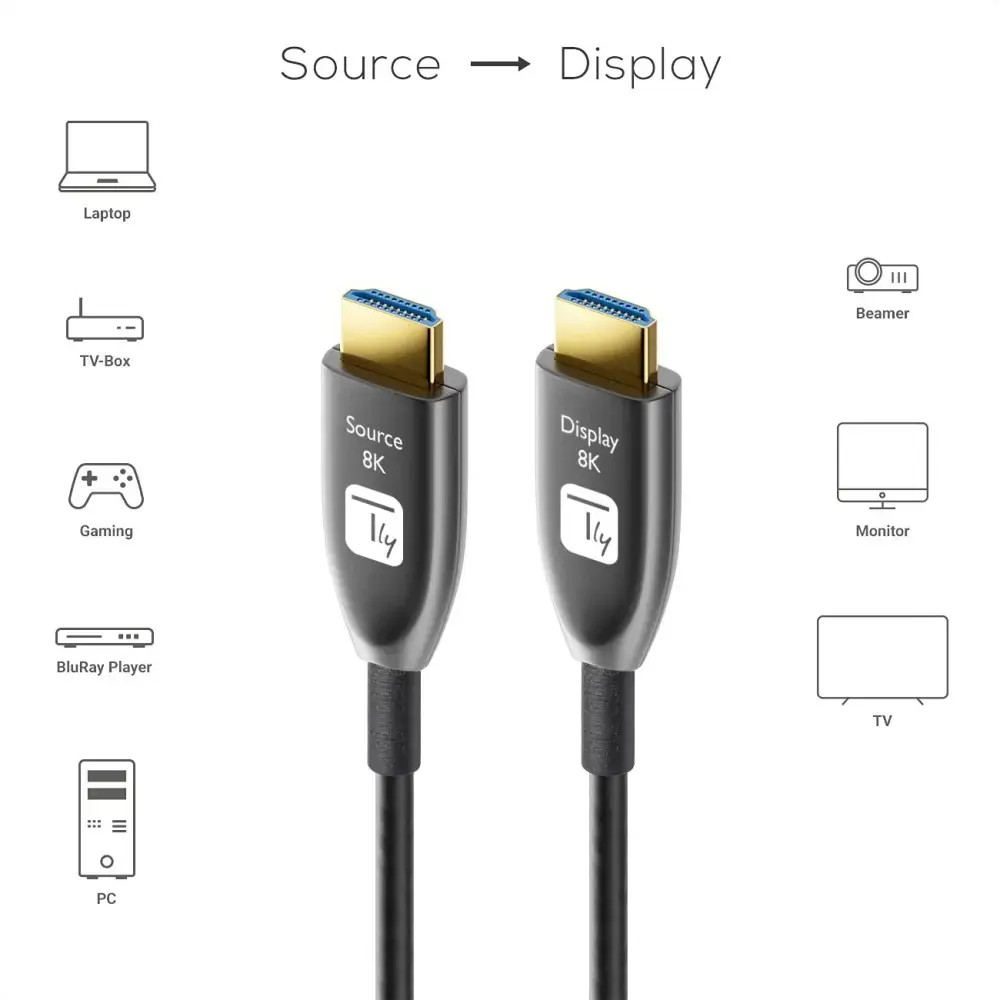
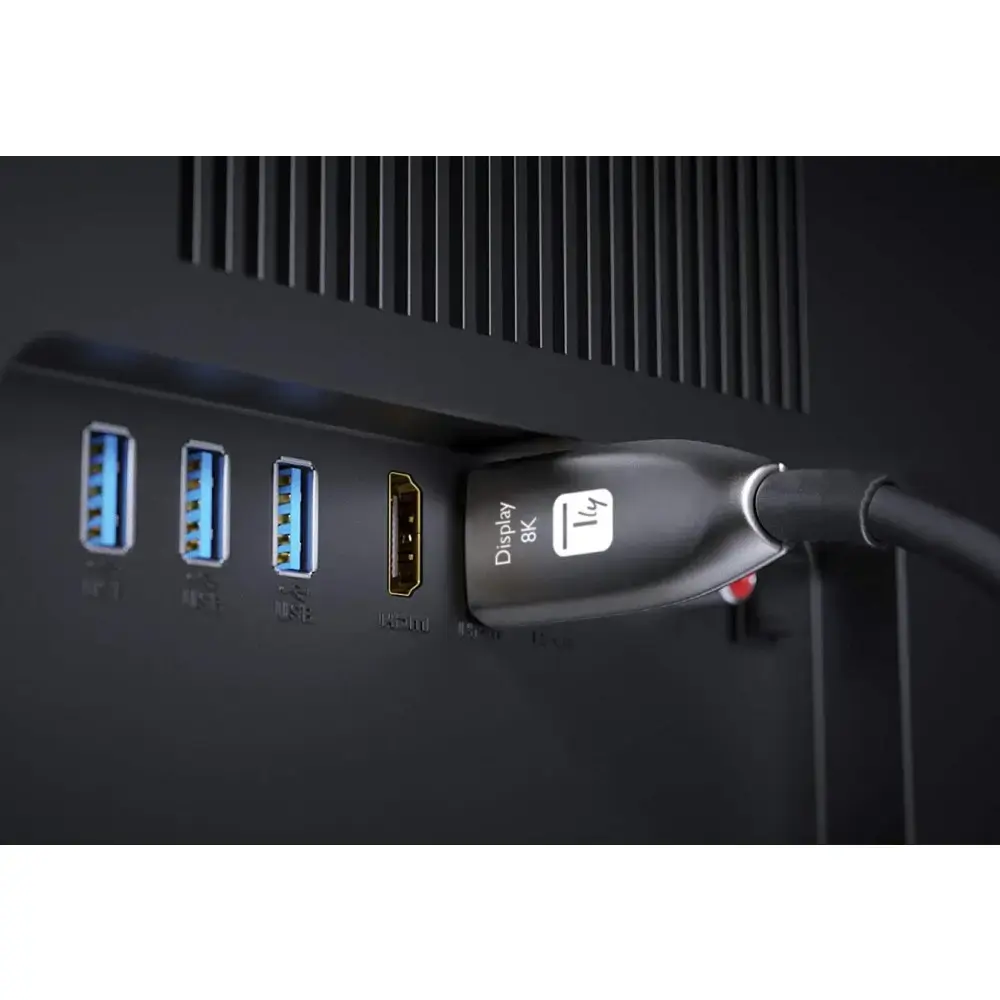
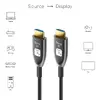
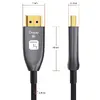
The Techly ICOC HDMI-HY8-015 is a 15 m active hybrid HDMI™ (AOC) cable combining copper and fiber conductors to deliver high-bandwidth audio and video over long distances with reduced weight and increased flexibility. It supports HDMI 2.1 features, up to 8K @ 60Hz resolution and a 48 Gbit/s data rate, and is designed for installations where cable routing and signal integrity are critical. The cable is unidirectional — align the connector marked “source” to the signal source and the connector marked “display” to the screen or projector.
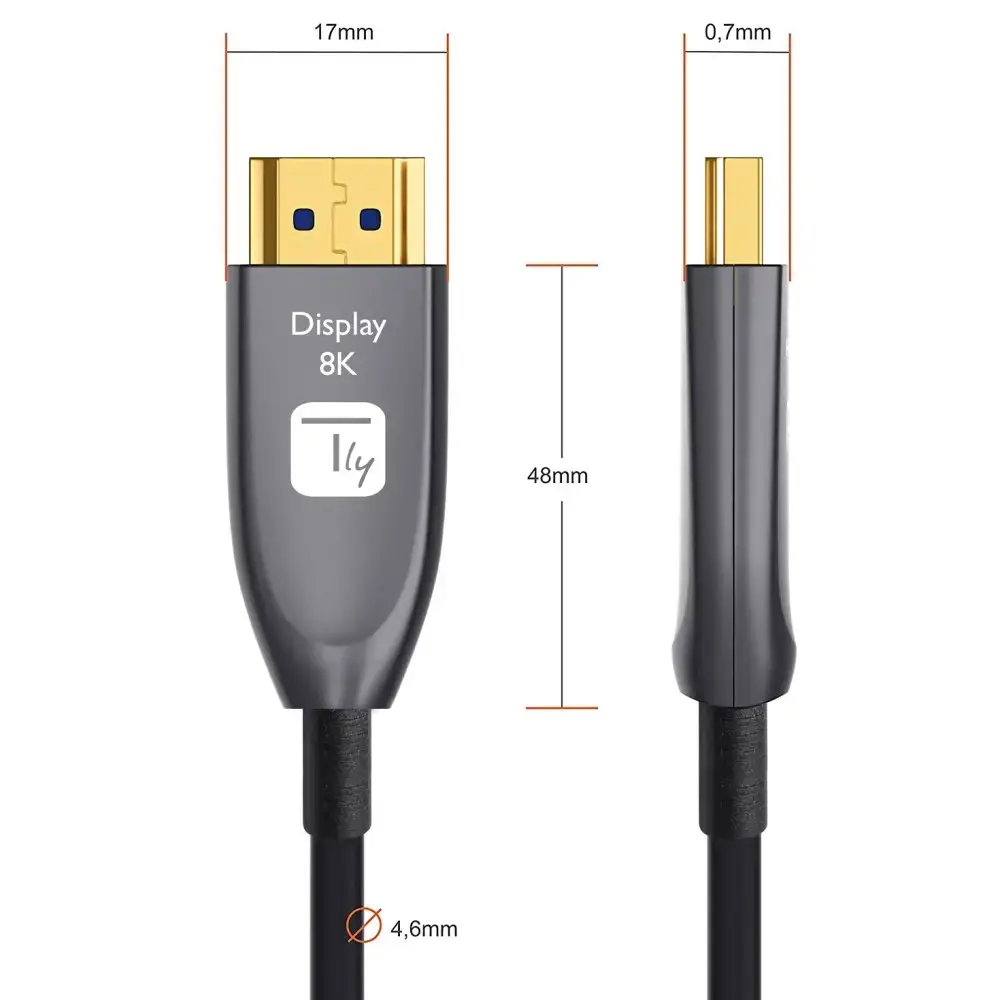
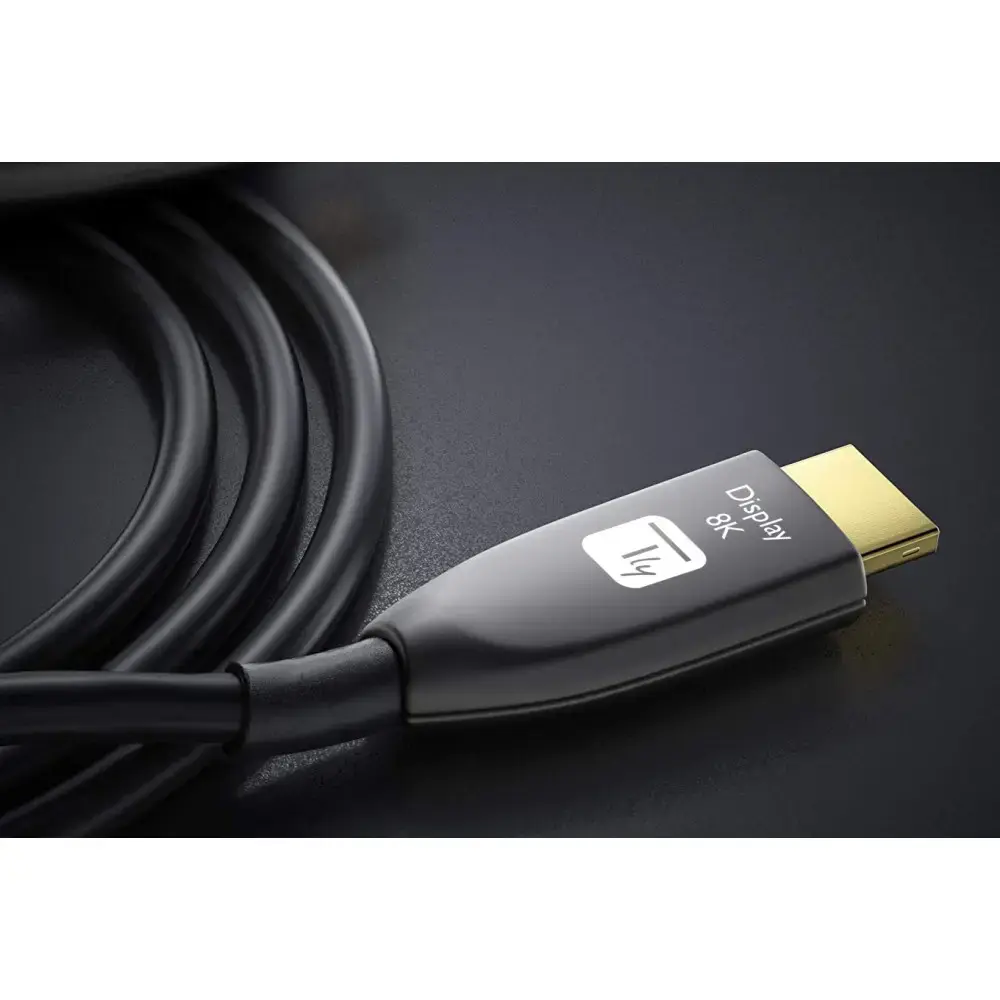
The hybrid design with fiber and copper conductors provides high resistance to electromagnetic interference and preserves signal quality over extended lengths while remaining thinner and lighter than pure copper HDMI cables. It supports HDR, HDCP 2.2, CEC and ARC, and draws the required operating power from the connected source without an external power supply. Gold-plated HDMI Type A connectors and a PVC outer sheath offer durable physical connections suitable for professional and residential environments.
Connect the end labeled “source” to the HDMI output of the video source (Blu-ray player, media player, set-top box, PC, etc.) and connect the end labeled “display” to the HDMI input of the TV, monitor or projector. Ensure both devices support the required HDMI features and set the display resolution/refresh rate via the source device if necessary. Route the cable avoiding sharp bends and strong tensile stress; the cable is thinner and more flexible than traditional copper HDMI cables but still requires gentle handling to preserve the fiber core.
Install the cable following the directional markings and verify source/display orientation before powering devices. For best results with 8K @ 60Hz, use compatible HDMI 2.1-capable equipment and enable any necessary HDR or HDCP settings in source and display menus.
{{highlightedFeature.featureTitle}}:
{{getProductFeatureValueById(product, highlightedFeature.featureId)}}
{{ productComparisonGenerationError }}