Powerful EcoFlow stations for energy anywhere!
In cart {{totalProductsCount}} item(s)
Your cart is empty
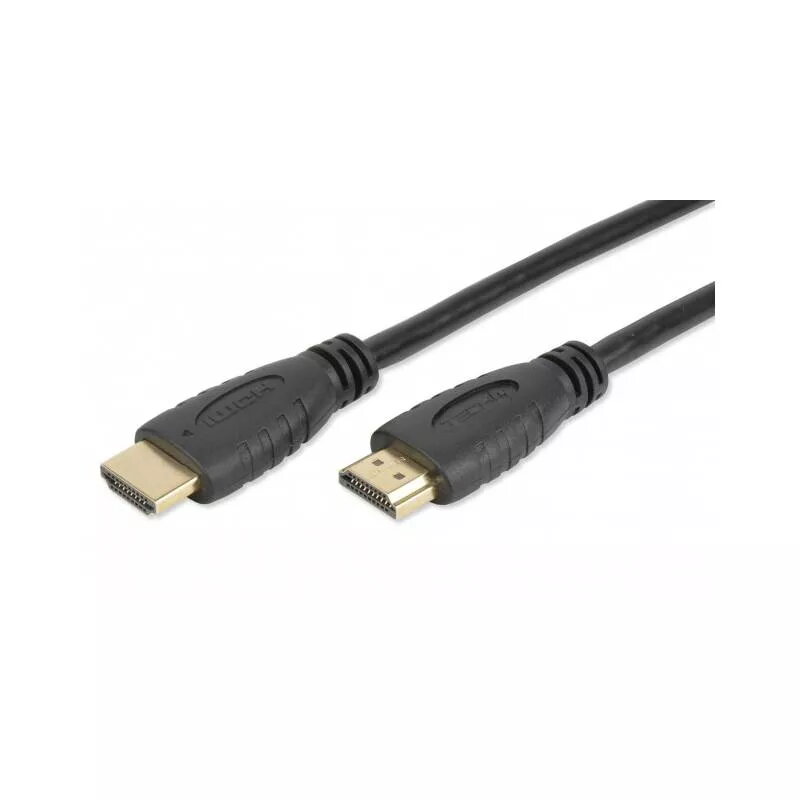
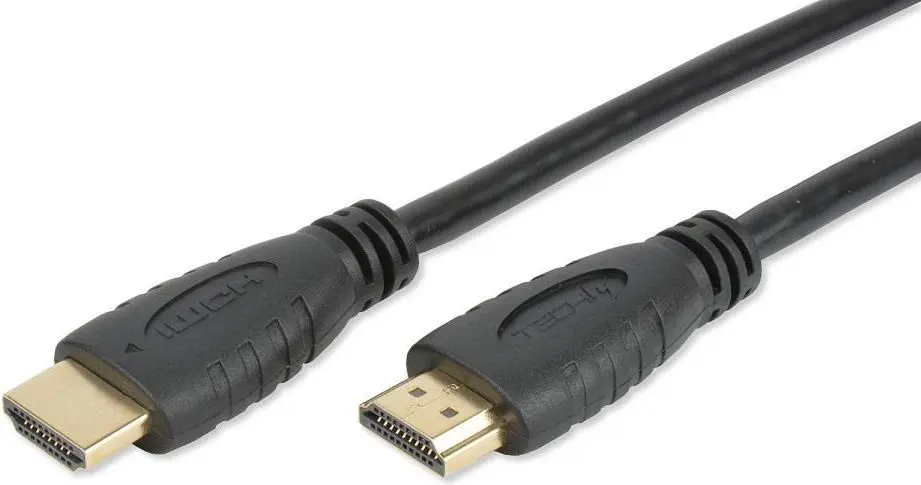
HDMI cable TECHLY ICOC-HDMI2-4-010 — 1 m, HDMI Type A to Type A, HDMI 2.0, 4K (4096x2160), gold-plated contacts, black
TECHLY ICOC-HDMI2-4-010 is a 1 m HDMI 2.0 cable with HDMI Type A male connectors on both ends, designed for transmission of 4K video (up to 4096×2160) and multi-channel audio between source devices and displays. The cable implements five twisted pairs and triple shielding to improve data integrity and resist electromagnetic interference in home or office installations. Gold-plated contacts and molded PVC strain reliefs provide reliable connections and mechanical durability while supporting features such as Audio Return Channel (ARC), HDMI Ethernet Channel (HEC), 3D video formats and Deep Color.
The cable supports HDMI 2.0 high-speed data rates and two-way communication up to 100 Mbps, enabling Ultra HD 4K resolution and enhanced color depth. Triple shielding and twisted-pair construction reduce signal loss and maintain stable transmission in environments with electromagnetic interference. Gold-plated contacts ensure low contact resistance and corrosion resistance, while molded PVC connectors improve mechanical robustness. The product is ATC certified and manufactured from RoHS-compliant, lead-free materials.
Connect one HDMI Type A plug to the HDMI output of the source device (for example a Blu-ray player, game console or PC) and the other Type A plug to the HDMI input of the display device (TV, monitor, projector or AV receiver). Ensure both devices are powered and set to the correct HDMI input. For ARC functionality, connect the cable to HDMI ports on both devices that are labelled ARC and enable ARC in the device menus if required. For network-capable devices, enable HDMI Ethernet Channel features according to the device documentation.
To maintain optimal signal quality, avoid sharp bends near the connectors and keep the cable away from strong sources of electromagnetic interference such as unshielded power transformers or high-current wiring. Use the 1 m length for short runs between closely positioned devices; for longer distances choose appropriately rated high-speed HDMI cables. If you experience compatibility issues, check device firmware and HDMI input/output settings and ensure cables are fully inserted.
{{highlightedFeature.featureTitle}}:
{{getProductFeatureValueById(product, highlightedFeature.featureId)}}
{{ productComparisonGenerationError }}