Dreame vacuums for fast and efficient cleaning!
In cart {{totalProductsCount}} item(s)
Your cart is empty
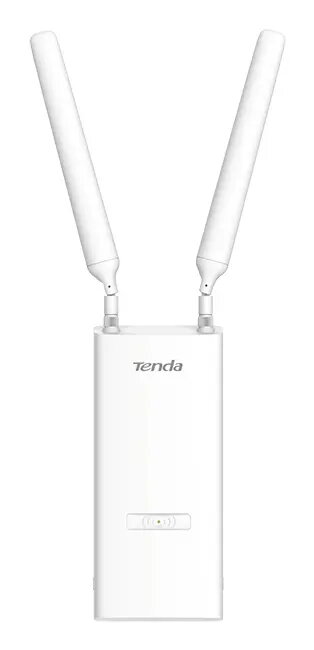
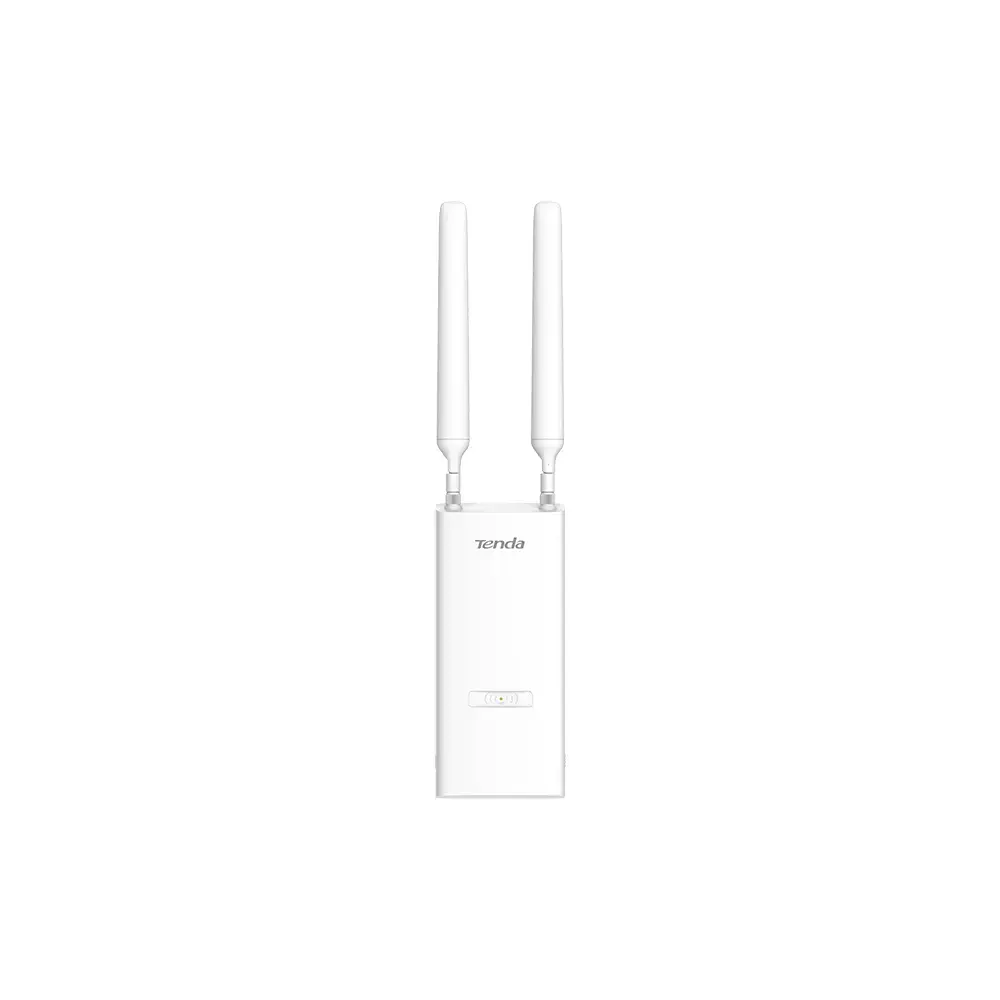
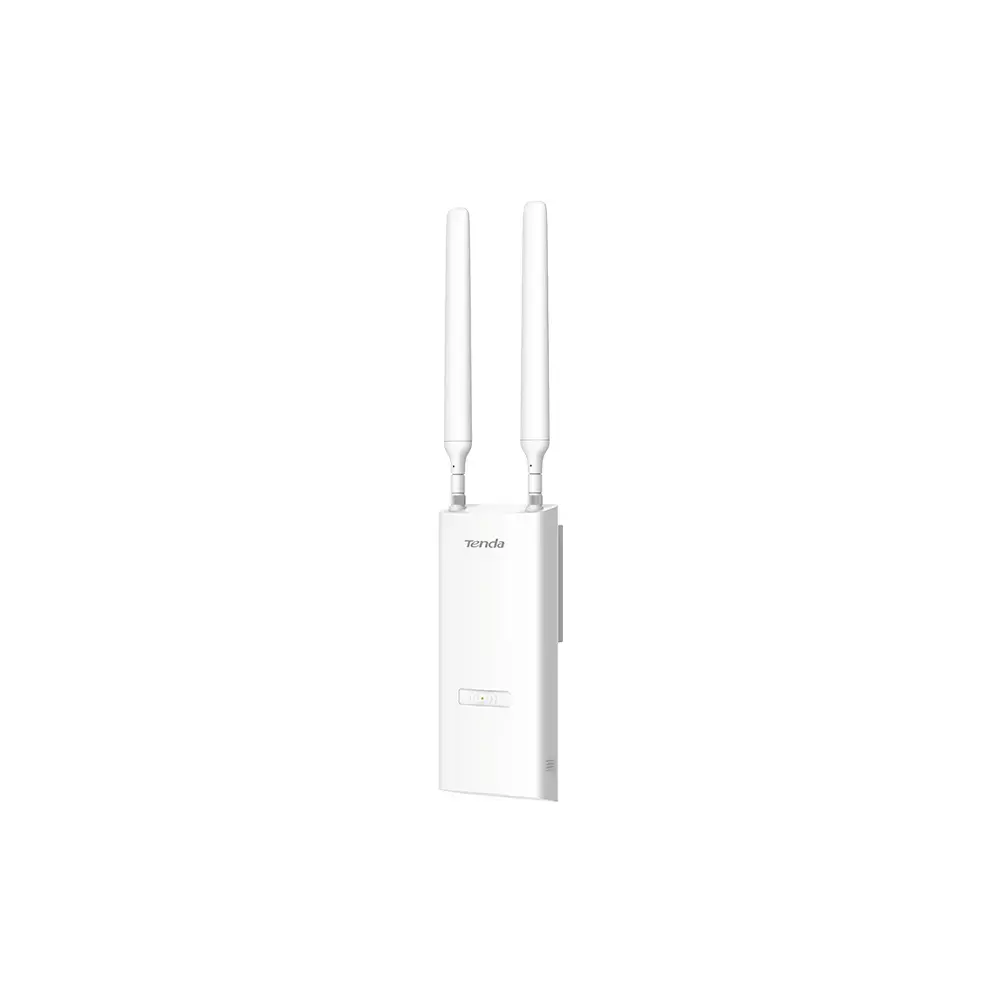
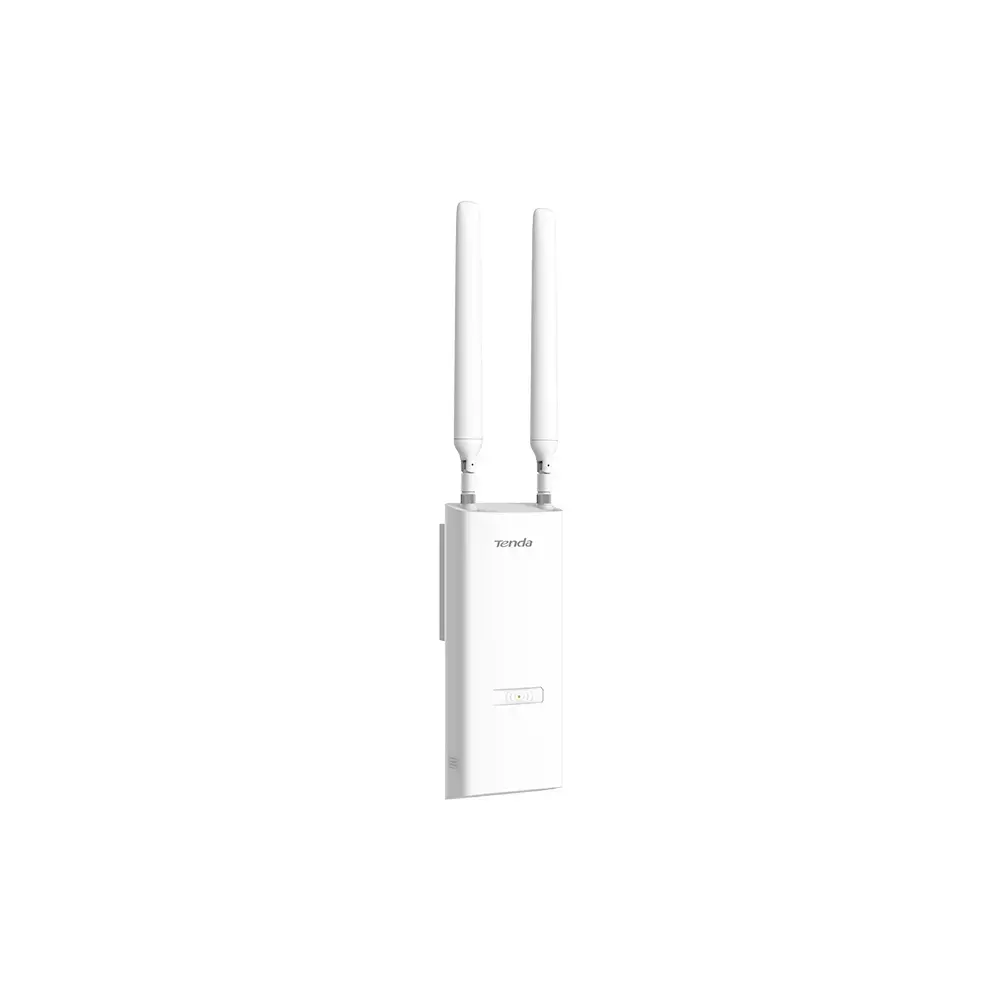
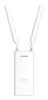
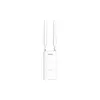
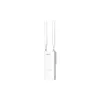
Tenda OAP1200 Wireless Access Point, AC1200 Dual-Band, 867 Mbit/s, Gigabit Ethernet, PoE, IP65
The Tenda OAP1200 is a high-performance outdoor wireless access point designed to provide reliable connectivity in challenging environments. Utilizing dual-band 802.11ac technology, it delivers combined speeds of up to 1167 Mbps, with 867 Mbps on the 5 GHz band and 300 Mbps on the 2.4 GHz band. Its robust IP65-rated enclosure ensures protection against dust and water, making it an ideal solution for outdoor installations where durability and consistent signal performance are required.
This access point features advanced MU-MIMO technology, which allows the device to communicate with multiple clients simultaneously, significantly improving throughput and network efficiency. The inclusion of two high-gain omni-directional antennas provides an extensive coverage radius of up to 200 meters, ensuring stable connections across large areas. Furthermore, the device supports both active 802.3af and passive PoE, offering flexible power installation options that simplify deployment in locations where electrical outlets are not readily available. The integrated RF optimization and anti-interference algorithms ensure that bandwidth is allocated evenly, maintaining signal integrity even in crowded network environments.
The Tenda OAP1200 may not be the optimal choice for high-density indoor environments that require ultra-high-speed Wi-Fi 6 or Wi-Fi 7 standards, as it is limited to 802.11ac technology. Additionally, for indoor residential settings where aesthetic design is a priority, the industrial-grade, weather-resistant housing may be bulkier than standard consumer-grade access points.
To deploy the Tenda OAP1200, mount the unit securely to a wall or pole using the provided hardware. Connect the device to your network infrastructure via the Gigabit Ethernet port using a shielded Ethernet cable. Power the unit using a compatible PoE switch or the included power adapter. Once powered, access the web-based management interface to configure your SSIDs, security settings, and VLAN tags. Ensure the antennas are properly attached to the RP-SMA connectors to achieve the intended coverage range.
Usage recommendations: For the best performance, position the access point in an elevated, unobstructed location. Regularly check the firmware for updates to ensure the latest security protocols and performance optimizations are applied to your network.
{{highlightedFeature.featureTitle}}:
{{getProductFeatureValueById(product, highlightedFeature.featureId)}}
{{ productComparisonGenerationError }}